Personal Journey of Computers
This post is my journey of computer systems, how I setup and upgraded over the years, and perhaps some documentation for future. Not sure how many years I get to do this, but it has been fun and educational. Went through my pictures and put stuff aside. Here we go. Building and configuring computers are one of the things in my life. As a working tech professional, I would like to stay on a current generation of technology and make an effort to update and upgrade the systems I have been using on a daily basis as it is worth it.
My daily drivers are my personal workstation which I had built back in 2018, upgrading the motherboard and CPU, etc, using the previous upgrades from probably another 7-to-10 years back, but who is counting. It has been great building PCs, selecting components that you would like, put them together and make them work. The previous system was an Intel i9-9900K CPU (Coffee lake) with a modern ASUS RoG Maximus motherboard.
Early introductions
My first introduction to personal computers I guess was through my neighbor's - it was them purchasing a Commodore-64, I remember visiting with them and watch them load programs and games via a tape player, hooked up to a regular TV. It was interesting but I never used it directly and was not too connected. Then the closest I get personally was a getting Sharp EL-5500 Scientific Computer. This got me on with the programming and computing world.
Around late 1993 I started attending a computer DOS evening classes in Istanblu. Early 1994, my dad helped me purchase a i386 SX (didn't have the math processor, cheaper that way). I think we spent $1800 including a 9-dot matrix printer where I typed my senior graduate project (Neural Networks and Fuzzy Logic). Hello Windows 3.1
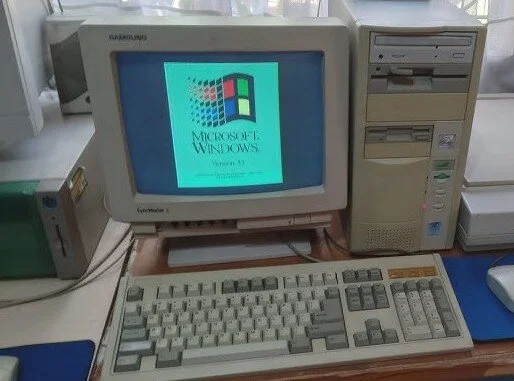 Not quite my system, but similar.
December 1993 I have arrived in the US for college, and I wish I had the funds to buy a personal computer, but luckily there were plenty at the computer labs, but was personal. I remember doing homework and running Matlab Simulink simulation programs Fun times. But as I graduated in 1996 and started PhD program, I did get a Pentium 75 MHz system with 8 MB of RAM, 1 GB hard drive, and a CD-ROM drive. I remember the excitement of getting this system and how it was a significant upgrade from the previous one. I used it for various tasks, including programming, gaming, and general use. It was a great introduction to the world of personal computing and set the stage for my future endeavors in building and upgrading PCs.
And we had Windows 95 coming out, that was some excitement. I recall visiting my cousing in the winter in Stillwater, OK and we were messing with iRQ settings to t get the modem working. Fun times, or not!
 Windows 95 arrives!
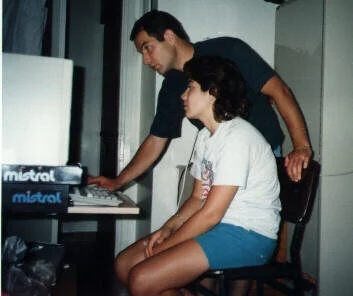 Traveling to Zonguldak, Turkey, showing the programs I have on my Windows 3.1 i386 still running (no internet yet)
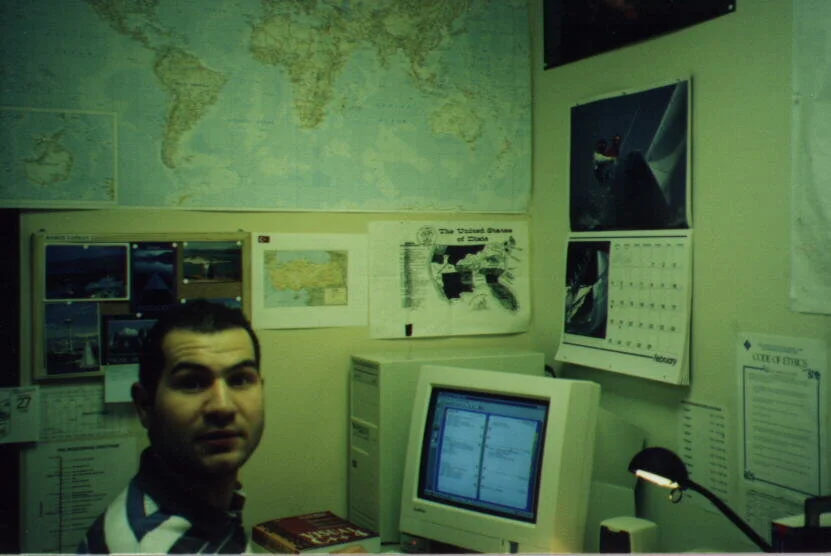 At the office with my Pentium 75 MHz system, Laramie, WY, 1997. I think there was dial-up internet connection at the time. FTP, Gopher, later Netscape Navigator, and the web was just starting to take off. Man, those computer speakers were tiny and sounded like they were in a box.
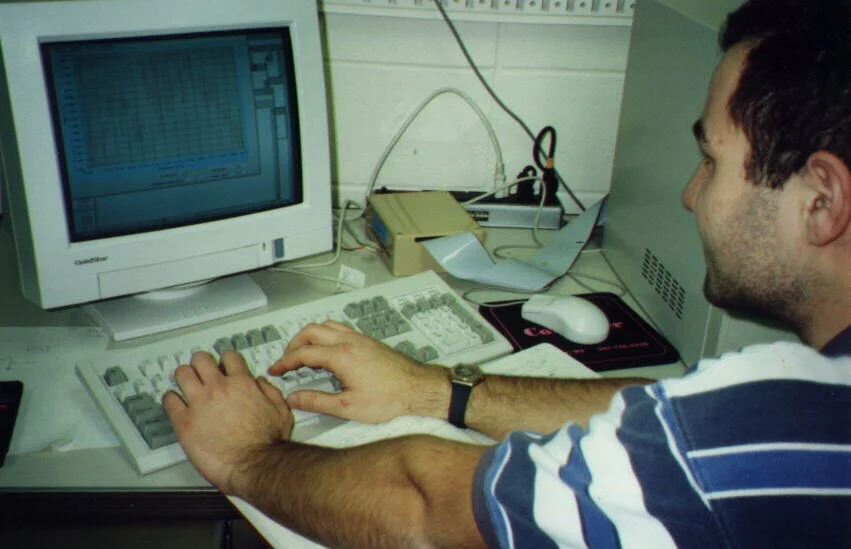 Coding for Active Microware Sensing using LabWindows CVI, Laramie, WY, 1997. I was doing some work for the university and had to use this software for programming the data acquisition system.
June 1, 1997 - I have started my first full time paying job at Sencor, doing software development. I think I was using Windows NT and 14-15 inch CRT monitors. I remember the excitement of starting my career and working with new technologies, programming MS-Access 97, SQL Server 6.5, and other tools. There was CompUSA, Circuit City, and Best Buy close by. On a weekend, I upgraded that Pentium 75 Mhz to a Pentium 90 MHz. Amazing. I think I have used that PC for a good few more years, don't recall the amount of memory. Upgrading to Windows 98 was another milestone, more IRQ settings, and getting things to work.
 Windows 98 more DOS and IRQ fun!
Personally NT was a bit of out reach due to licensing, but I was using that at work. Then moved on Imation Corporation in Oakdale, MN in 2000, I did get my first laptop Dell Inspiron 5000e with a 1.6 GHz Pentium 4 processor, 512 MB of RAM, and a 20 GB hard drive, running Windows 2000. Just after I have joined Imation though, I remember during Superbowl of 2000, I had a serious hard drive crash, and taught myself not to rely on a single system, then I started adding more beige boxes.
 Windows 2000 - coming
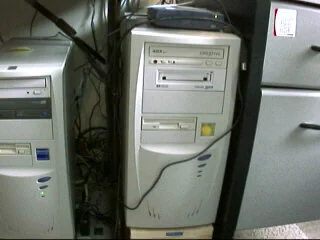 Beige boxes in Maplewood MN 2000
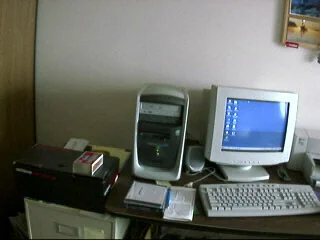 Converted an HP computer to run Suse Linux
 Converted an HP computer to run Suse Linux
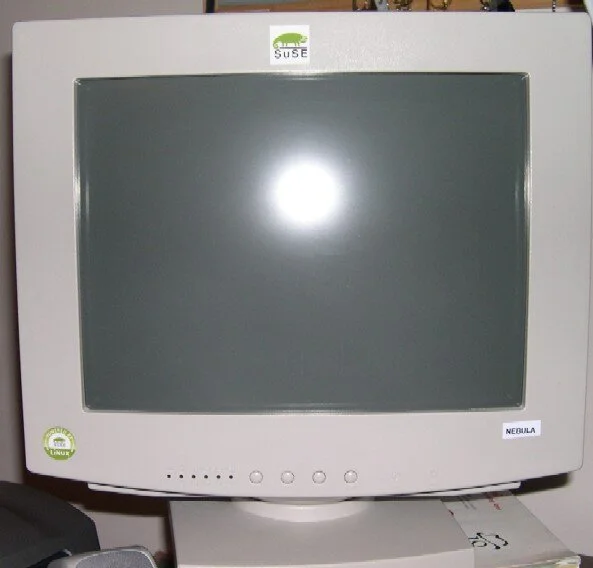 Separate monitor
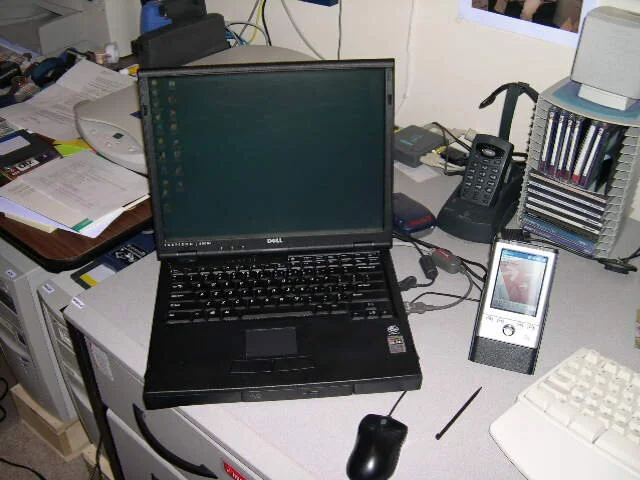 Dell Insipiron 5000e and Toshiba PDA 2000
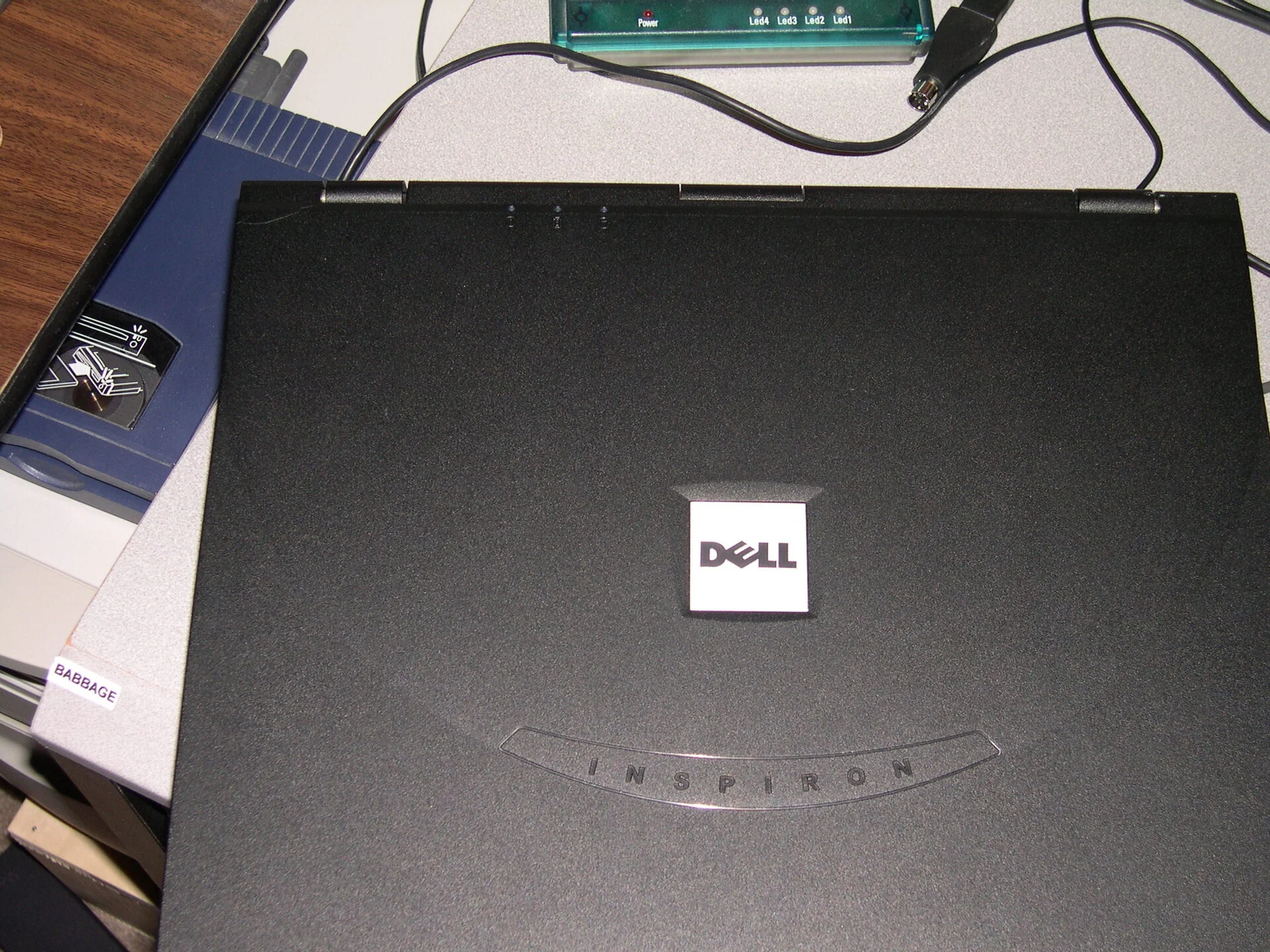 Dell Inspiron 5000e
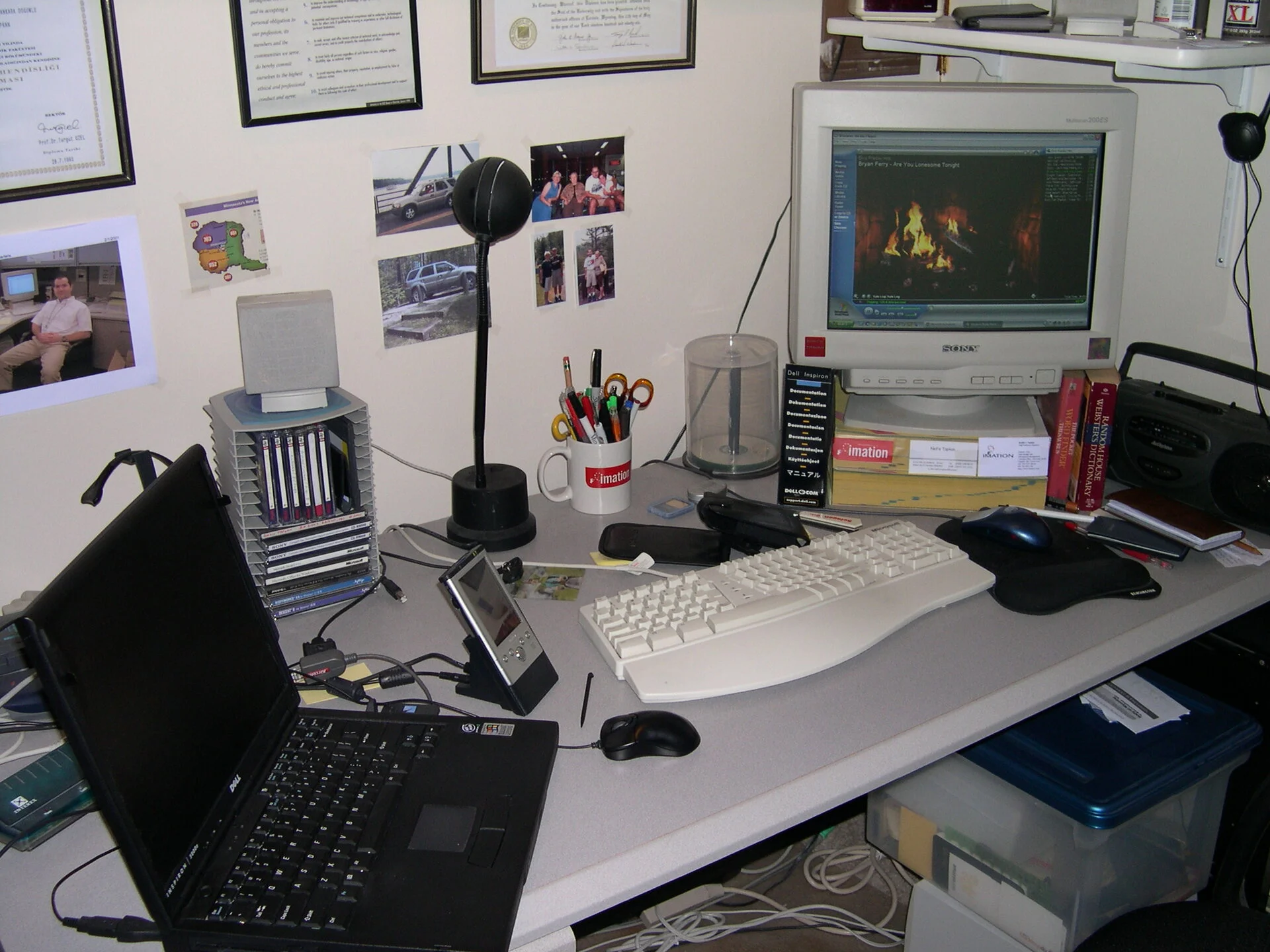 Windows 98 still but connected to internet. There was one dial-up modem and I would have to connect one machine to the Internet.
 Windows 98 / NT 4
 Upgraded to a 17" Sony Monitor from 15" CRT. That was a significant upgrade.
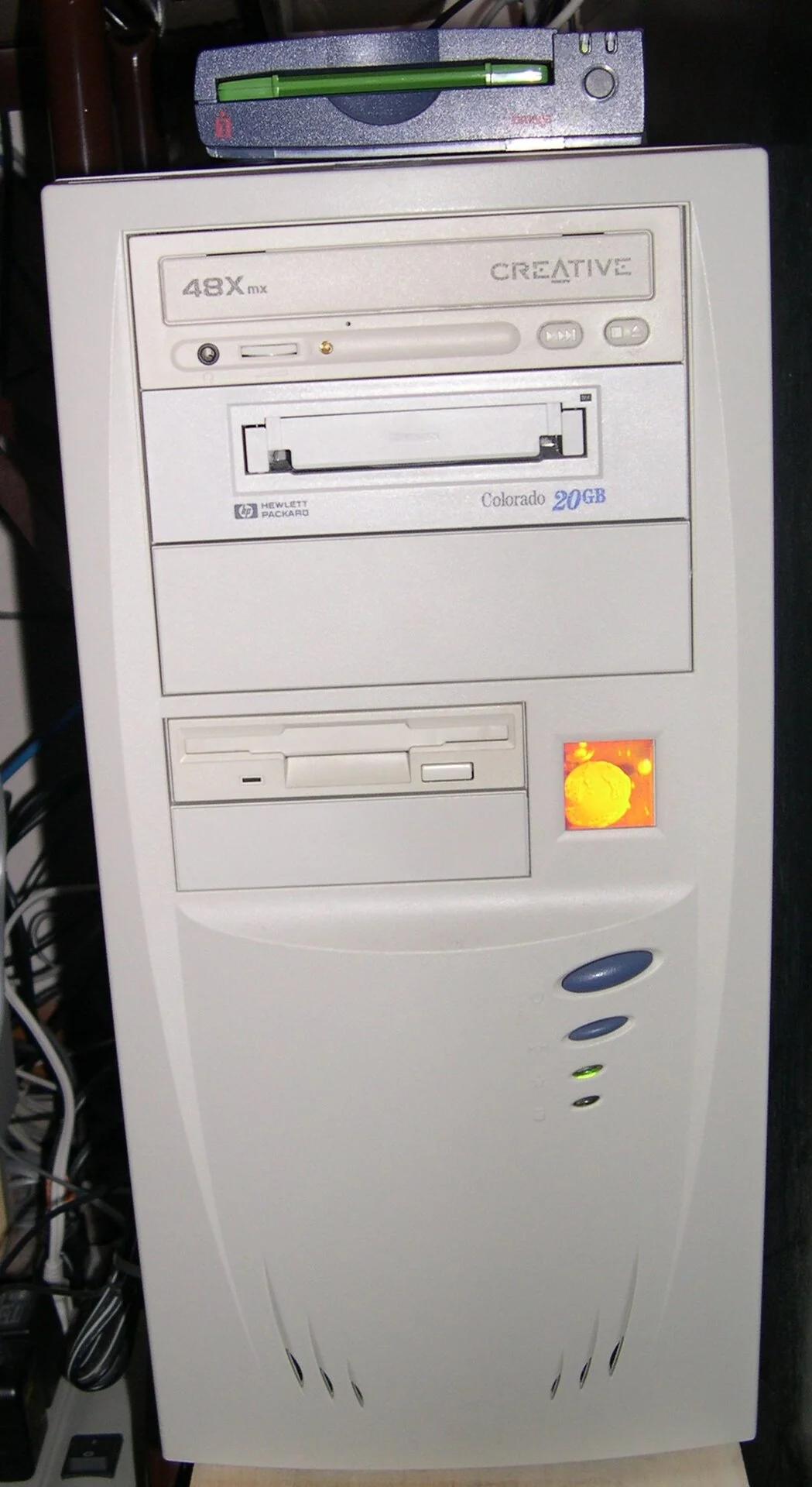 Iomega Zip Drive / HP Colorado 20 GB storage- I think I have received my $50 rebate after many years and class action lawsuit with Iomega. Imation had the LS-120 drive which works with floppy drive.
Now moving up three years, same rental apartment in Maplewood, MN. Making a move into the Macword. I have bought my first Mac, eMac - G4 700 MHz, 256 MB of RAM, 40 GB hard drive, running Mac OS X 10.3 Panther. I was a bit late to the Mac world but I have been using it for various tasks and found it to be a great system for creative work and general use. I also had a Windows XP machine running on the side for gaming and other tasks. The eMac was a great introduction to the Mac ecosystem and set the stage for my future Mac purchases and upgrades.
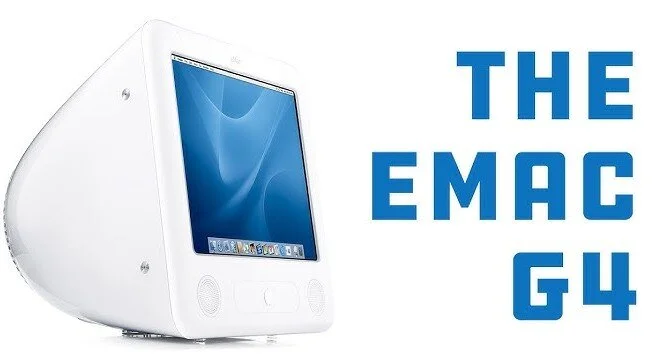 eMac - G4
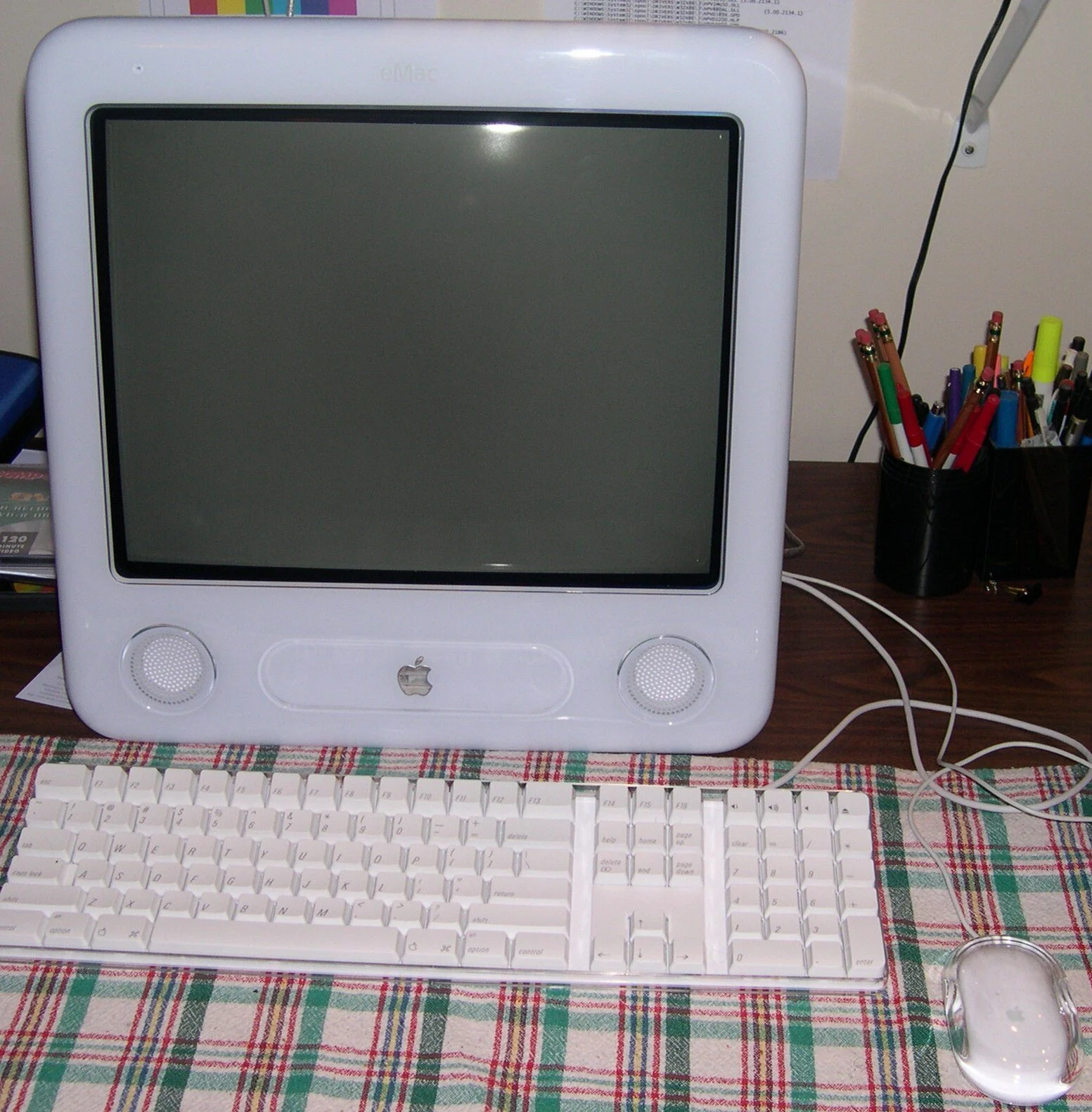 eMac - G4 in Maplewood, MN 2004
 Windows XP arrives
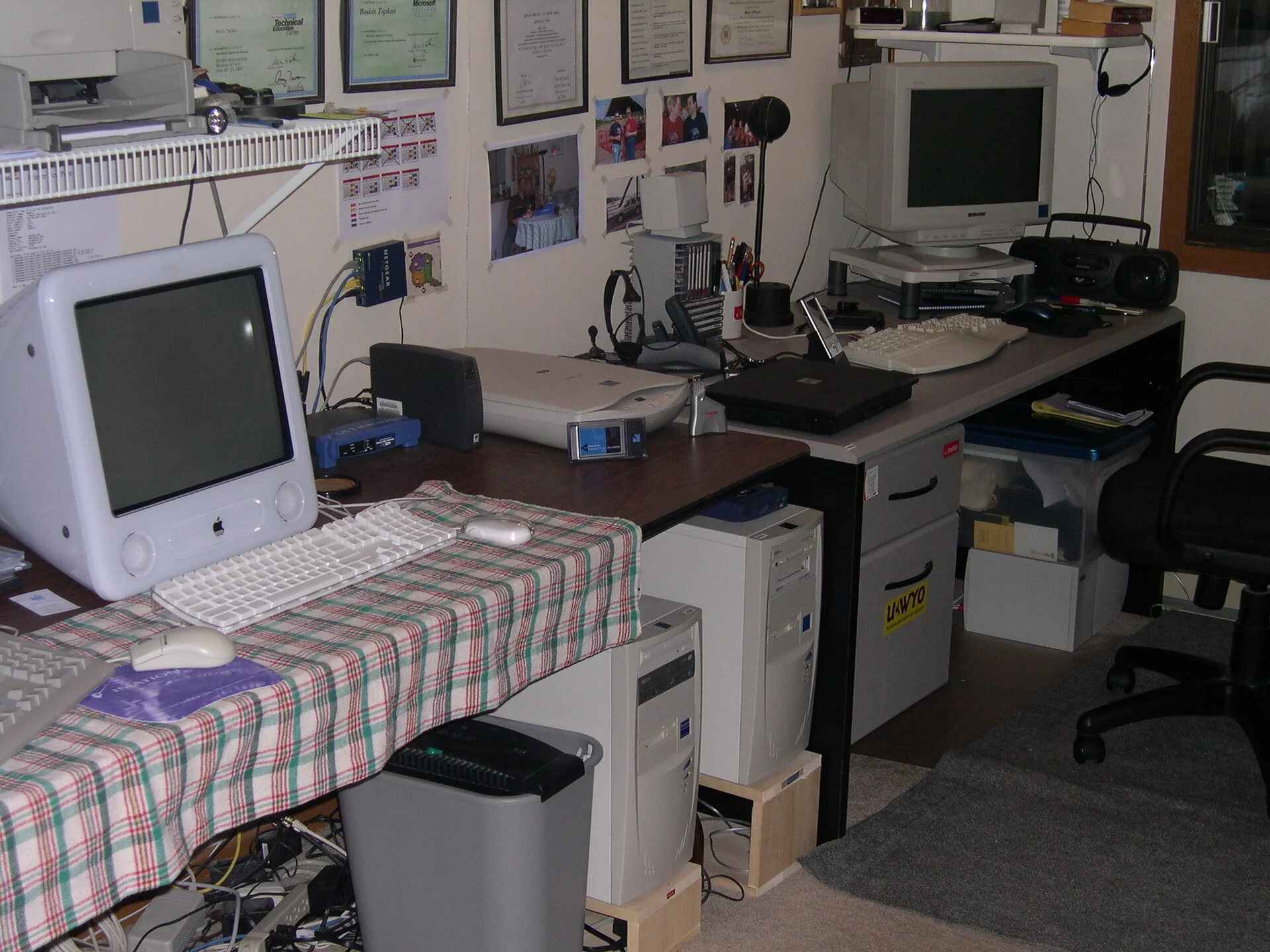 Desk areas - expanded with a few more boxes, Maplewood, MN 2004
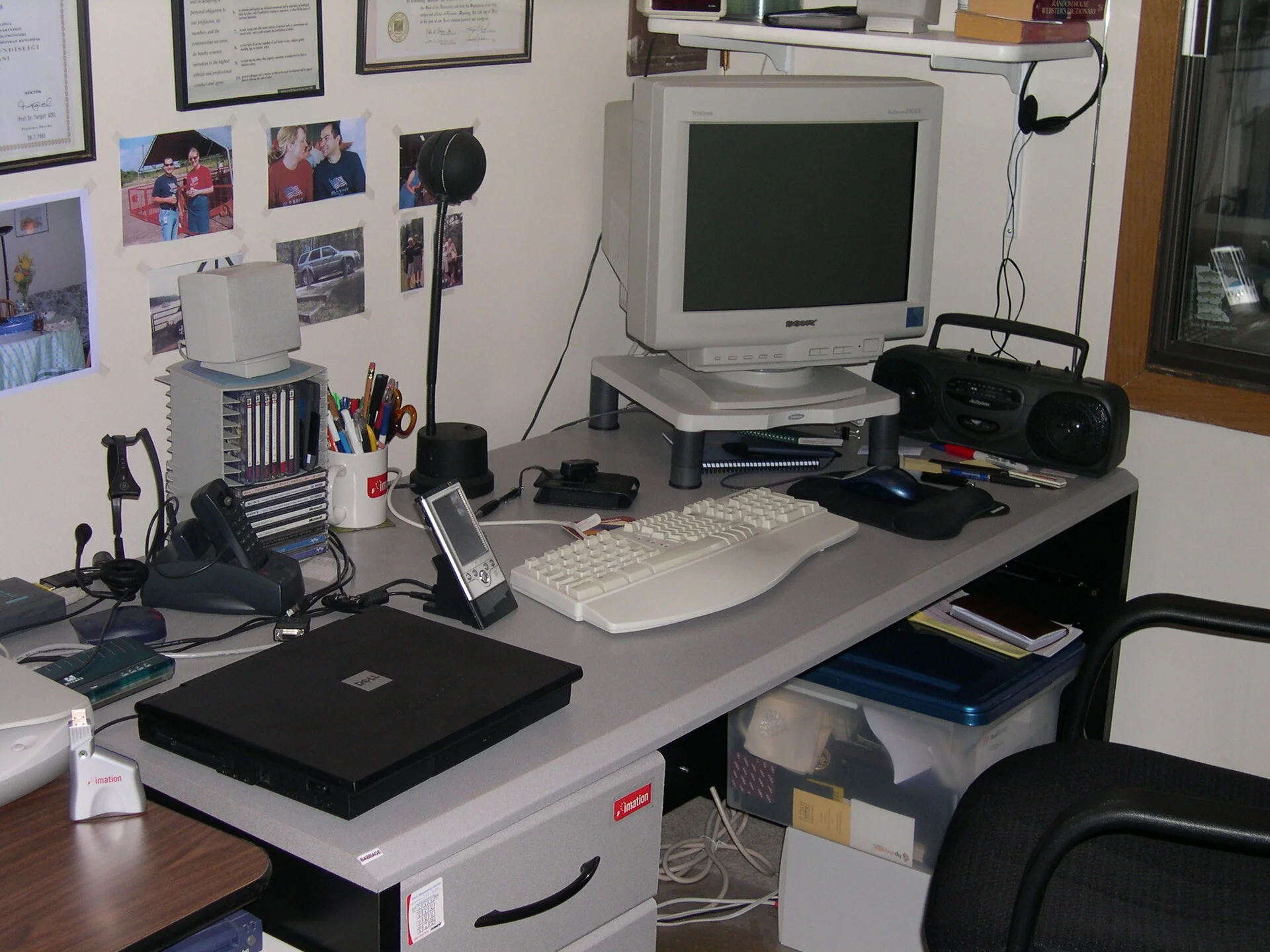 Desk areas - not sure if I have a coax modem yet
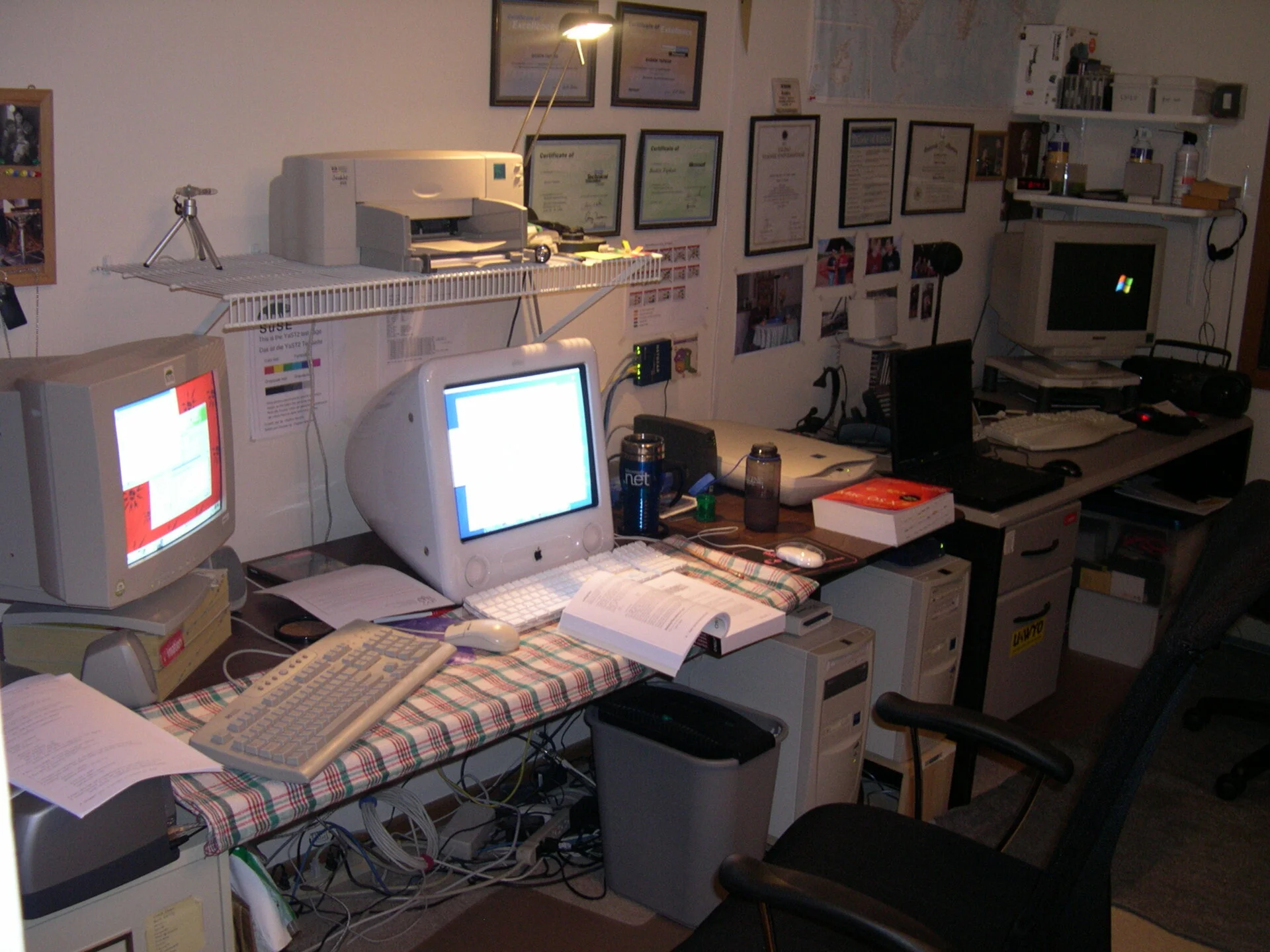 Desk areas - now I have a coax modem
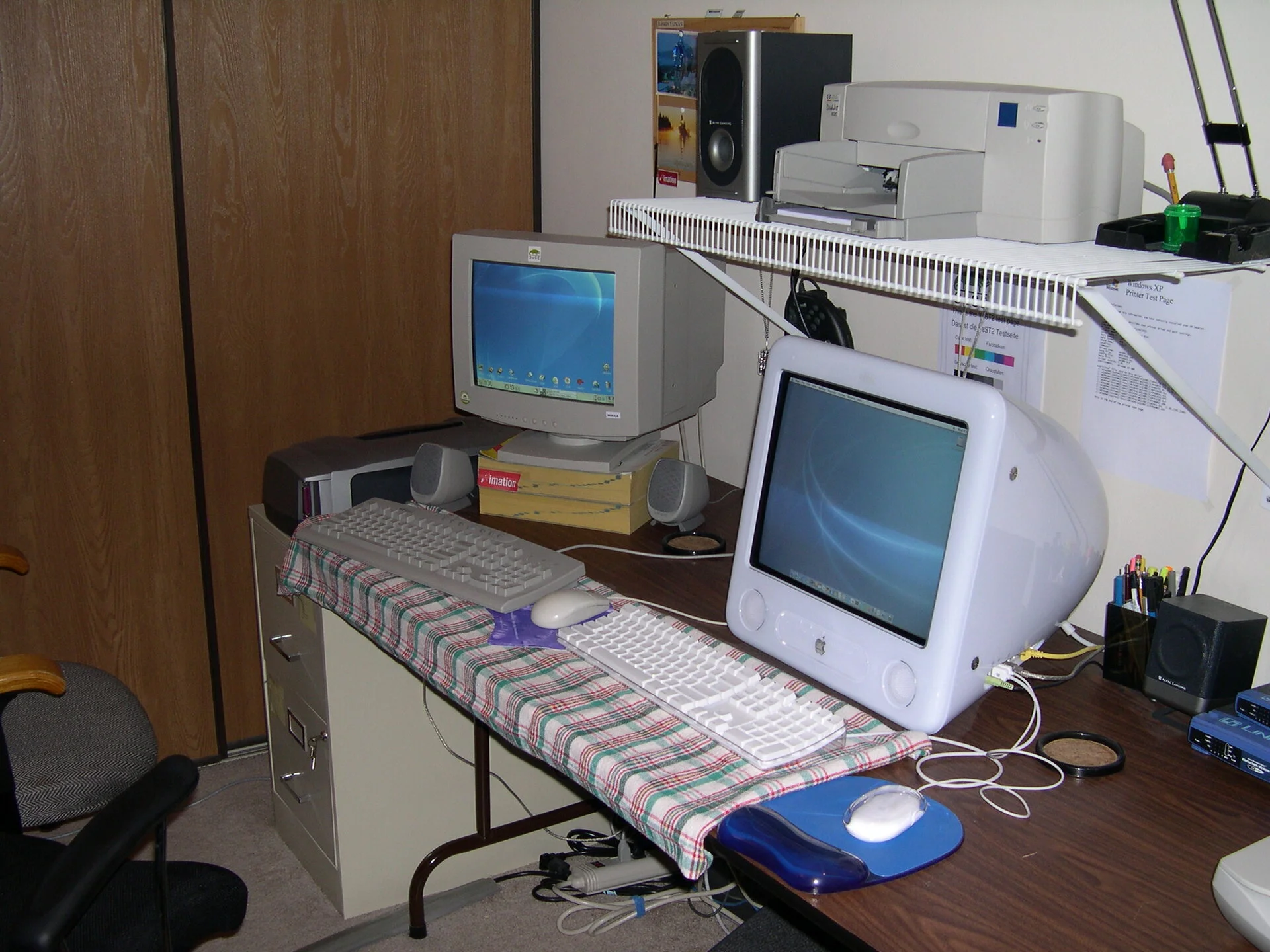 Second desk are with eMac and Suse Linux. I was so happy that I could all the separate OSes share data and talk to each other, it was a struggle with Linux, but got it all working.
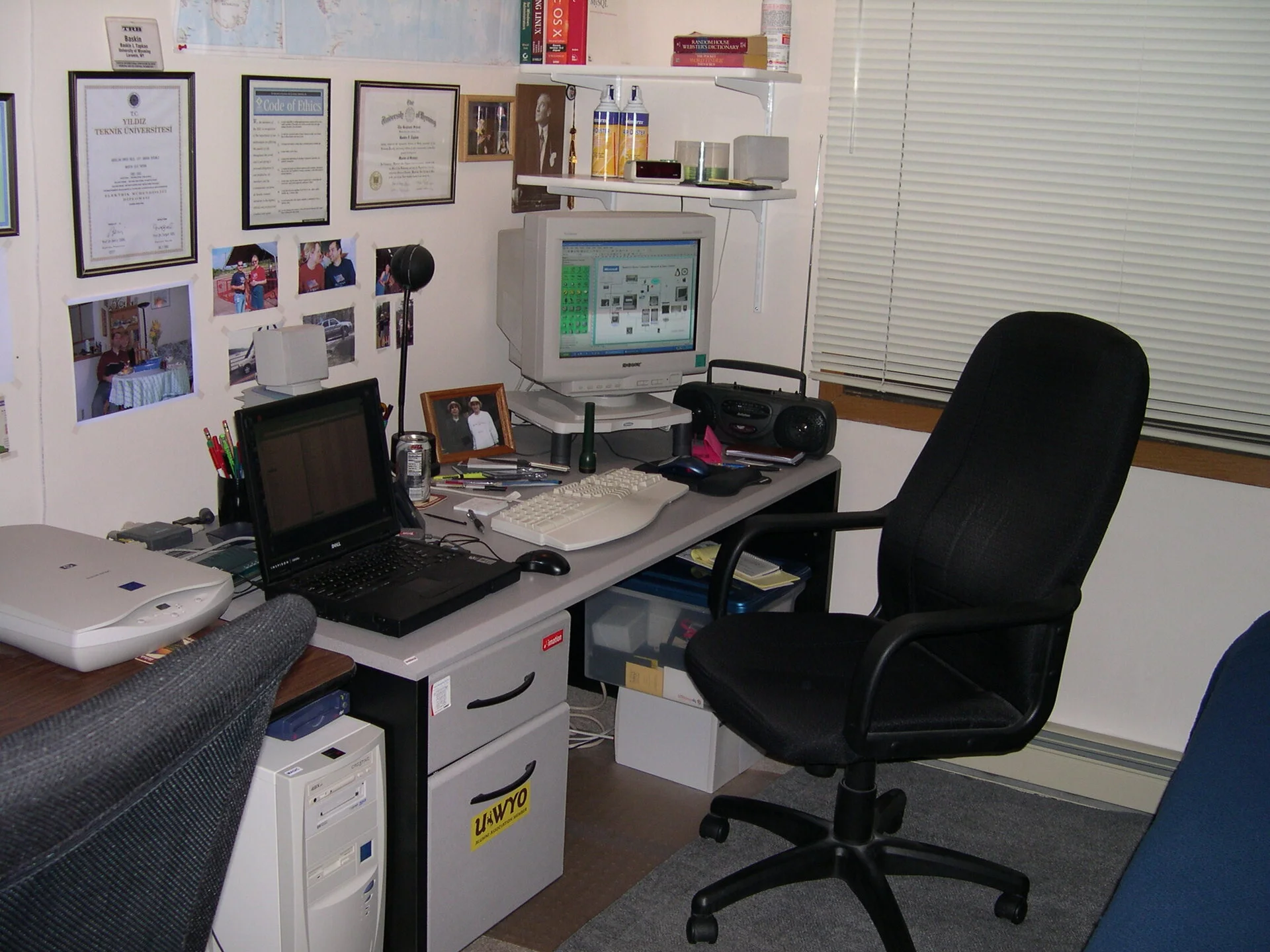 Looks like I am running Visio on the Windows XP machine.
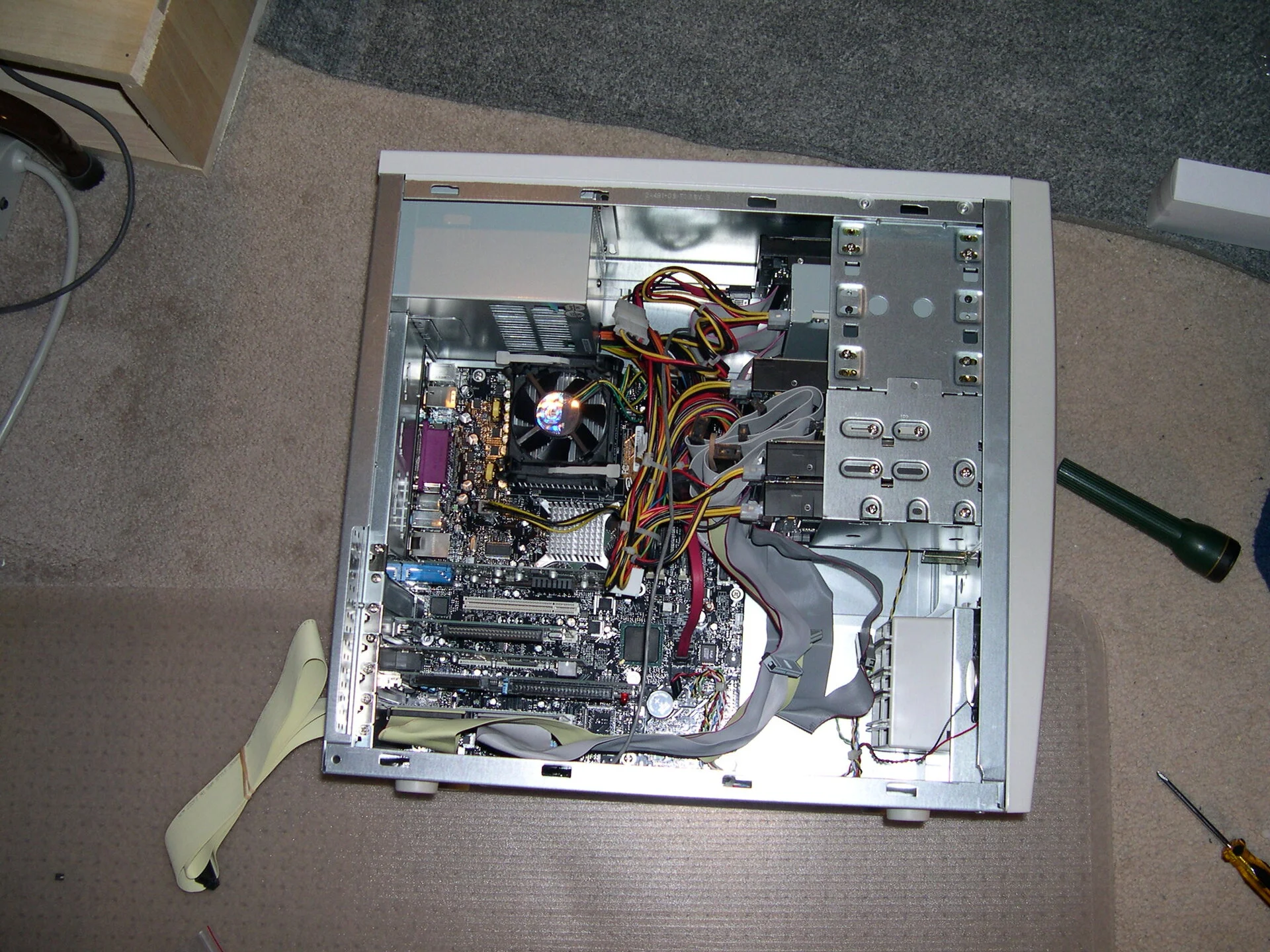 Component updates 2004 edition
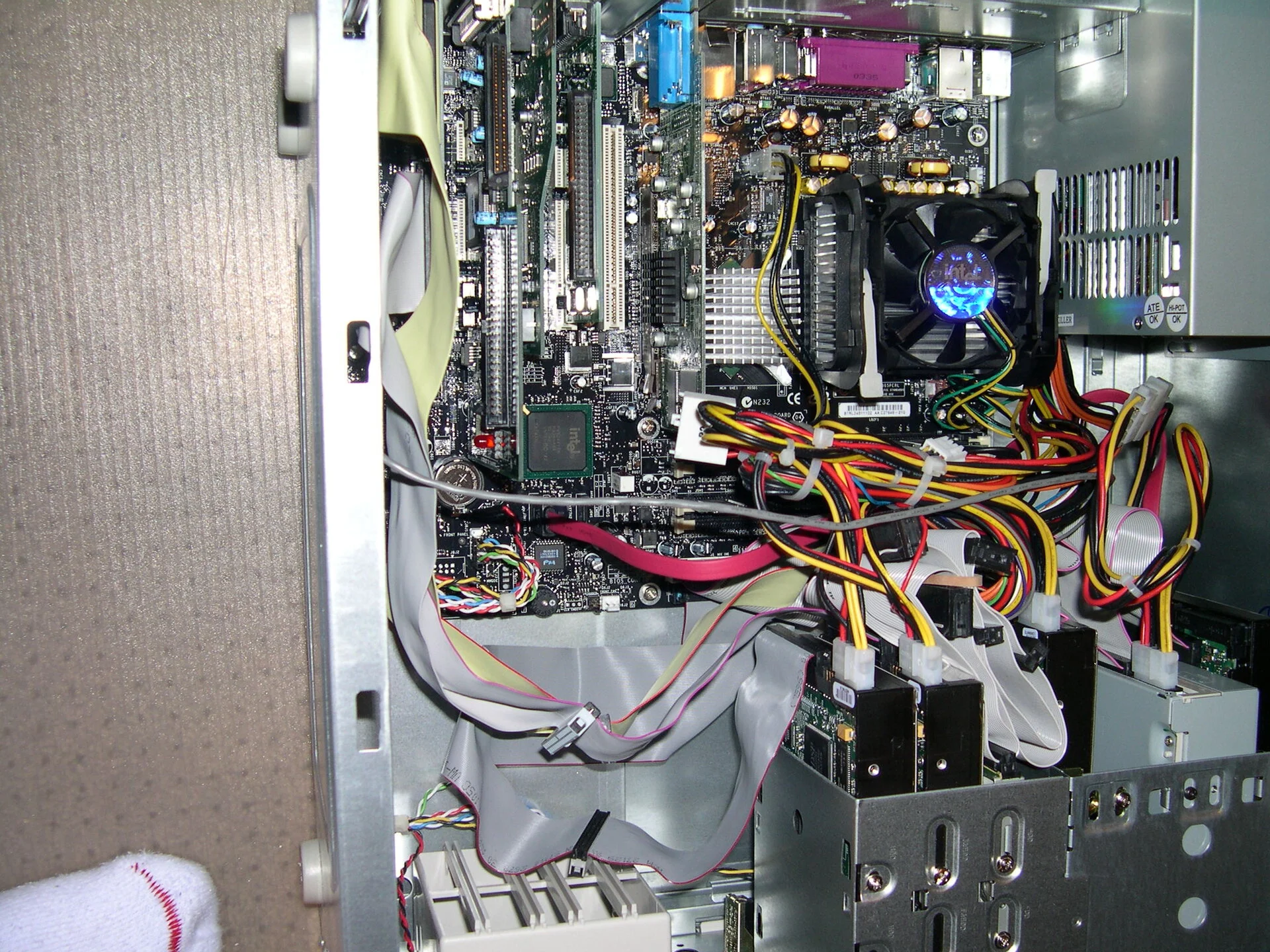 Component updates 2004 edition
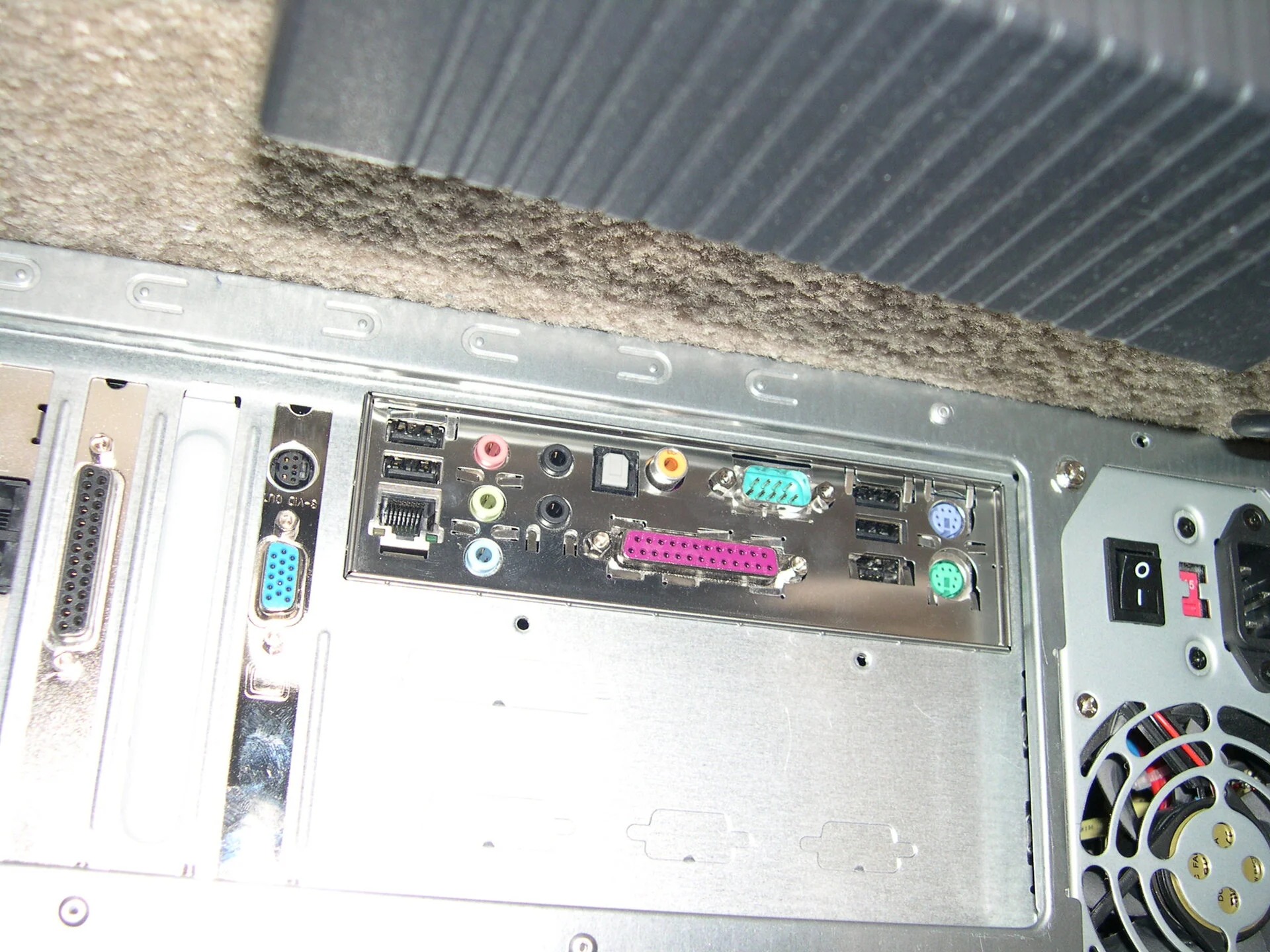 Component updates 2004 edition
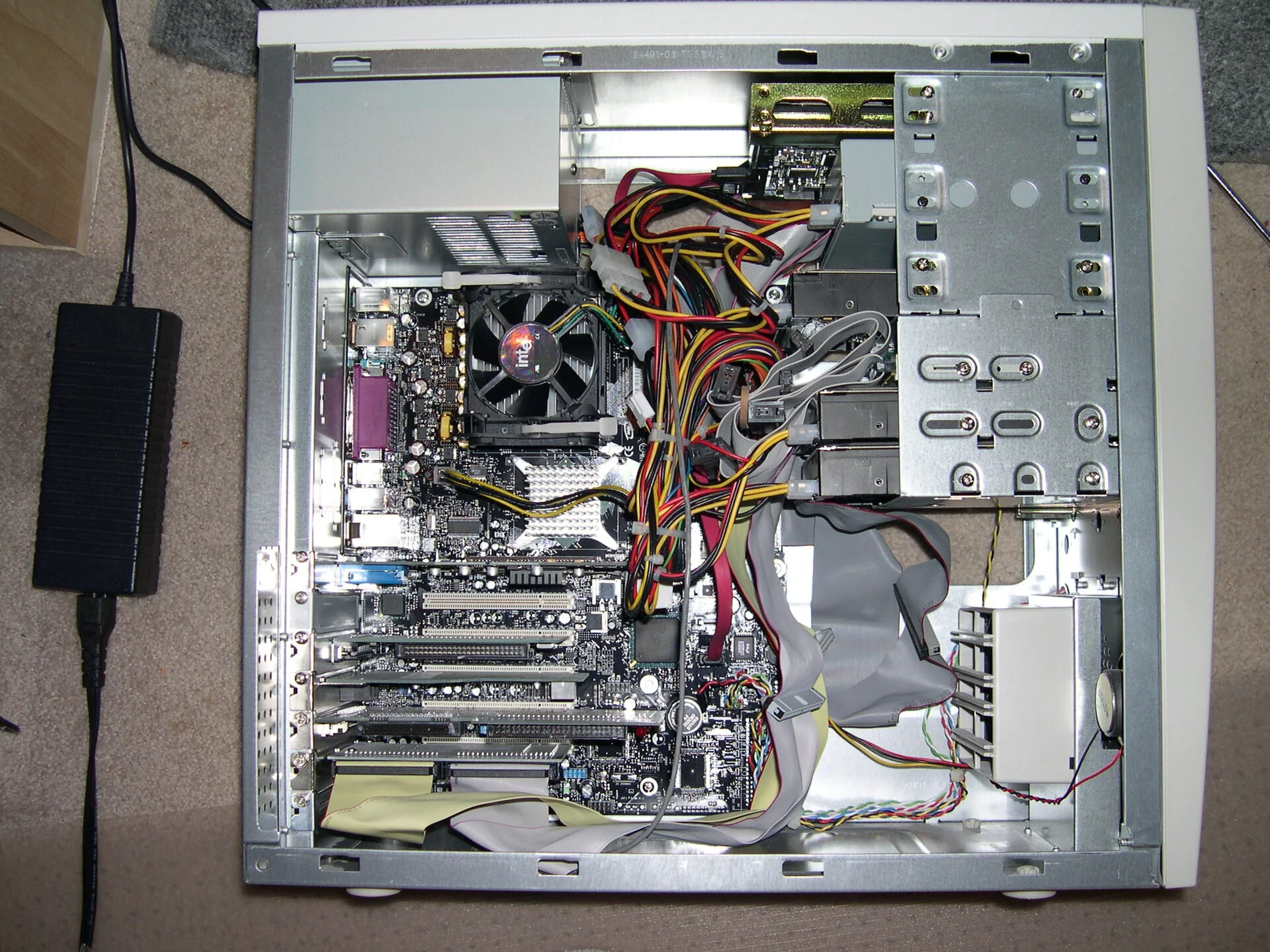 Component updates 2004 edition
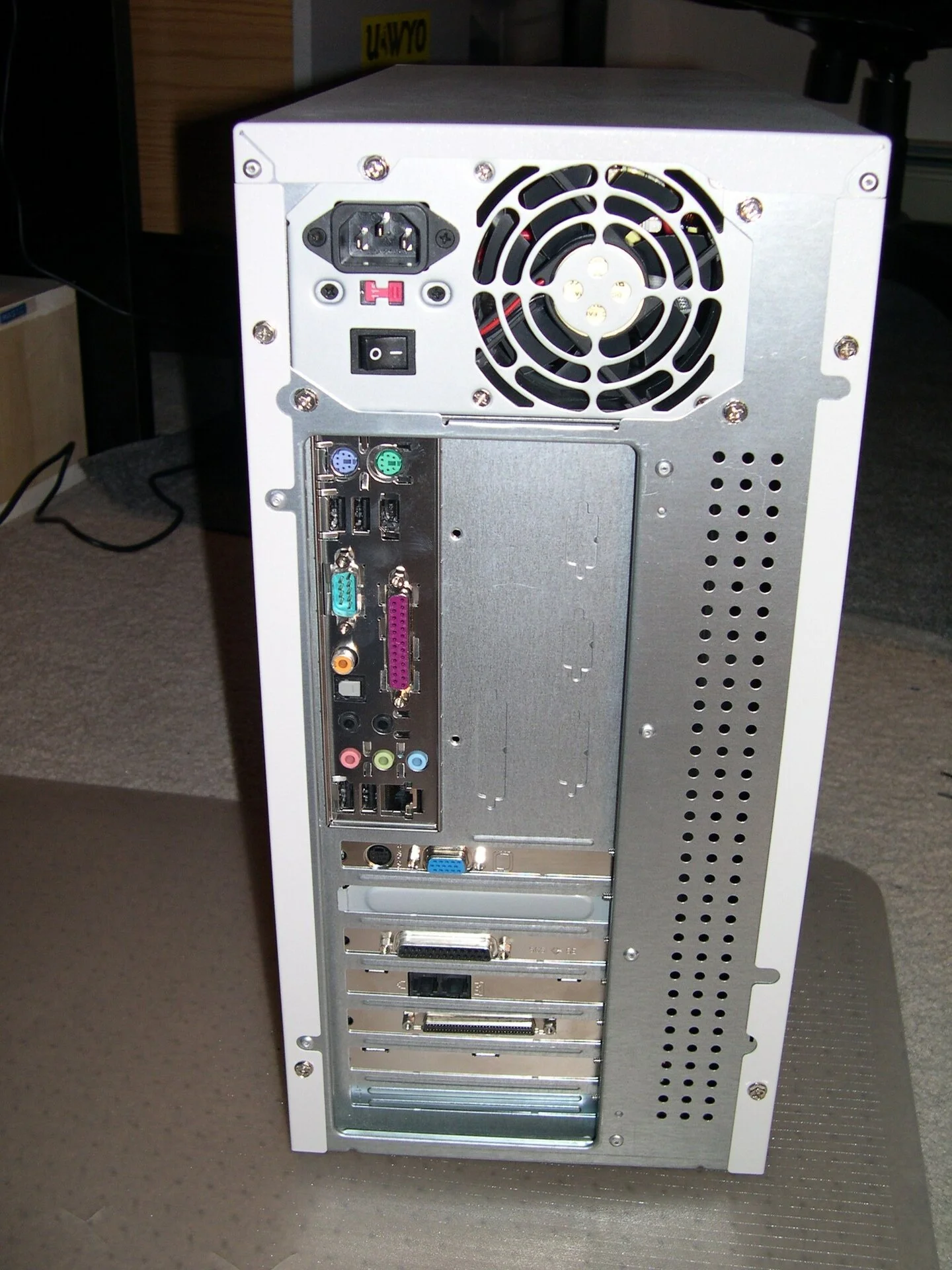 Component updates 2004 edition
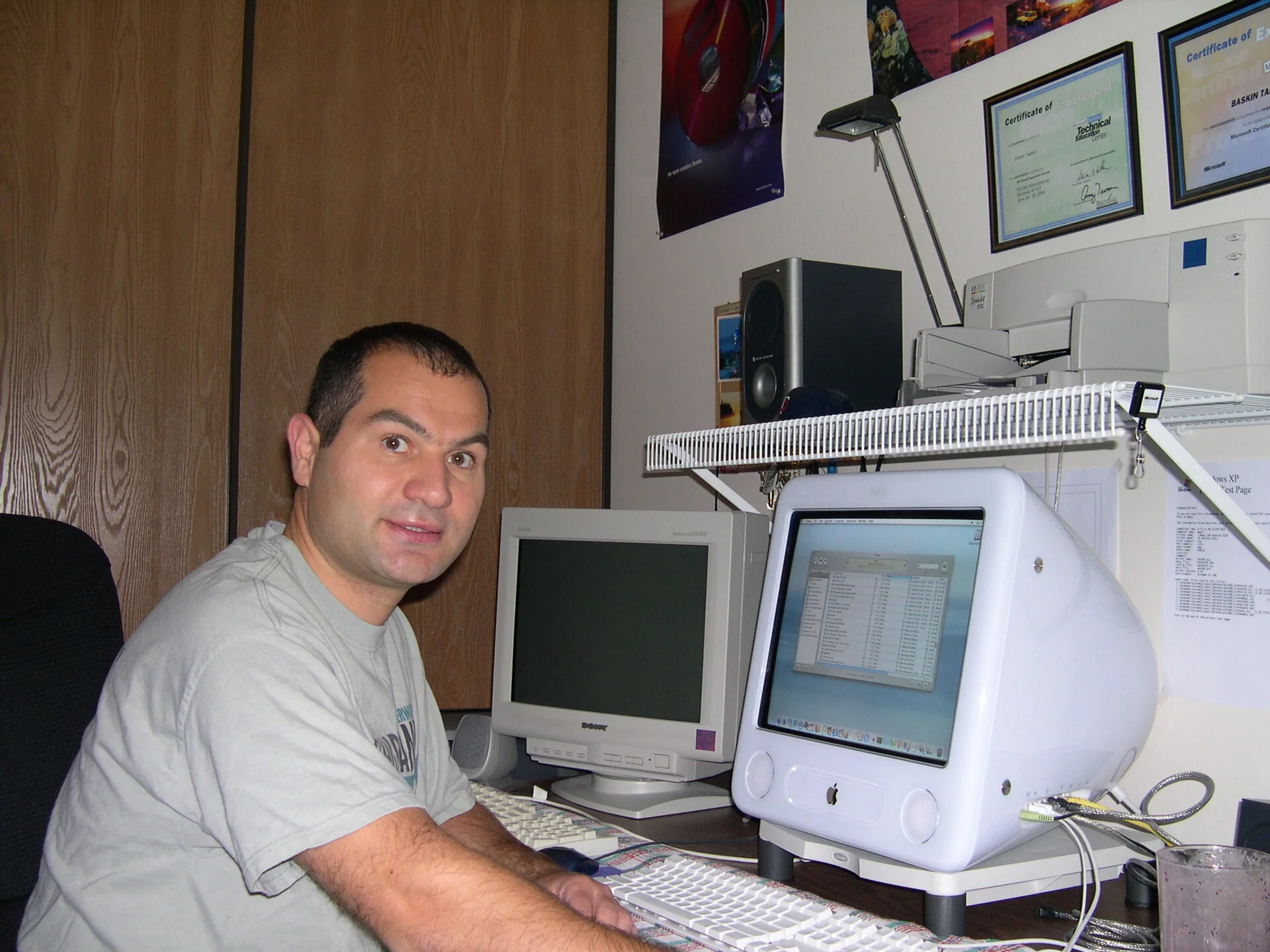 Self picture hacking on eMac
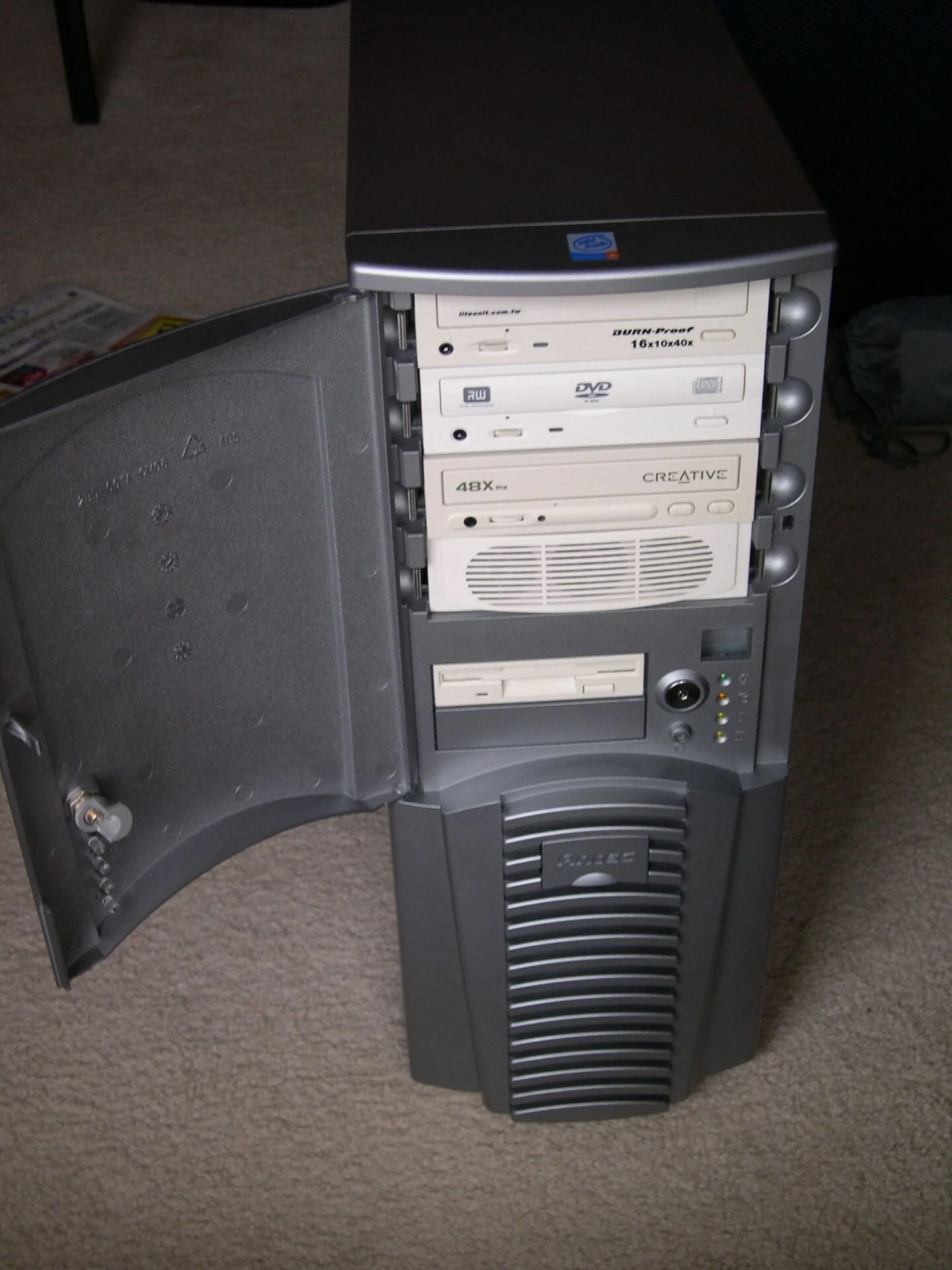
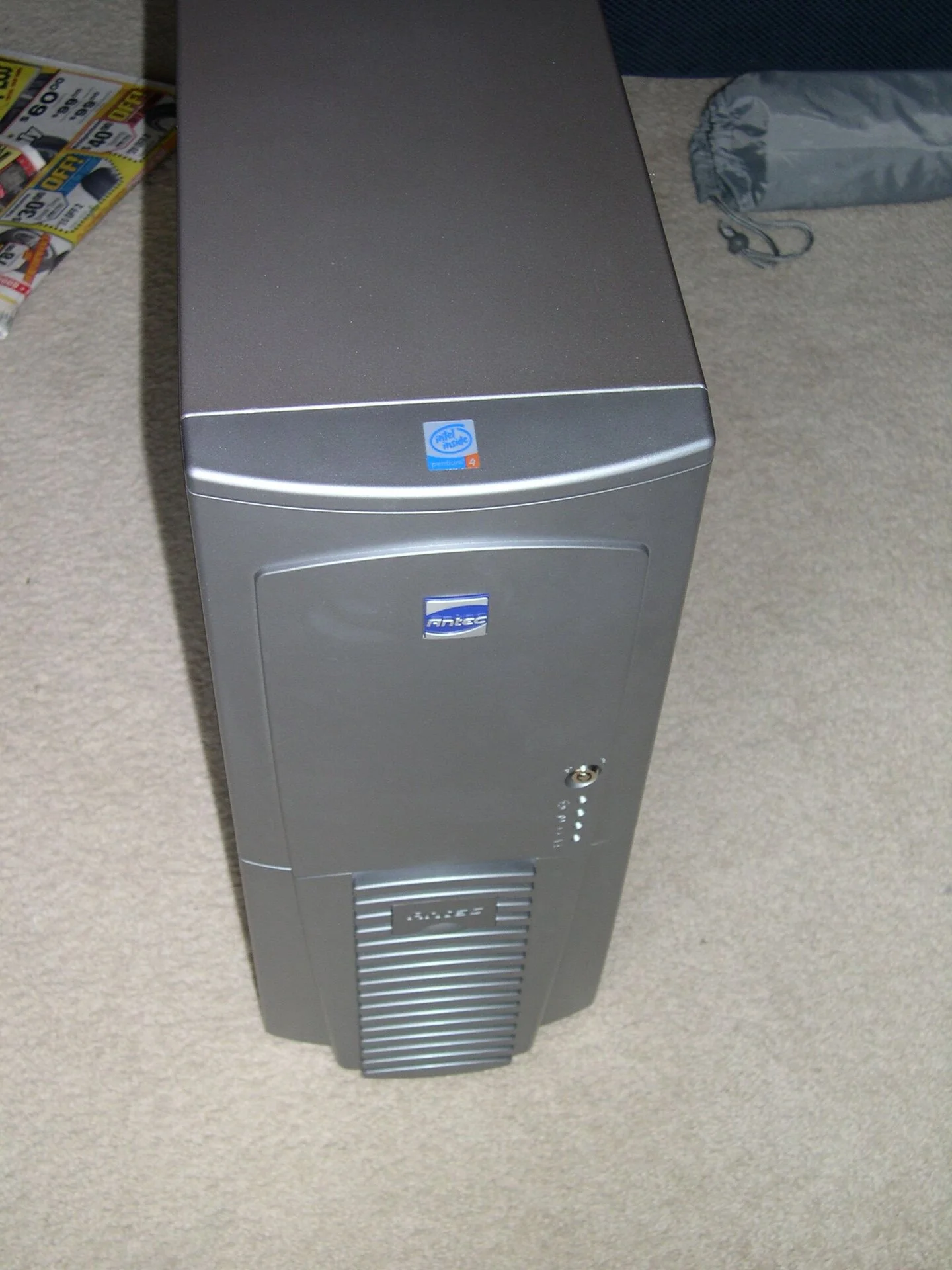
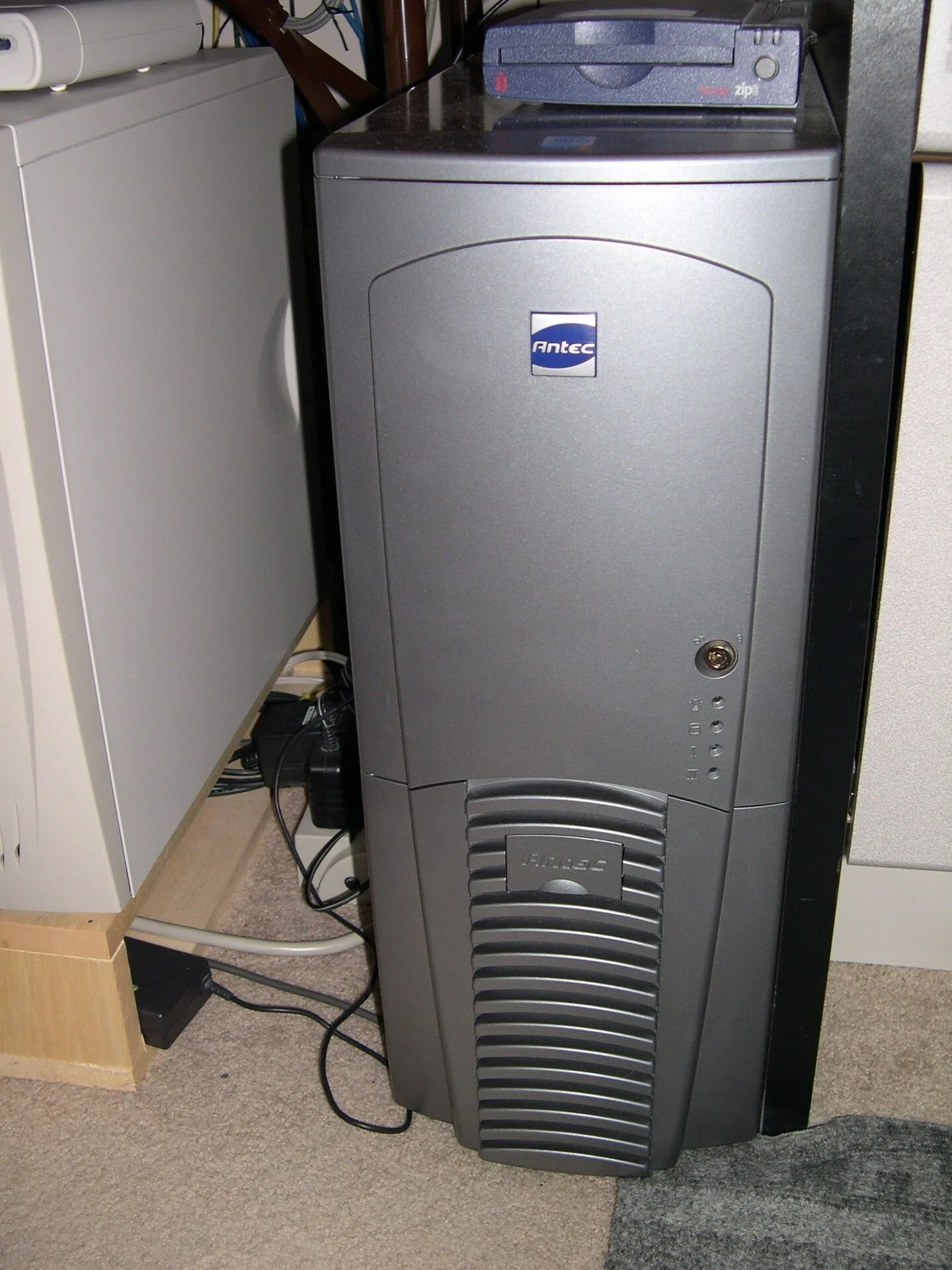 Antec - this was my first full tower case, it had ample room but lots of plastic and not quiet.
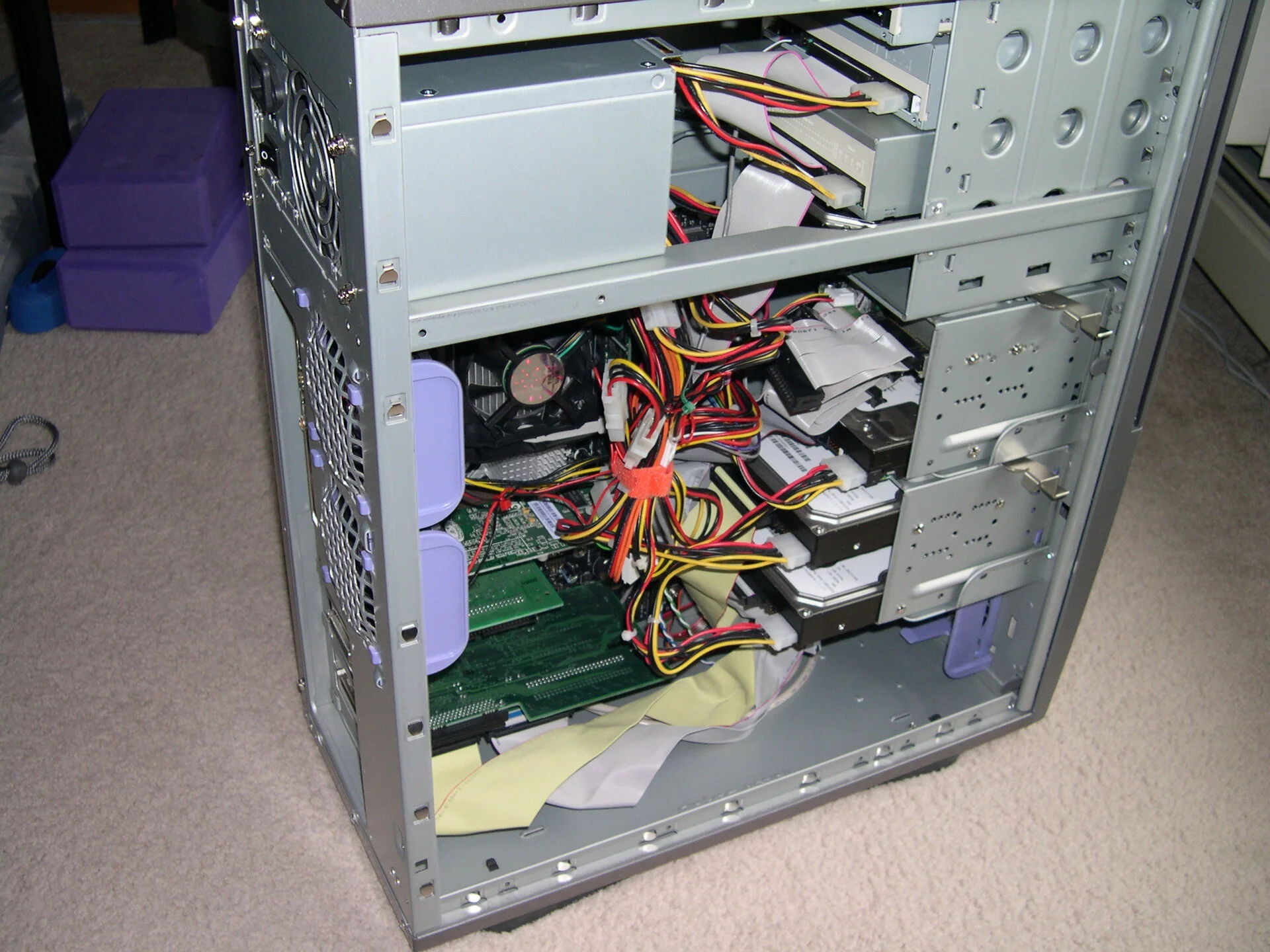 Antec - this was my first full tower case, it had ample room but lots of plastic and not quiet.
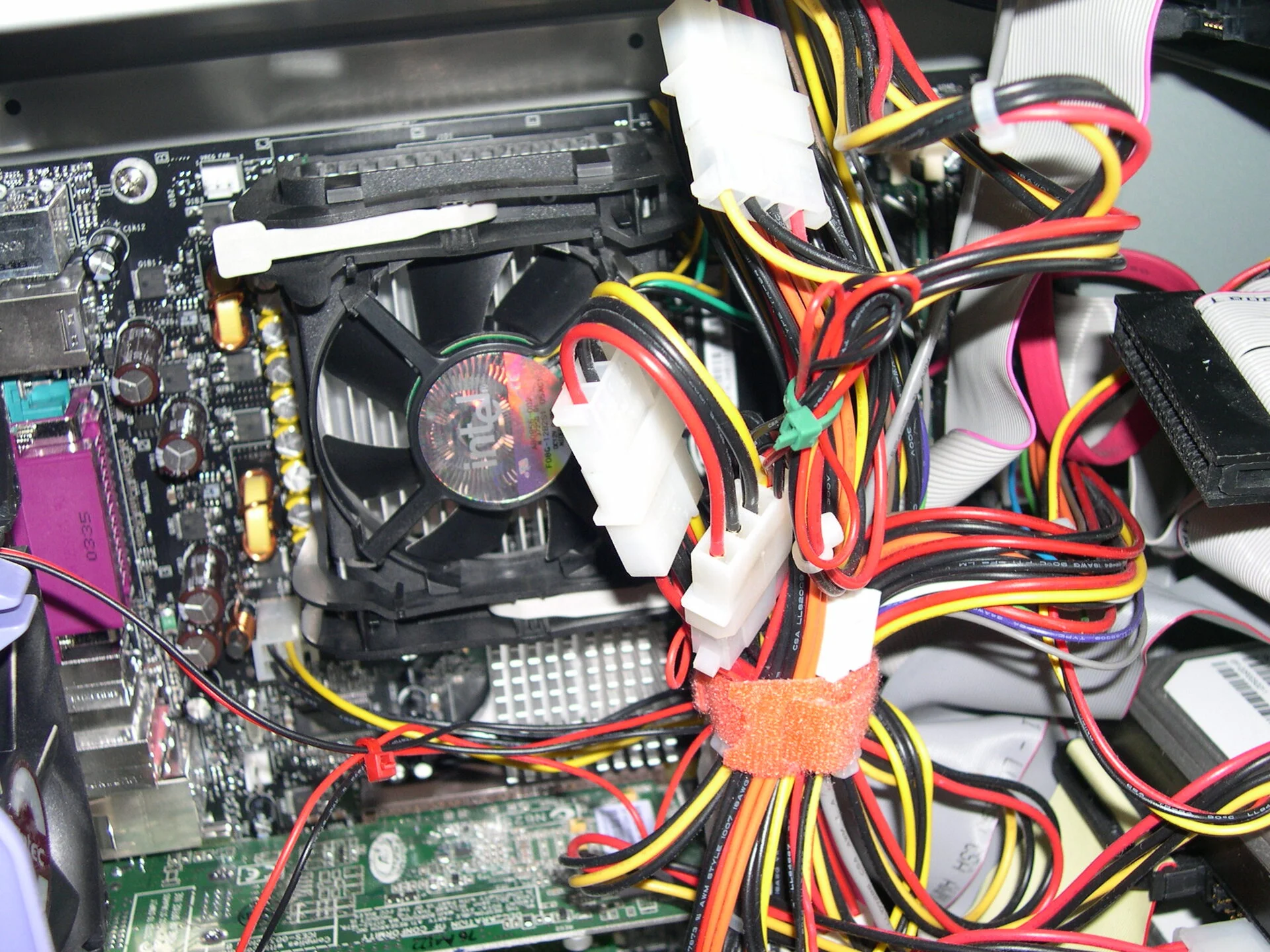 Antec - this was my first full tower case, it had ample room but lots of plastic and not quiet.
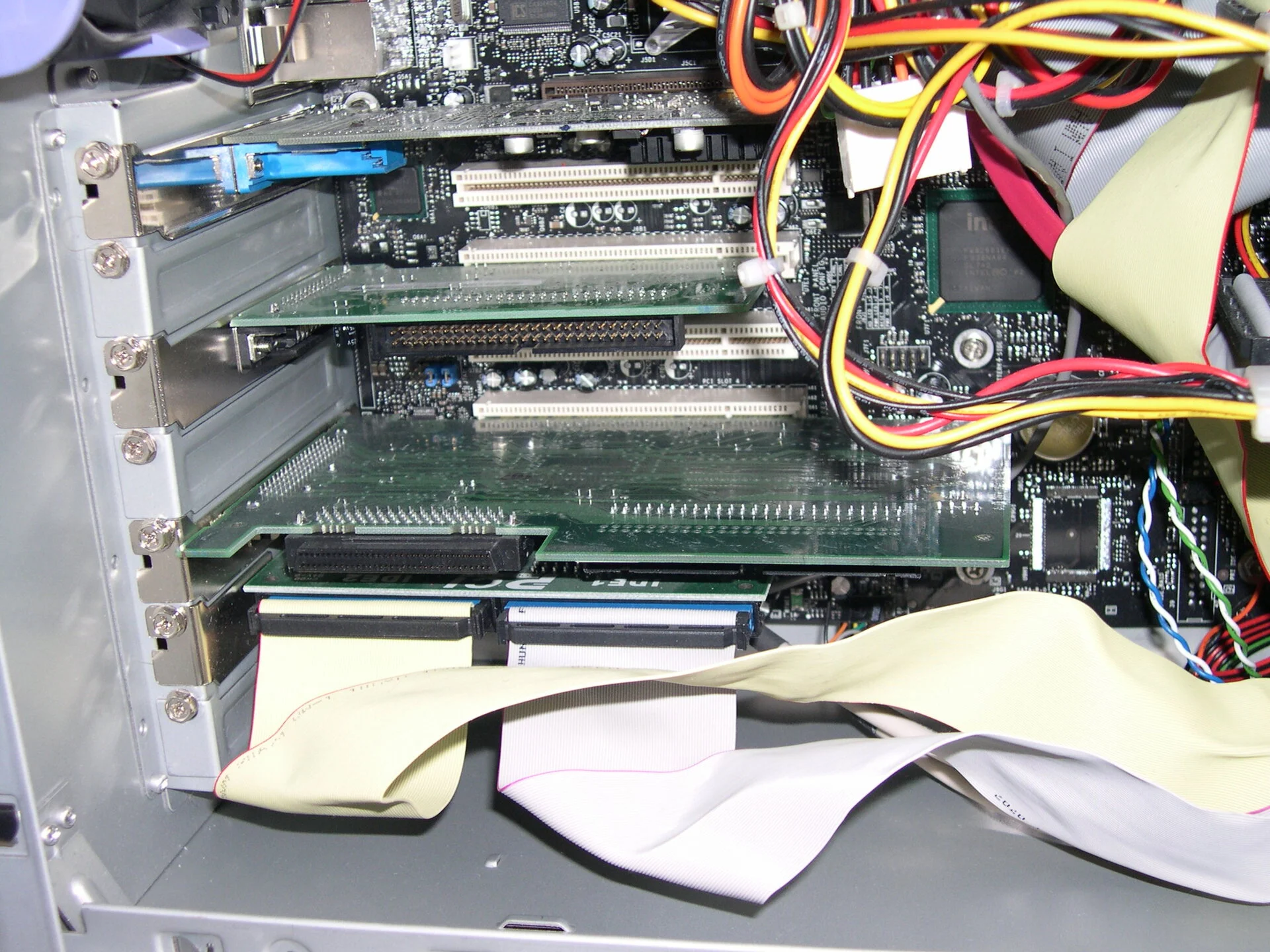 Antec - this was my first full tower case, it had ample room but lots of plastic and not quiet.
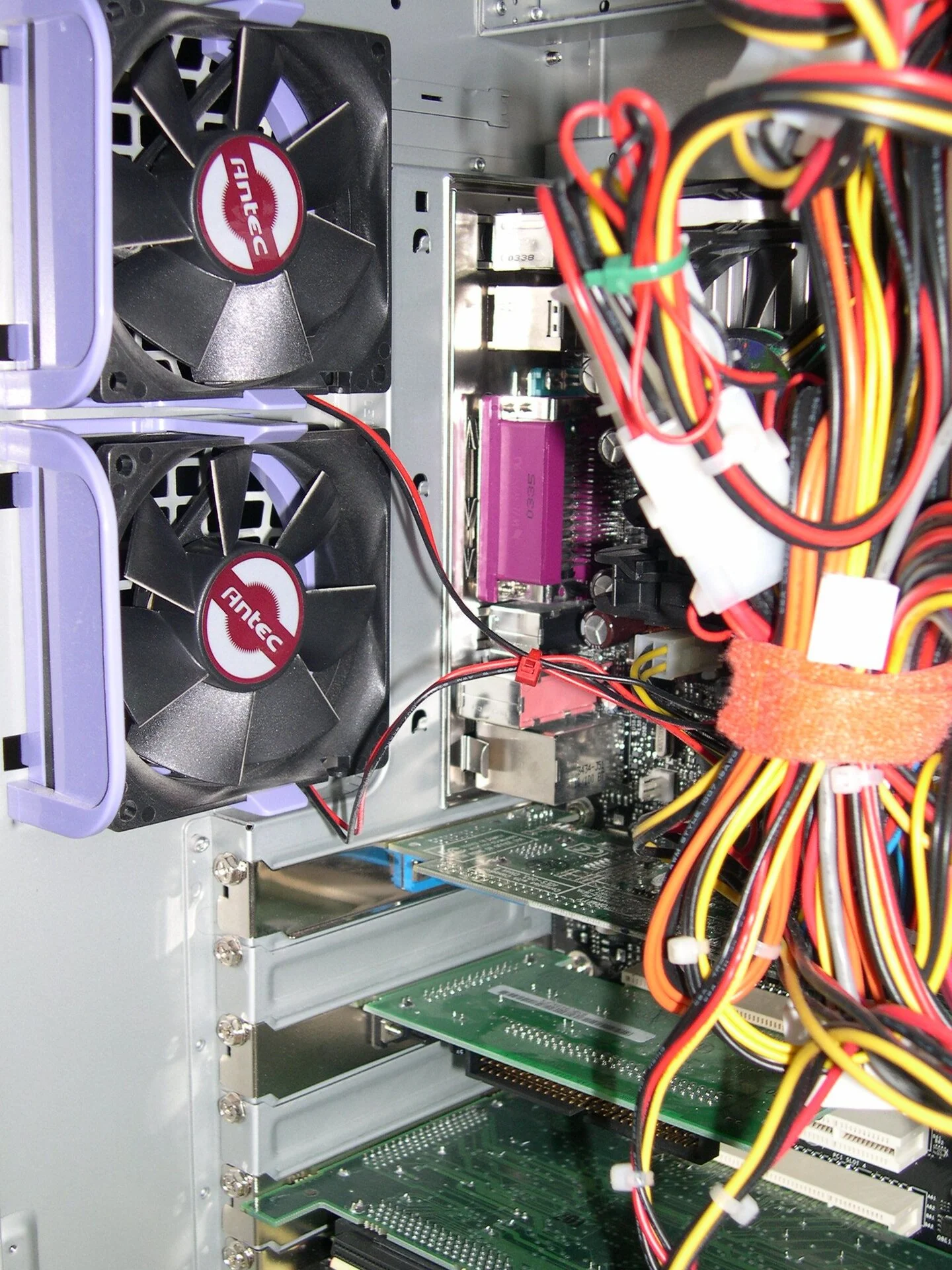 Antec 1
 Antec 2
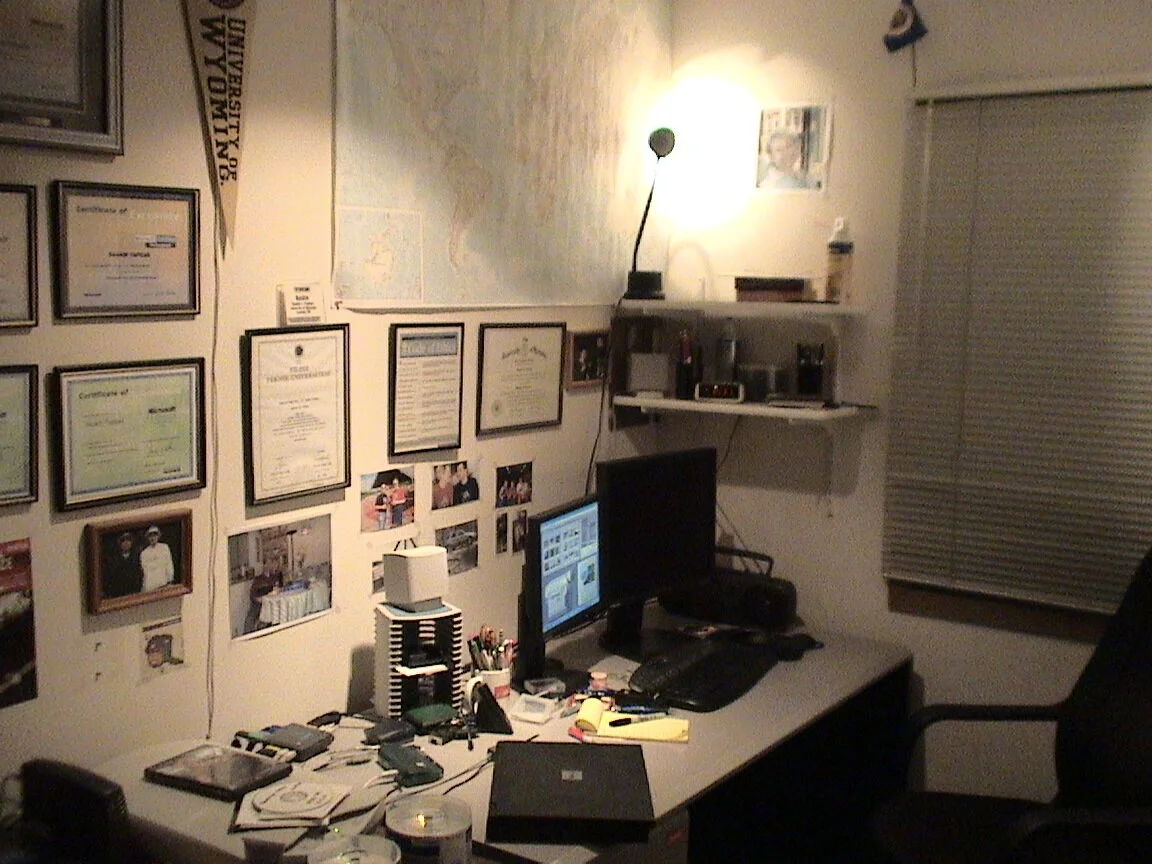
 Antec 3
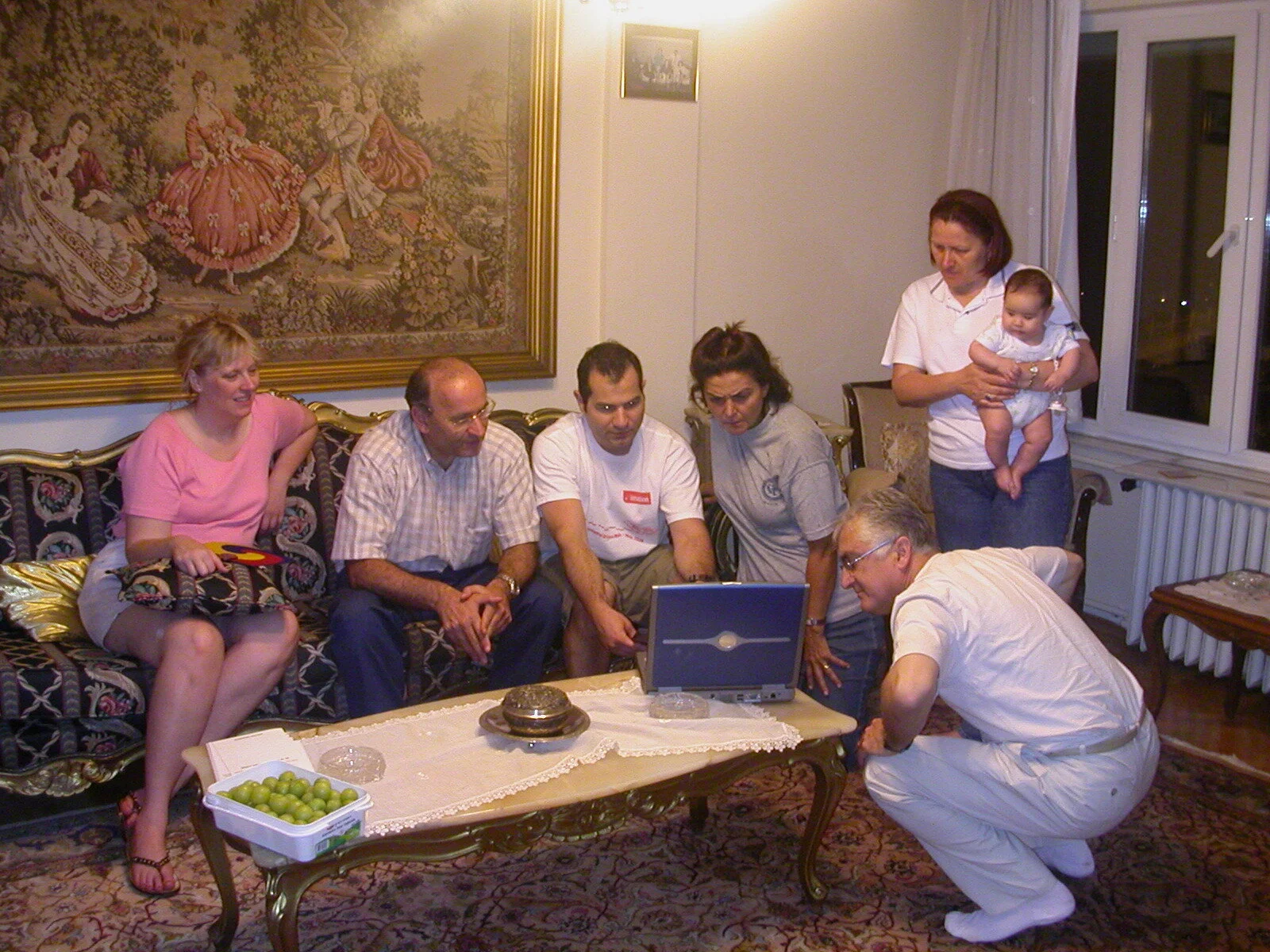
 First LCD monitors 15" and a 19" perhaps
 Laptop showcase to my relatives
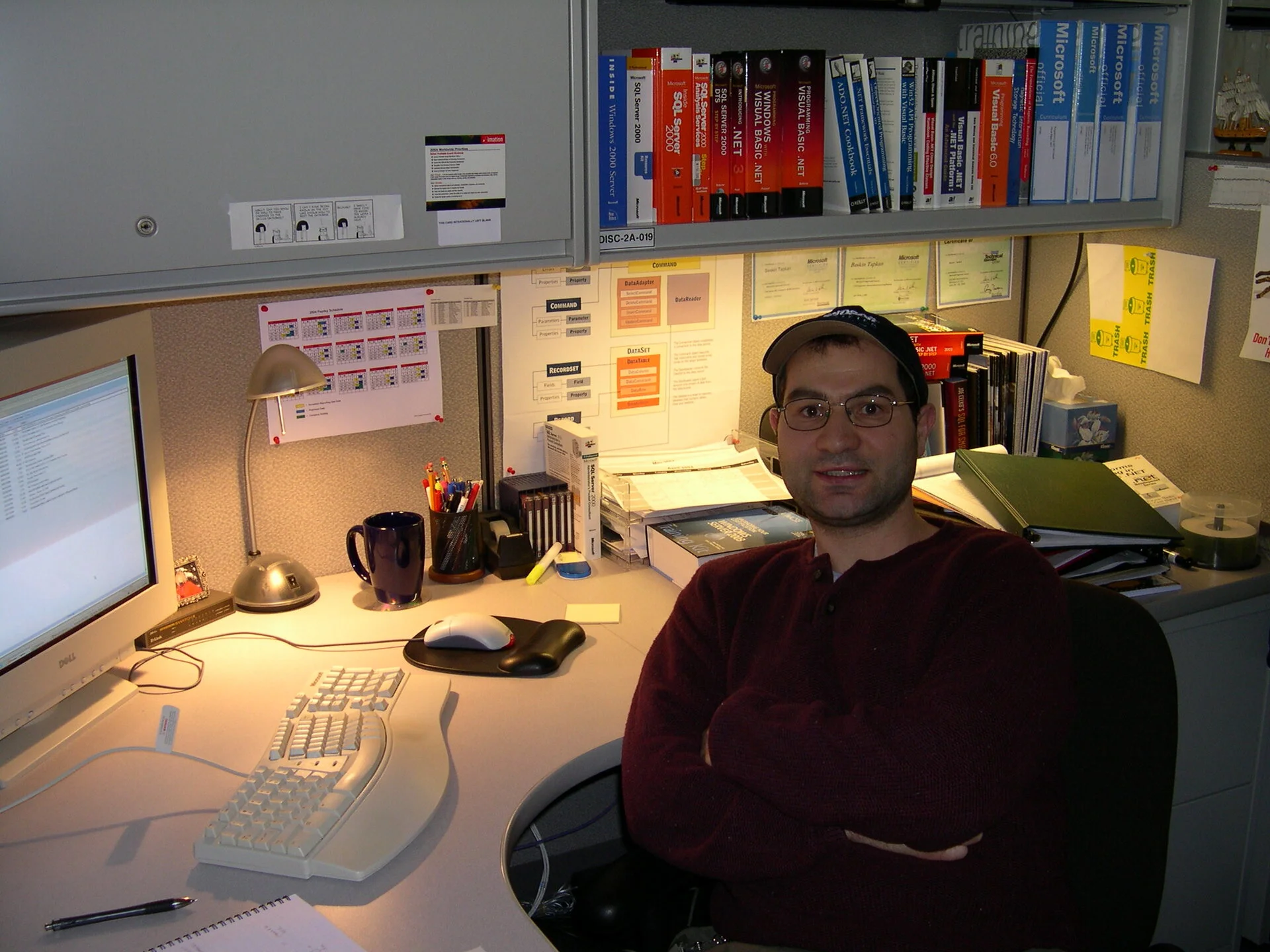 Imation compute self portrait - after hours studying magnetic data storage
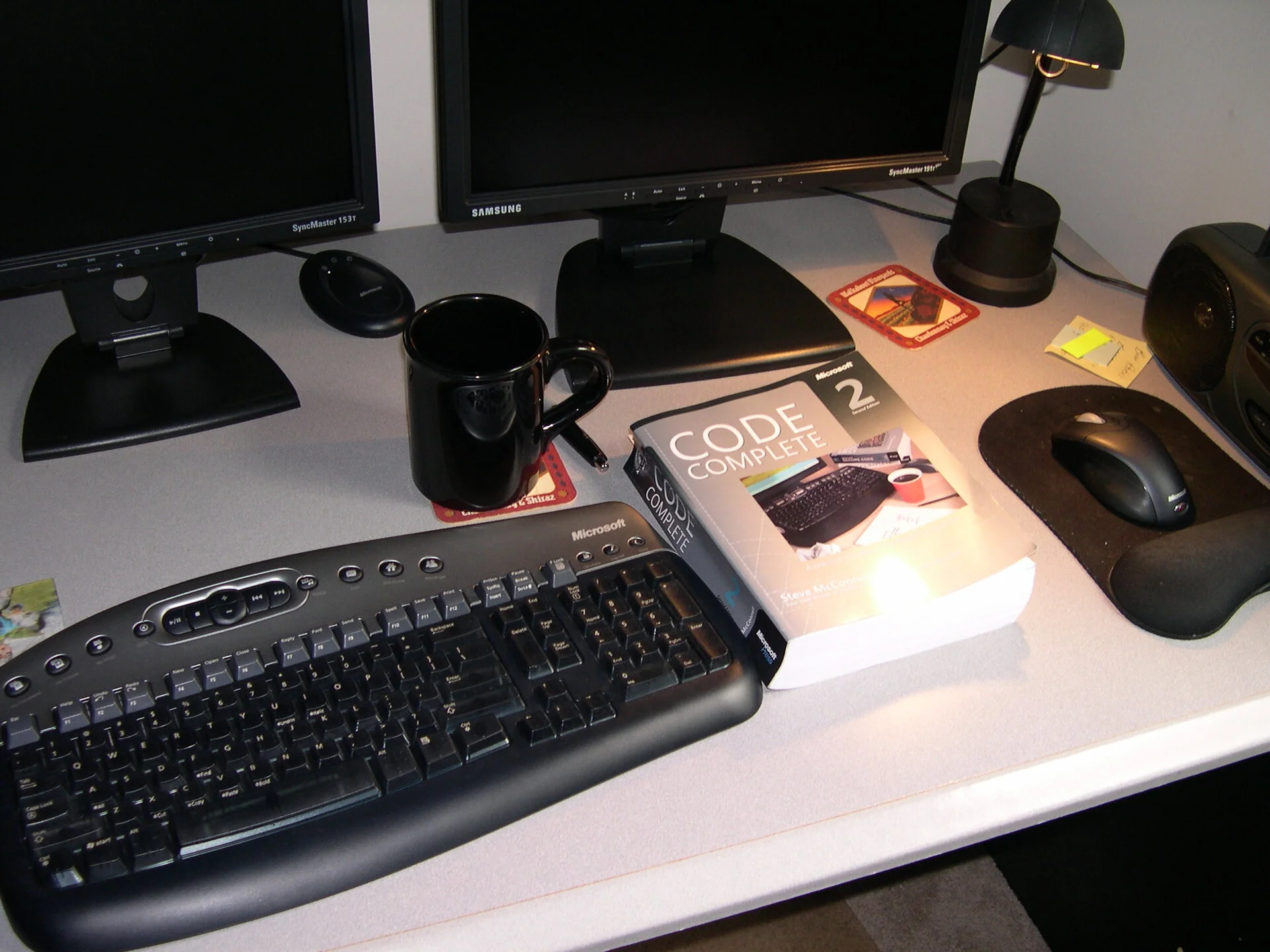 Imation compute space - Code 2 was an awesome book got me into software development
Oakdale 2005 - 2014
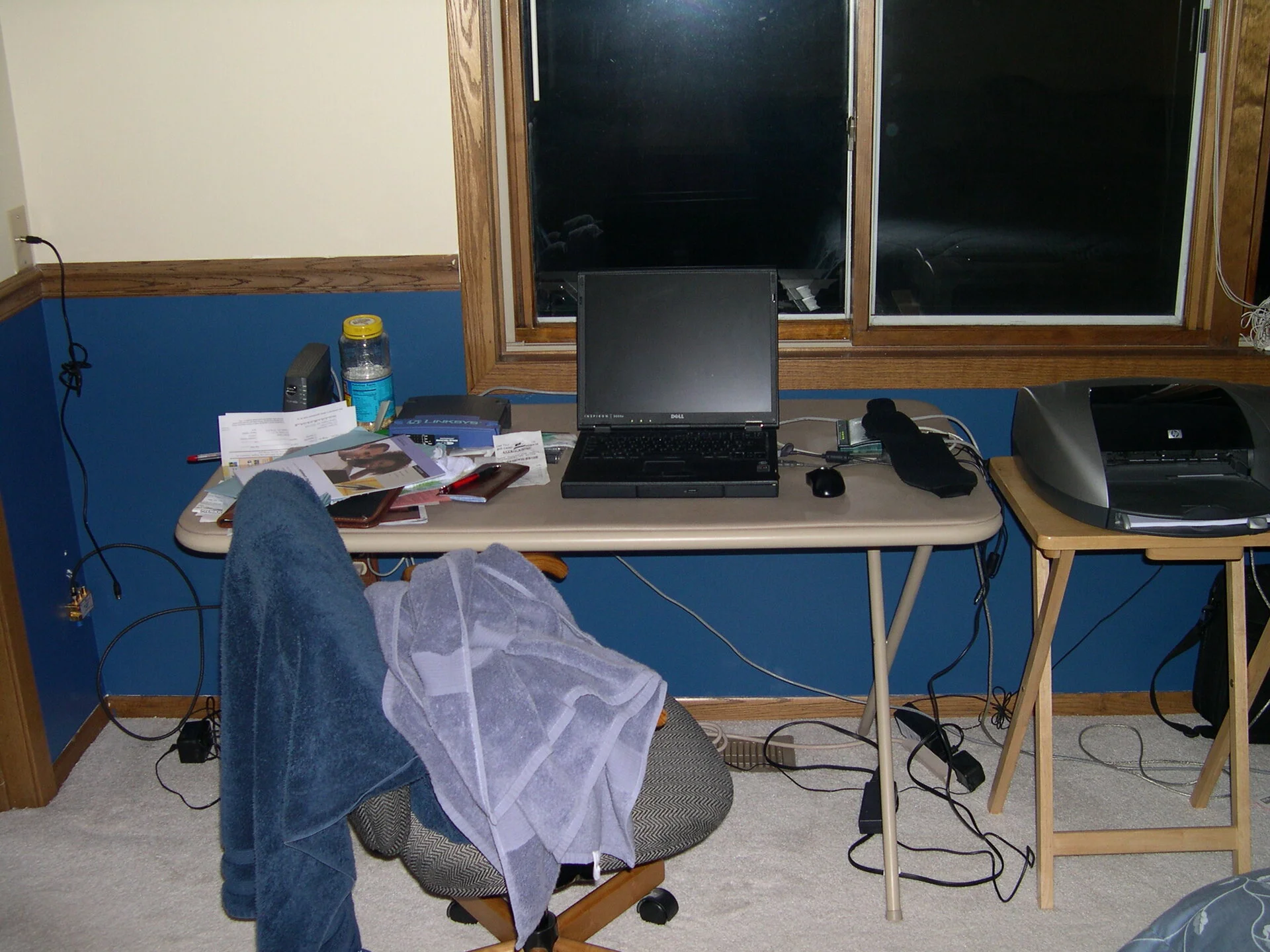 Setting up shot in the bedroom while painting my first house in Oakdale, MN.
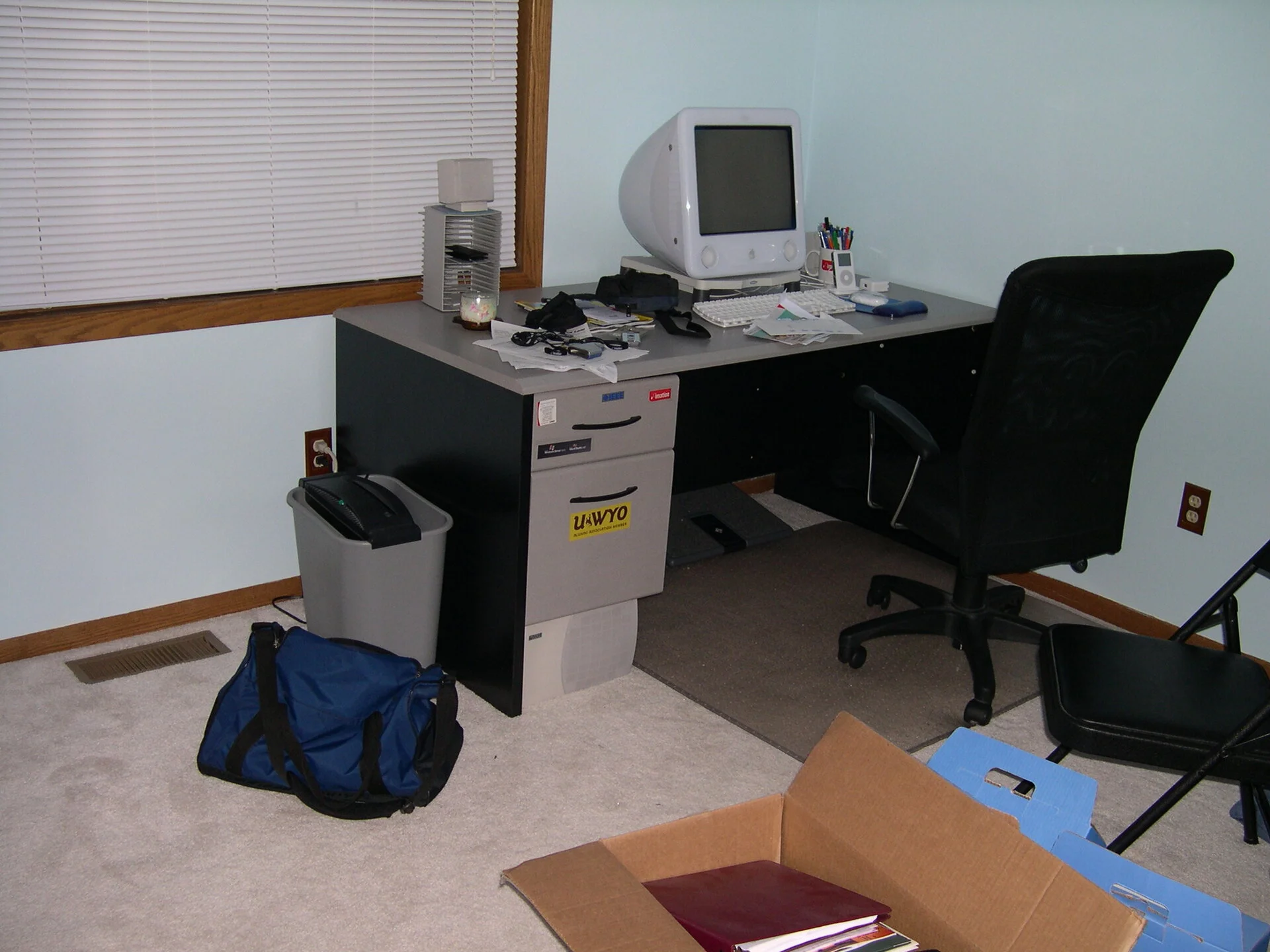 Maplewood main desk is now the second eMac desk in the blue room. This will serve well for the future wife.
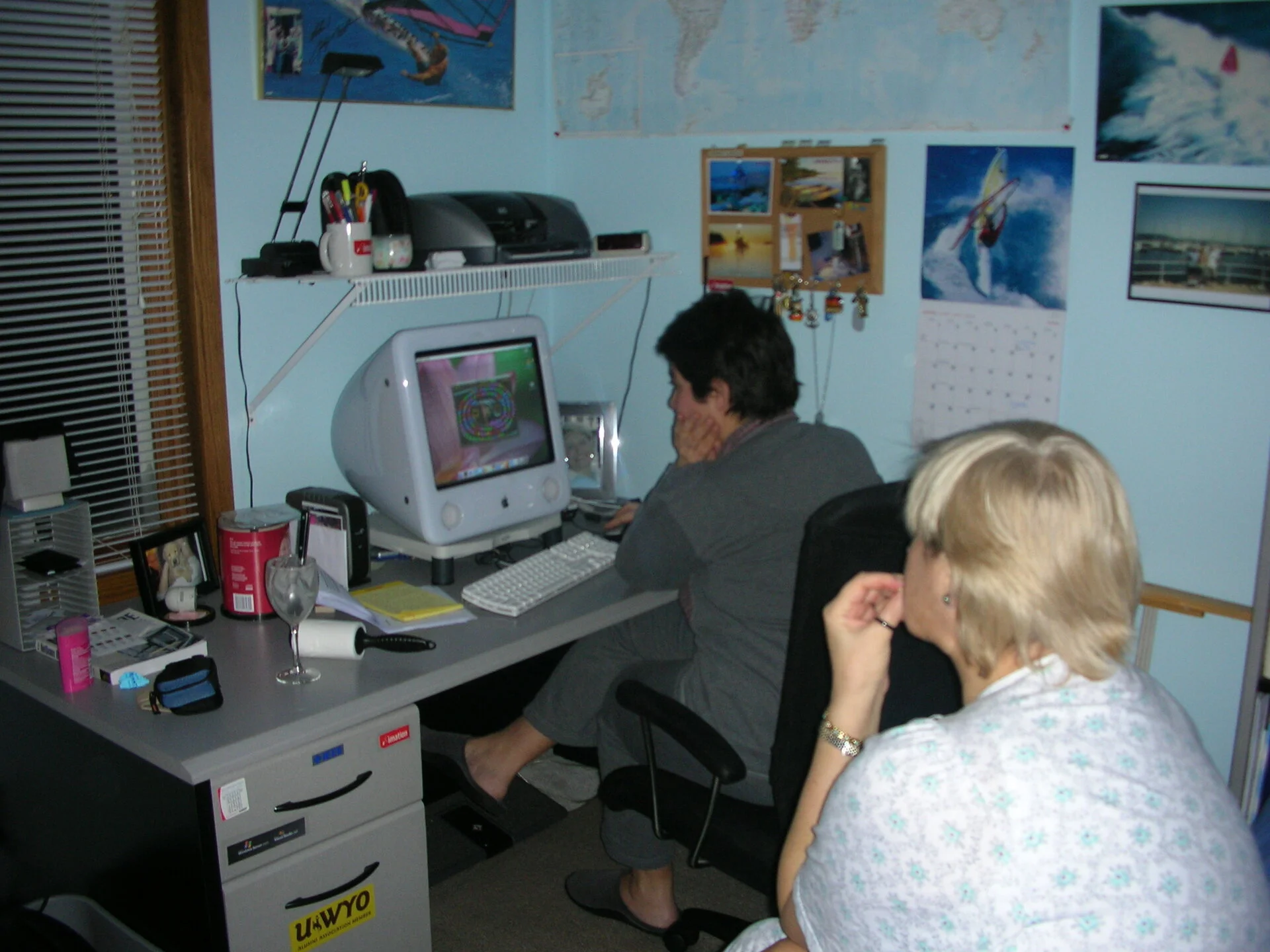 Isil and Nefis delivered serious scores in the game of Zumba
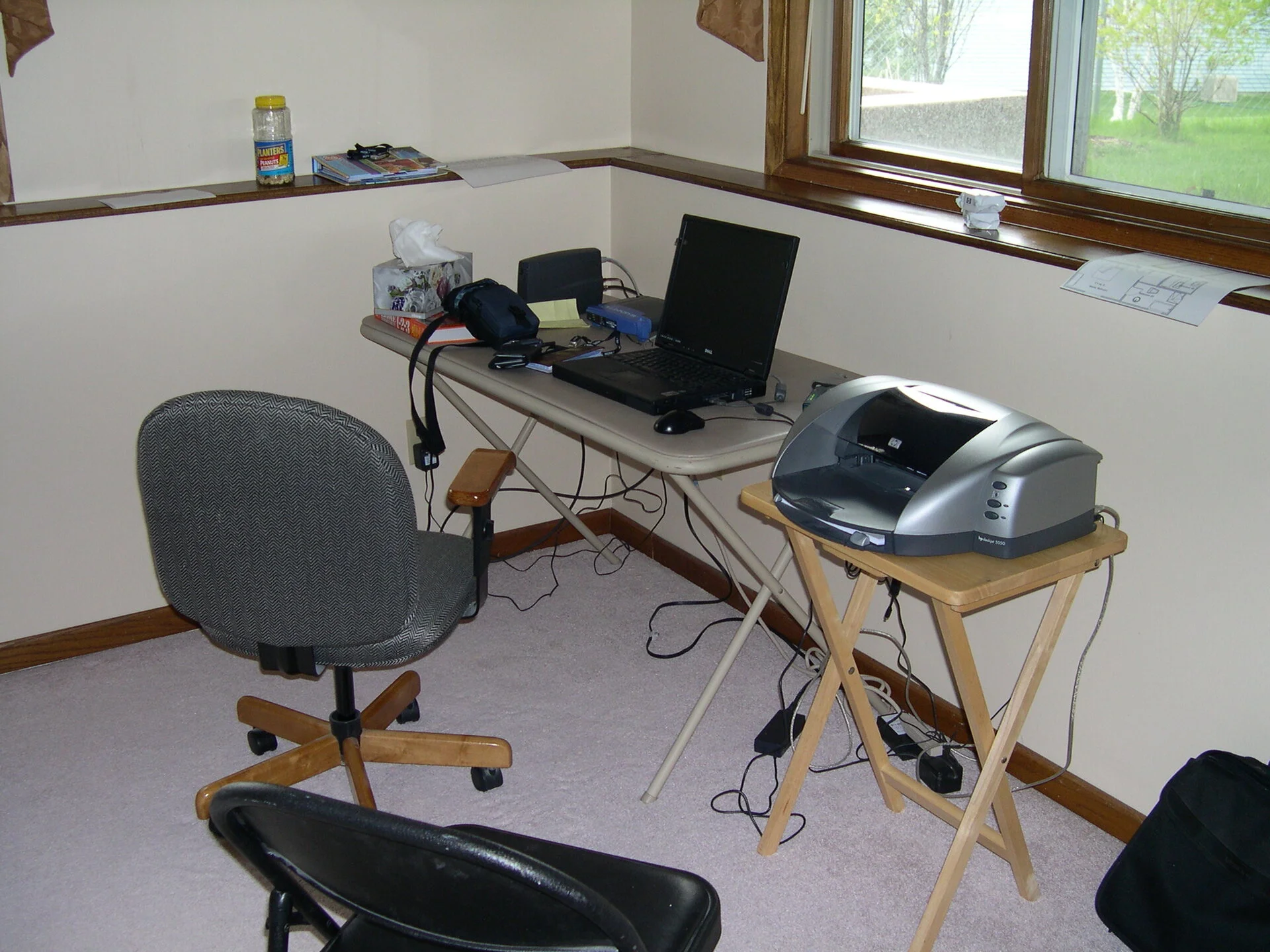 Temporary table with the Windows 2000 laptop set up - got to have a Printer back then.
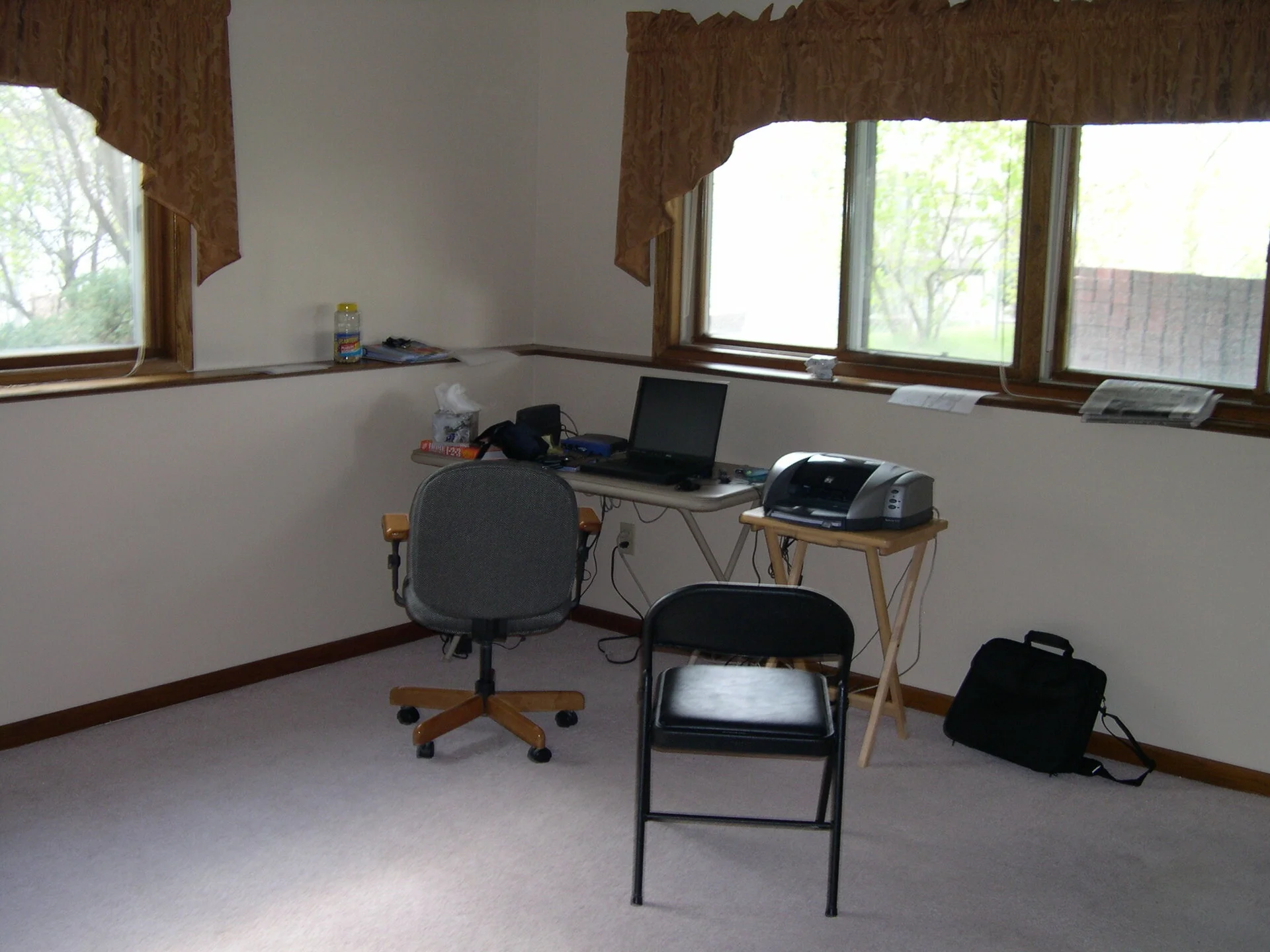 Same area I think this is after painting looks clean
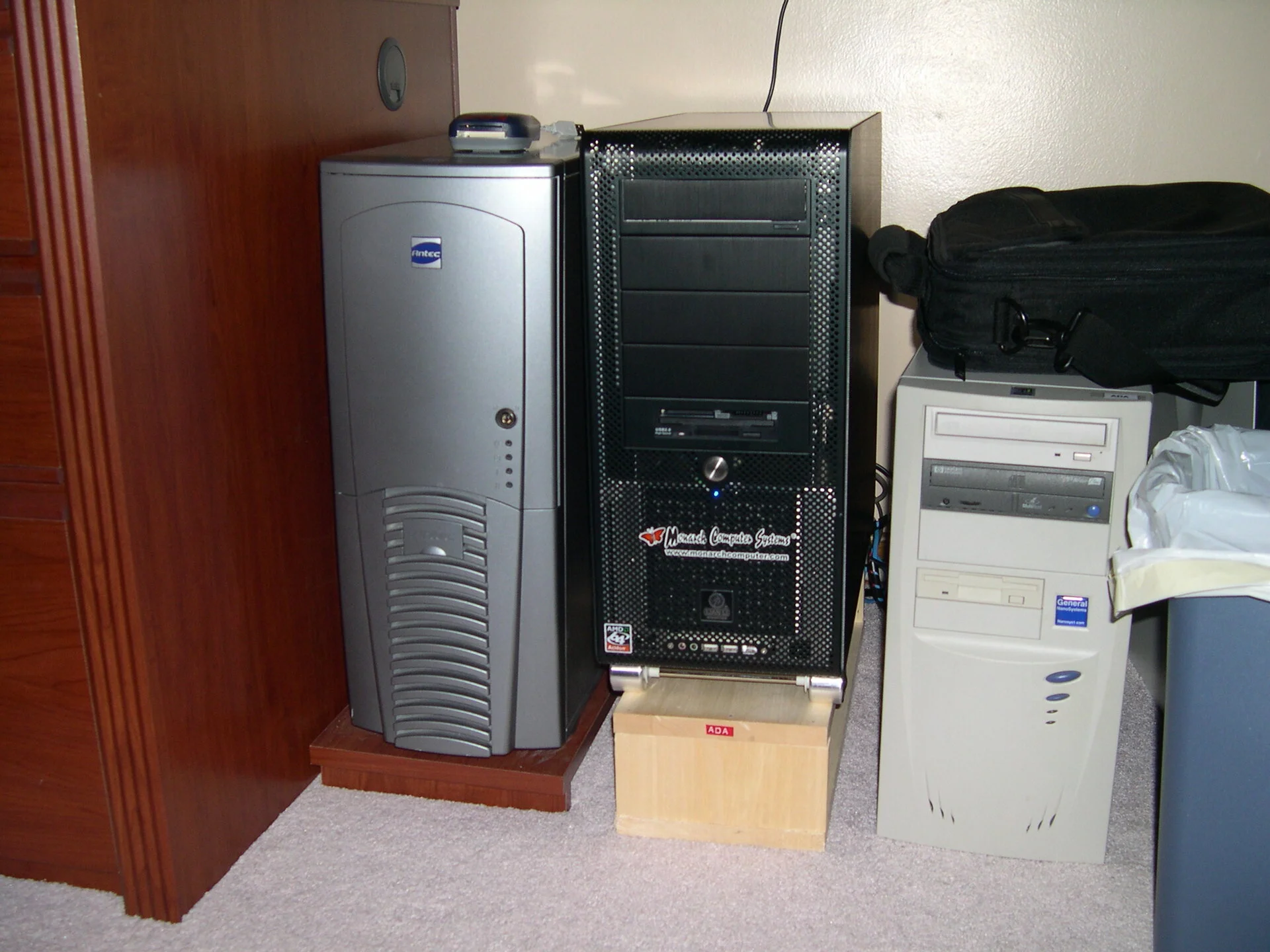 Antec case and Monarch Computer AMD case side by side along with beige. This could be last beige box I may have had. Colors are getting darker and metal is in while the plastic is out.
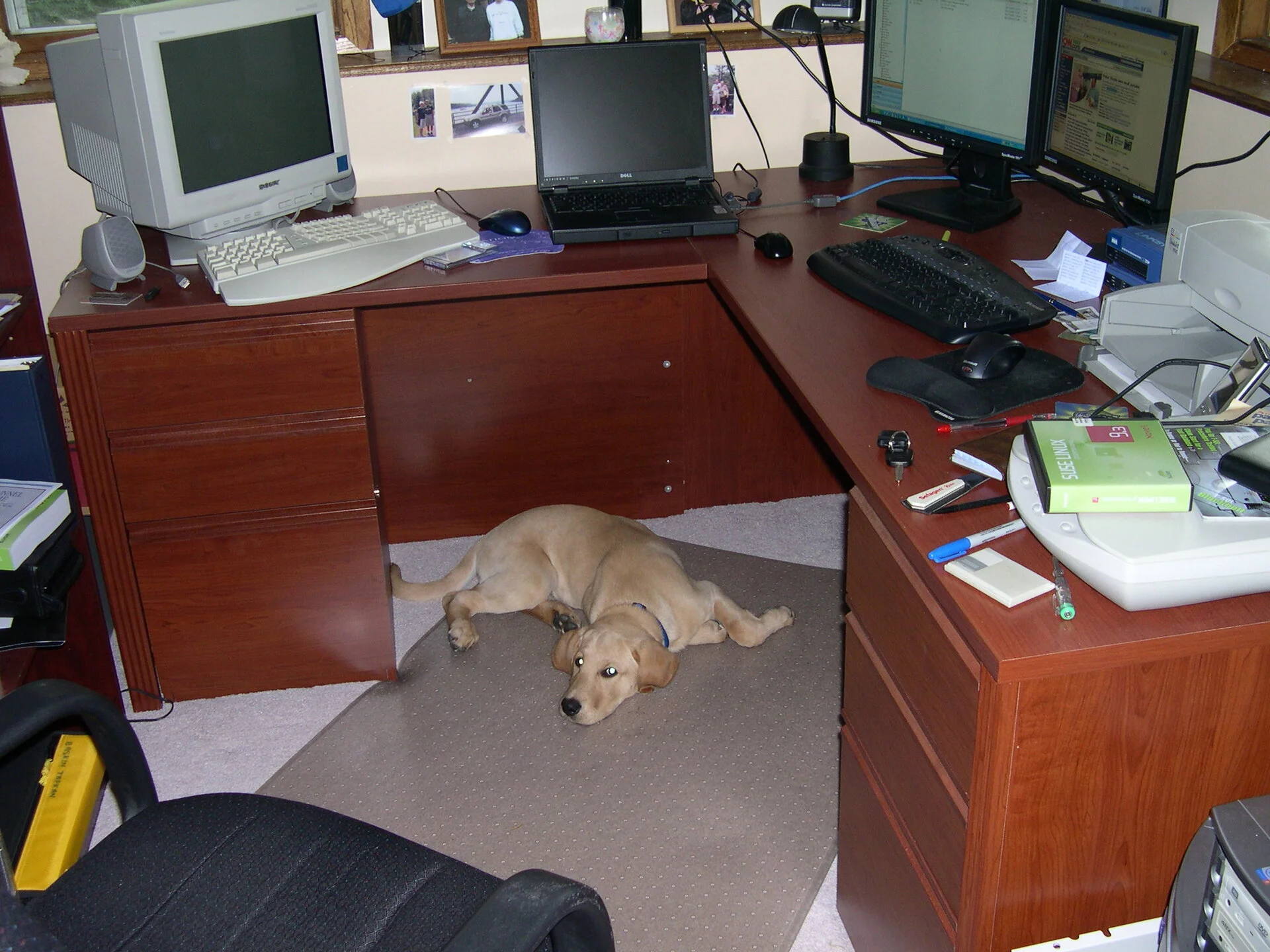 Initial setup in Oakdale while brand new fury friend Baxter is checking the premises. LCD screens are taking over yet still holding on to the 15" Sony CRT looks like. Laptop is now about four years old still running Windows 2000.
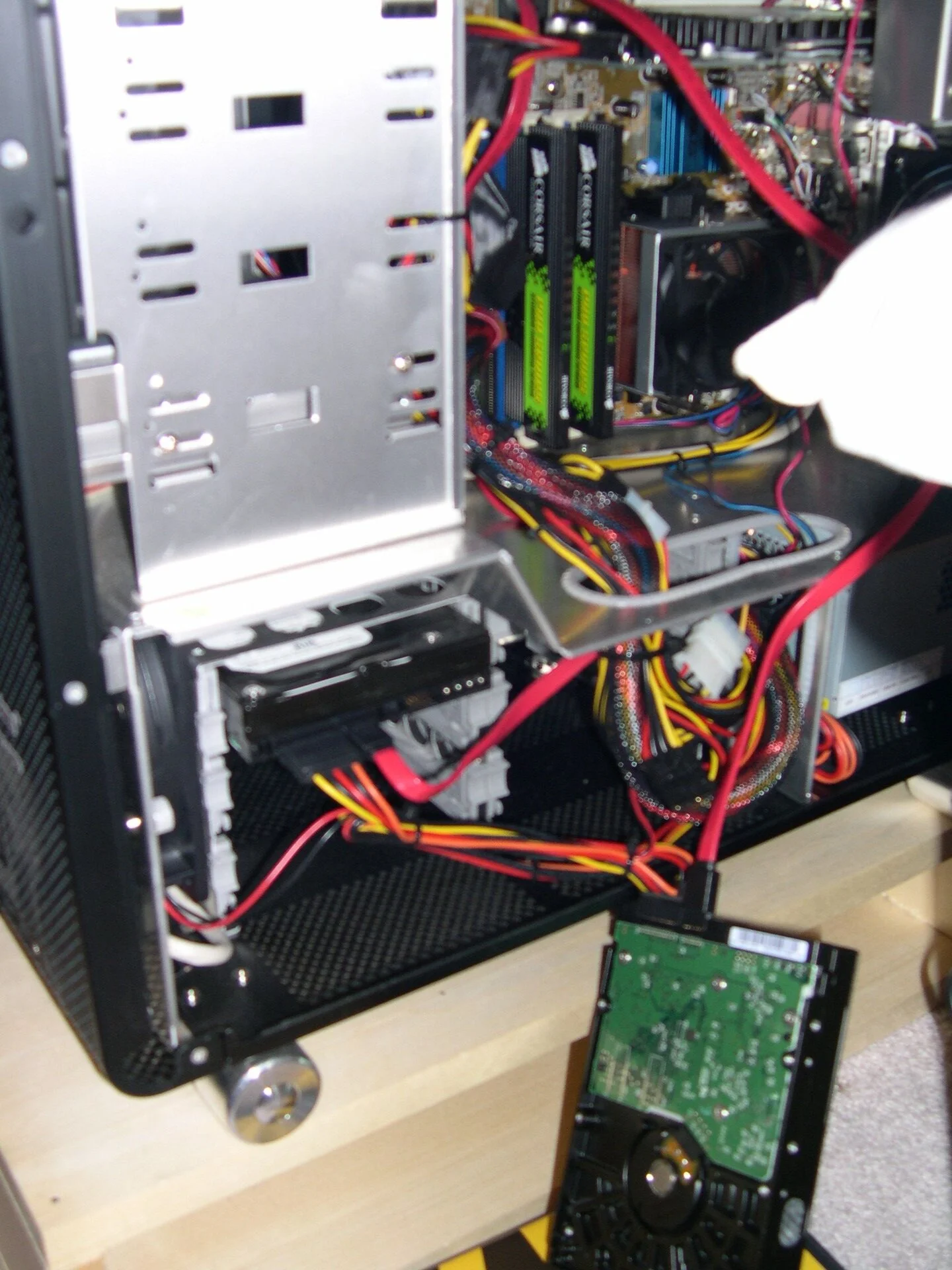 HD upgrades on the first 64-bit AMD Athlon chip.
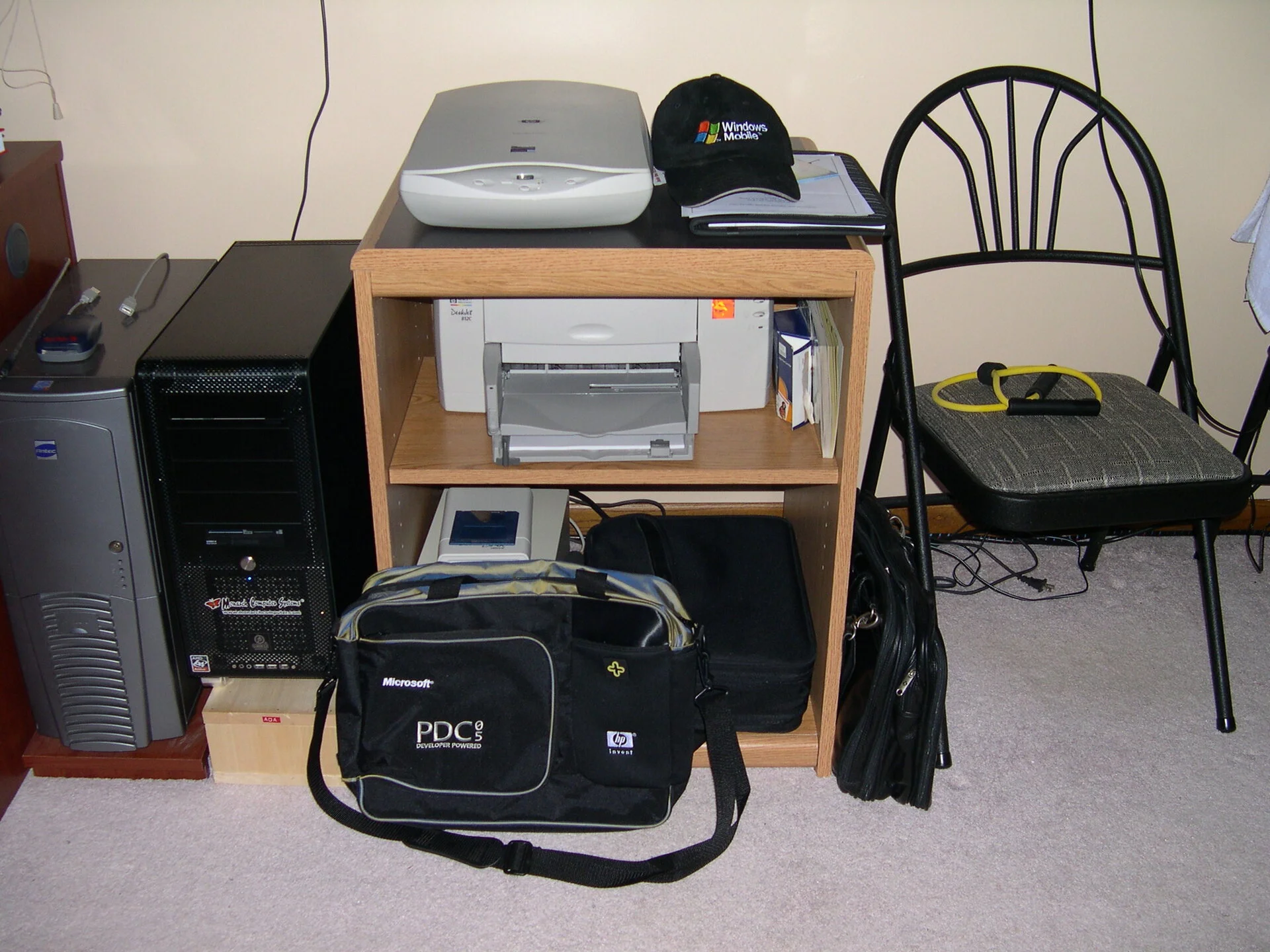 Saying Bye to the beige box and just came back from PDC-2005 in LA. The scanner and HP printer, and proably tape drive in the bottom.
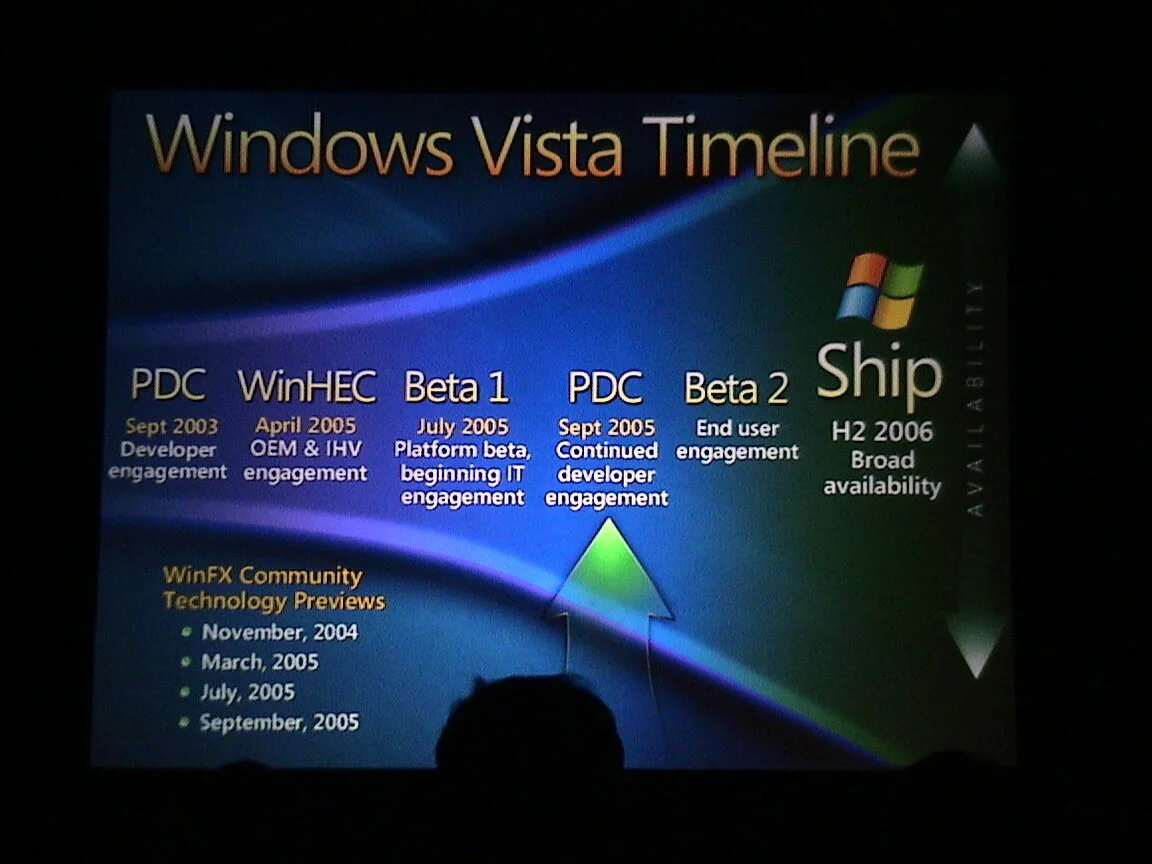 Saying hi to Windows Vista - an OS lacked a quite a bit of features, promising a new filesystem etc. Barely stable, lessons learned then we had Windows 7. XP lingered for a long time and still does.
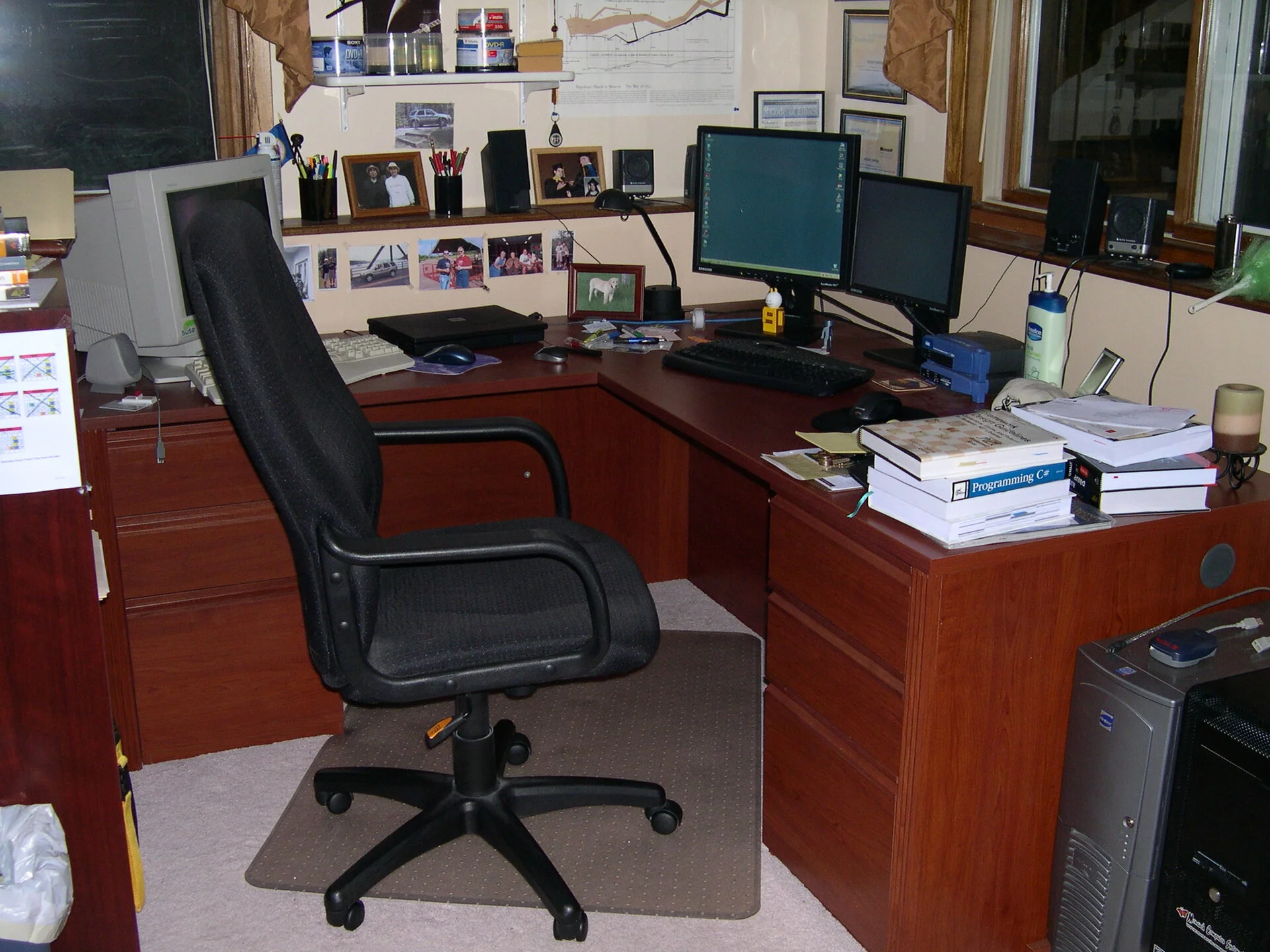 New Chair and routers, and books etc. MSND man is on the table
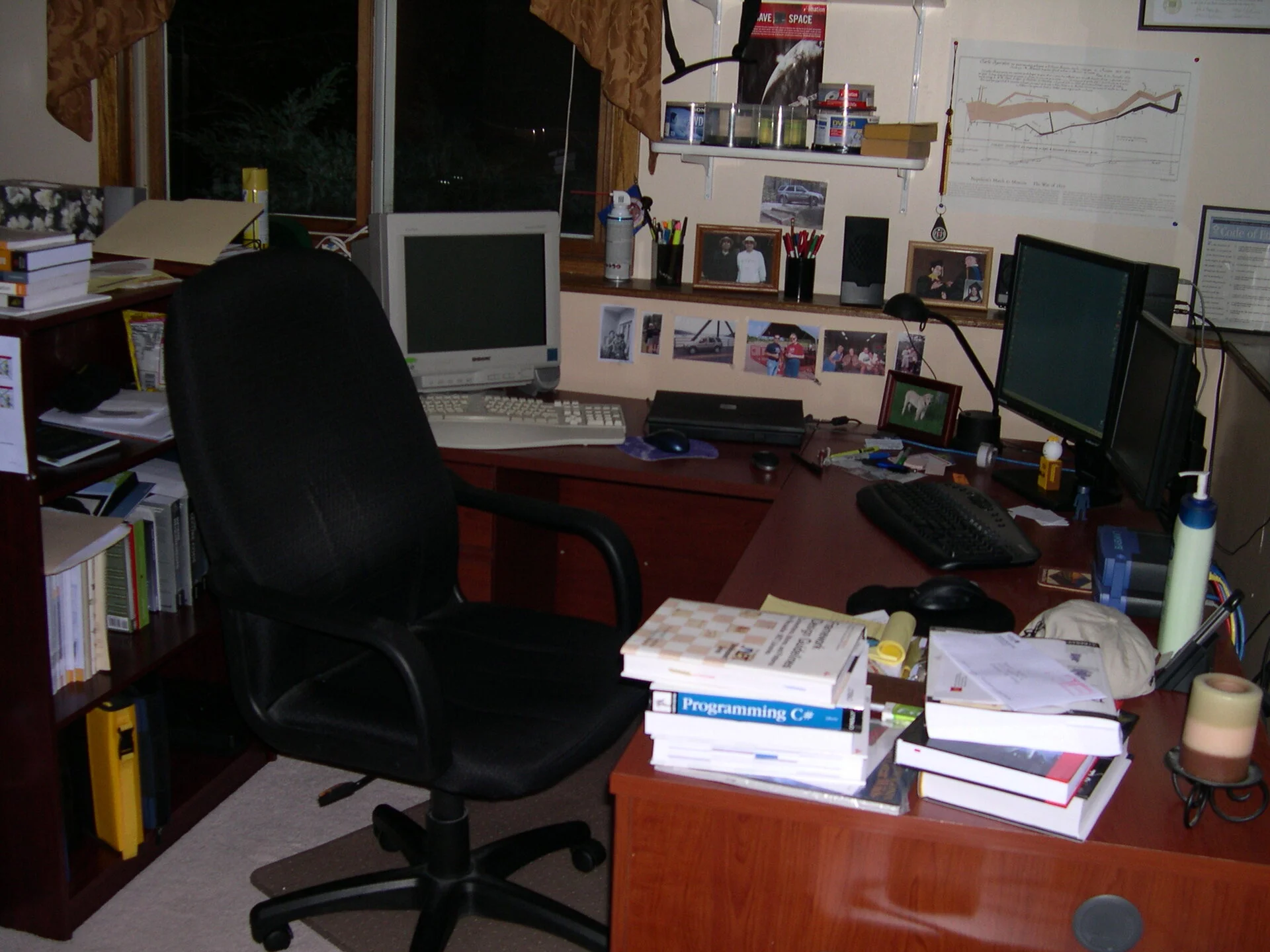 Back setting of Oakdale home office
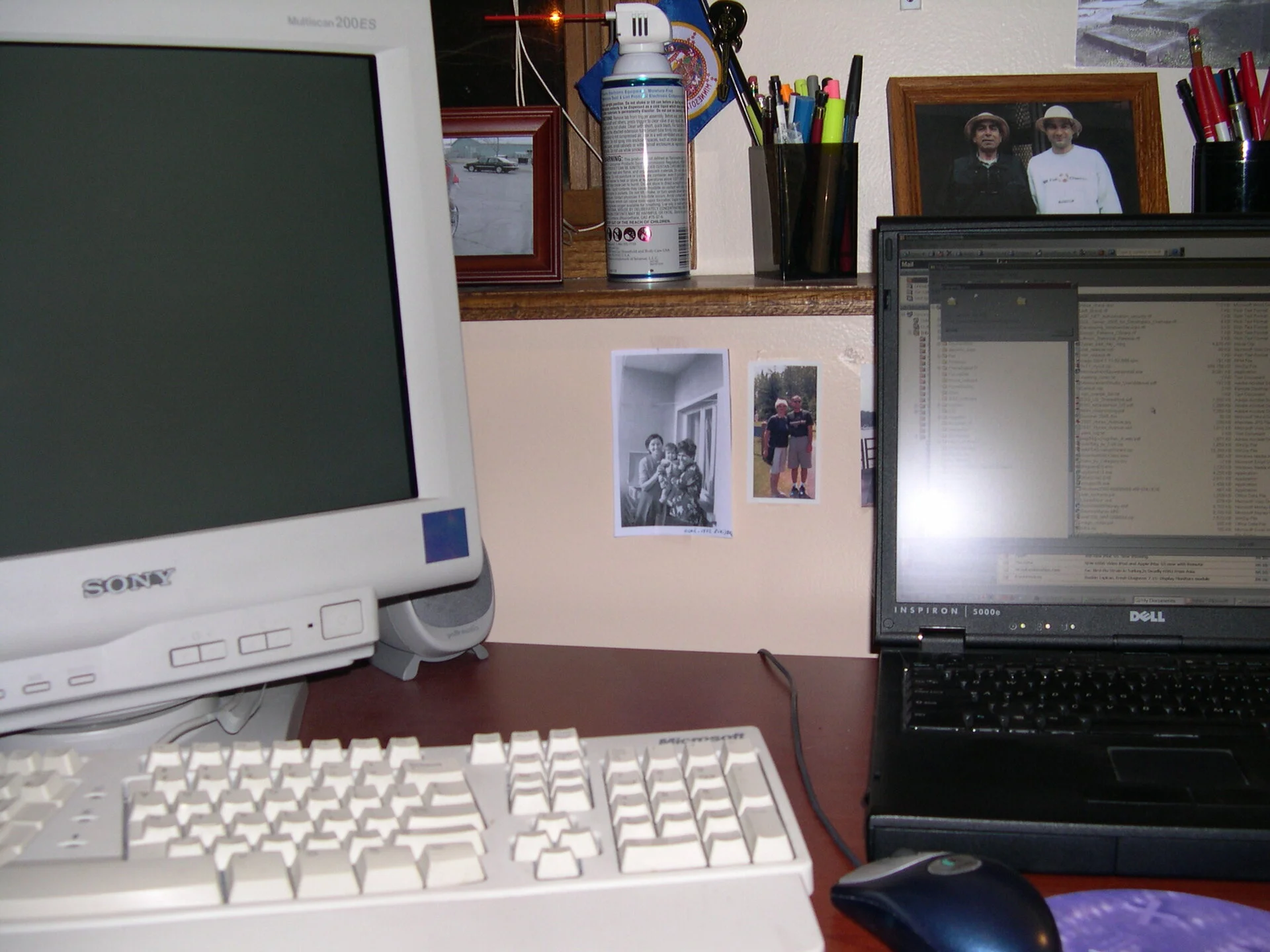 Looks like still supporting Suse Linux on the Sony CRT (turned off though)
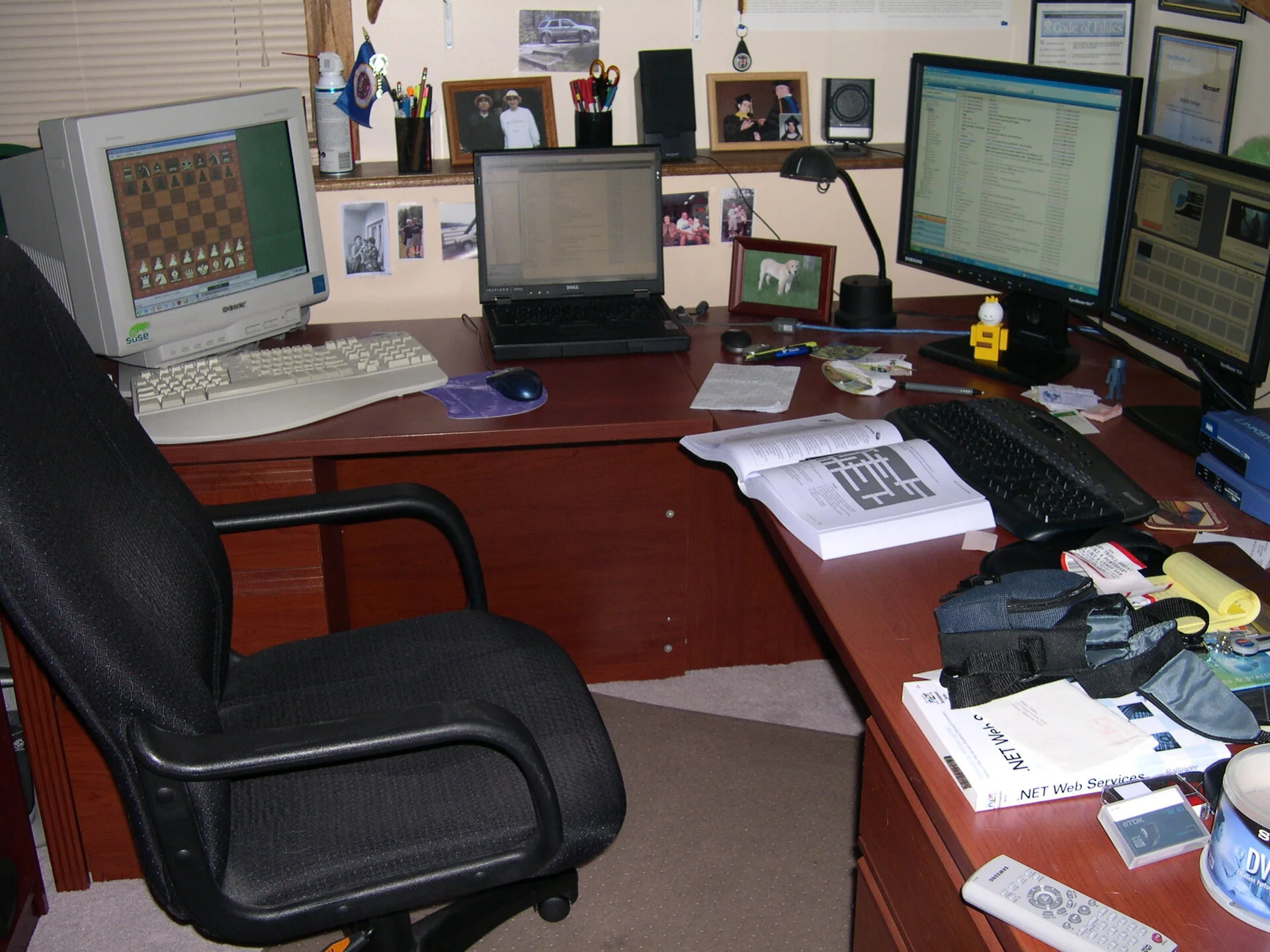 Clean area
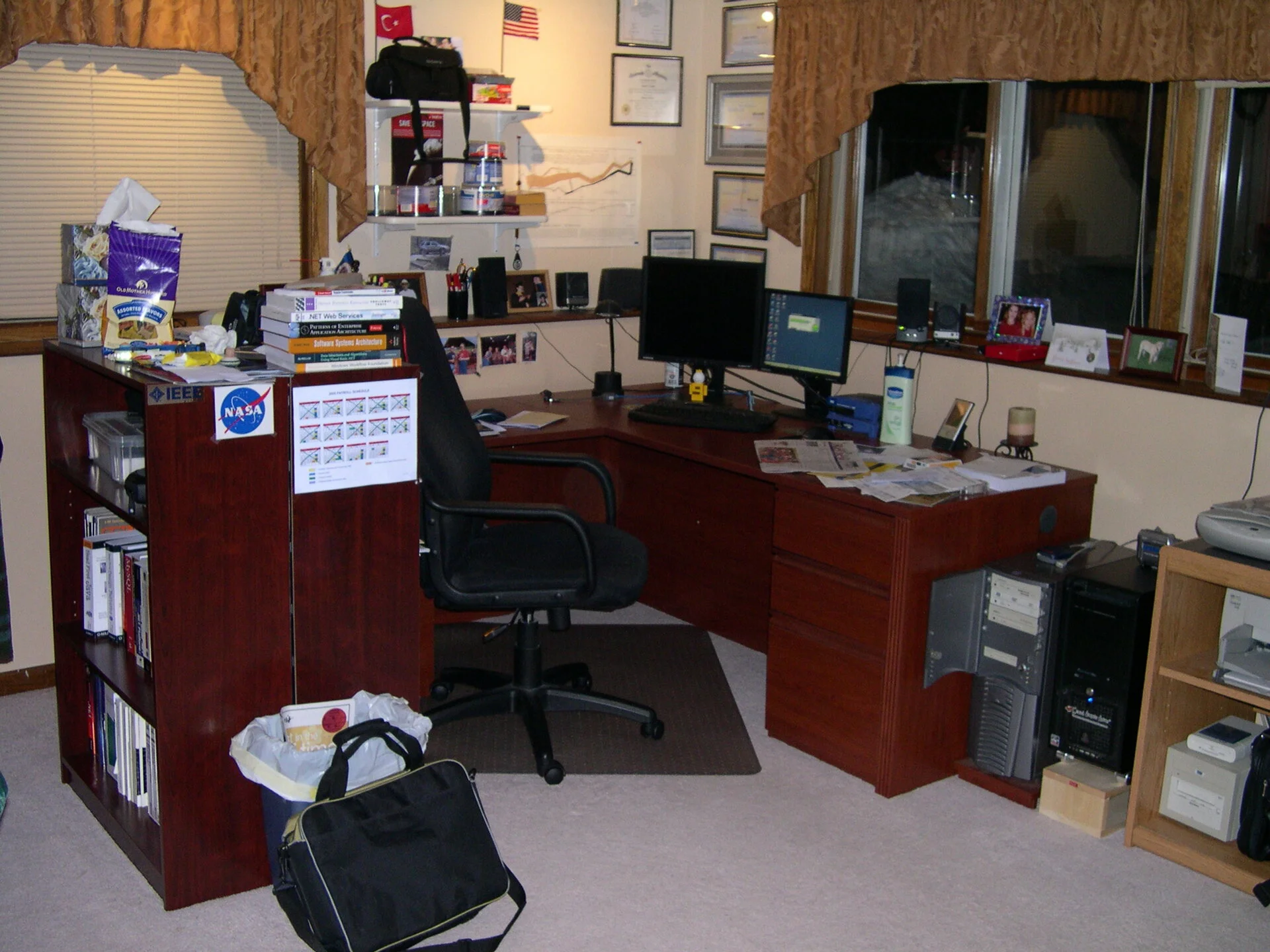 Now we have chess on Suse Linux - I think we are on version 9 something
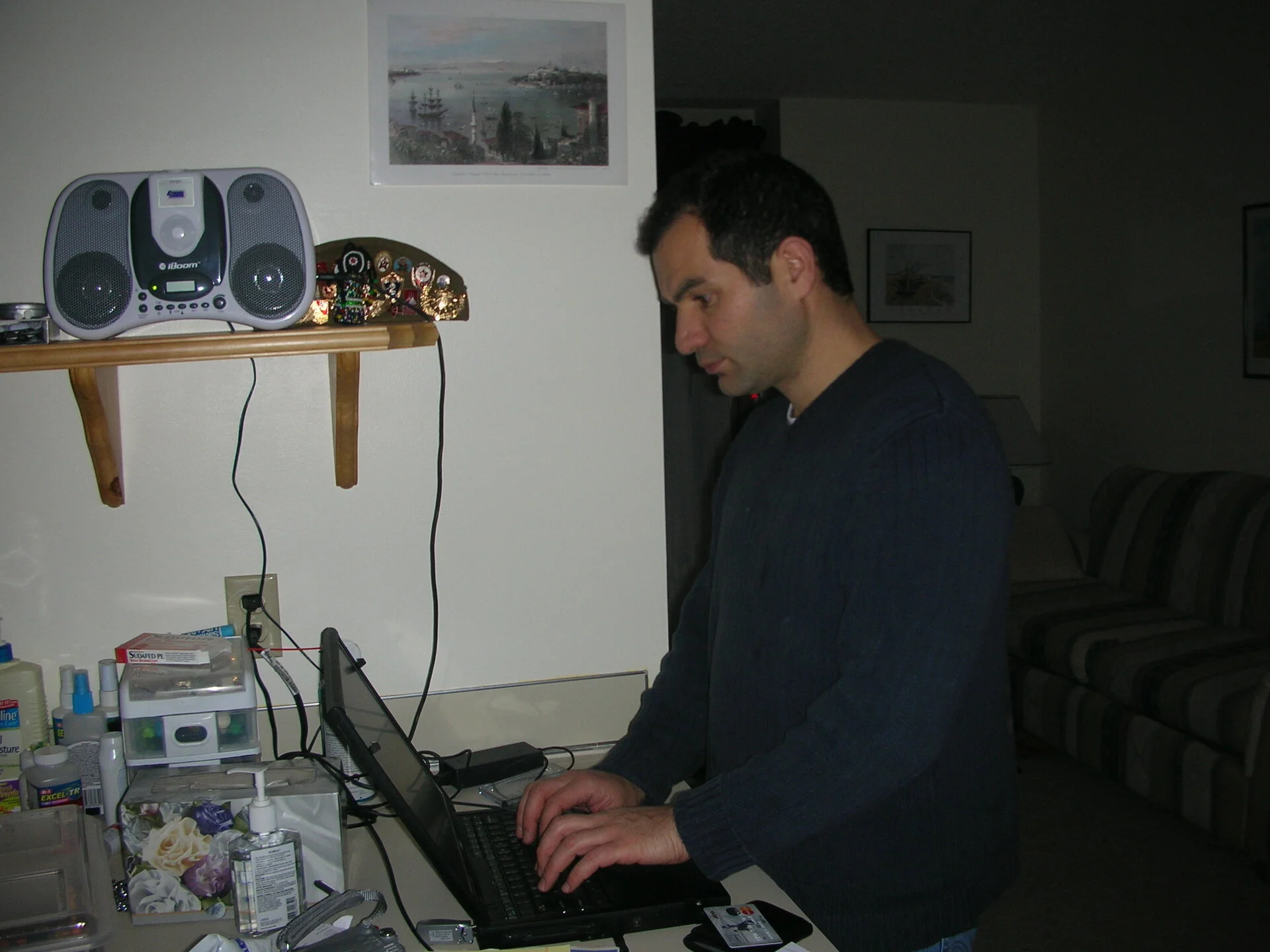 The Windows 2000 laptop has moved up stairs in the kitchen area with iPod and iBoom are filling the room with music.
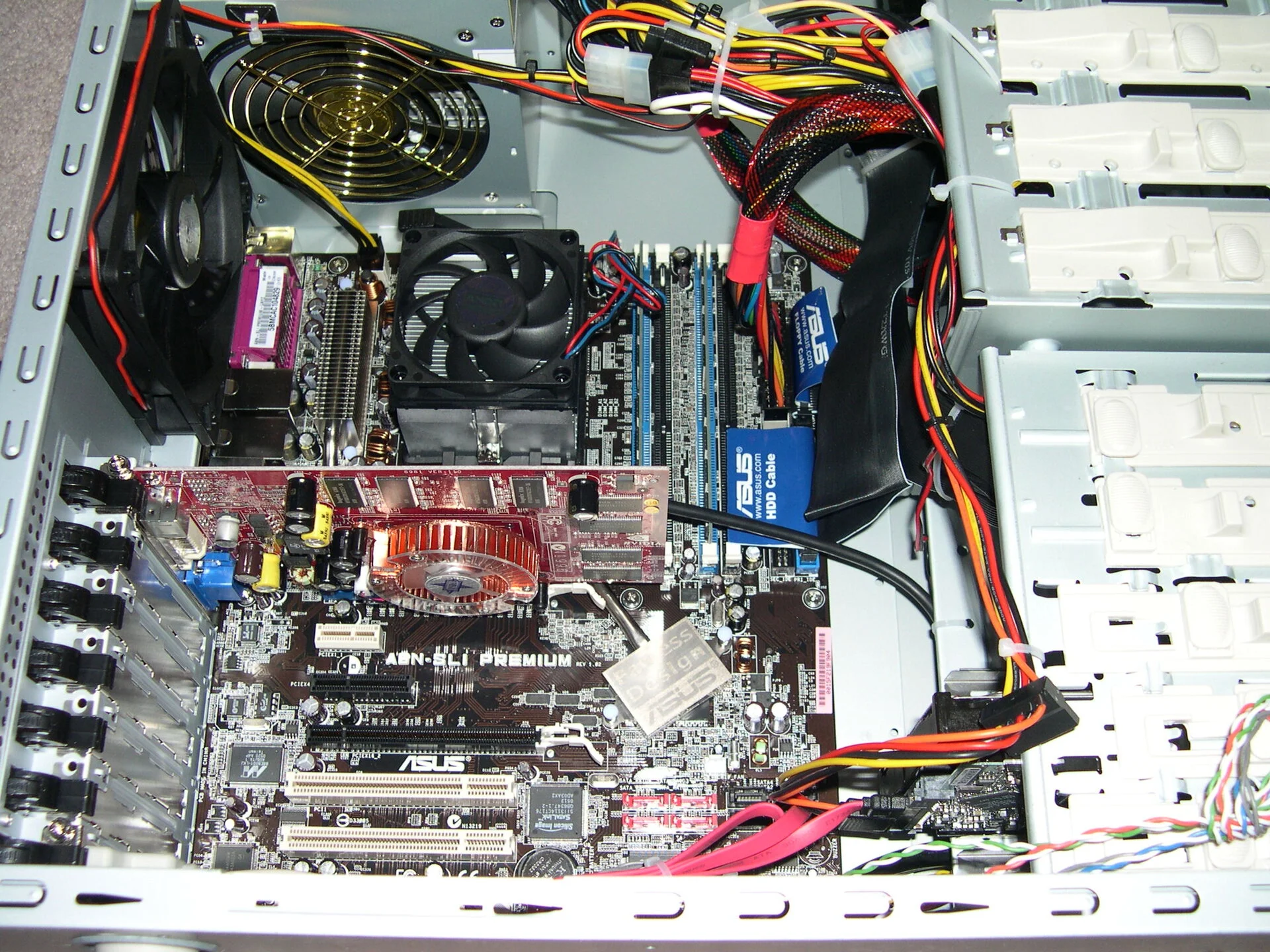 Another case, I think this is the basis of todays' Turing. Clean case.
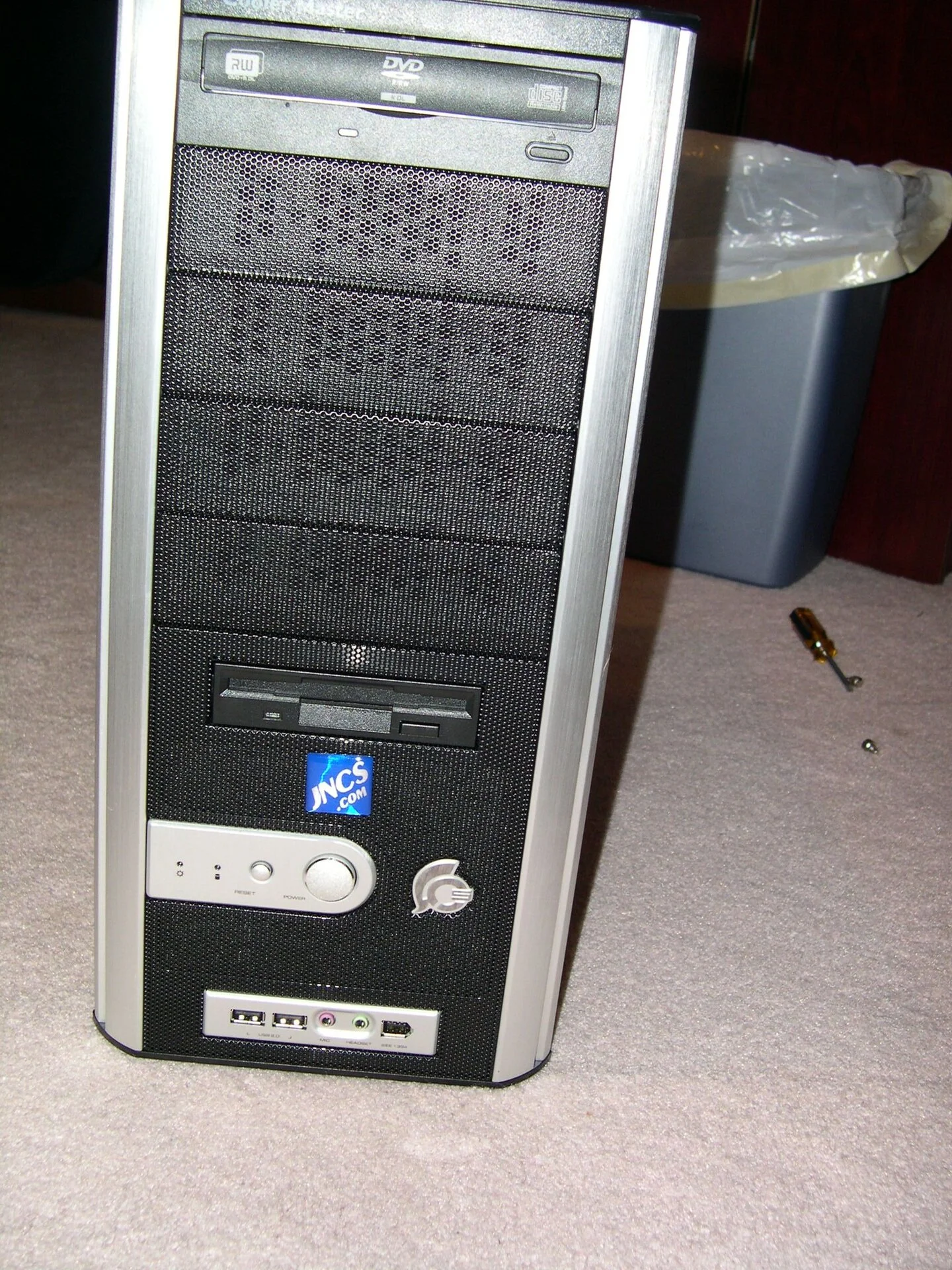 JNCS.com - online purchase, I don't have a clear recollection of how and why I needed this system. Still supports a floppy drive nad DVD R/W drive with front panel access.
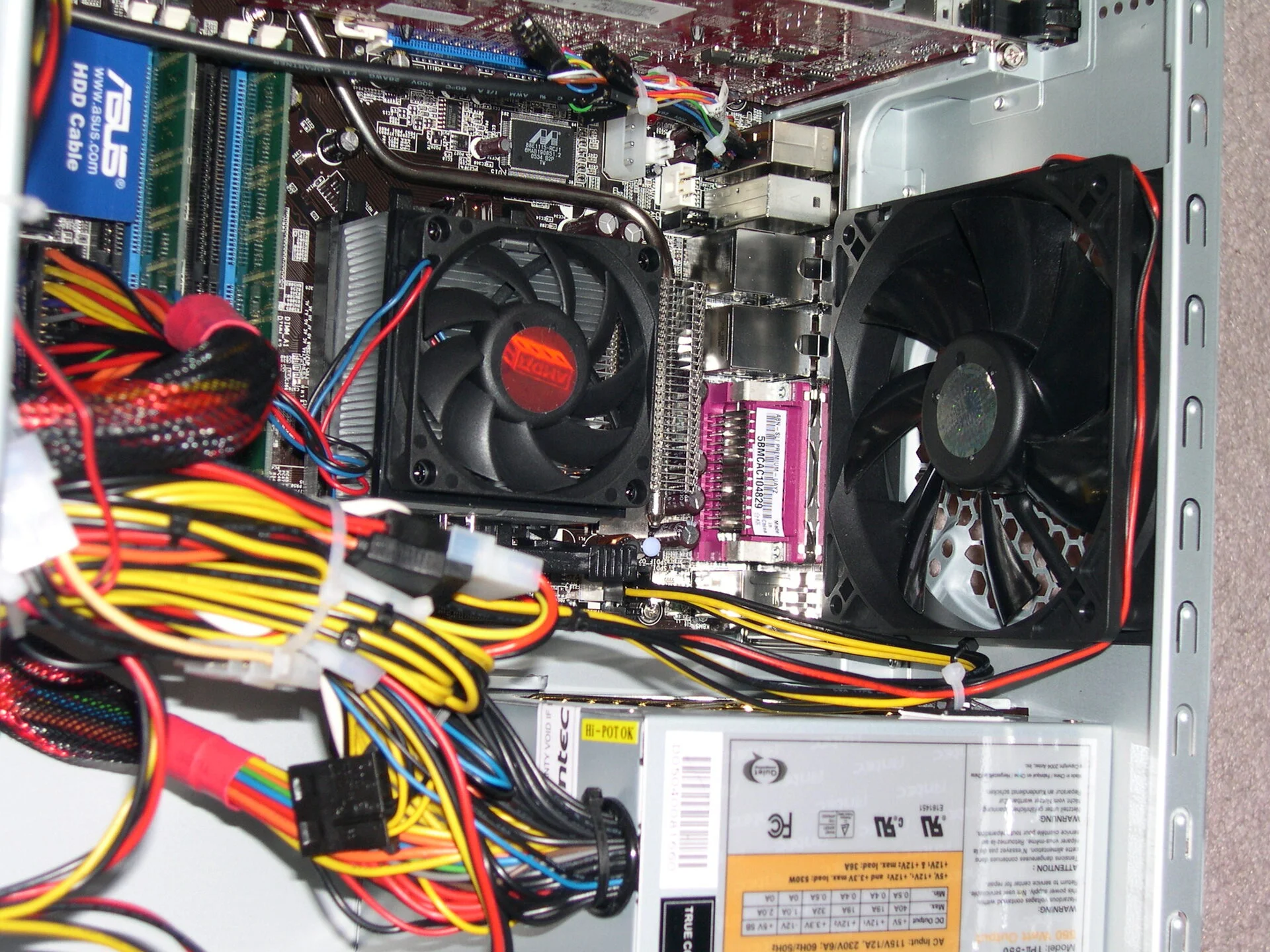 Building the JNC System - 1
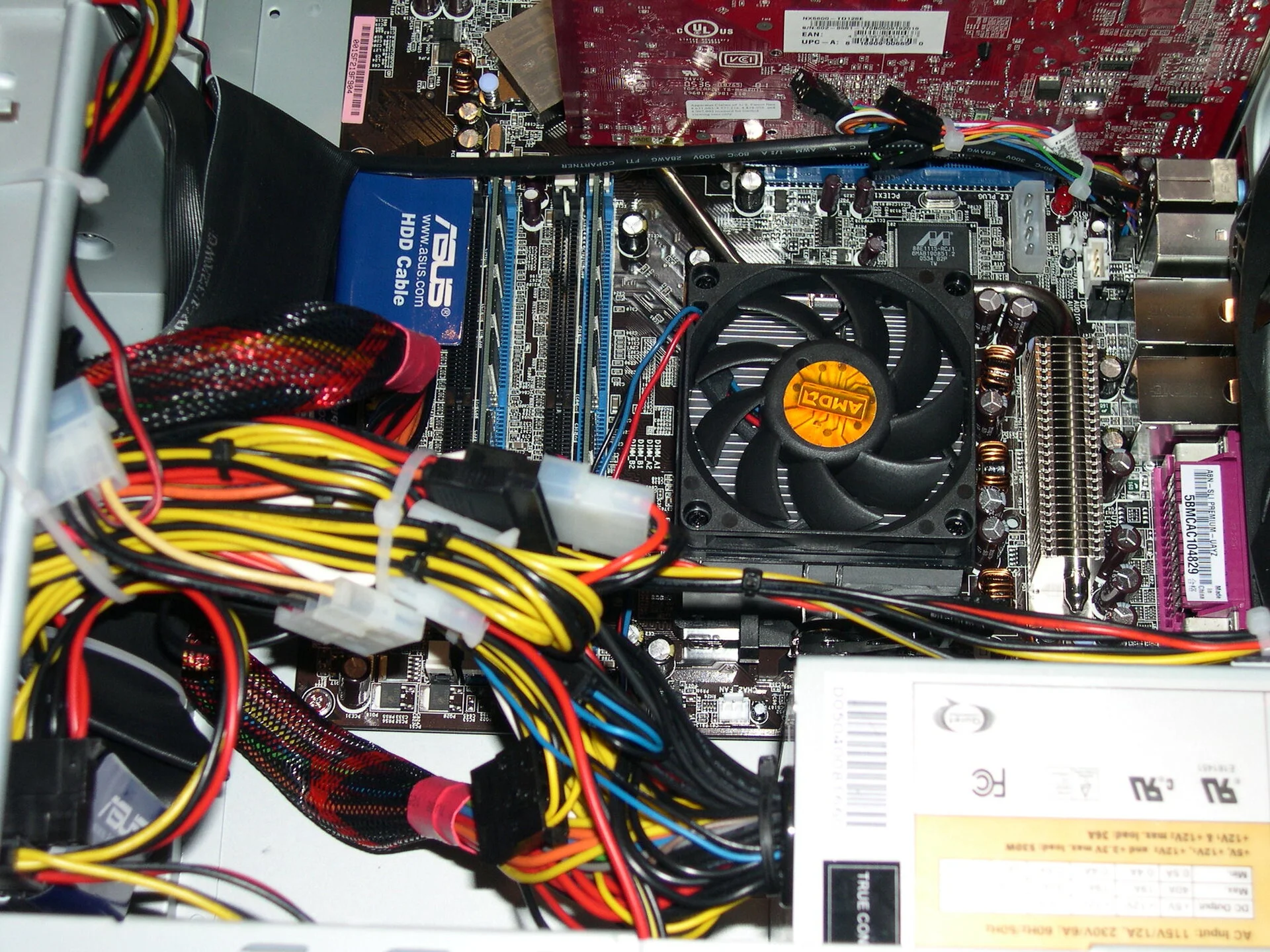 Building the JNC System - 2
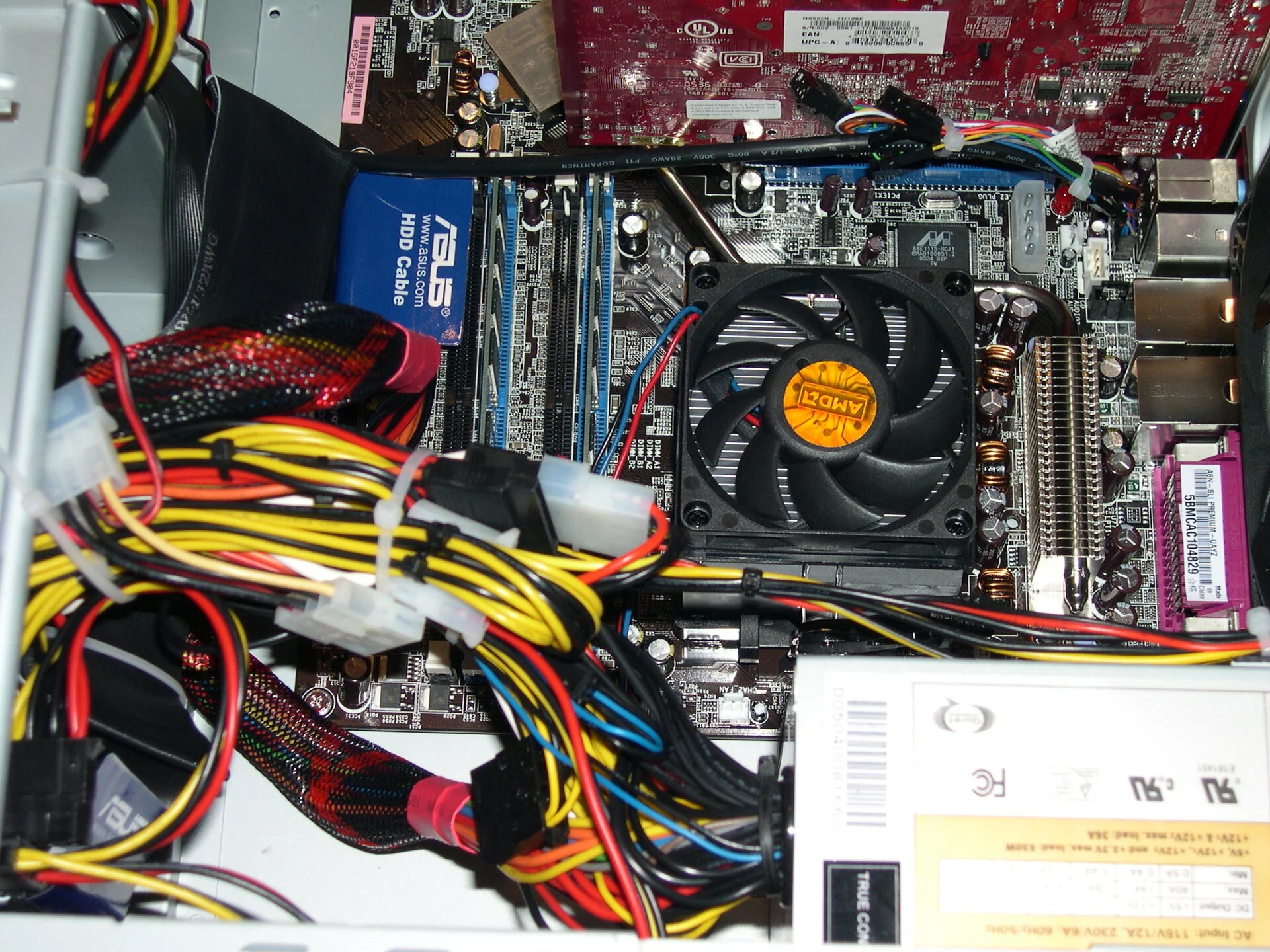 Building the JNC System - 3
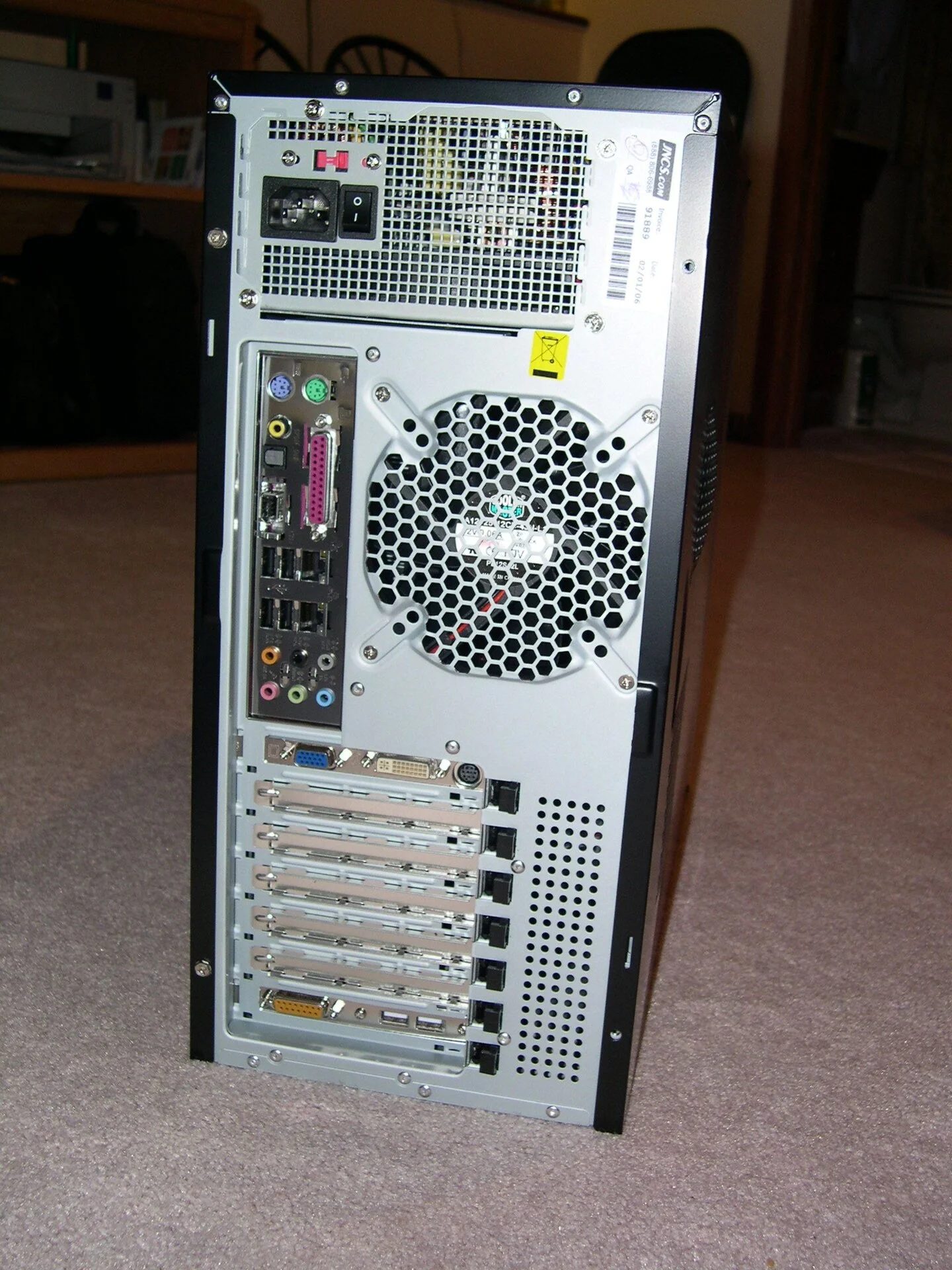 the JNC System - back panel
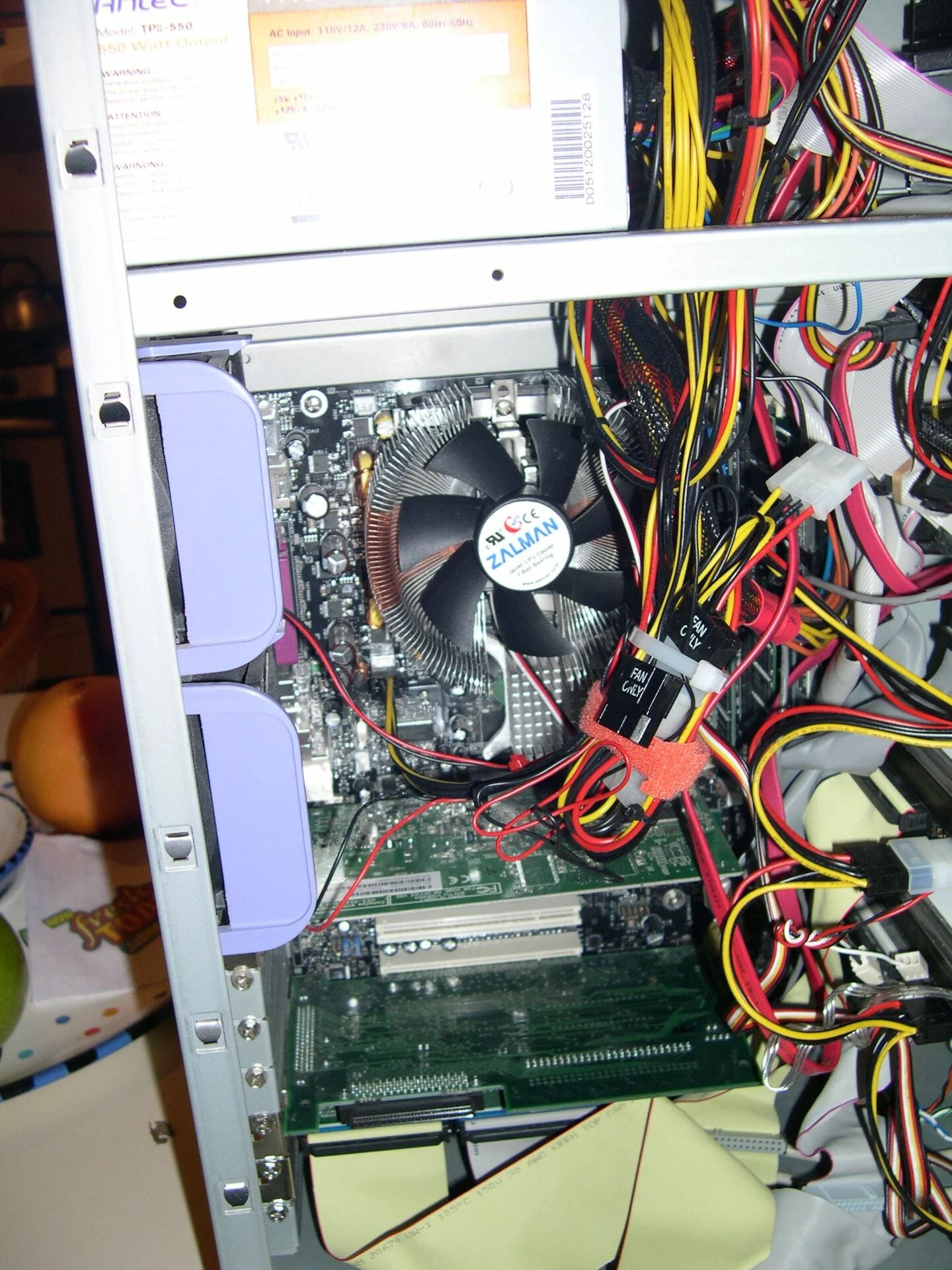 Building the JNC System - 4
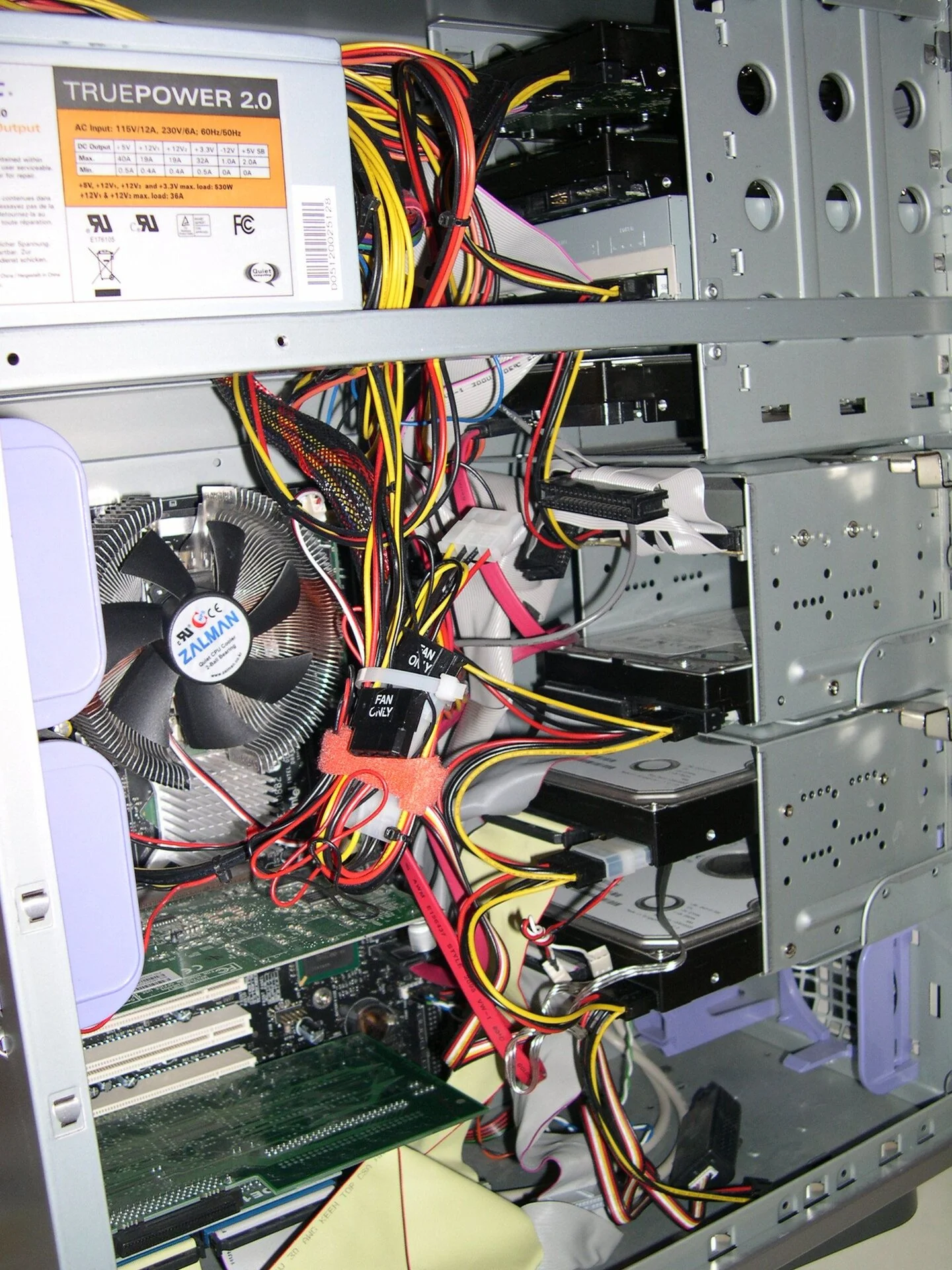 Building the JNC System - 5
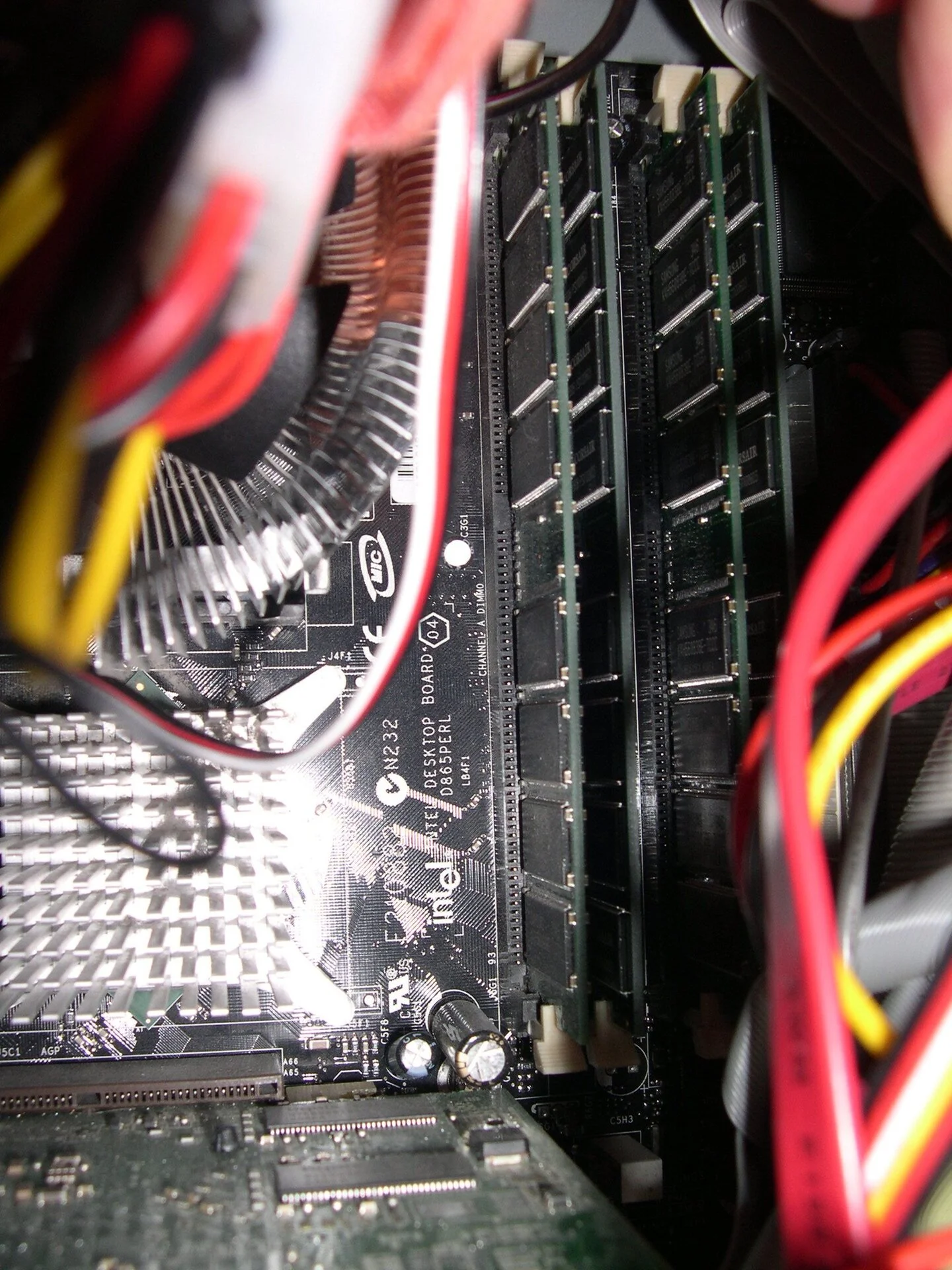 Building the JNC RAM sticks - perhaps 8 GBs of RAM (2 each - all slots are full)
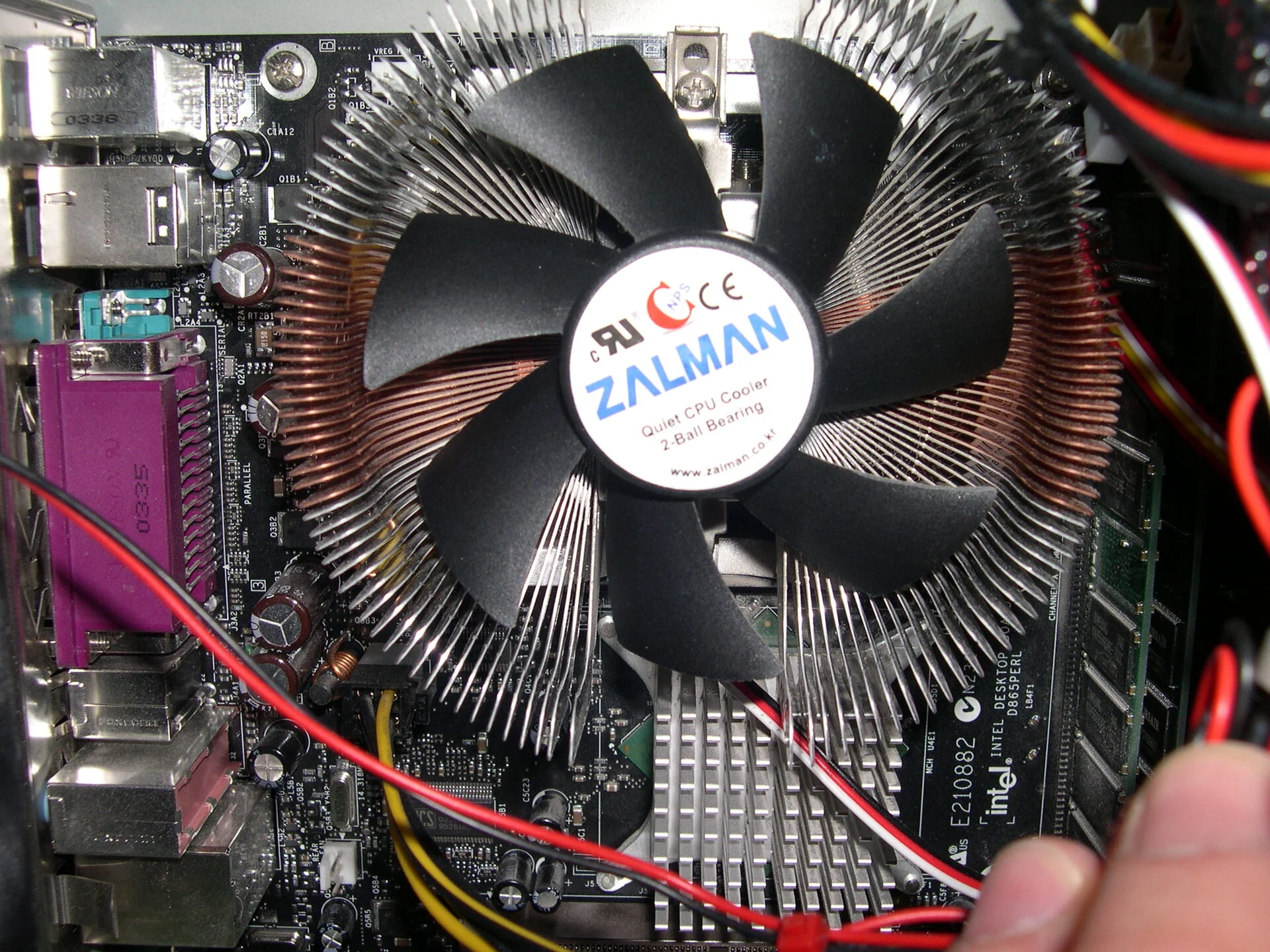 A quiet fan of the time
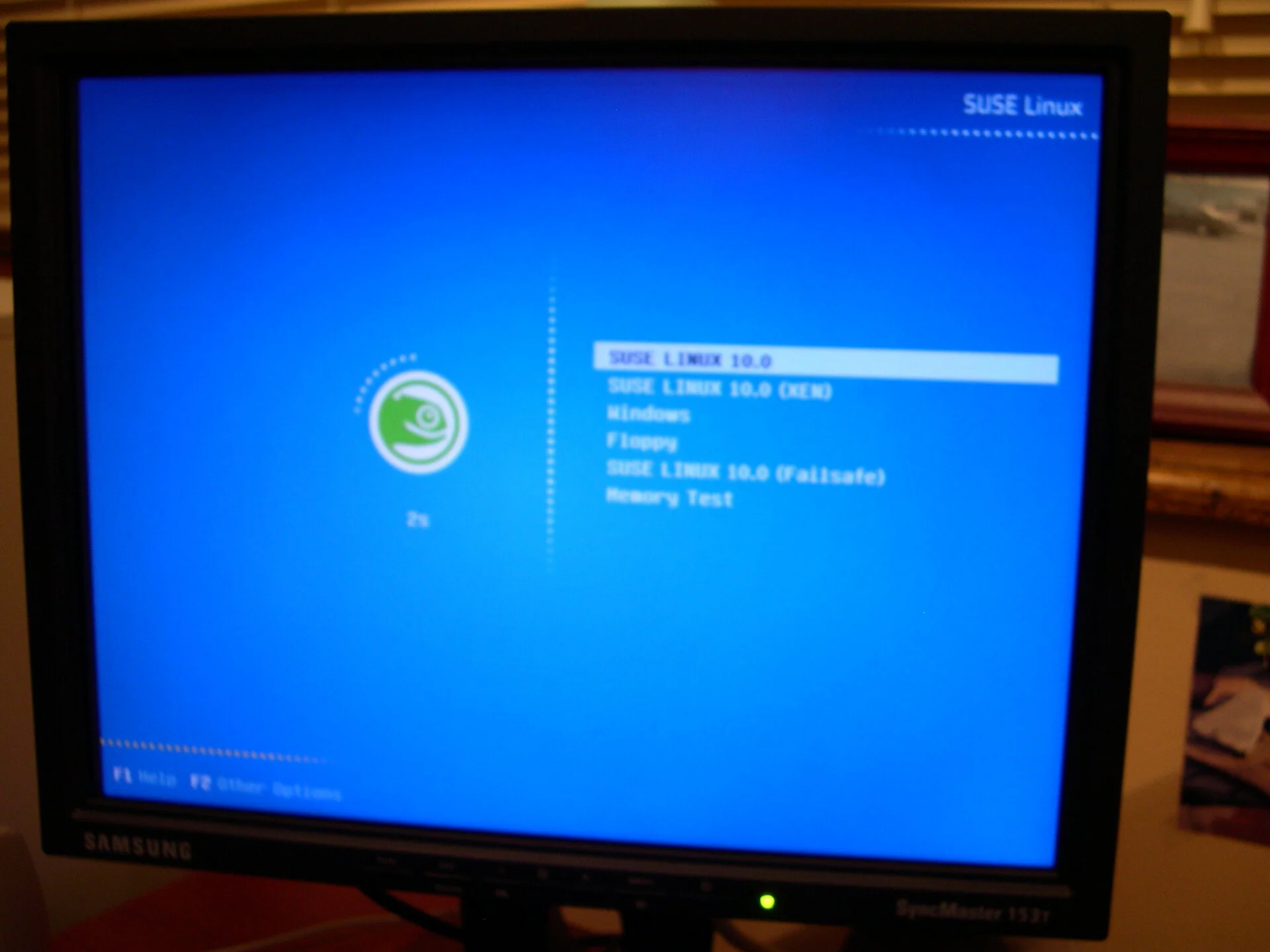 Dual boot suse 10 - yeah!
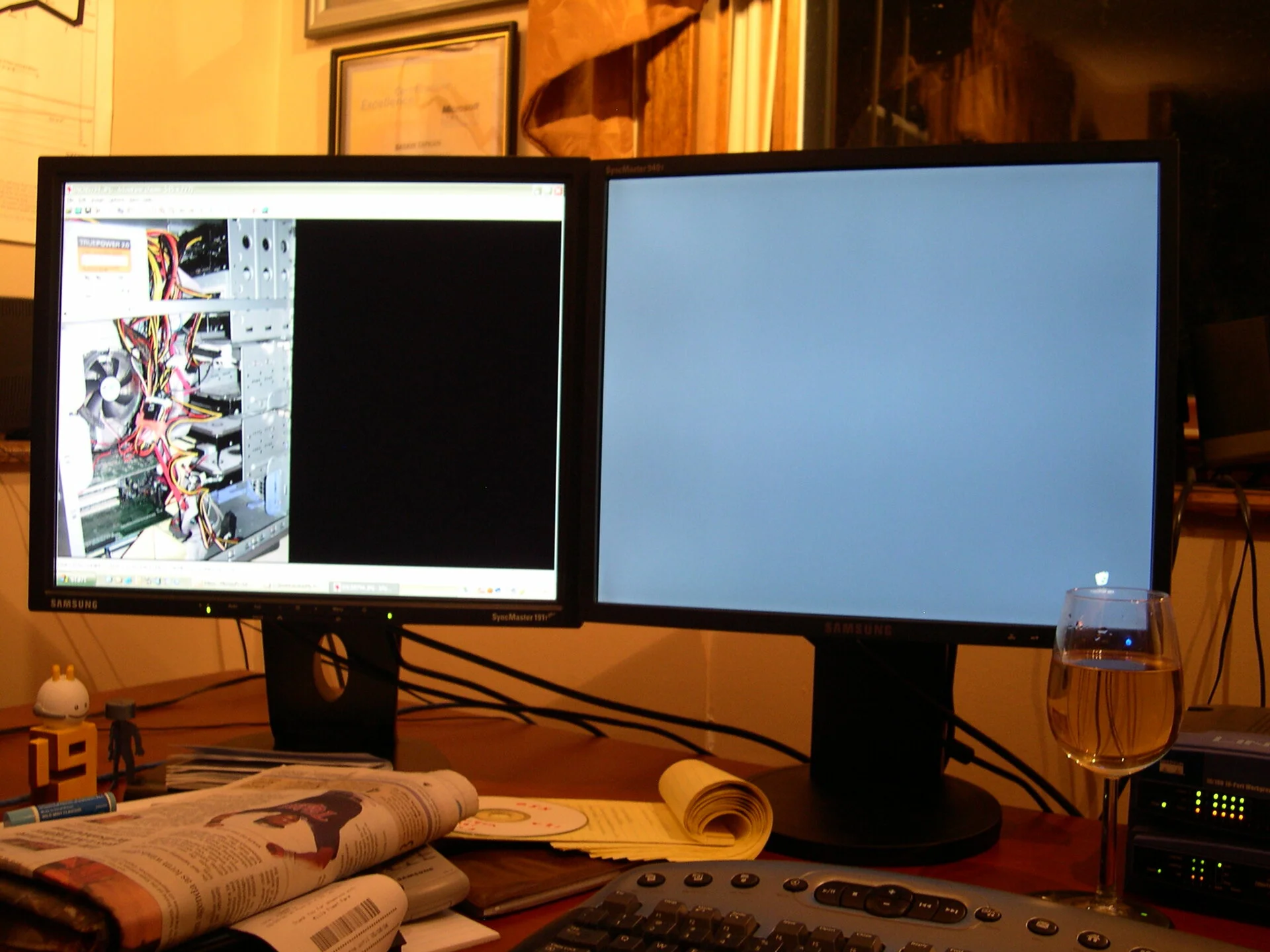 Late night moving things around with white wine
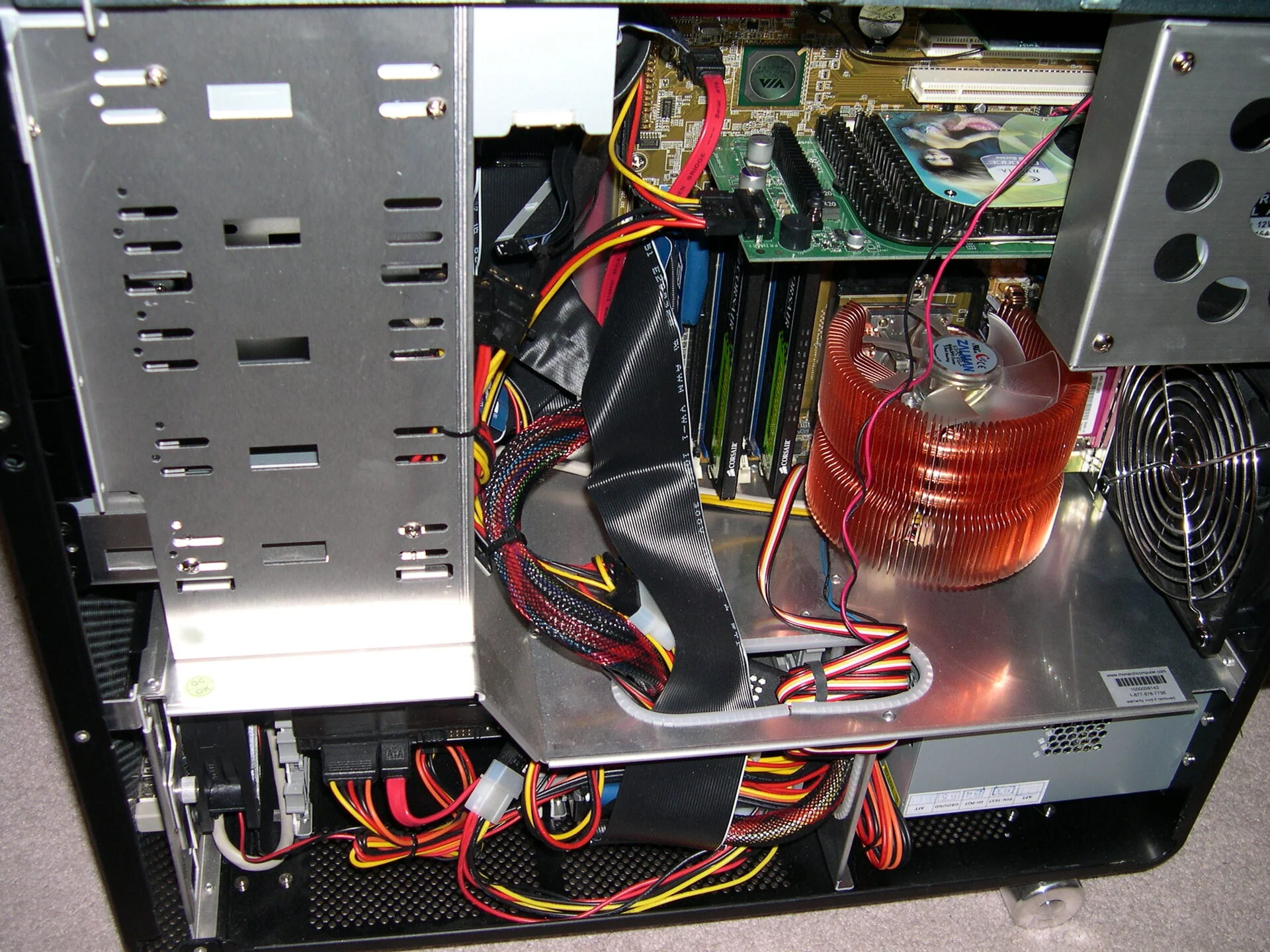 Monarch Computer - getting upgrades
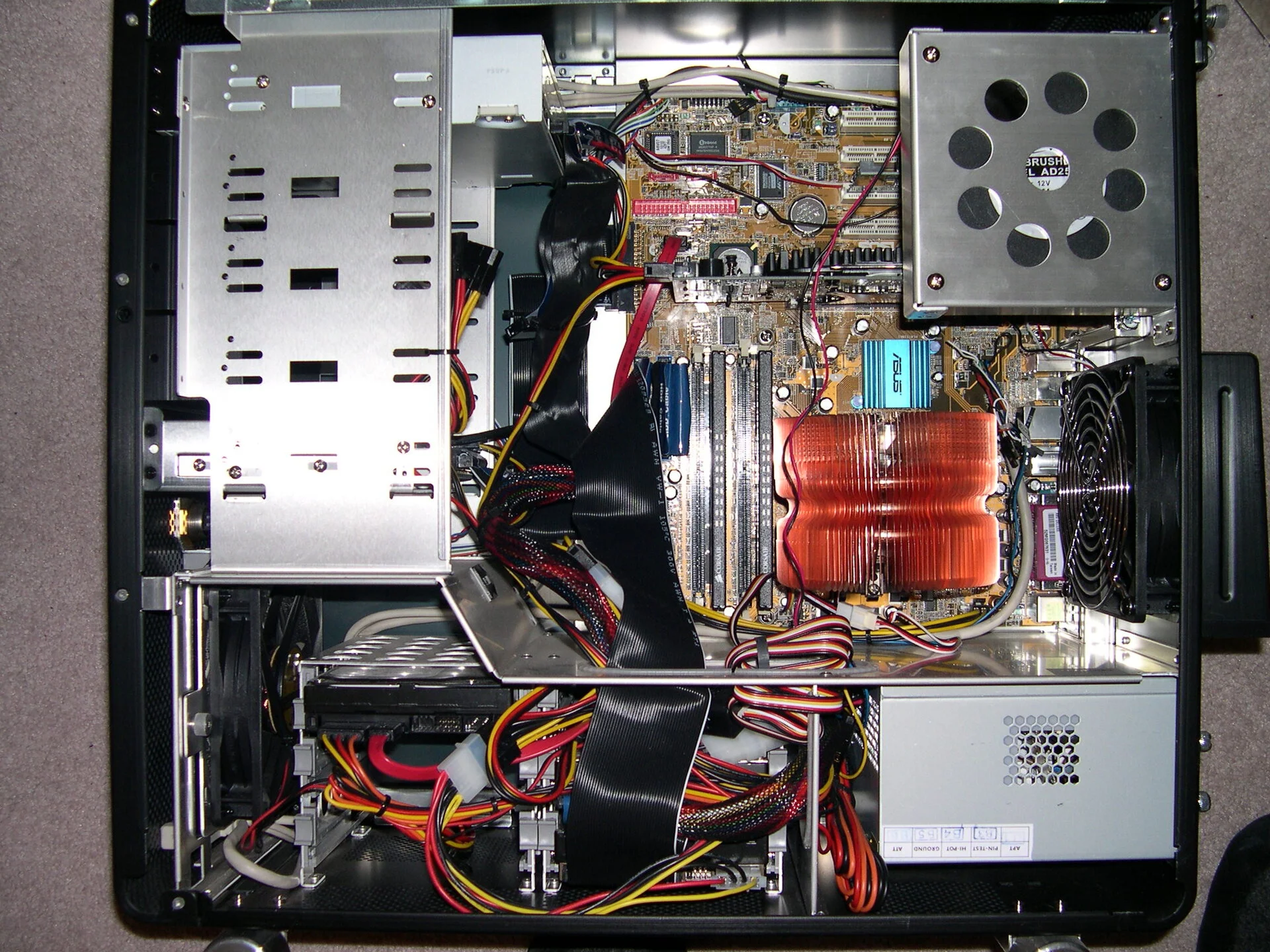 Monarch Computer - nice fan
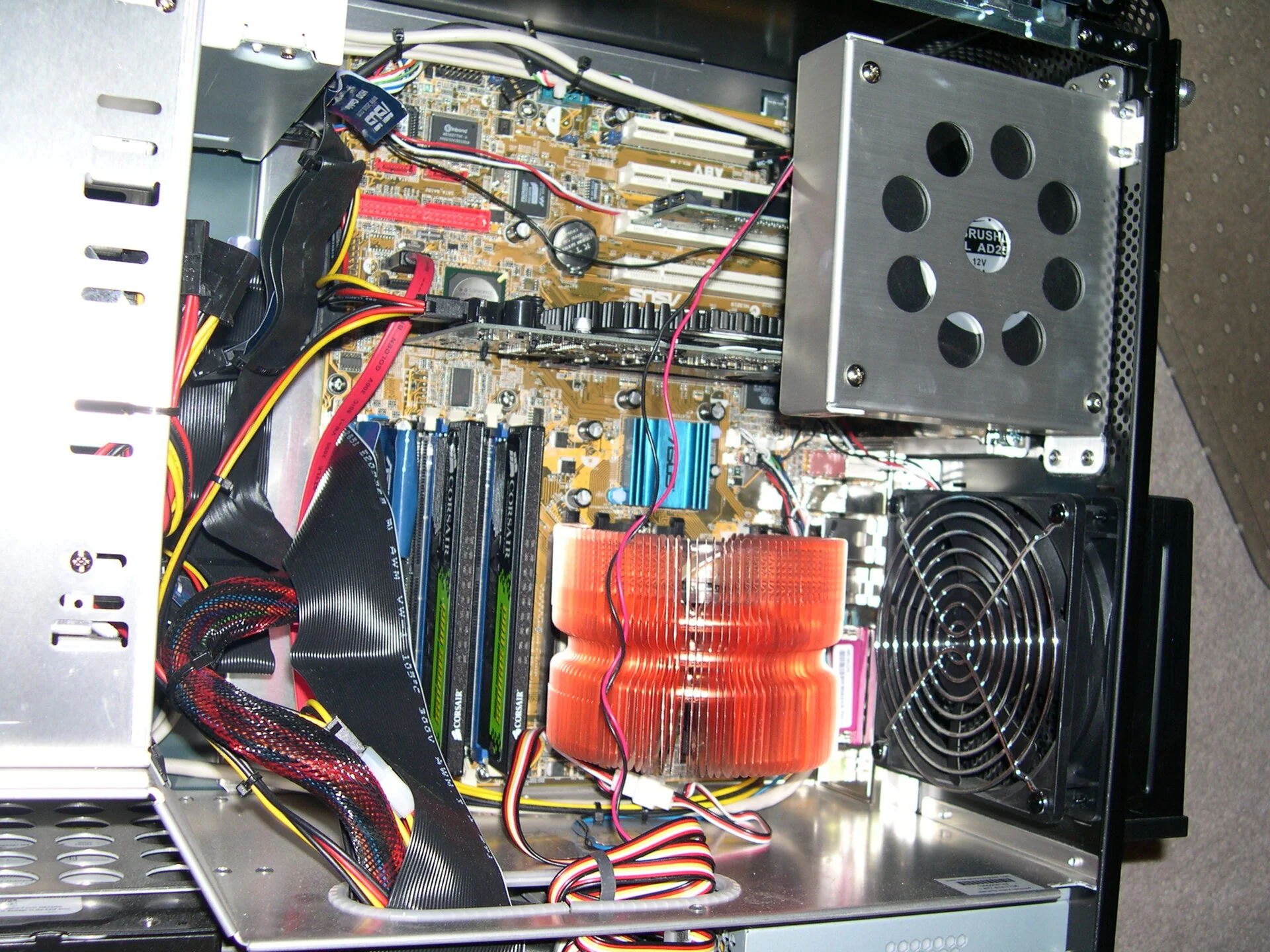 Monarch Computer - RAM sticks just 2
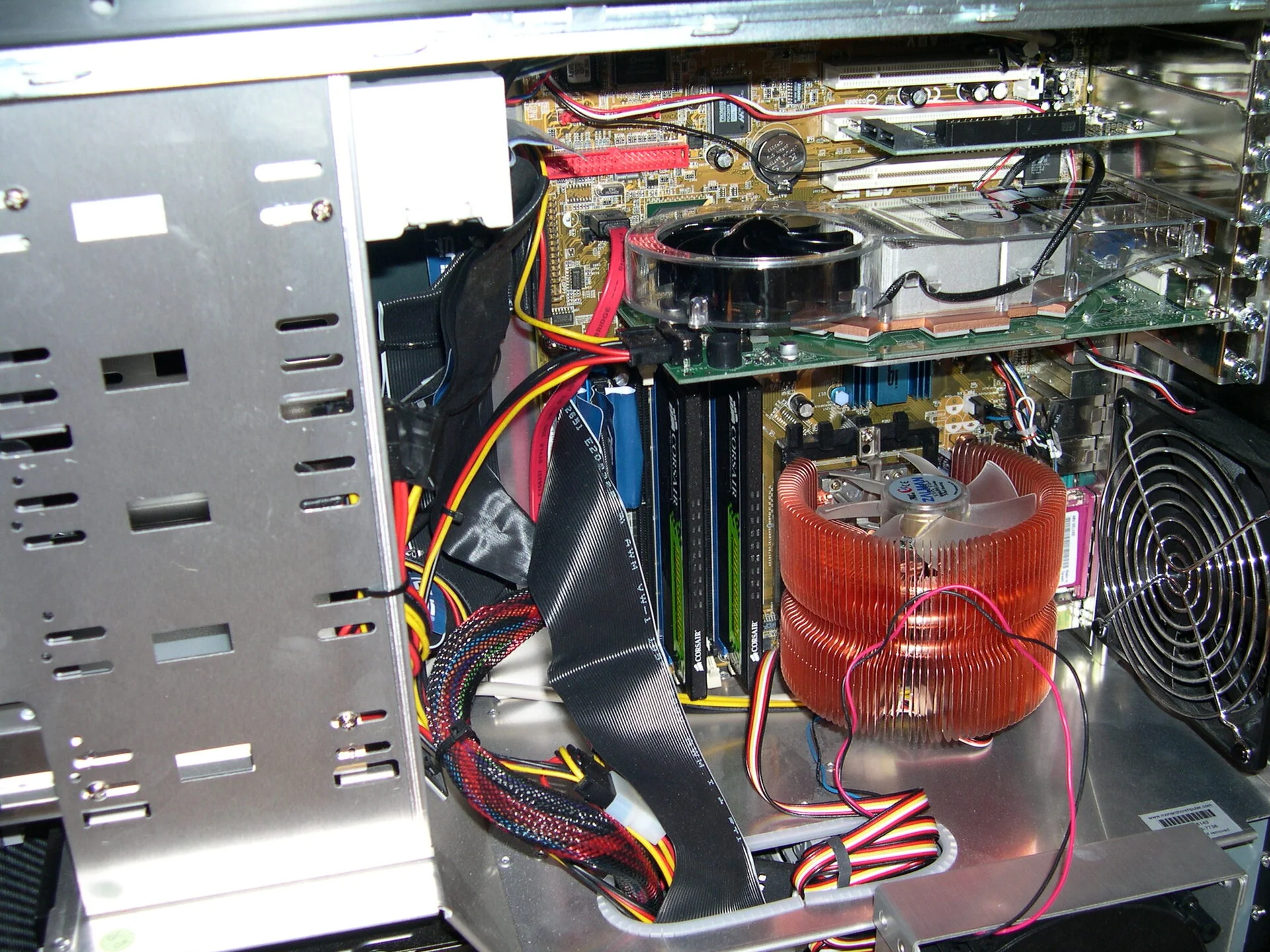 Monarch Computer - getting upgrades
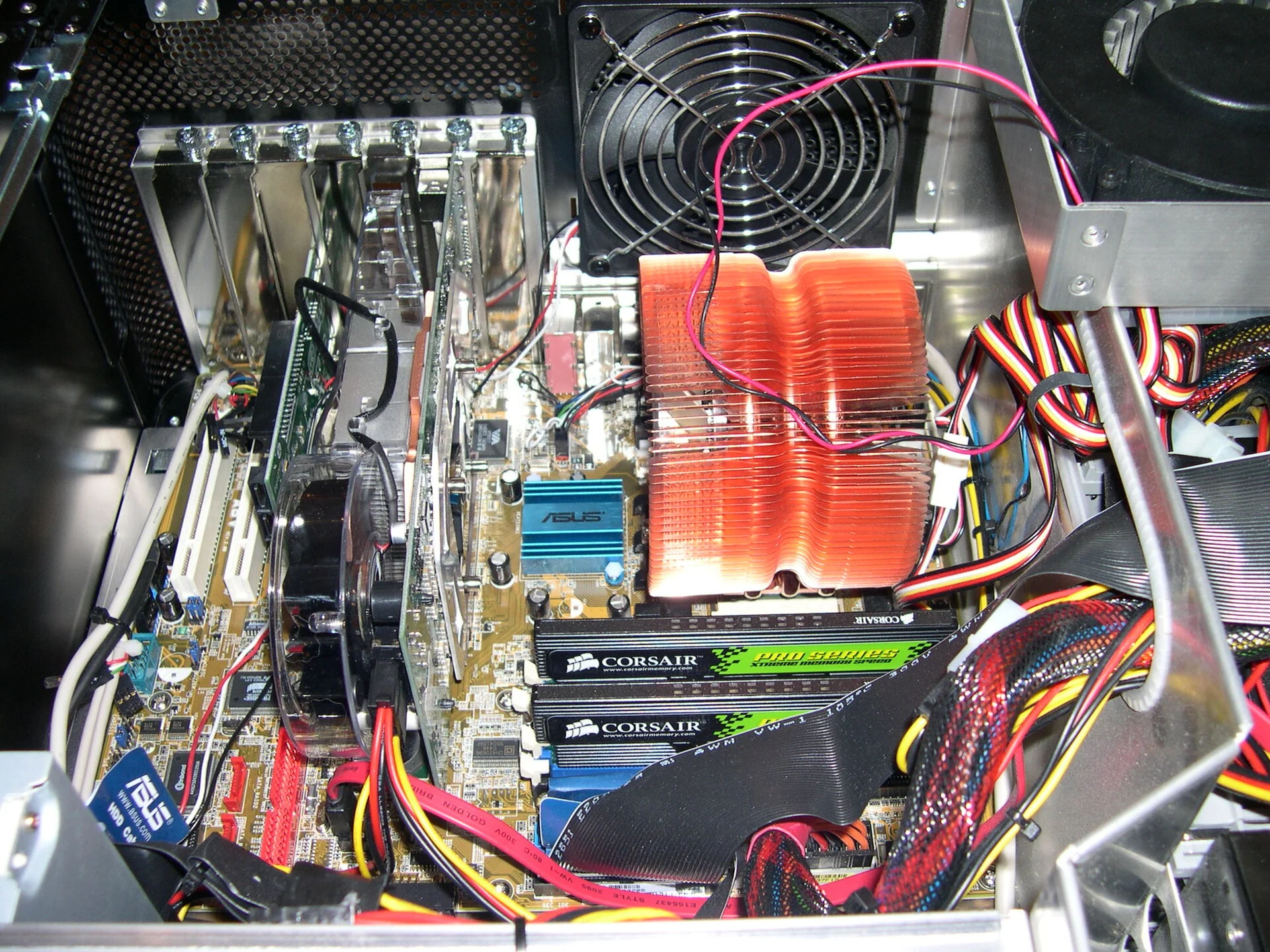 Monarch Computer - getting upgrades
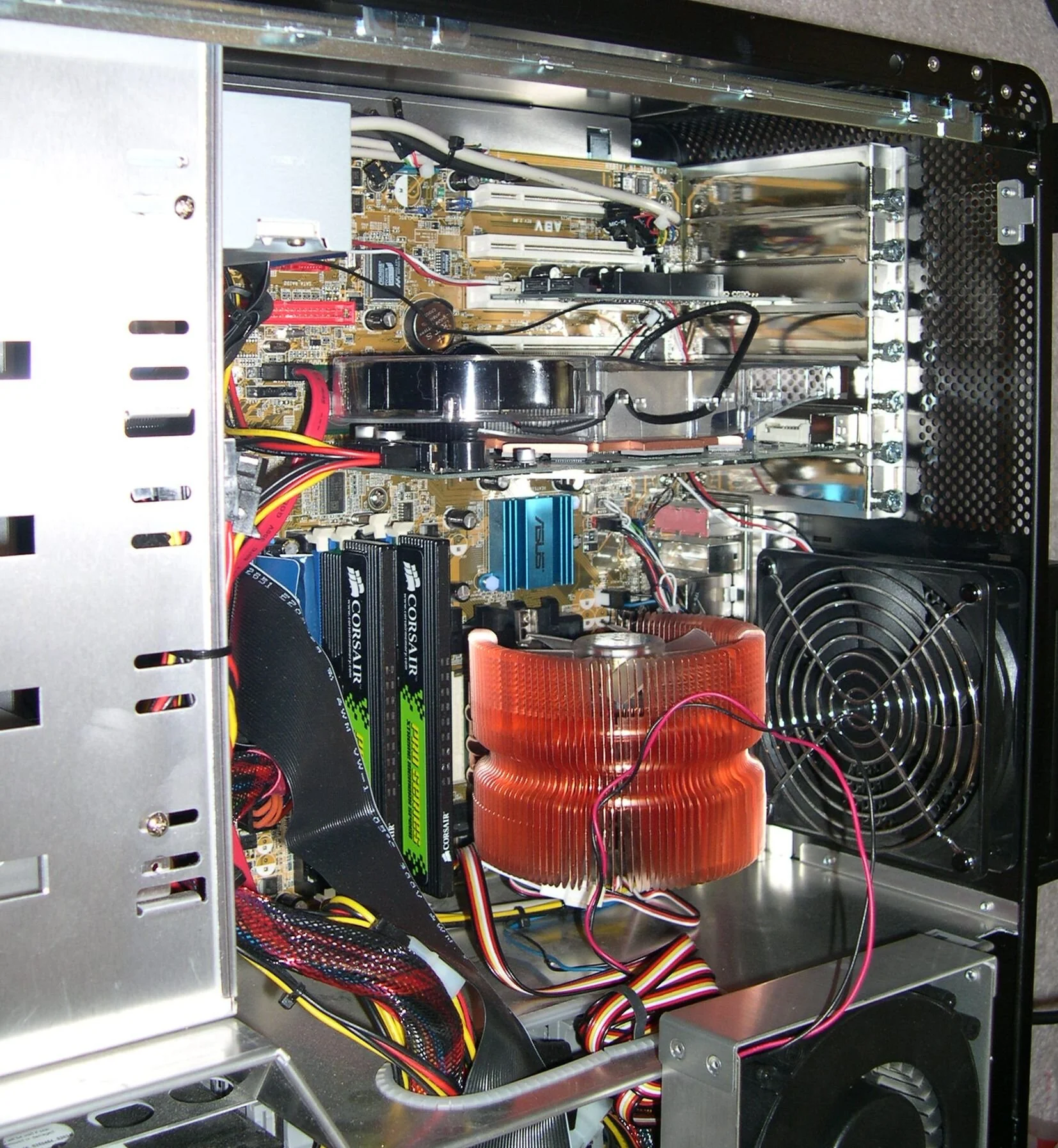 Monarch Computer - getting upgrades
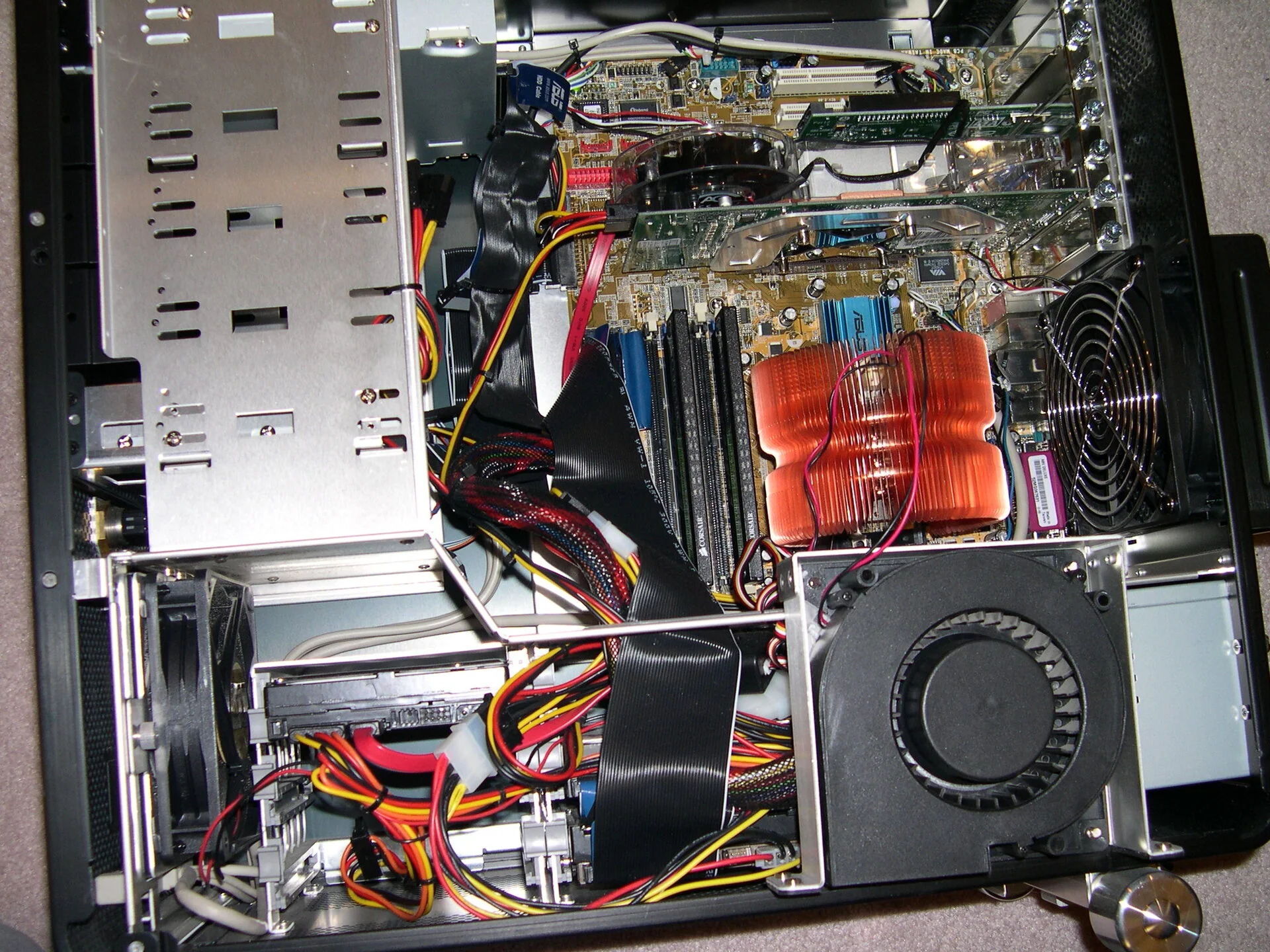 Monarch Computer - getting upgrades
 Oakdale 2006 21
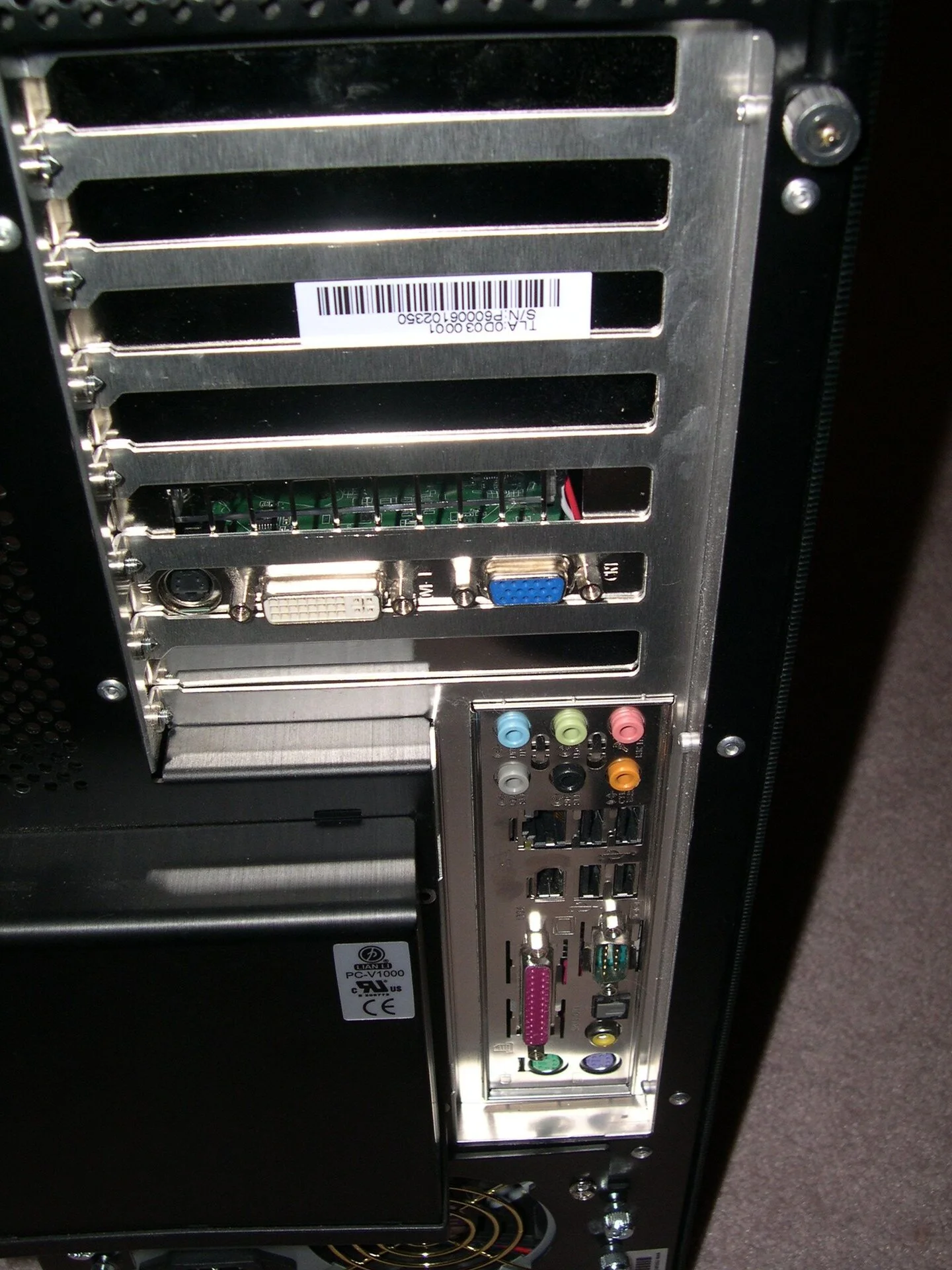
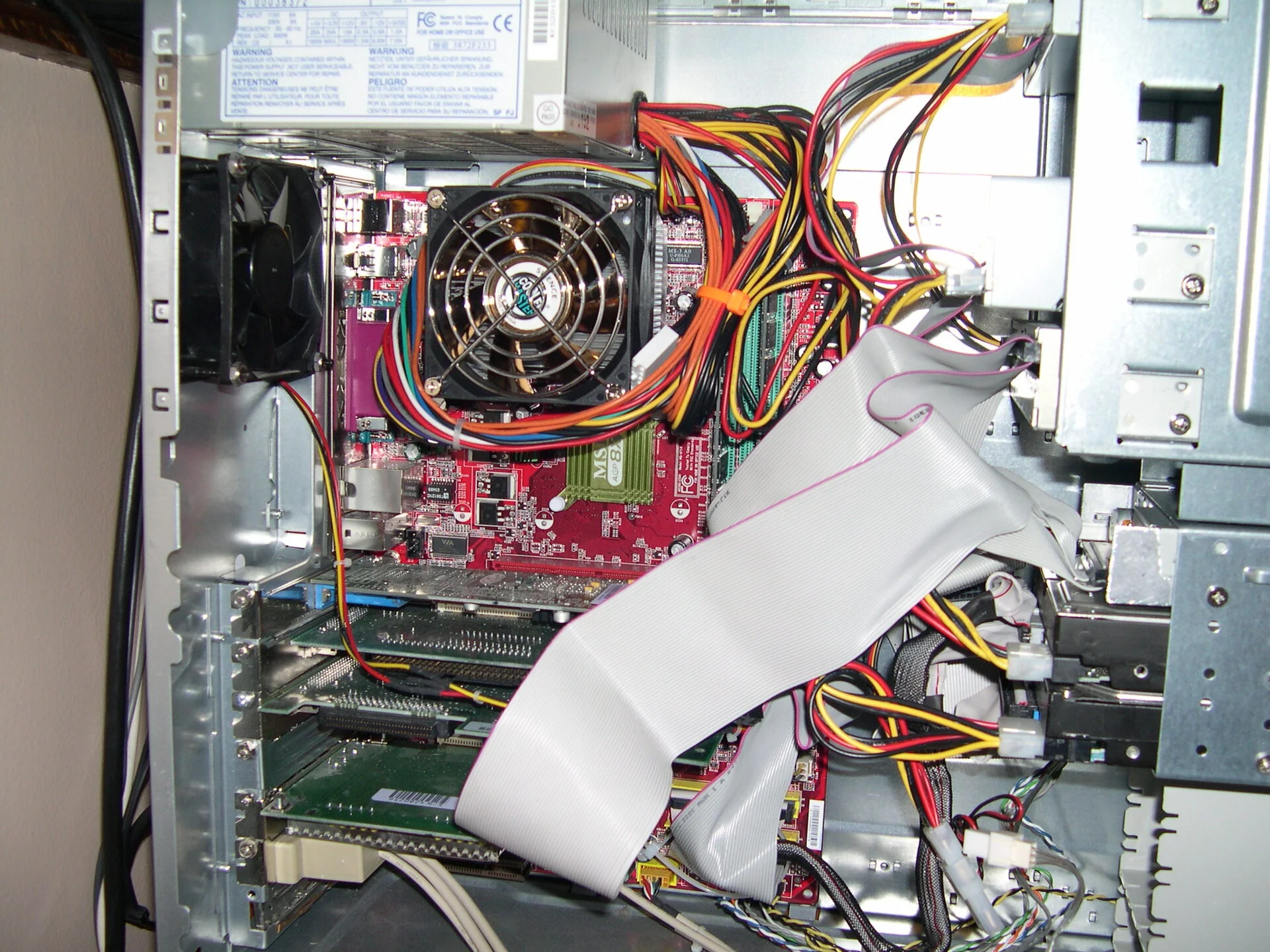
 Monarch Computer - back panel, no HDMI yet, but DVI and VGA, sound connectors inclue SPDIF, and 4 USB 2.0 ports
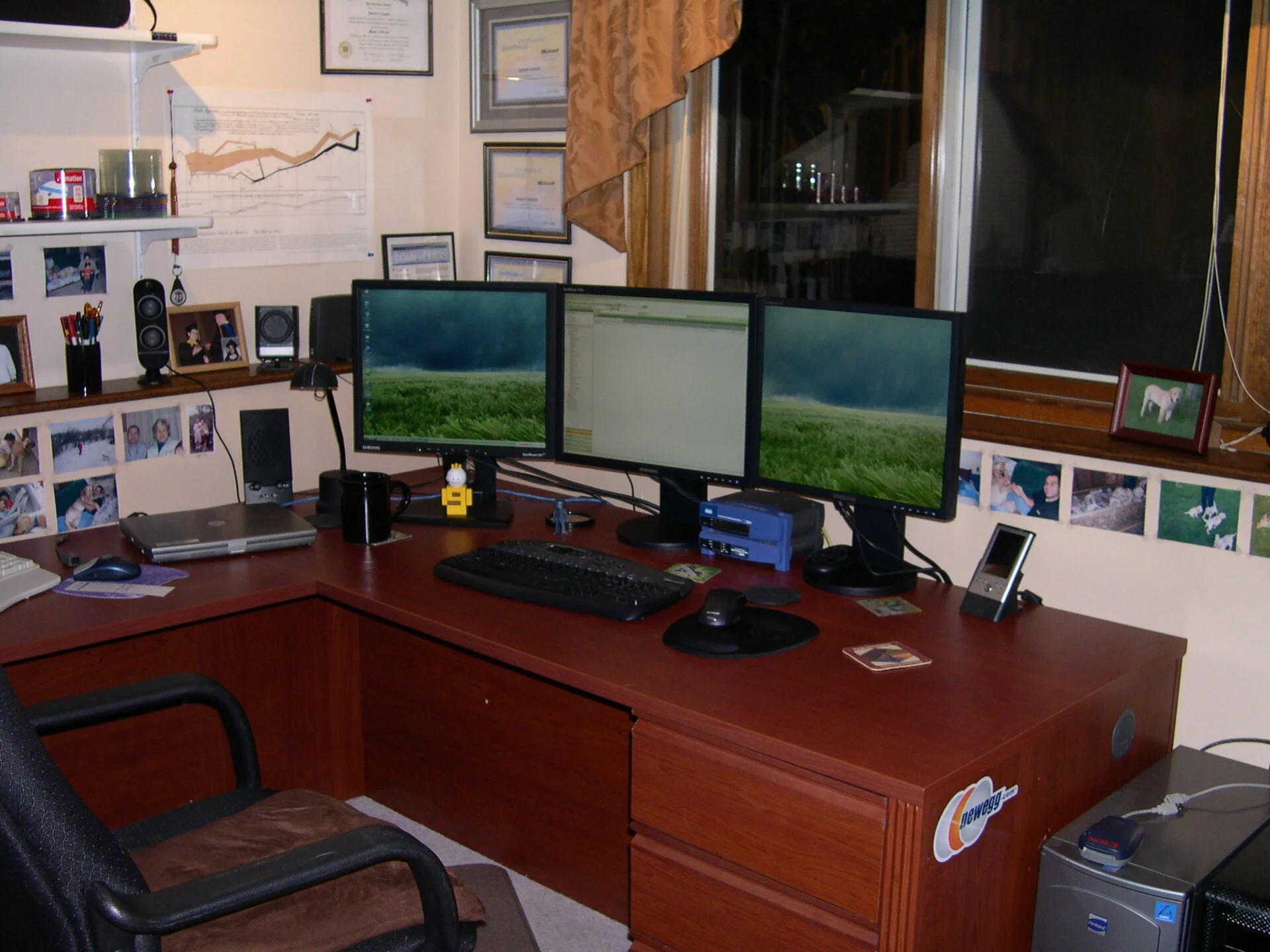
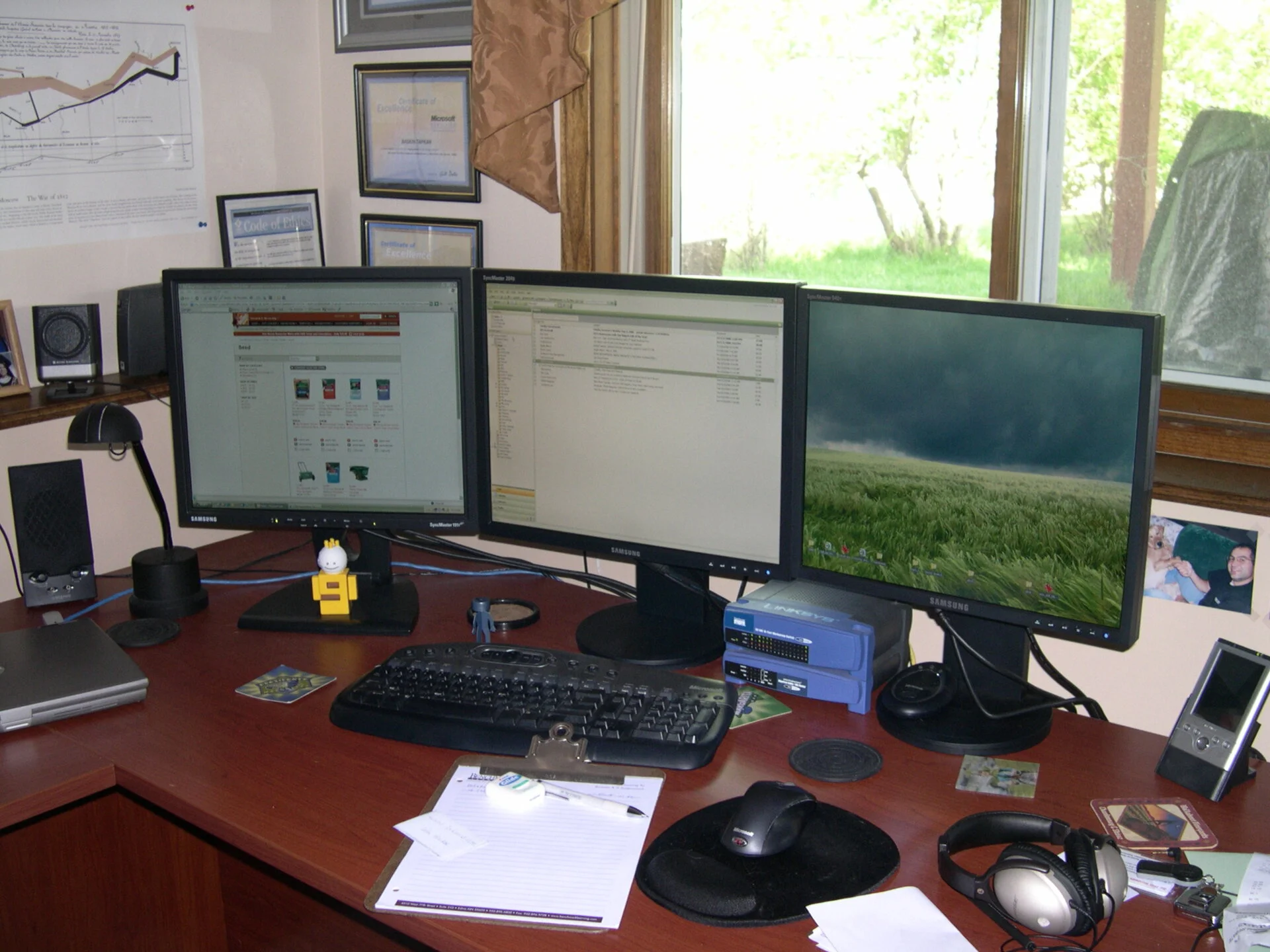 Looks like said good bye to the Dell Inspiron 5000e, now Latitude D620 is the laptop of choice, running Windows XP, and has a docking station. Now sporting three LCD screens. NewEgg was the place to get components back then and still is for shopping around but Amazon is tough to beat especially whhen you have Prime.
 Close up with the Bose Noise canceling headset. Not wireless or bluetooth, it needed AAA batteries in another case, but worked quite well traveling on the plane.
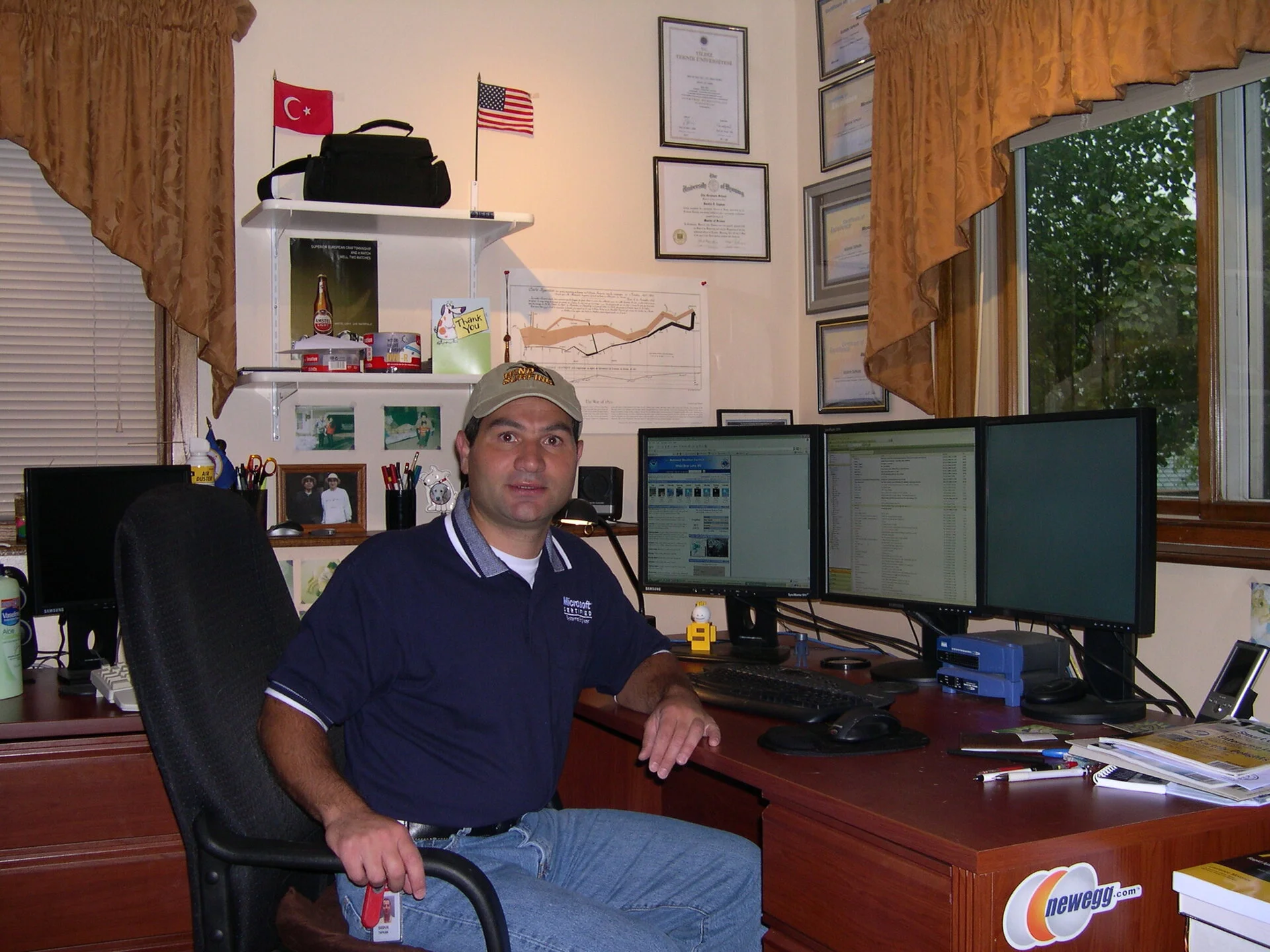 Playing the MCSE role - the certification for this was quite arduous and hard to cheat initially, then lots of loop holes developed and it has lost its value later on. I was quite all over it for a while on the Microsoft side of things.
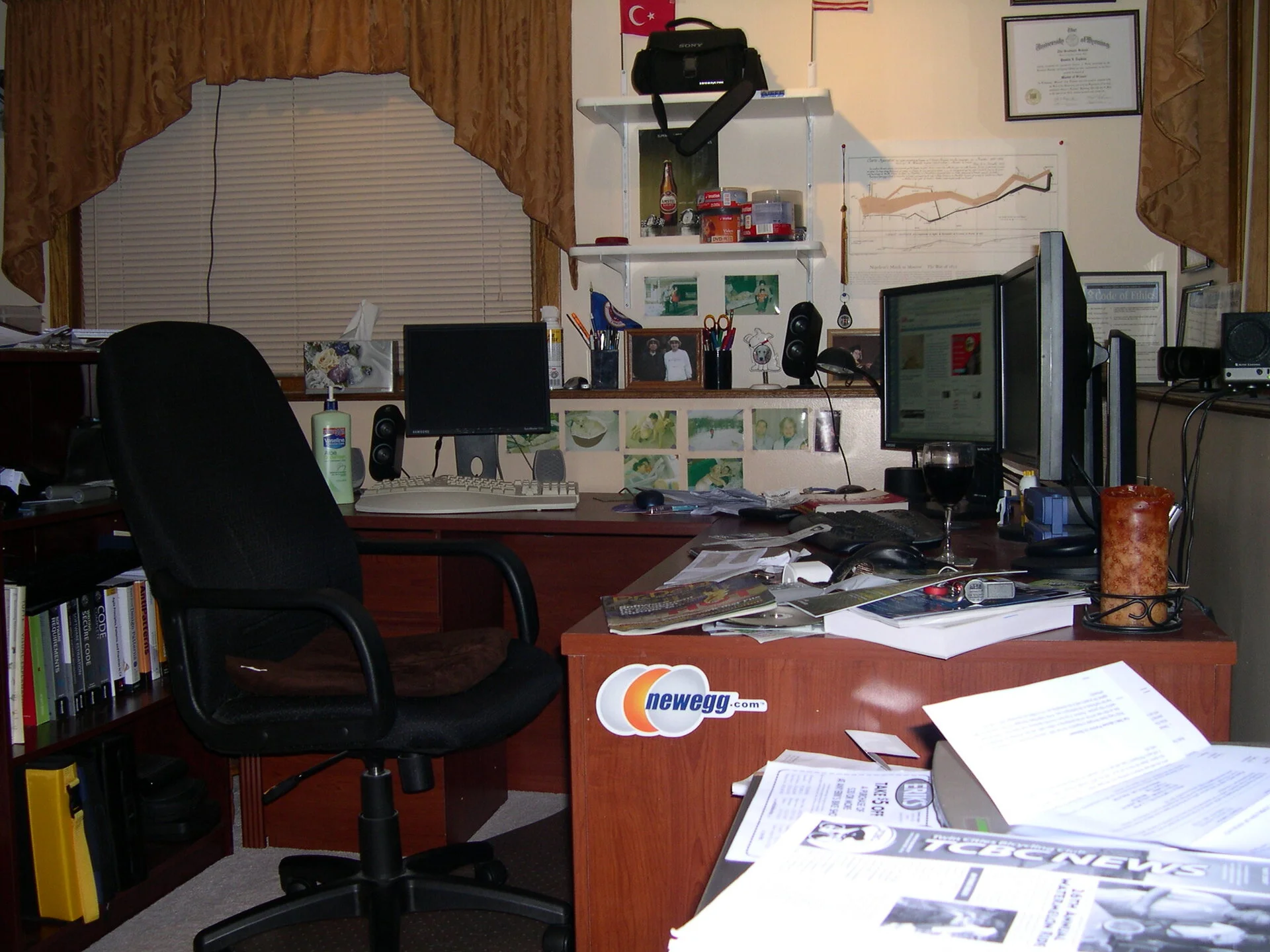 Another shot of the workplace
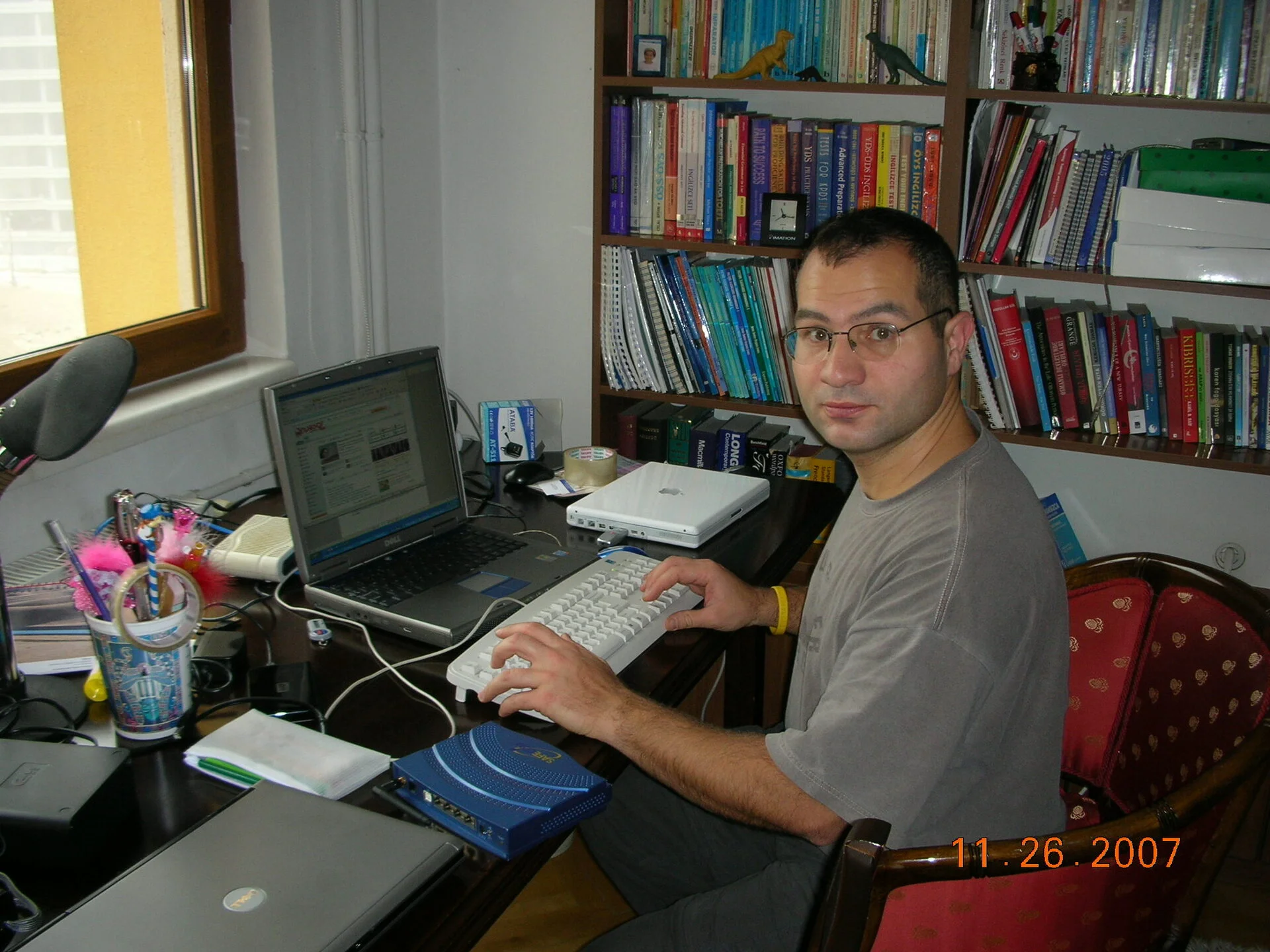 Delivered and configured a few laptops for my sister and mom
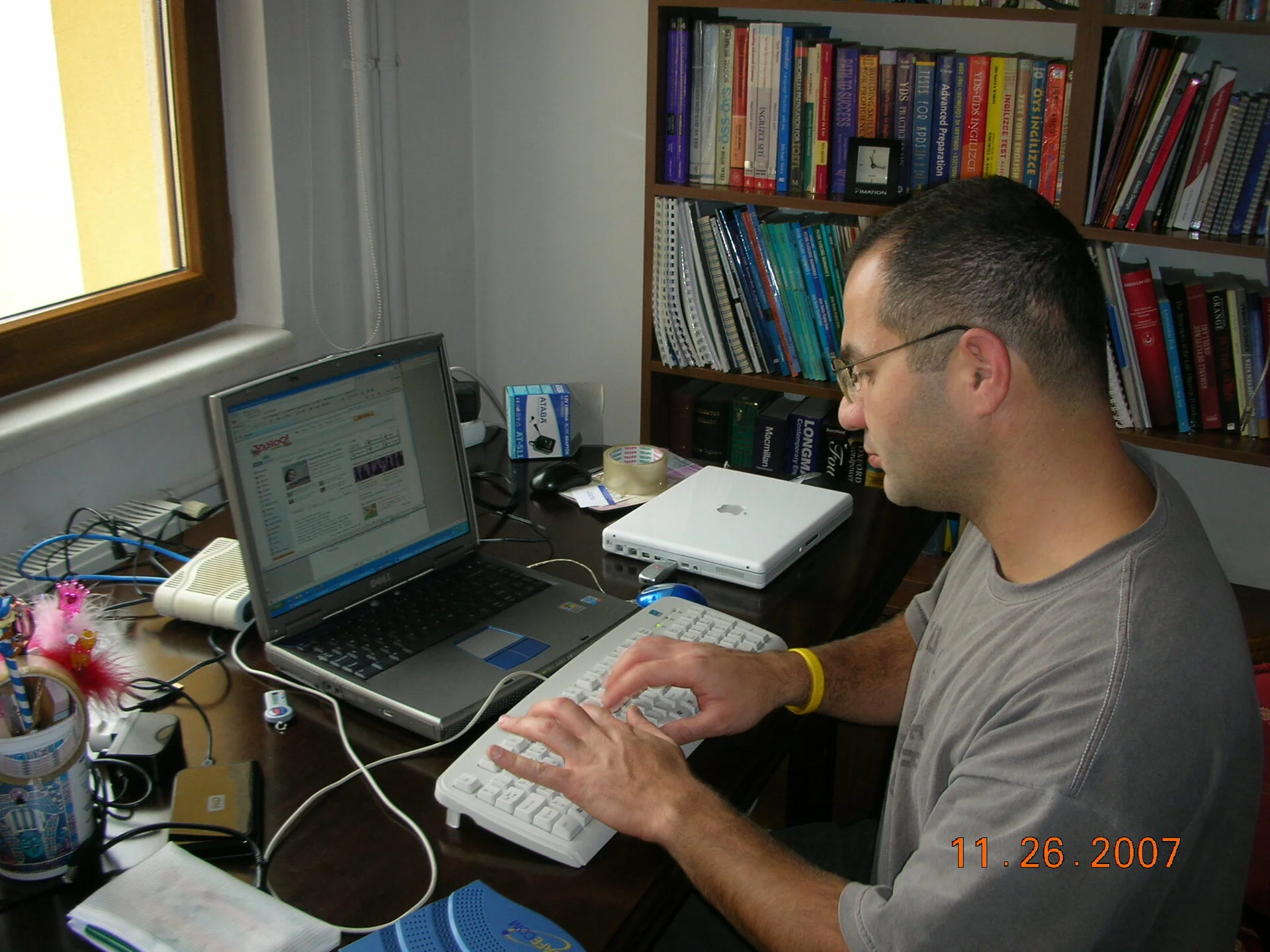 Chugging along
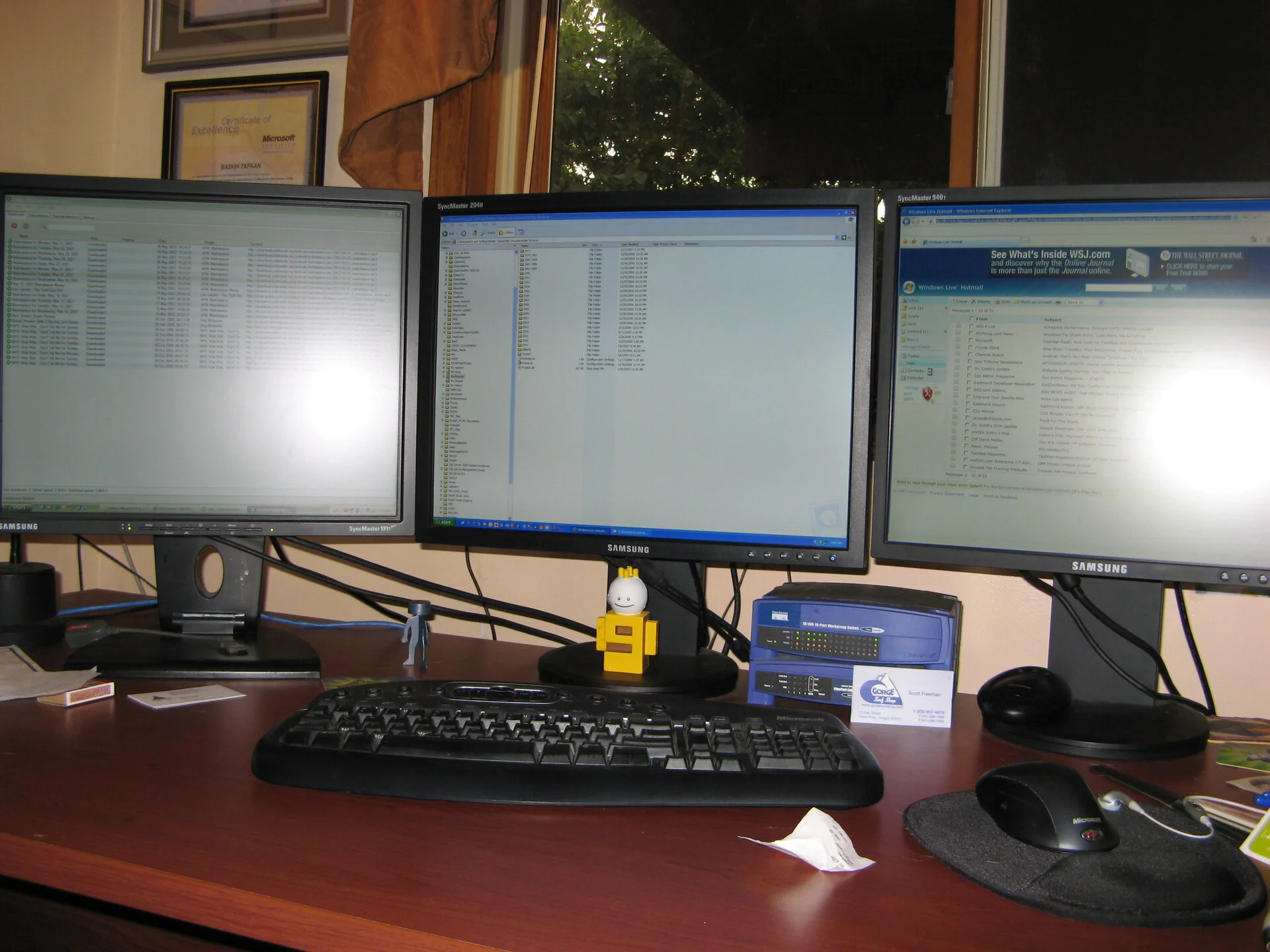 Three LCDs are are nice but not a lot of room for text.
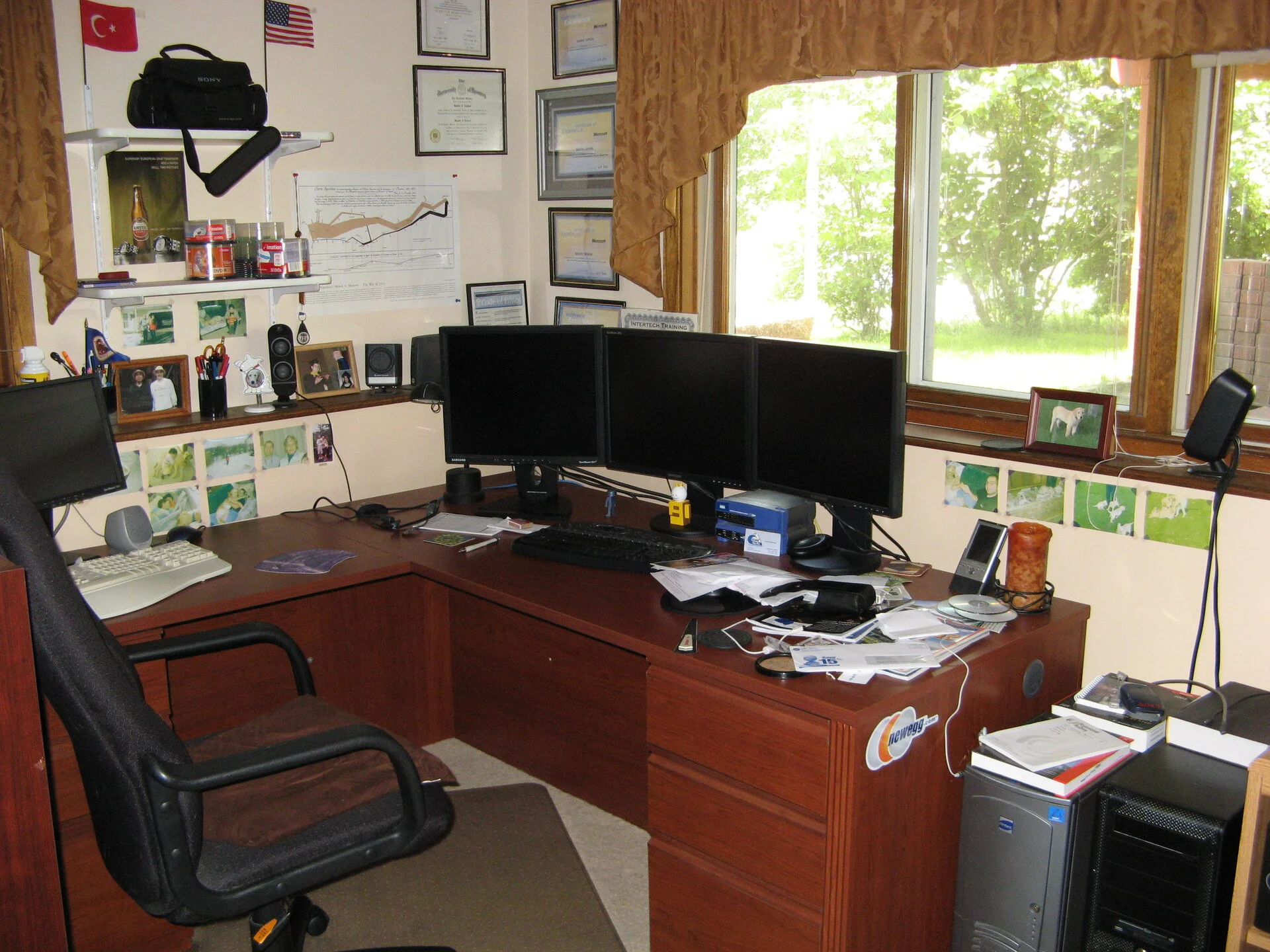 New speaker system 5.1 - finally this is a nice Logitech I still use today
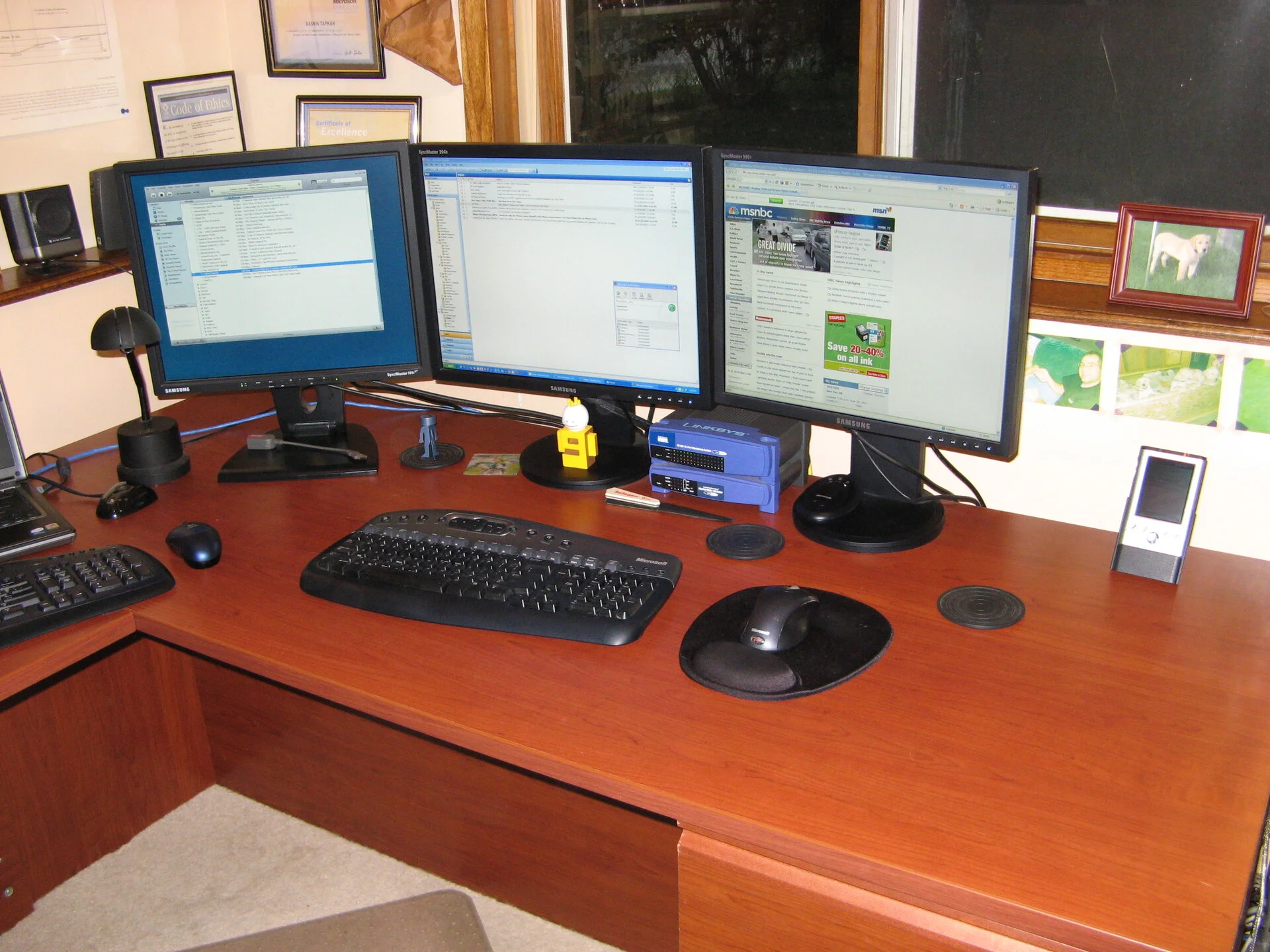 Nice clean desk probably for the picture
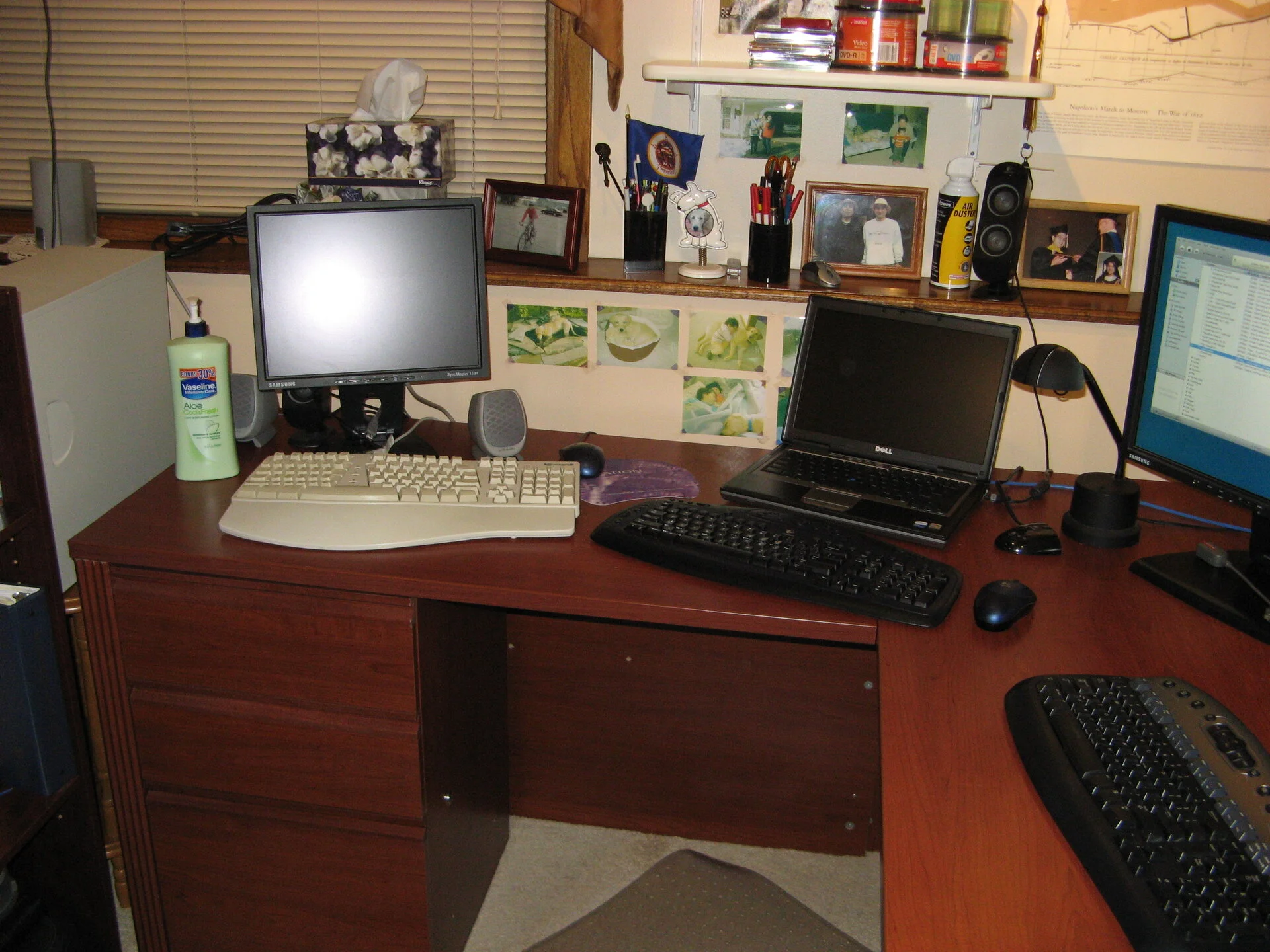 Looks like we have officially said good bye the Sony CRT monitor. LCD has taken over.
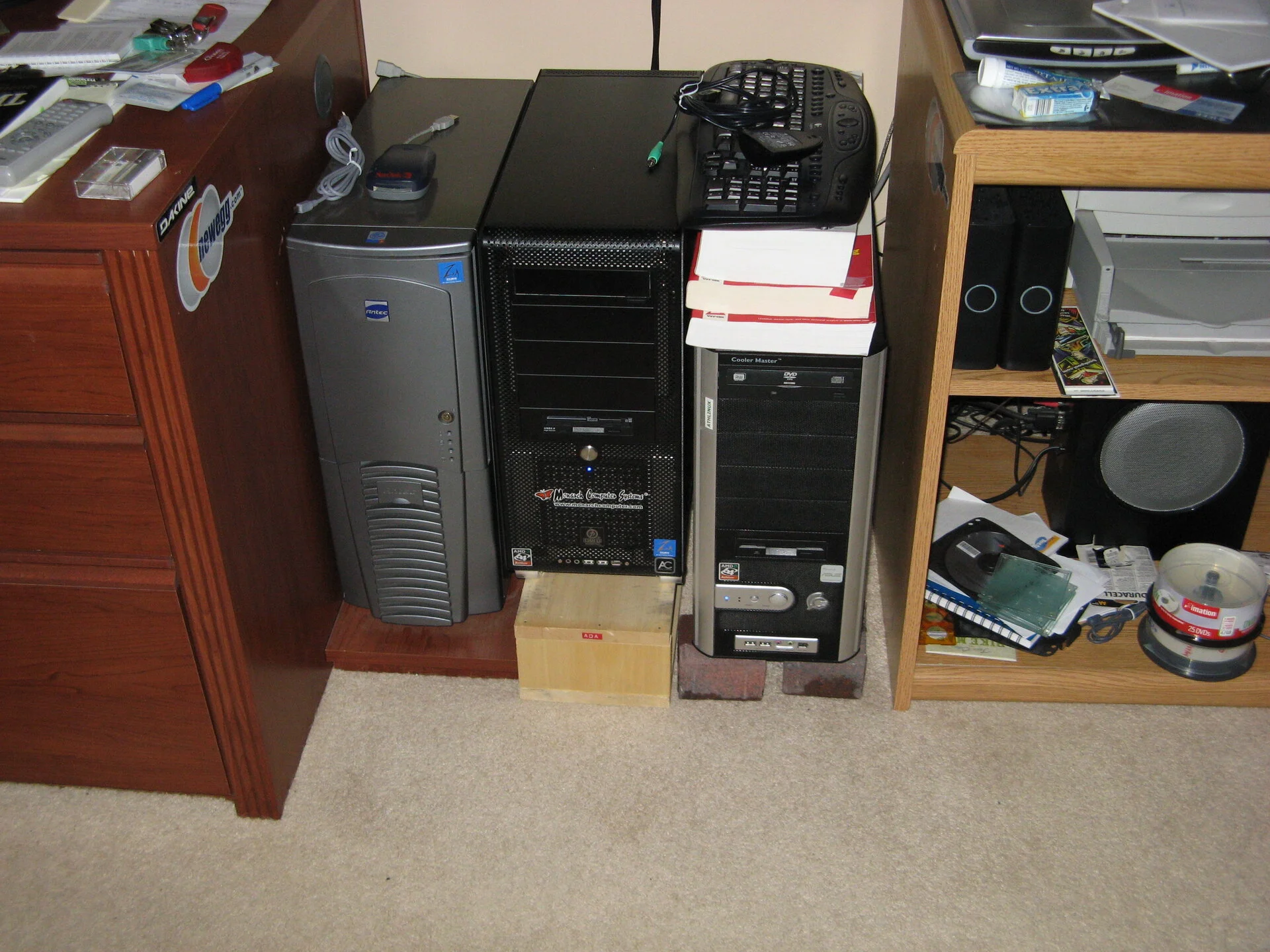 Antec case is still lingering and I don't recalll how these were all configured. Must have Windows 7 or Windows Vista perhaps.
 Windows Vista - never great, died with Windows 7's birth
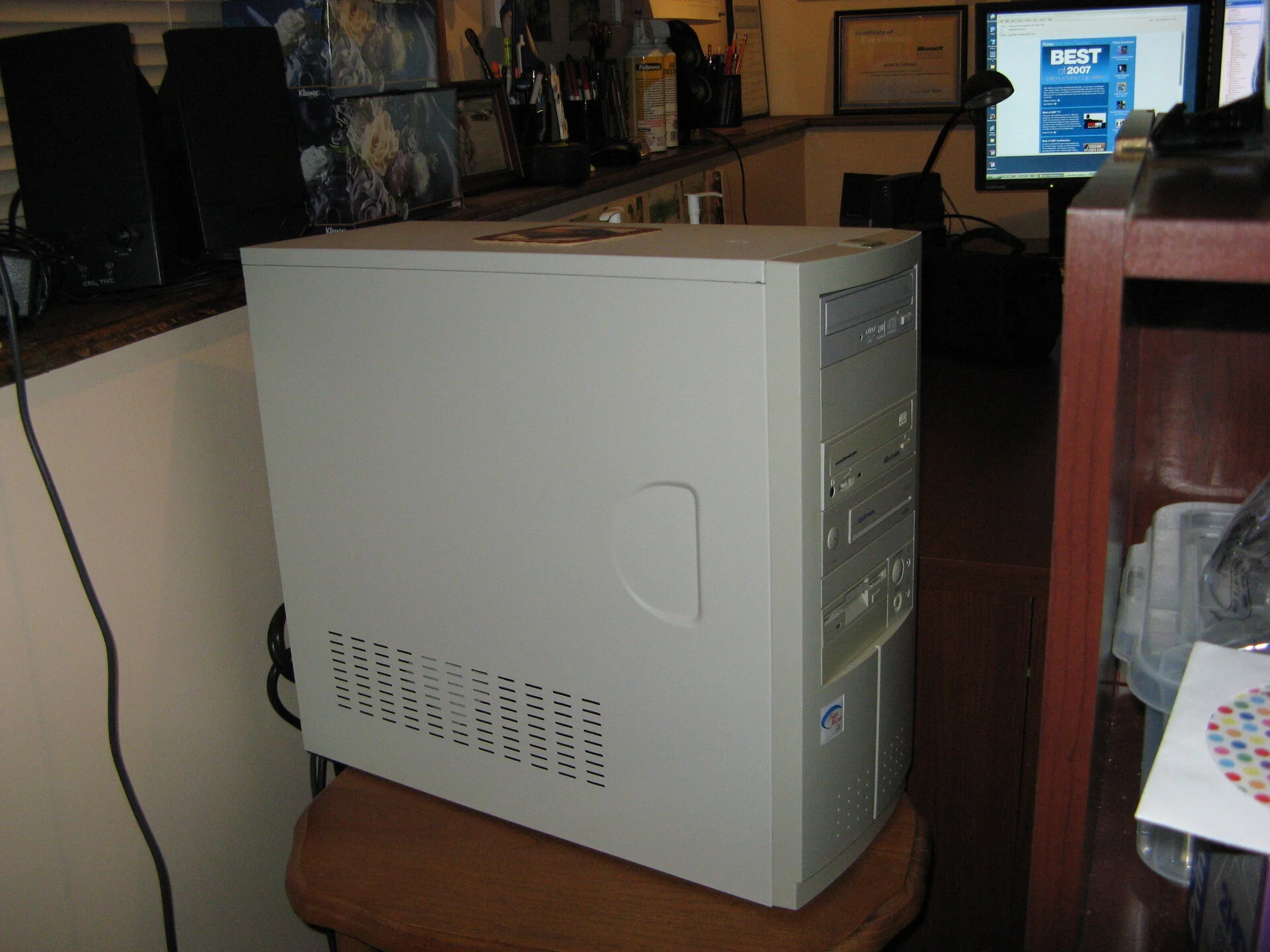 Last Beige box sporting Suse 10 or something
 Windows 7 - much better (second Service Pack did the trick for stability)
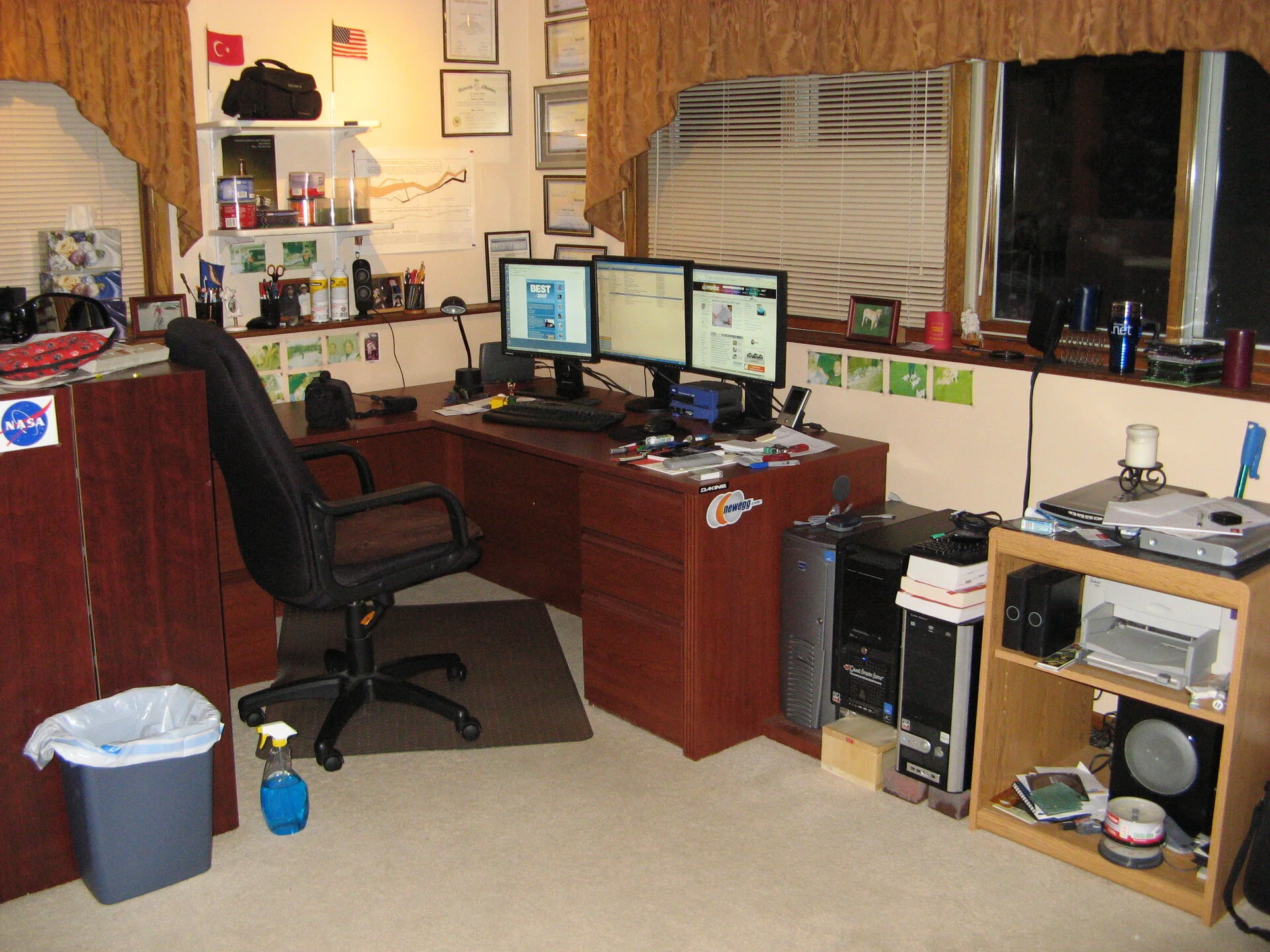 Distant configuration - just noticed the DVD player next to scanner. I still use this scanner. The DVD drive has been recycled along with the HP Color Inkjet printer. Never loved printing, so wasteful.
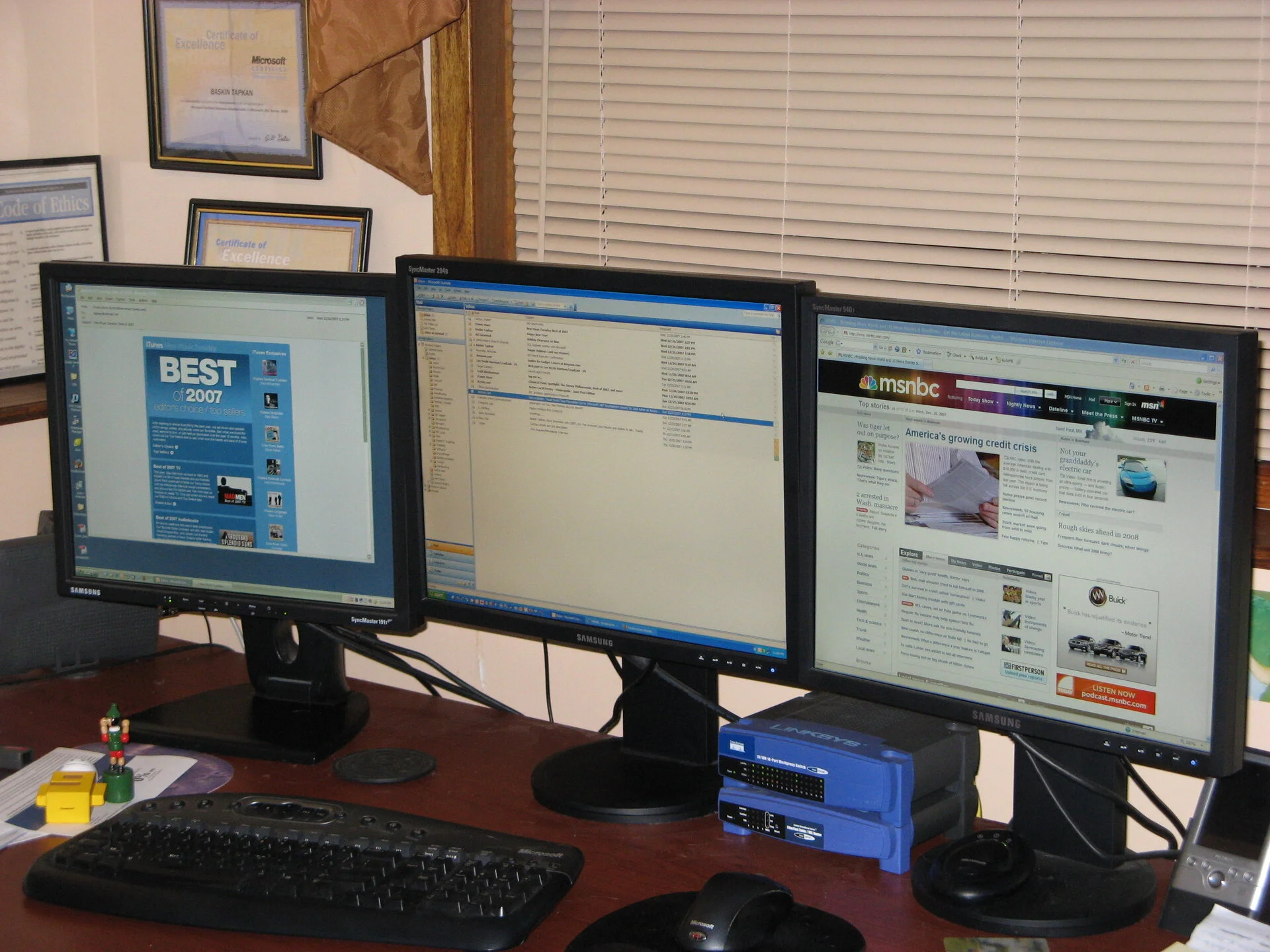 Best of 2007 - msnbc was the place to get news then
It is 2008, let's say hi to Windows 8 then.
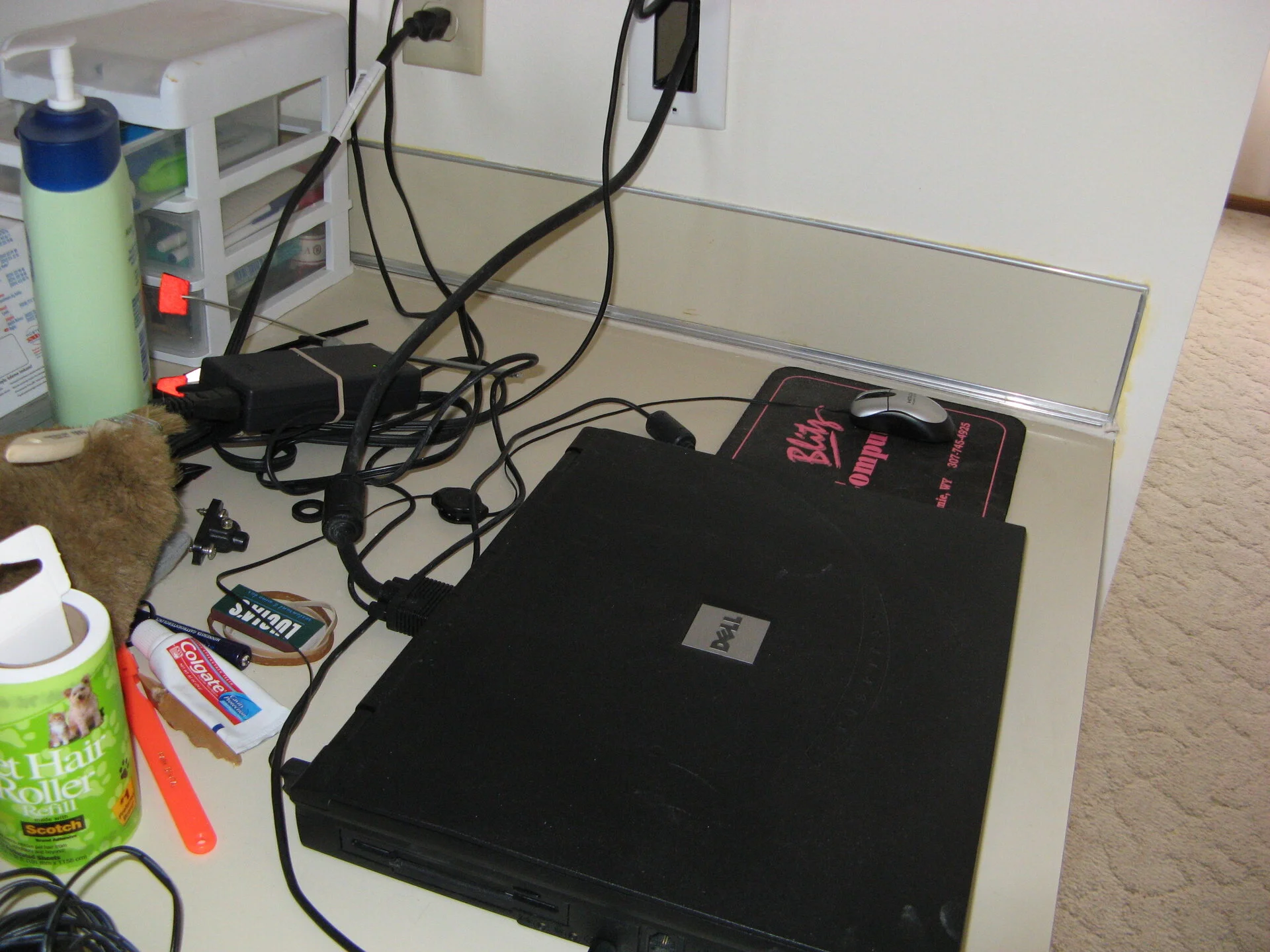 Amazing to see my Windows 2000 Inspiron being used in the kitchen area still
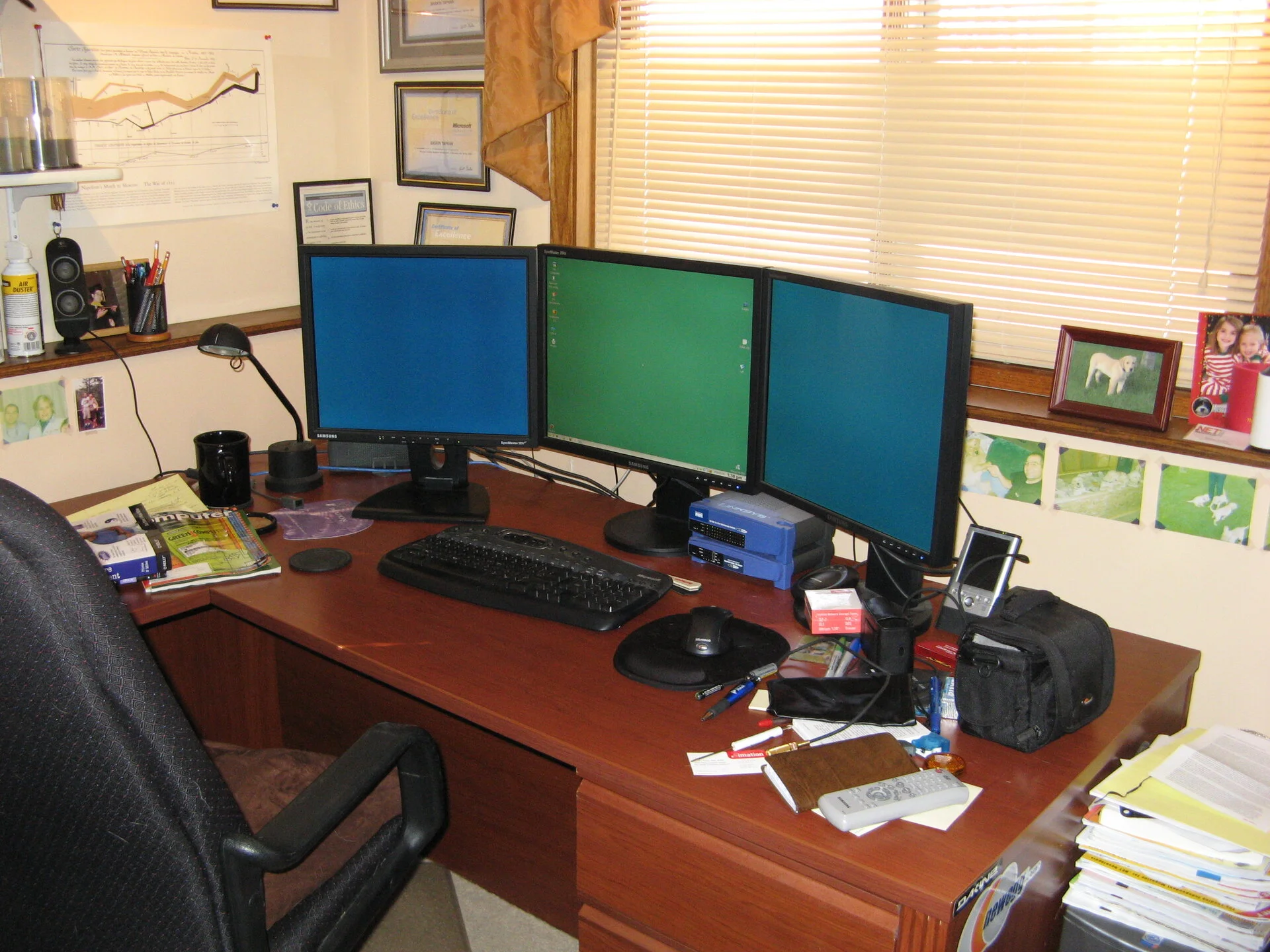 There is a KVM switch somewhere and it is keyboard controlled, definitely all three boxes are hooked up.
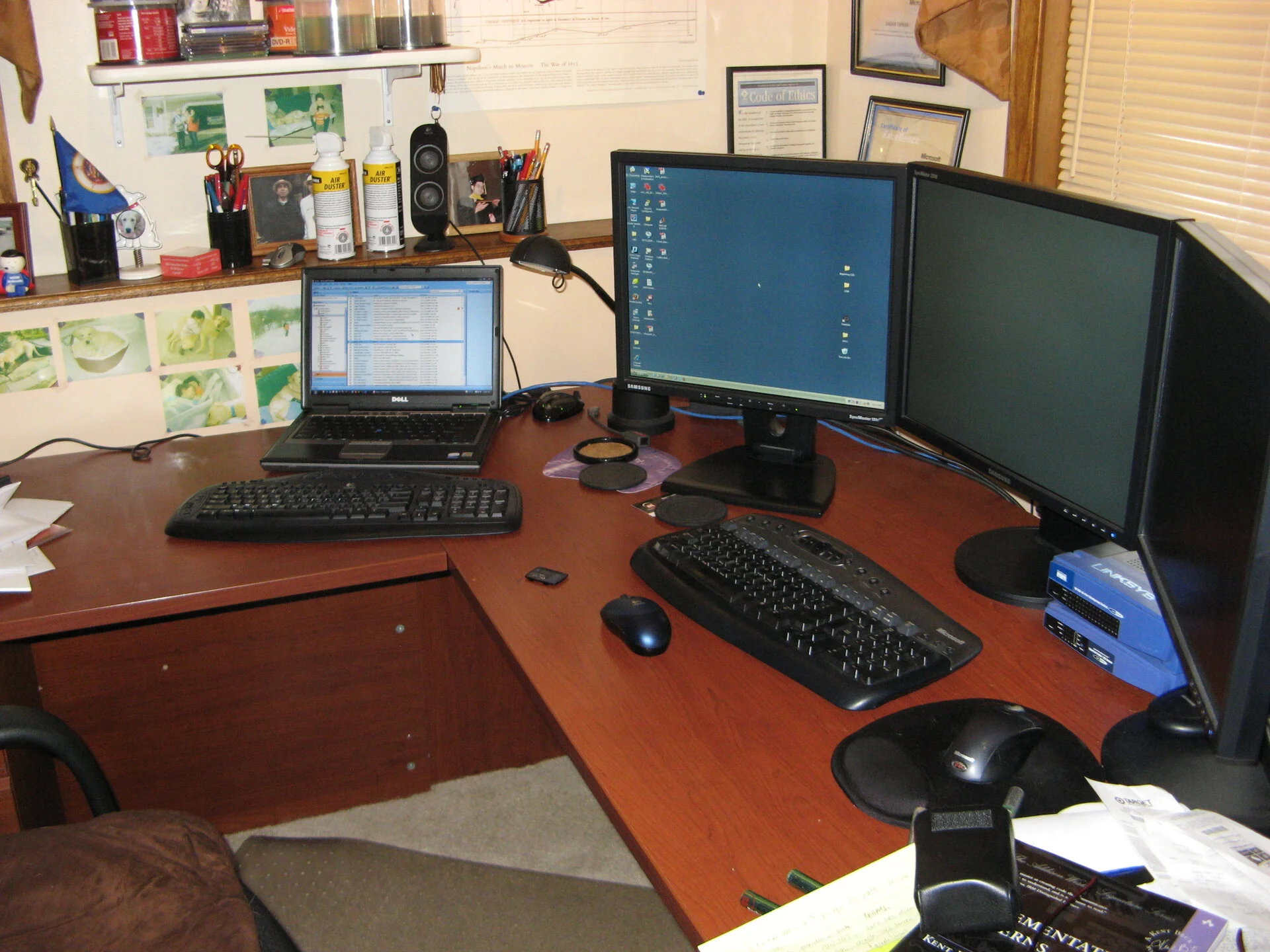 Laptop is fired up
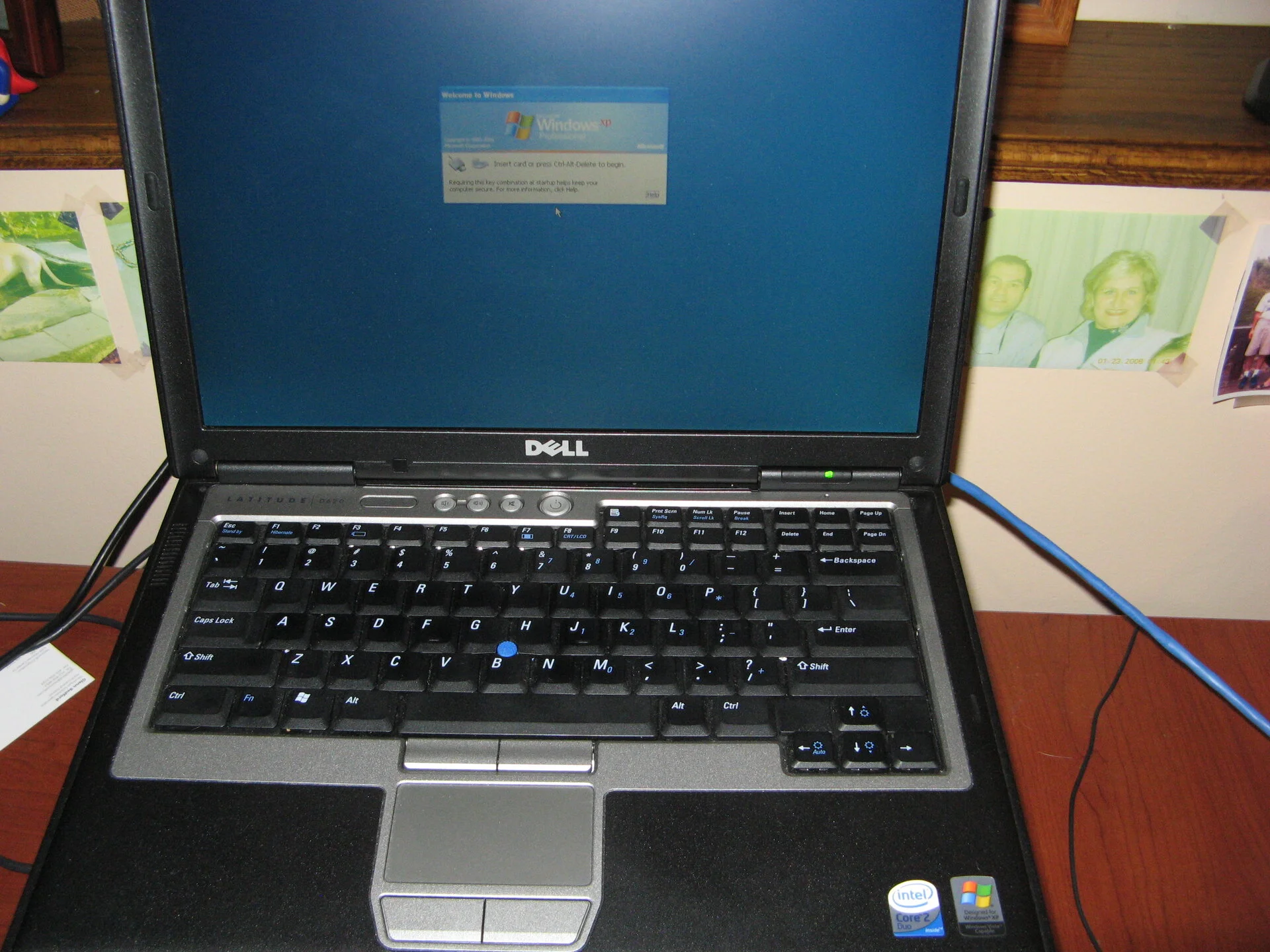 And it is Windows XP
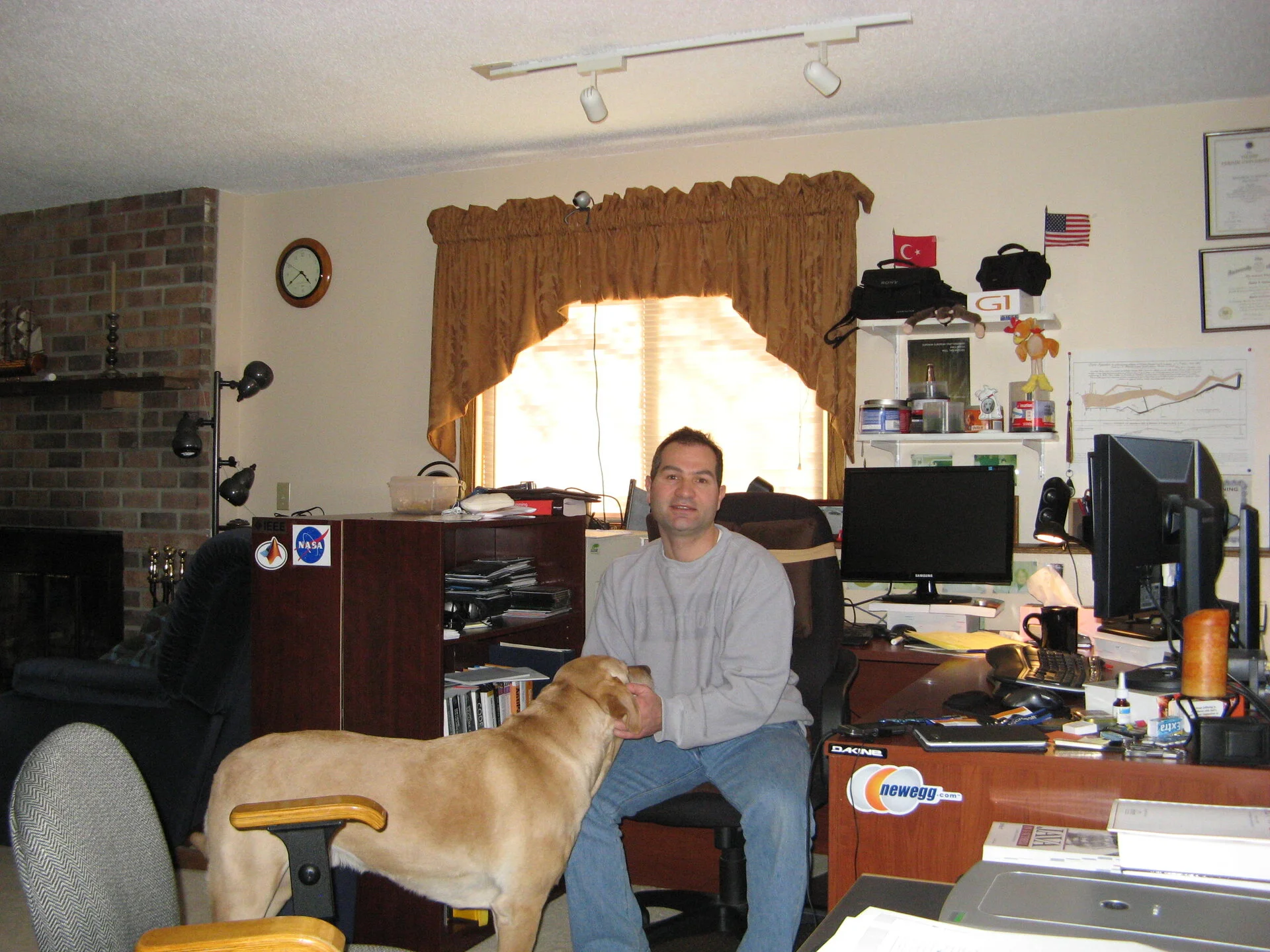 Hanging out with Baxter - looks like monitors are getting wider
Also dug out these component update list when I looked back, leaving it here for comparison
| Component | Cost | Date |
|---|---|---|
| ARCTIC COOLING Freezer 7 Pro Rev.2 92mm Fluid Dynamic CPU Cooler | $44 | 12/17/2009 |
| MSI N8400GS-TD512 GeForce 8400 GS 512MB 64-bit GDDR2 PCI Express 2.0 | $41 | 12/17/2009 |
| CORSAIR CMPSU-750TX 750W ATX12V EPS12V SLI Ready CrossFire Ready 80 | $120 | 12/4/2009 |
| ASUS P7P55D LGA 1156 Intel P55 ATX Intel Motherboard | $150 | 12/4/2009 |
| MSI N9600GT-MD1G GeForce 9600 GT 1GB 256-bit GDDR3 Video Card | $100 | 12/4/2009 |
| CORSAIR XMS3 4GB (2 x 2GB) 240-Pin DDR3 SDRAM DDR3 1600 (PC3 12800) | $190 | 12/4/2009 |
| Intel Core i5-750 Lynnfield 2.66GHz LGA 1156 95W Quad-Core Processor Model | $200 | 12/4/2009 |
| Western Digital Caviar Black WD6401AALS 640GB 7200 RPM SATA 3.0Gb/s 3.5" HD | $150 | 12/4/2009 |
| Total | $995 | 12/17/2009 |
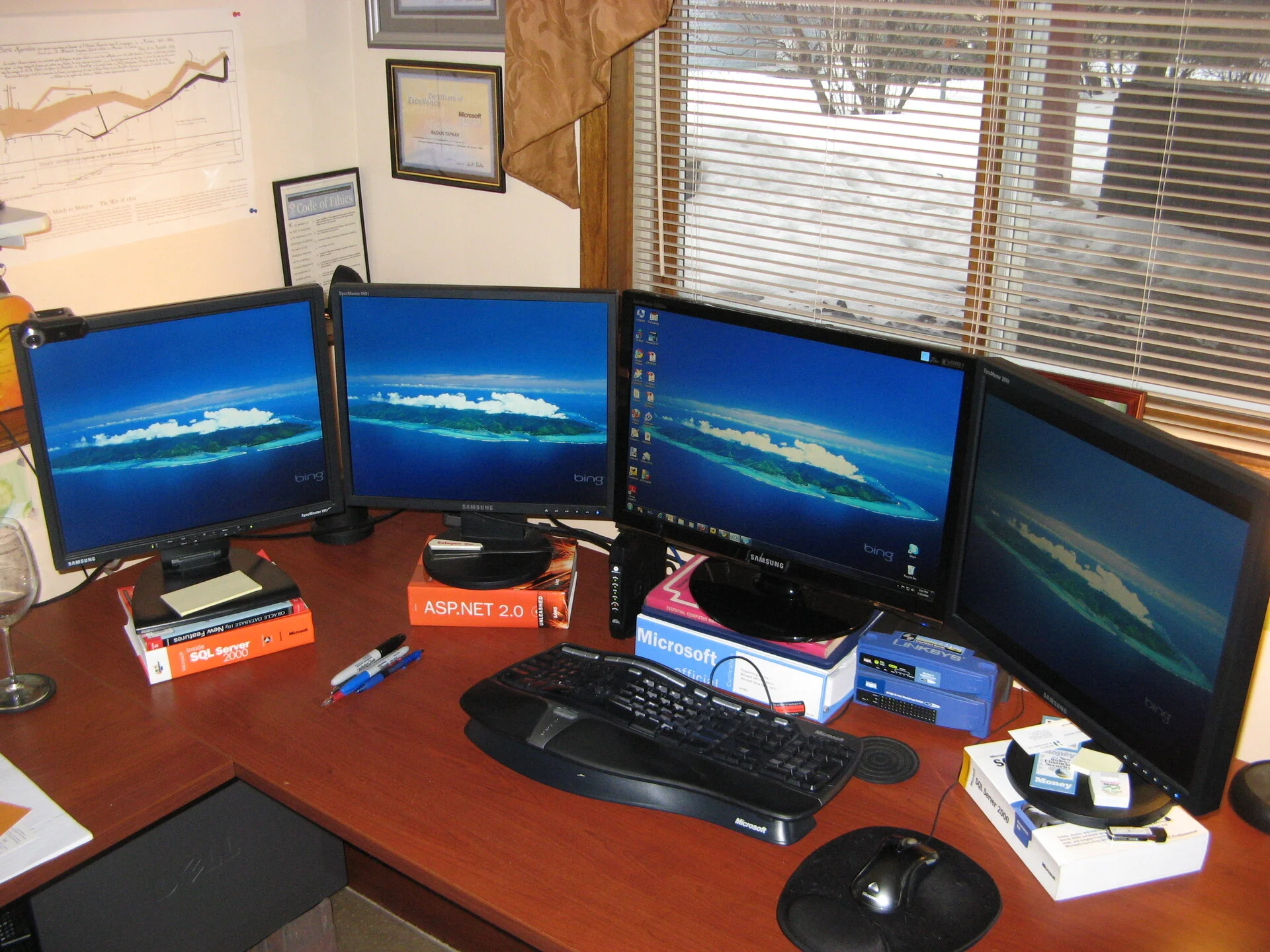 Alright now four LCD screens driving by one box. ASP.NET 2 is what I have been using. Somewhat survivied a lay-off, and took more on development vs system administration / R&D for data storage. SQL Server is still the backbone of data storage.
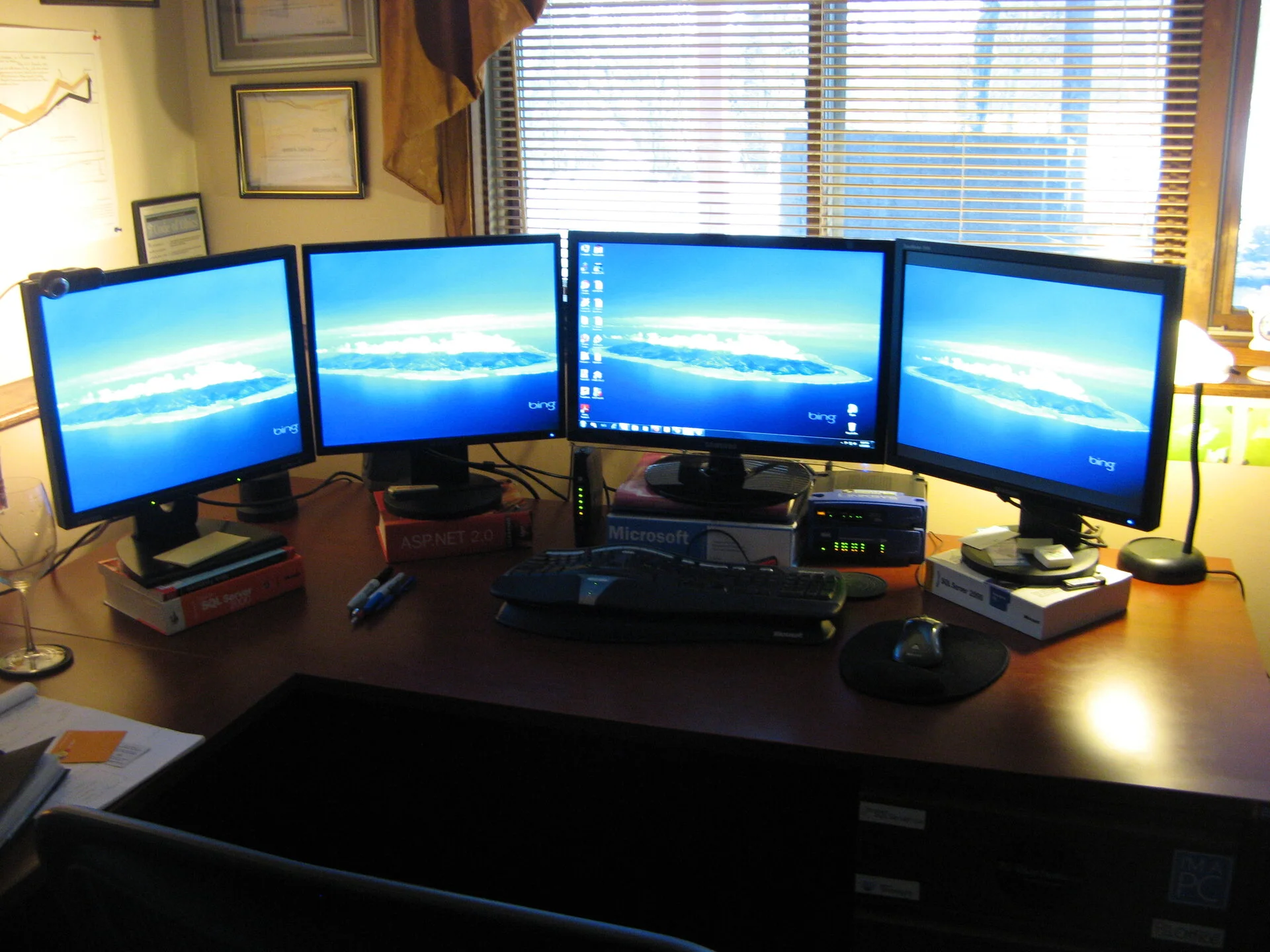 Not a bad picture, hope it didn't give a lot of neck pain back then.
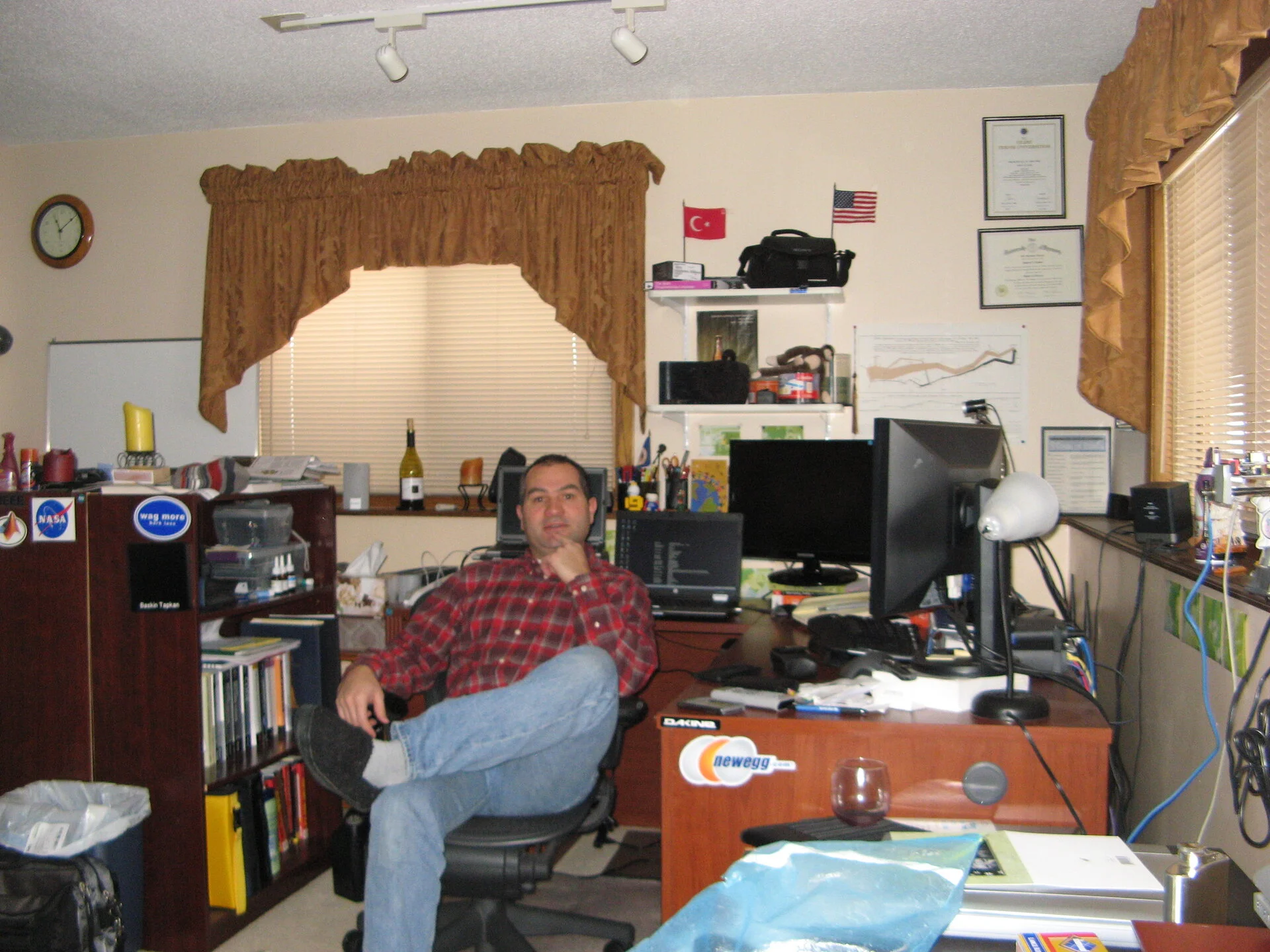 Looks like weekend self portrait with re-wine, is the clock really 11 AM? i can't drink that early anymore, or even drink :)
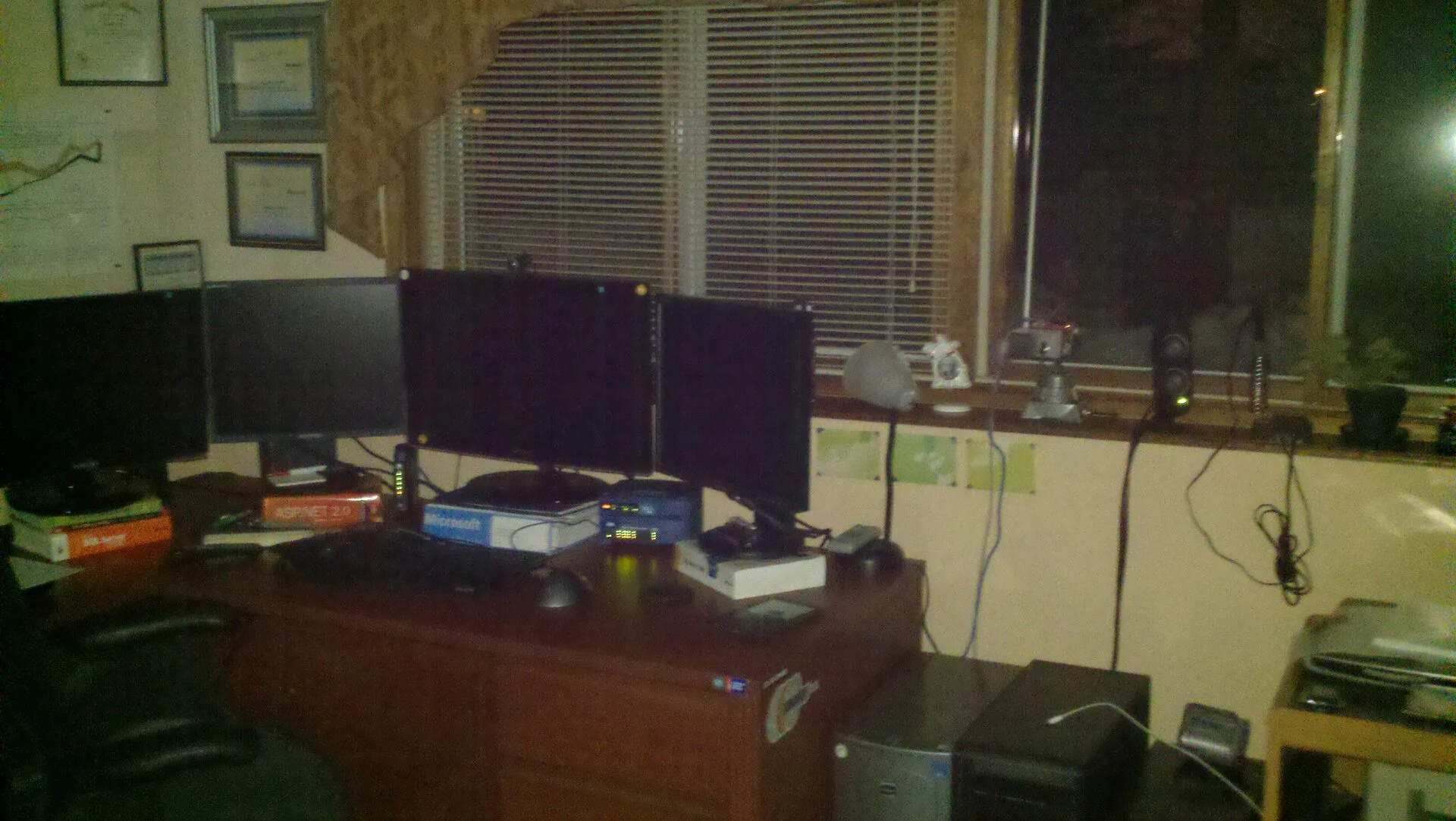 another 4 monitor setup
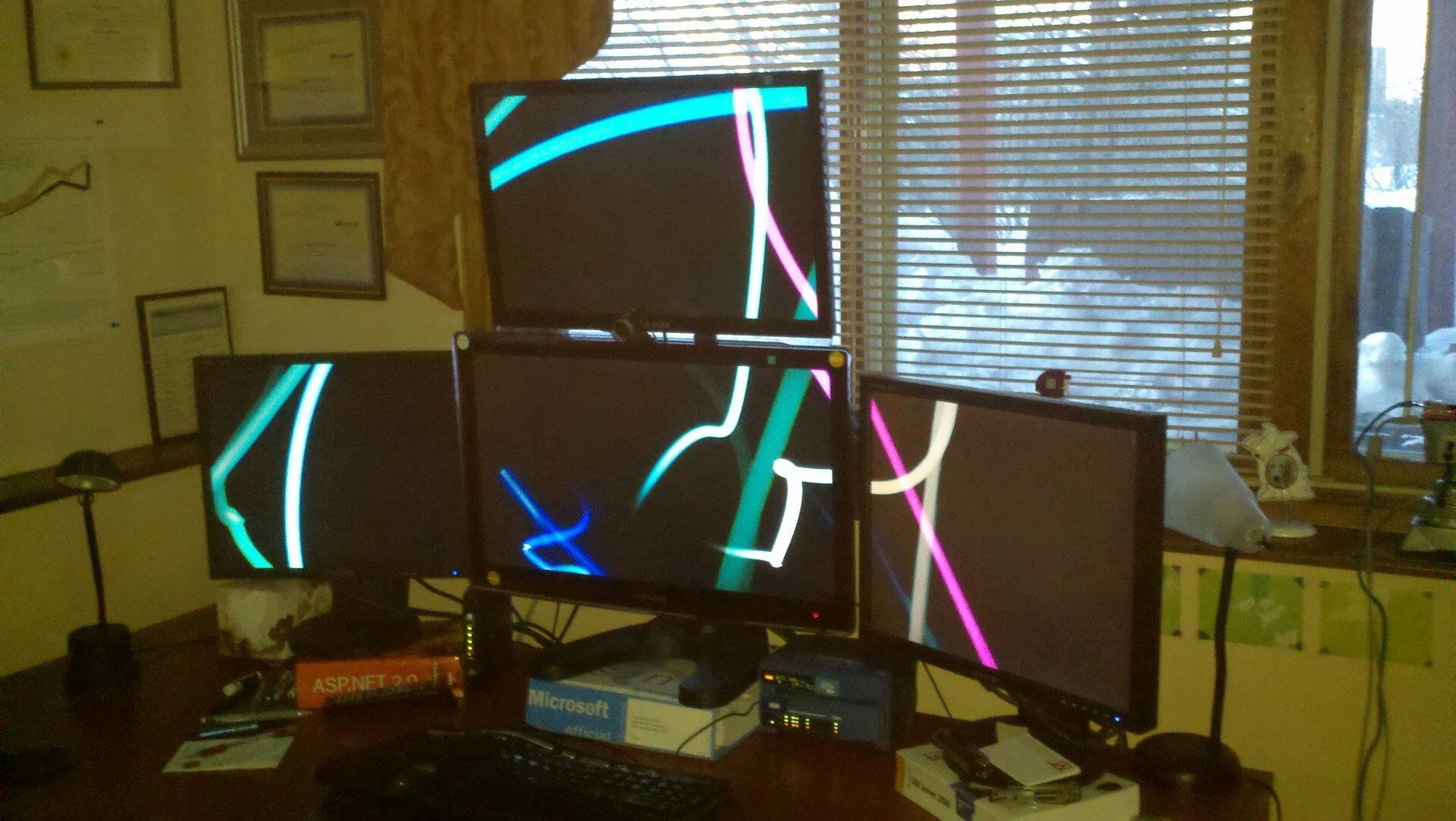 Now we are going vertical in the monitors
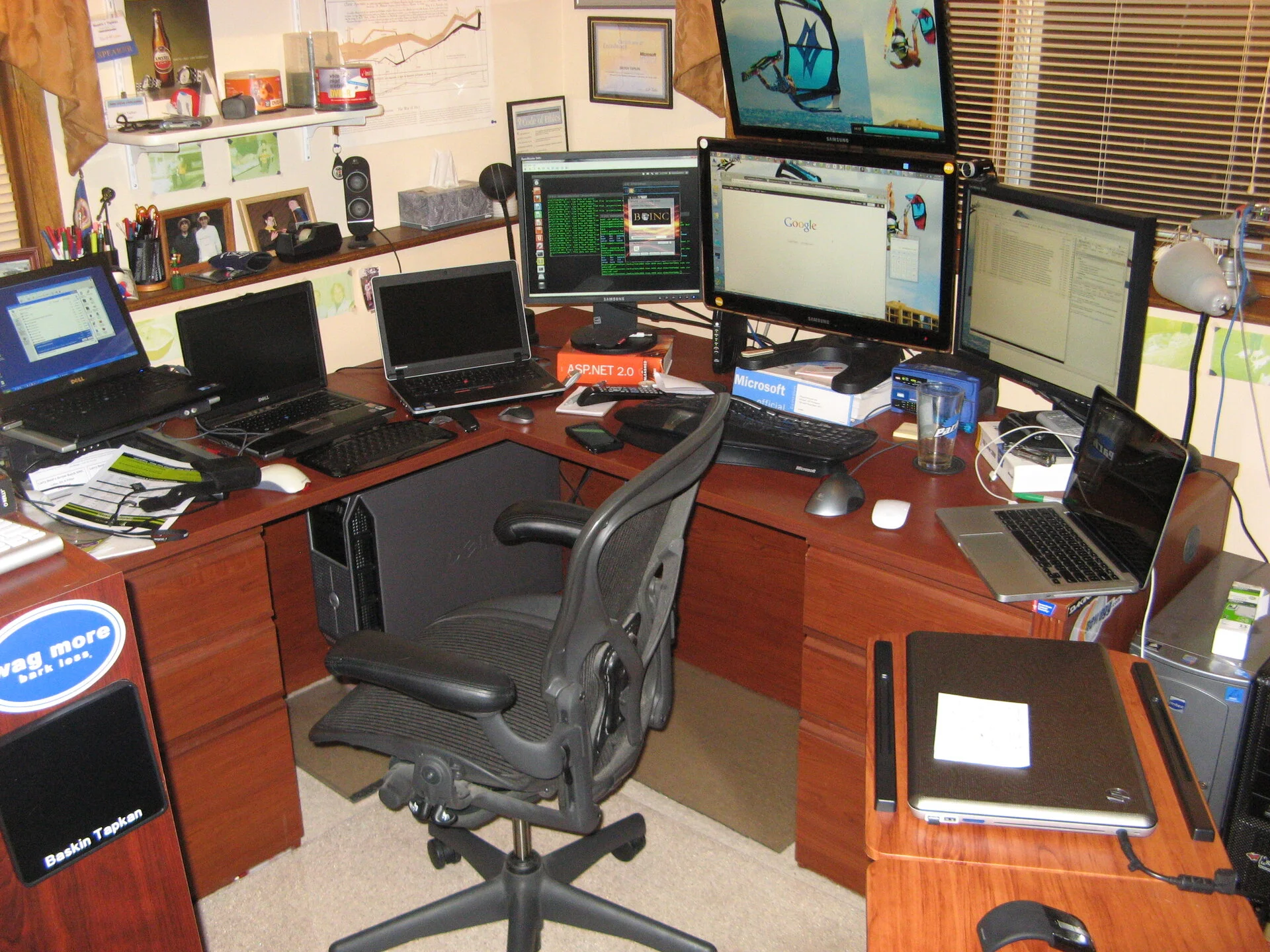 What just happened? Laptops galore. I still have Windows 10 HP 17" laptop and it still works with 256 GB SSD (installed later) in 2026.
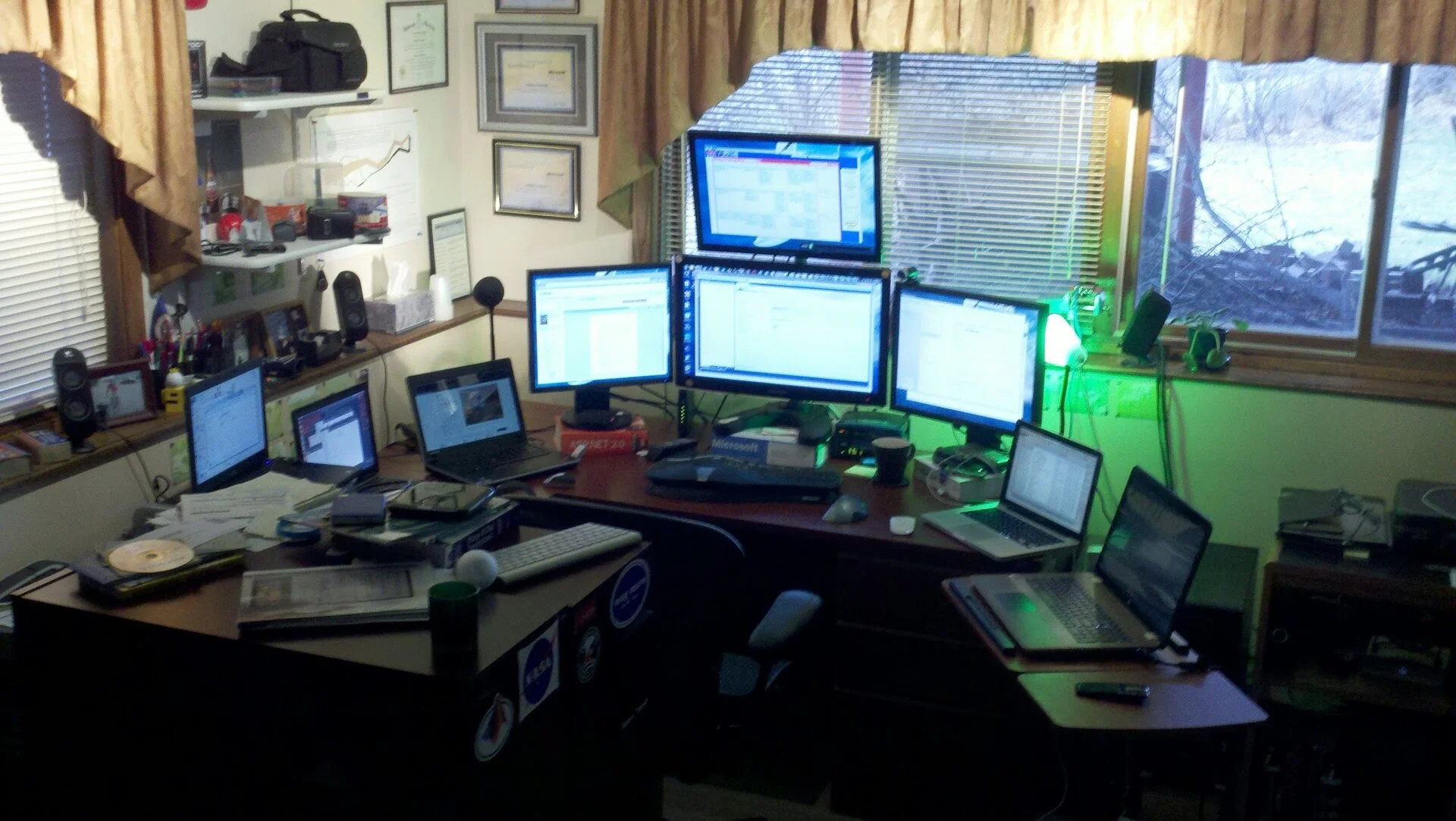 All turned on, let's get to work!
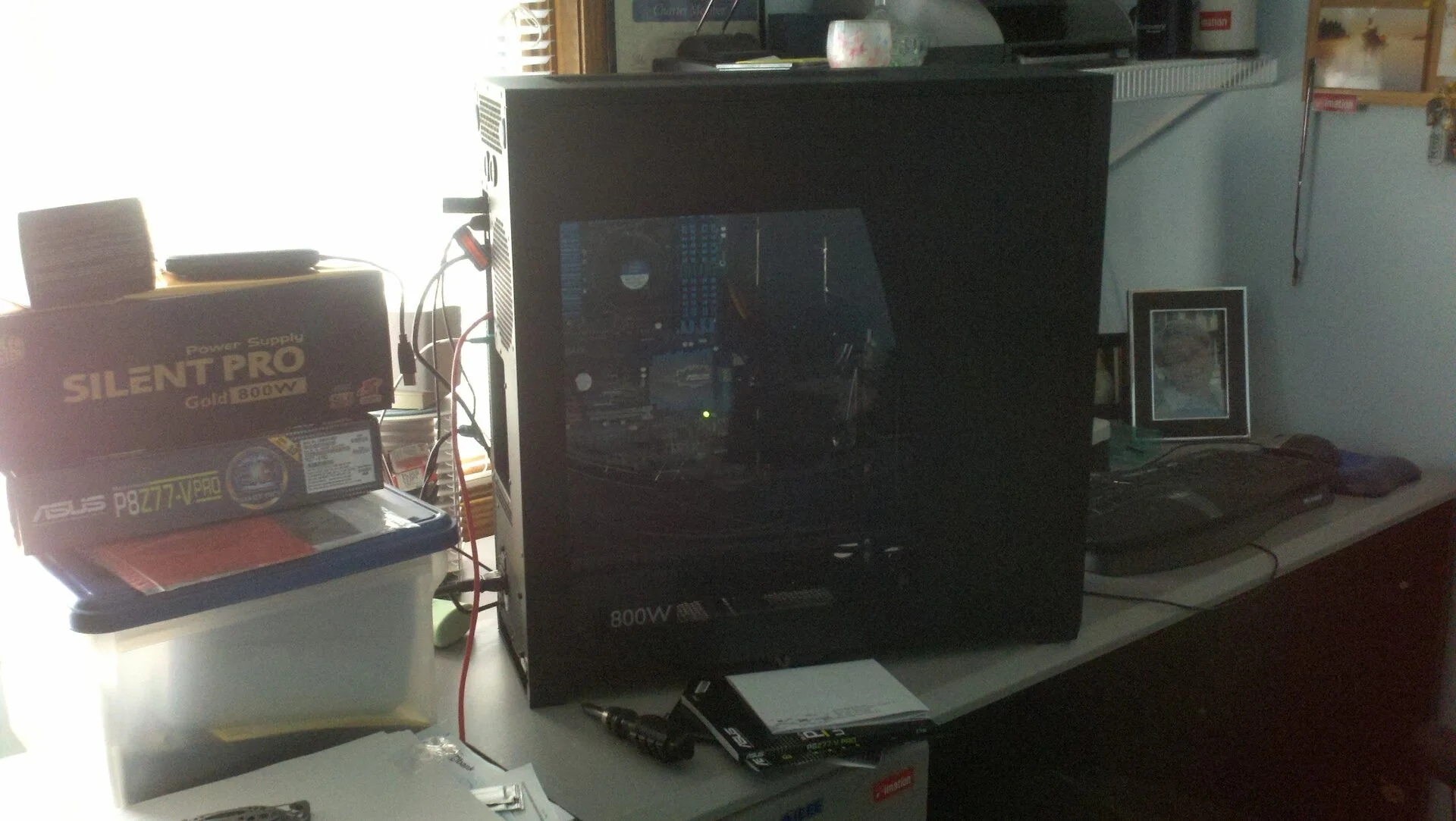 August 13, 2012 - building a new PC with Obsidian 80D case, Intel i7 ASUS P8Z77 This board still works in another case, running Ubuntu 24.04 LTS as of this writing
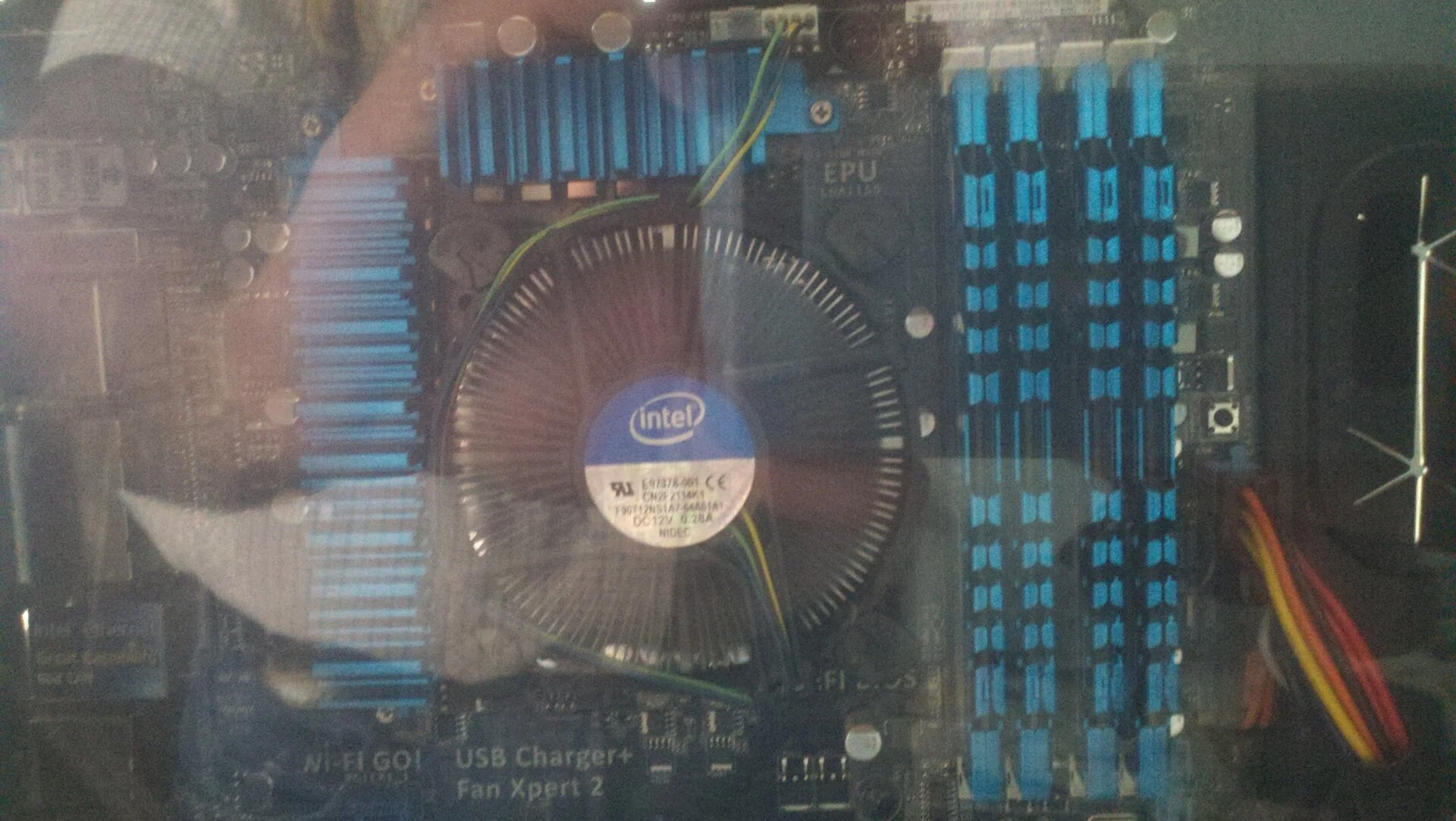 Although the build was good, it took a few weeks for it stabilize - instant reboots, freezes etc.
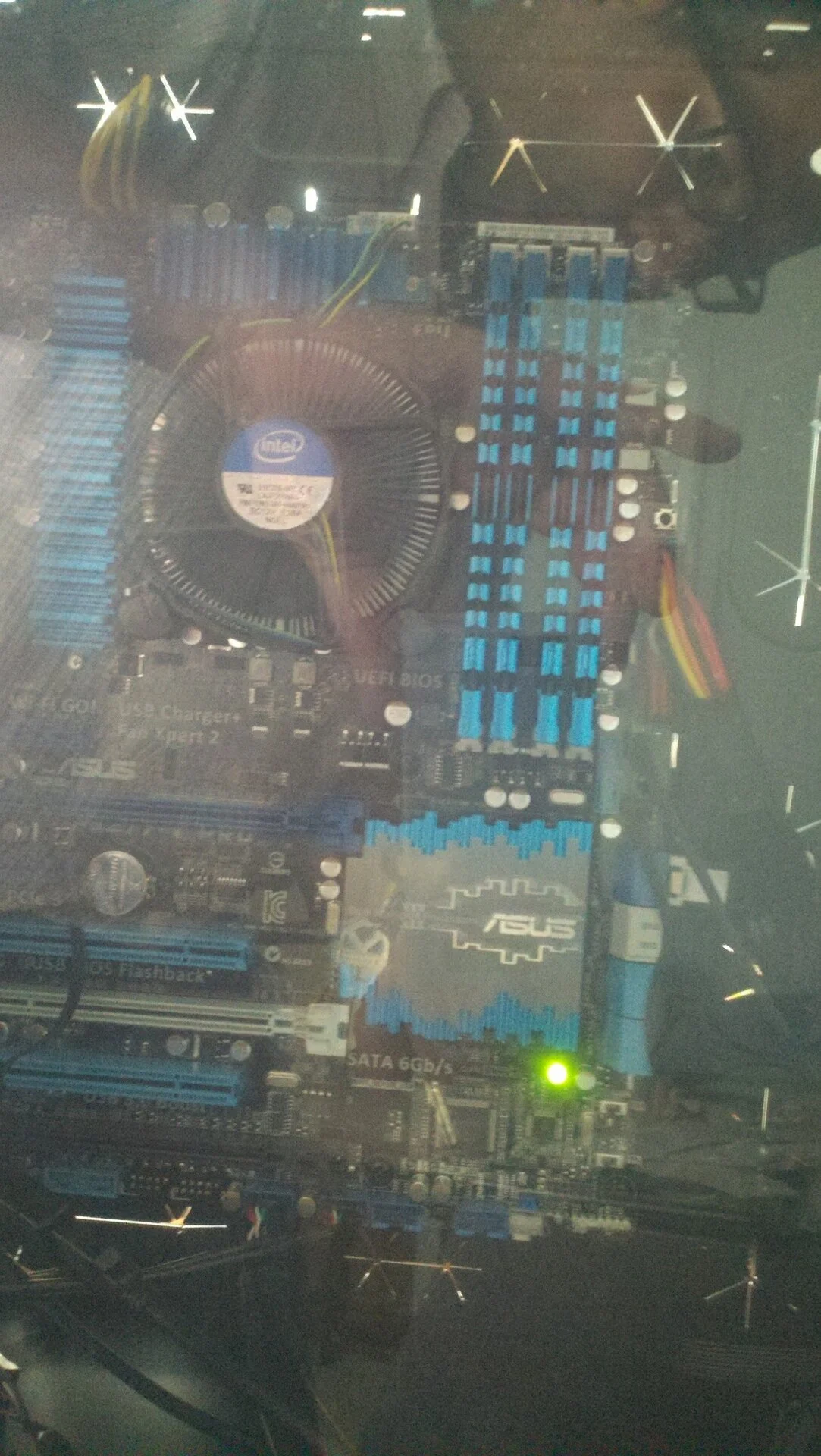 Nice glass, glad to see plastics are being phased out
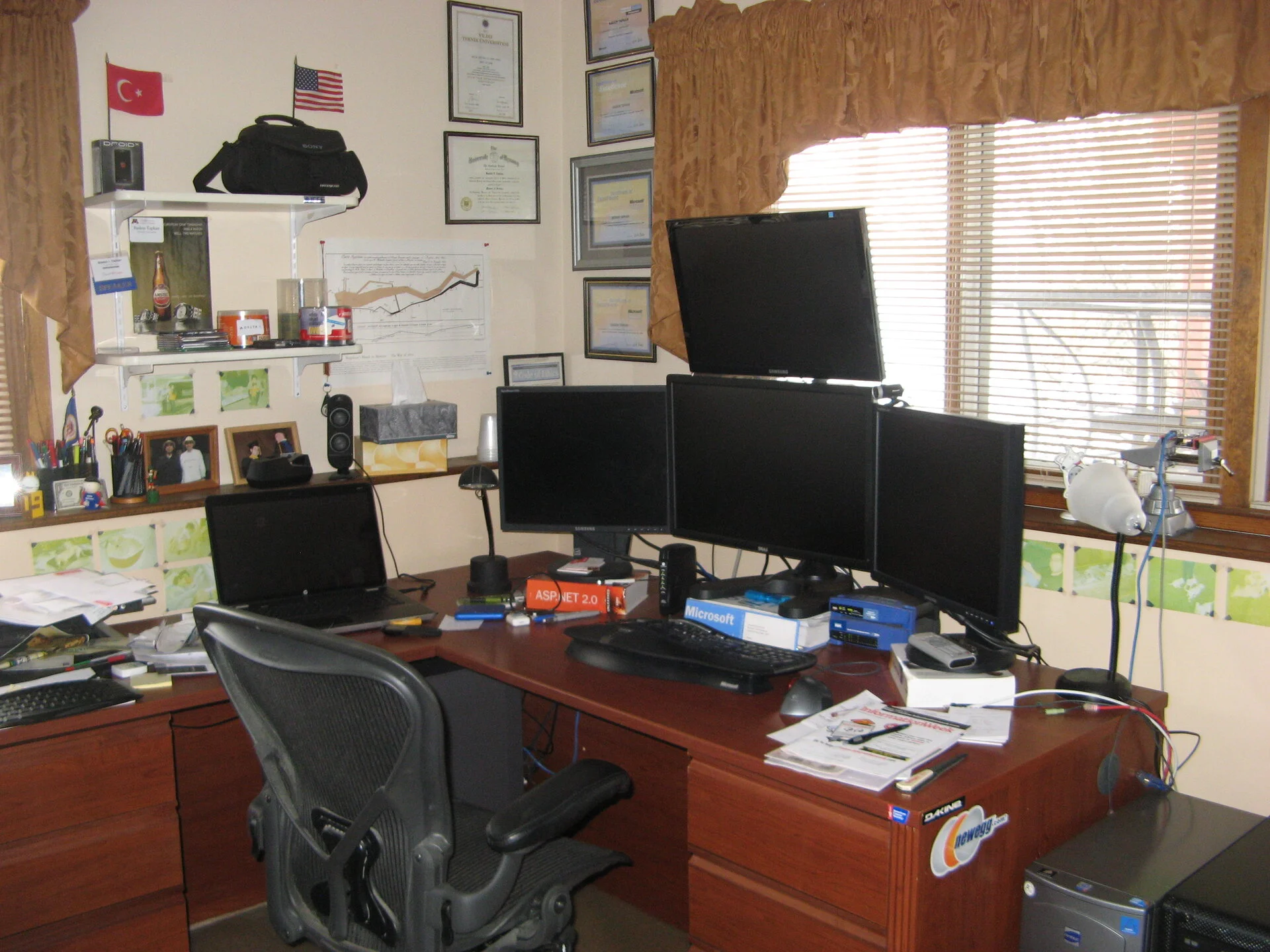 Not much happening in the main office
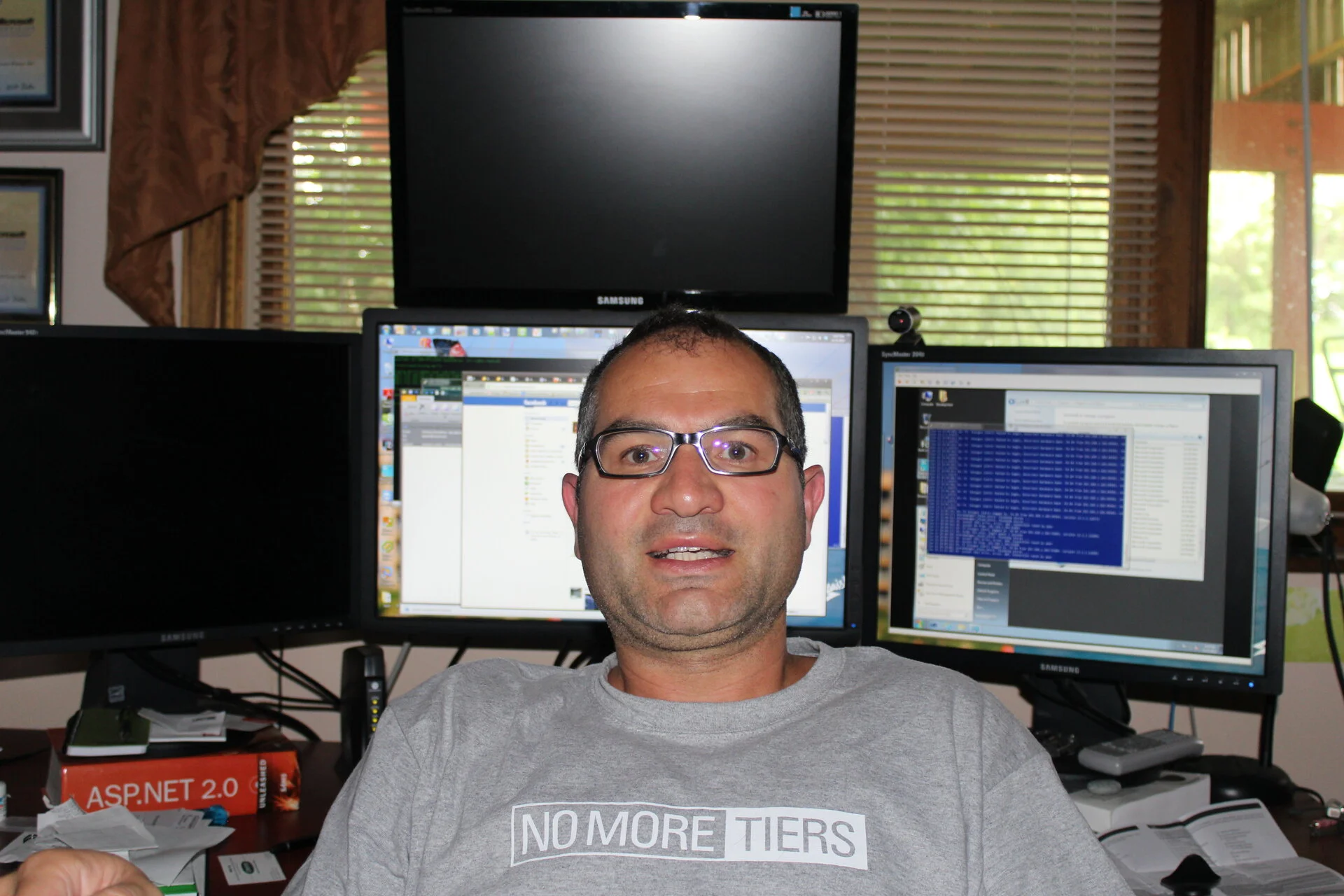 Exactly let's have less tiers - i had a 3 month gig where they had me write documentation for n-tier system. Didn't last very long that and for other reasons I could only tell you in person
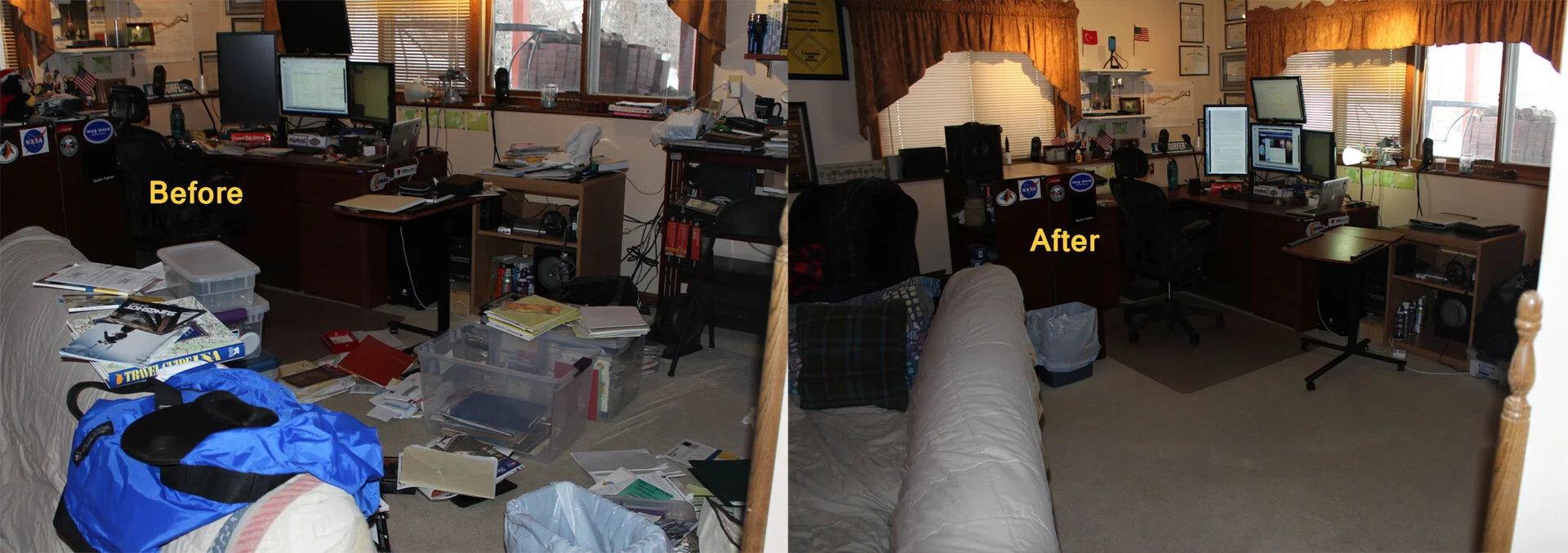 Cleaning pictures, not sure what the project was but looks good
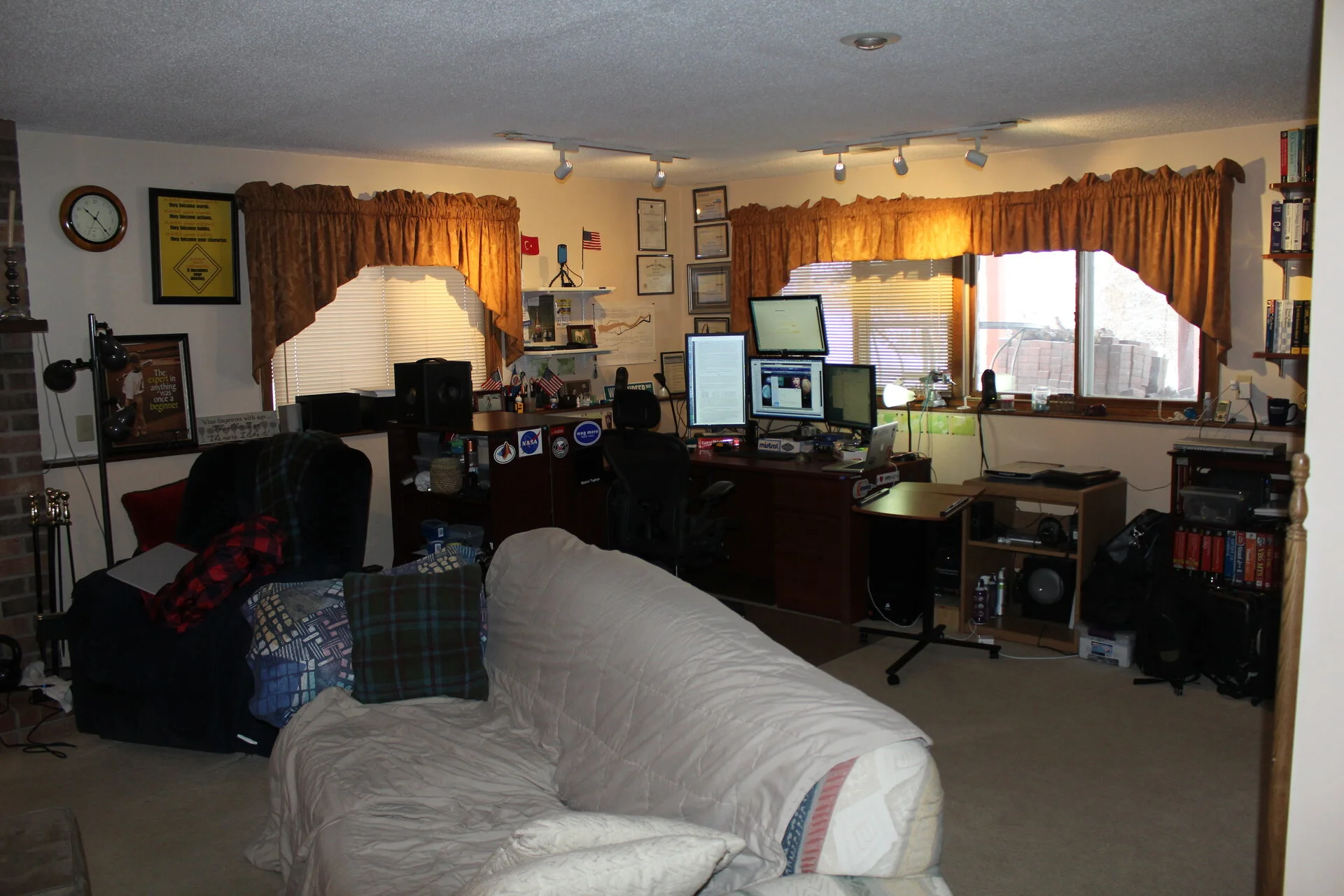 Cleaned
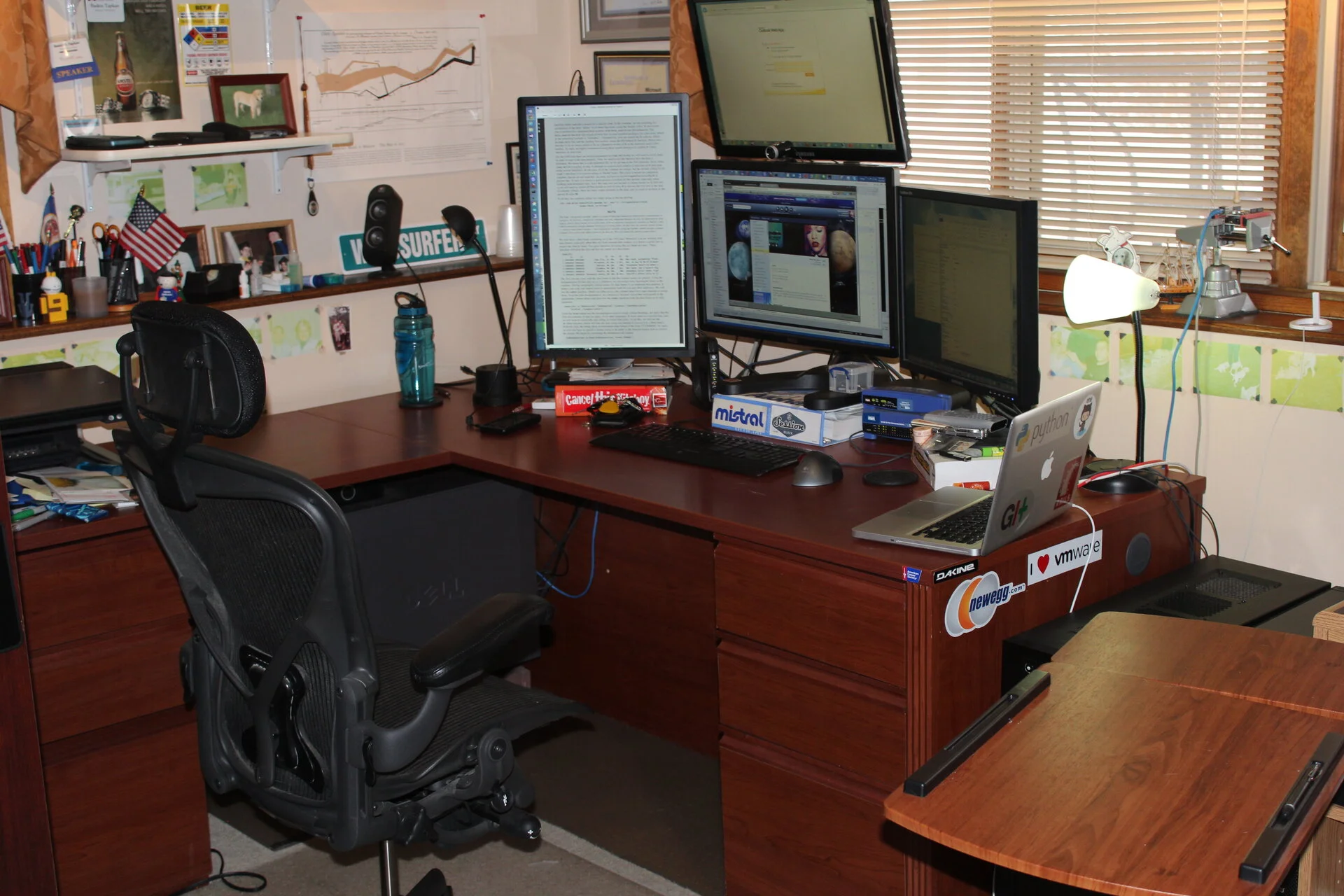 Oh, Portrait profile monitor, finally. Much easier to read long documents
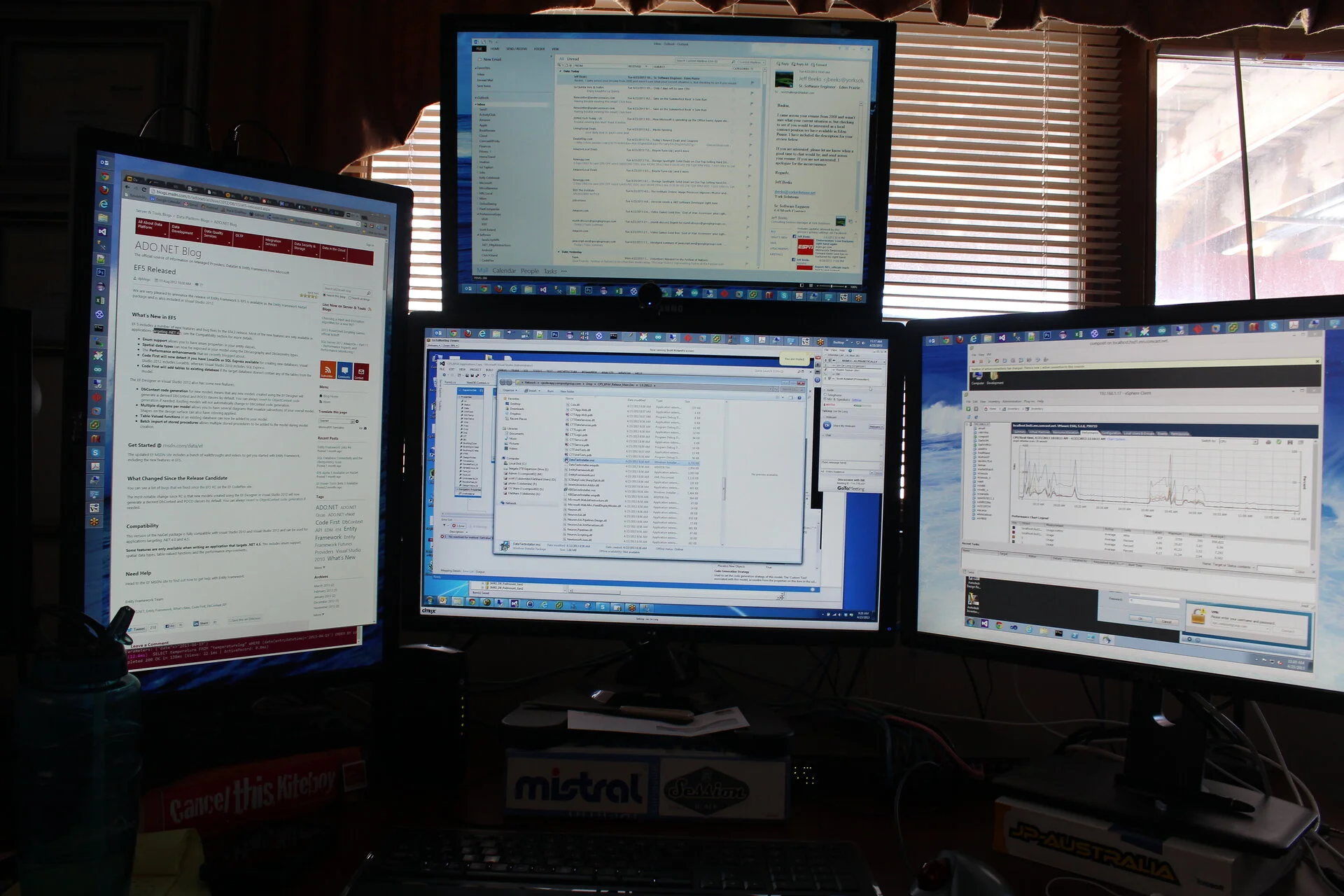 Upclose with the monitors
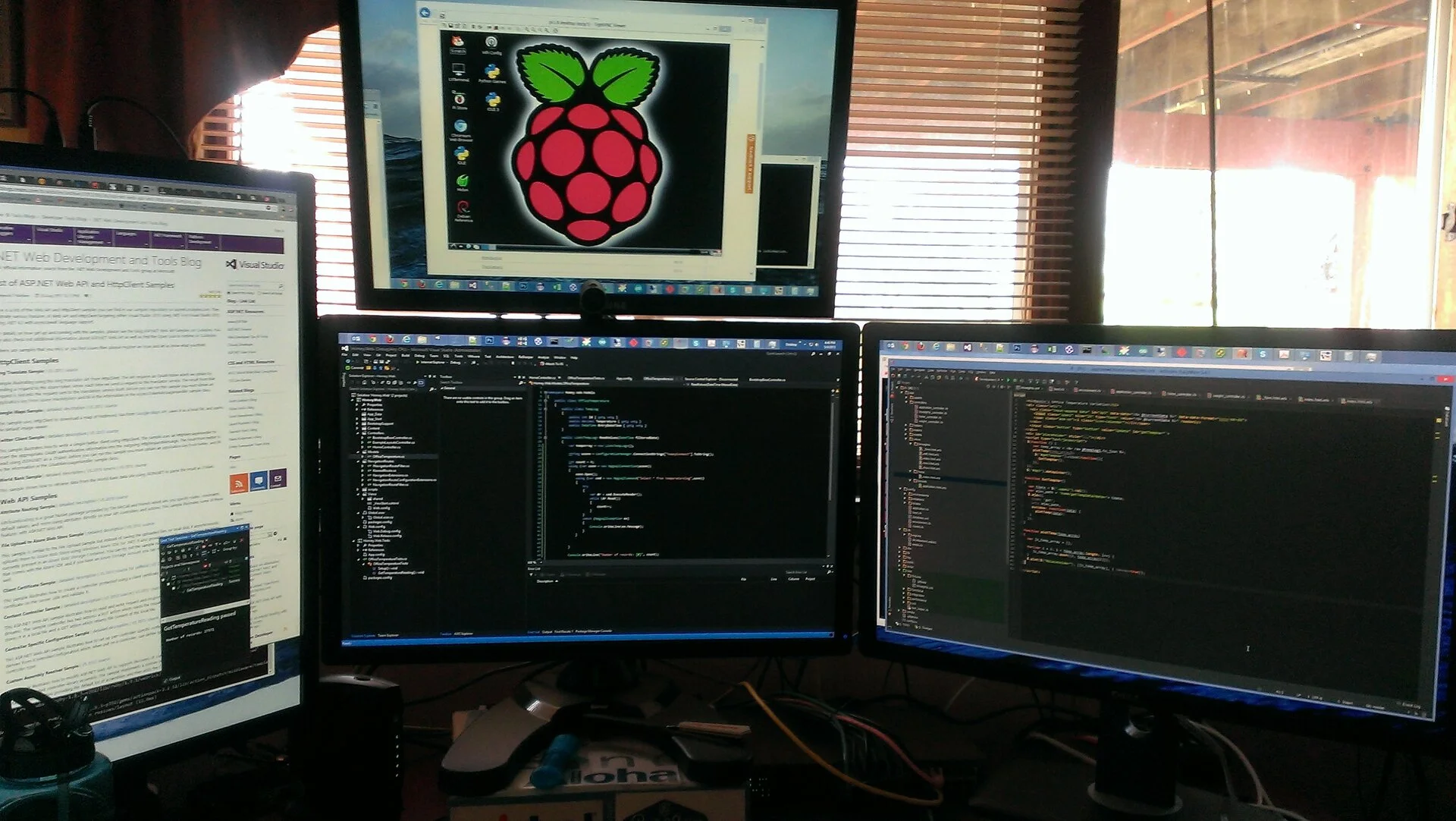 Hello Raspbery Pi P-B
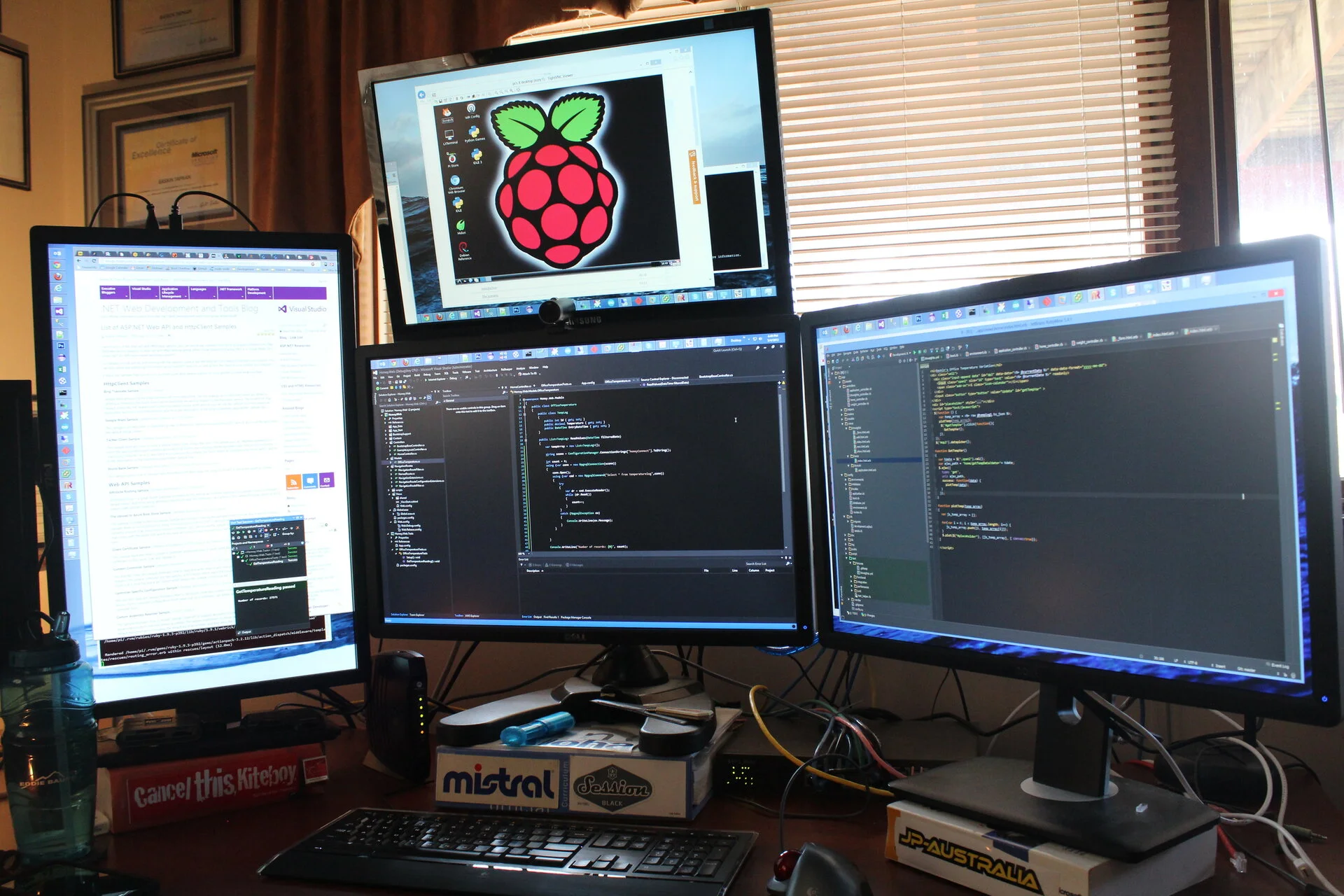 Hello Raspbery Pi P-B
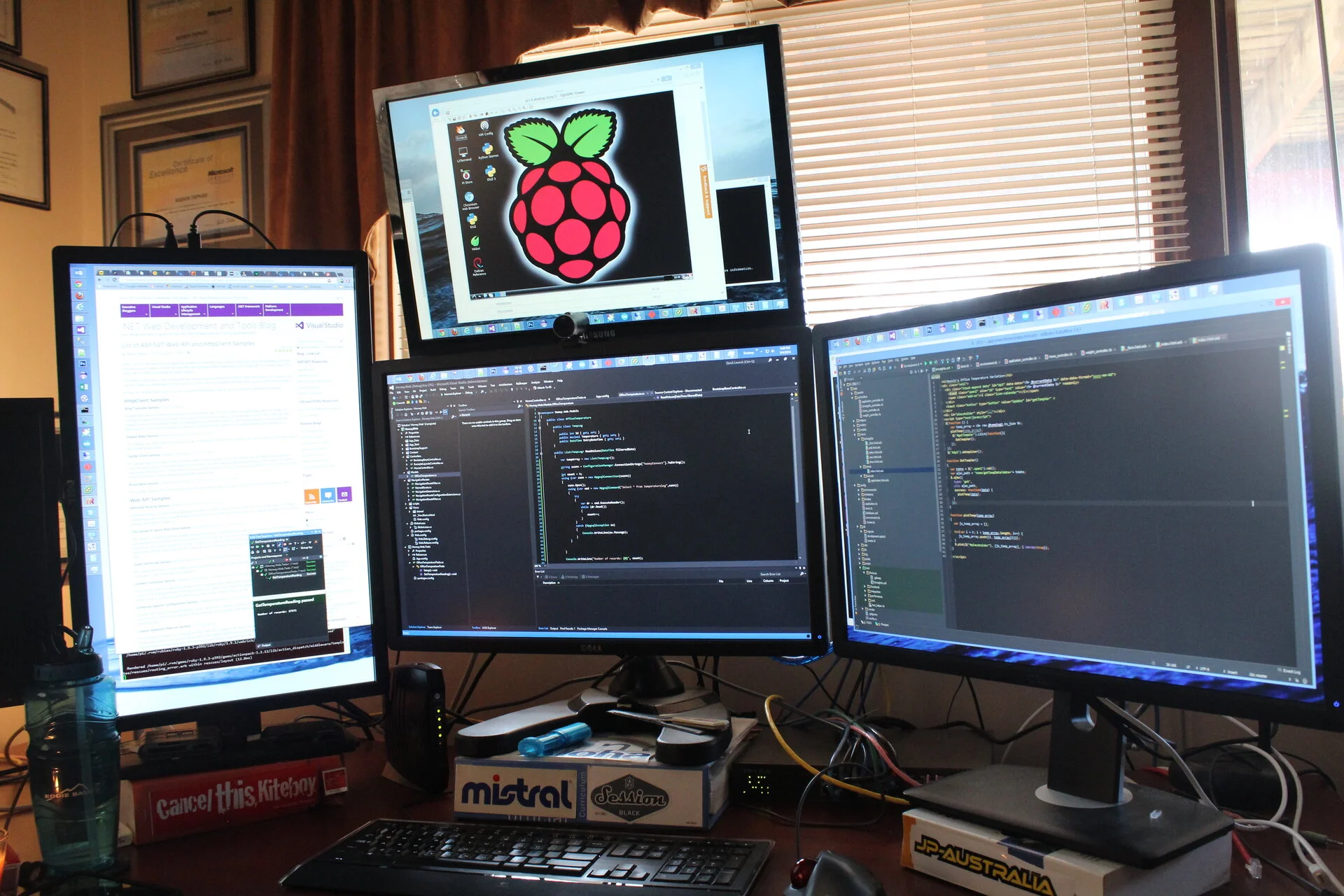 Hello Raspbery Pi P-B
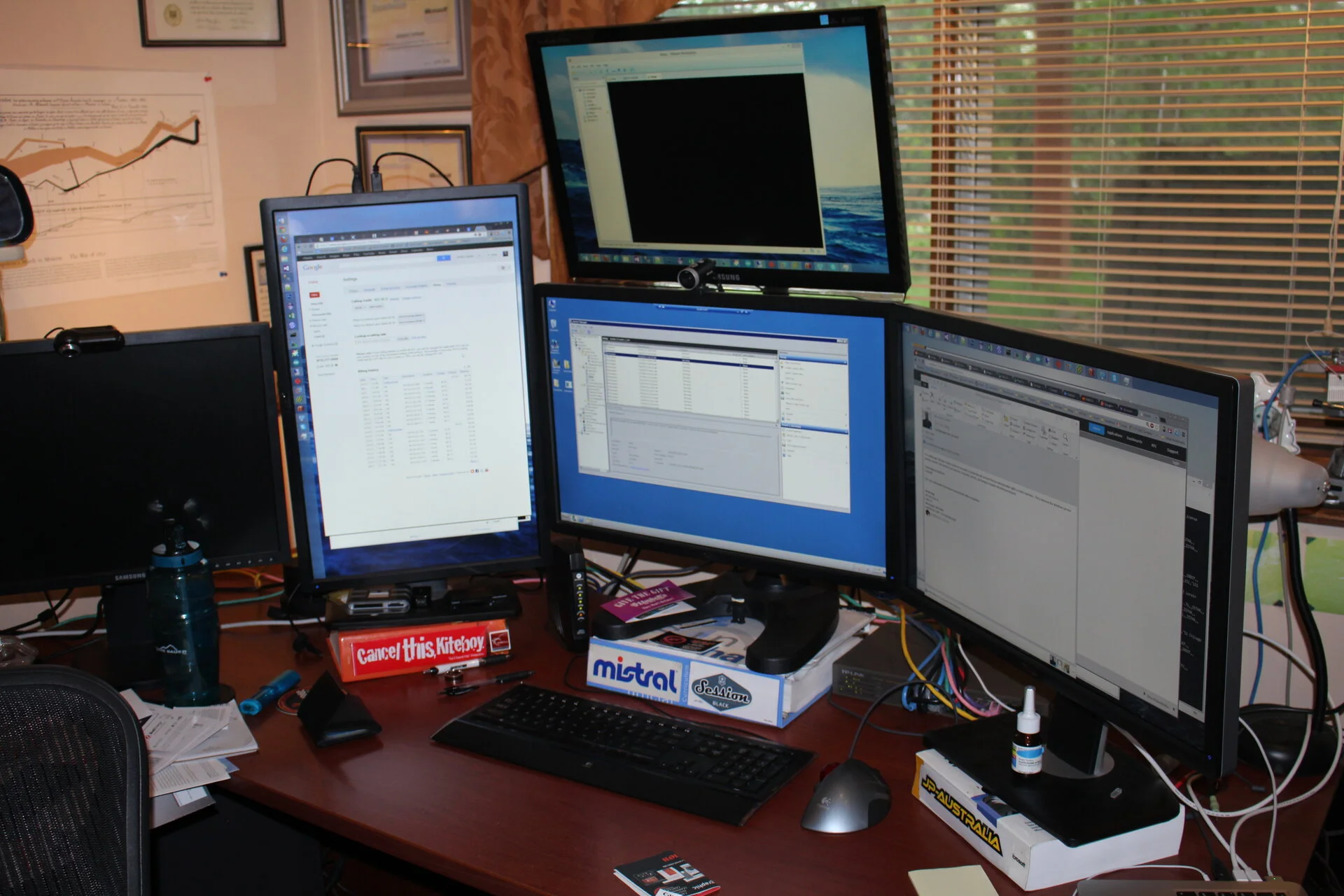 Geting more into wind sports and trackball mouse - yes virgina, carpal tunnel is real
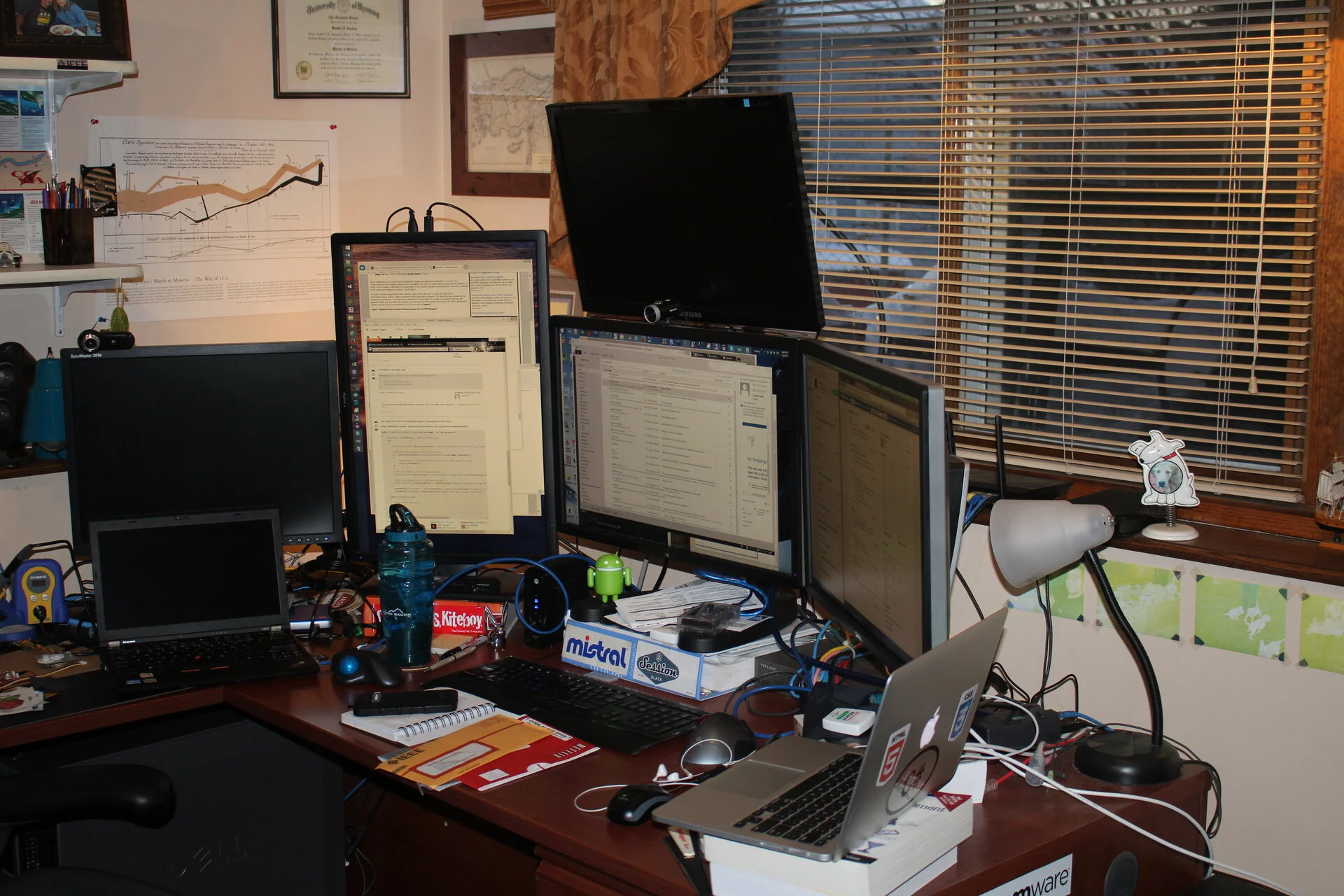 Business as usual
 Windows 10 - still solid, not trying to sell you anything or try to pilfer your information just out of the box
White Bear Lake 2014 - present
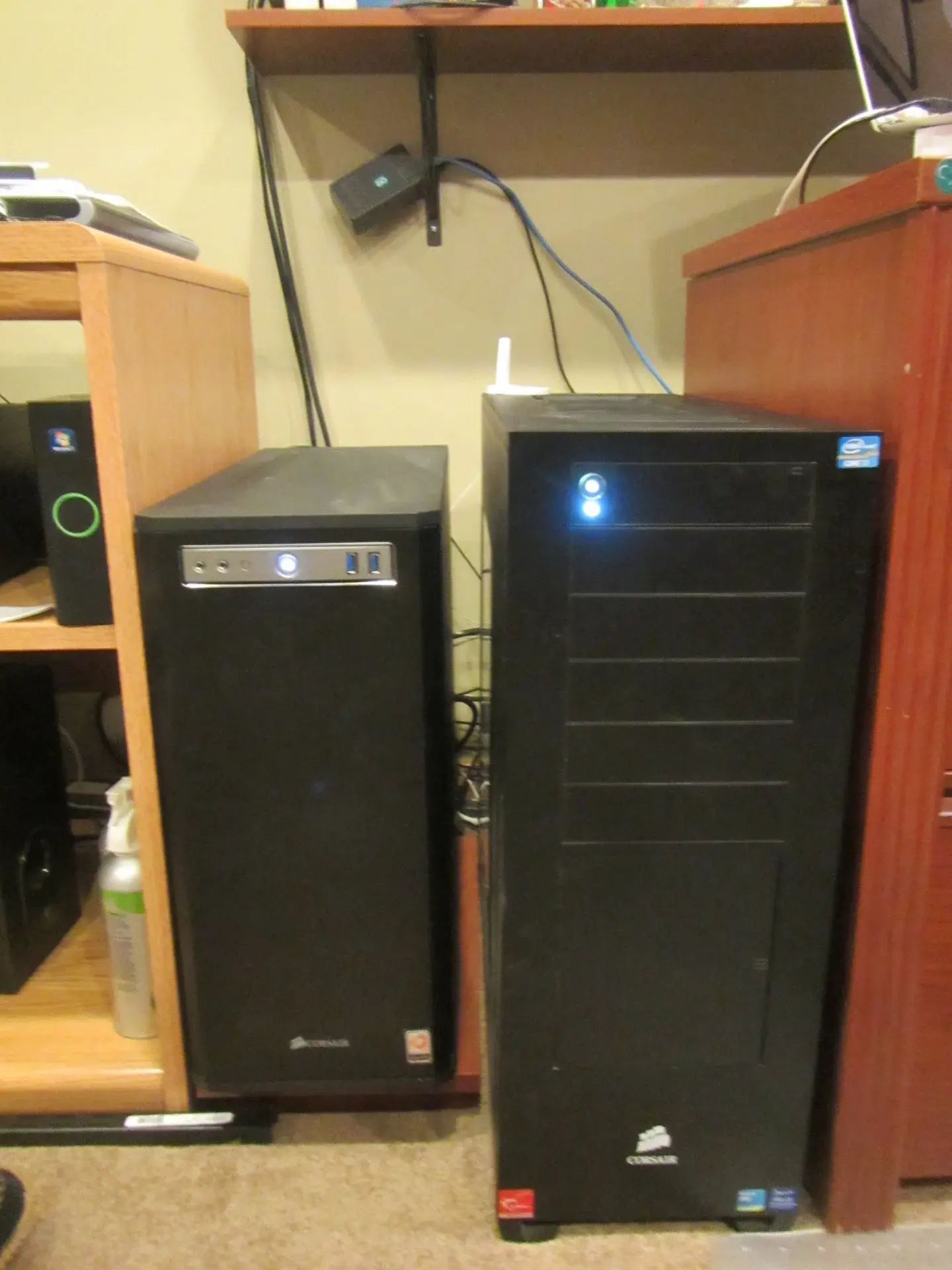 AMD and Intel workstations are side by side
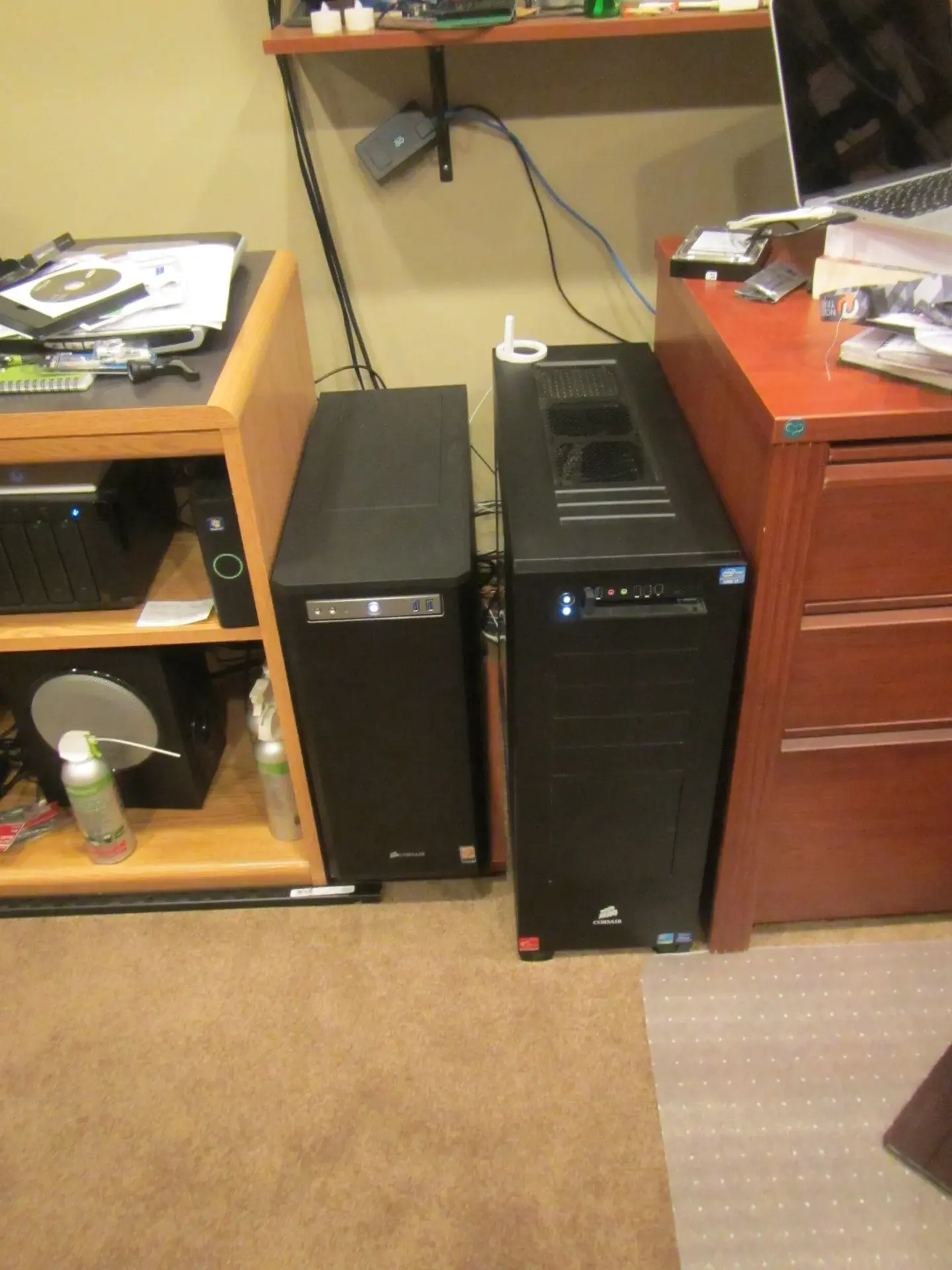 AMD and Intel workstations are side by side
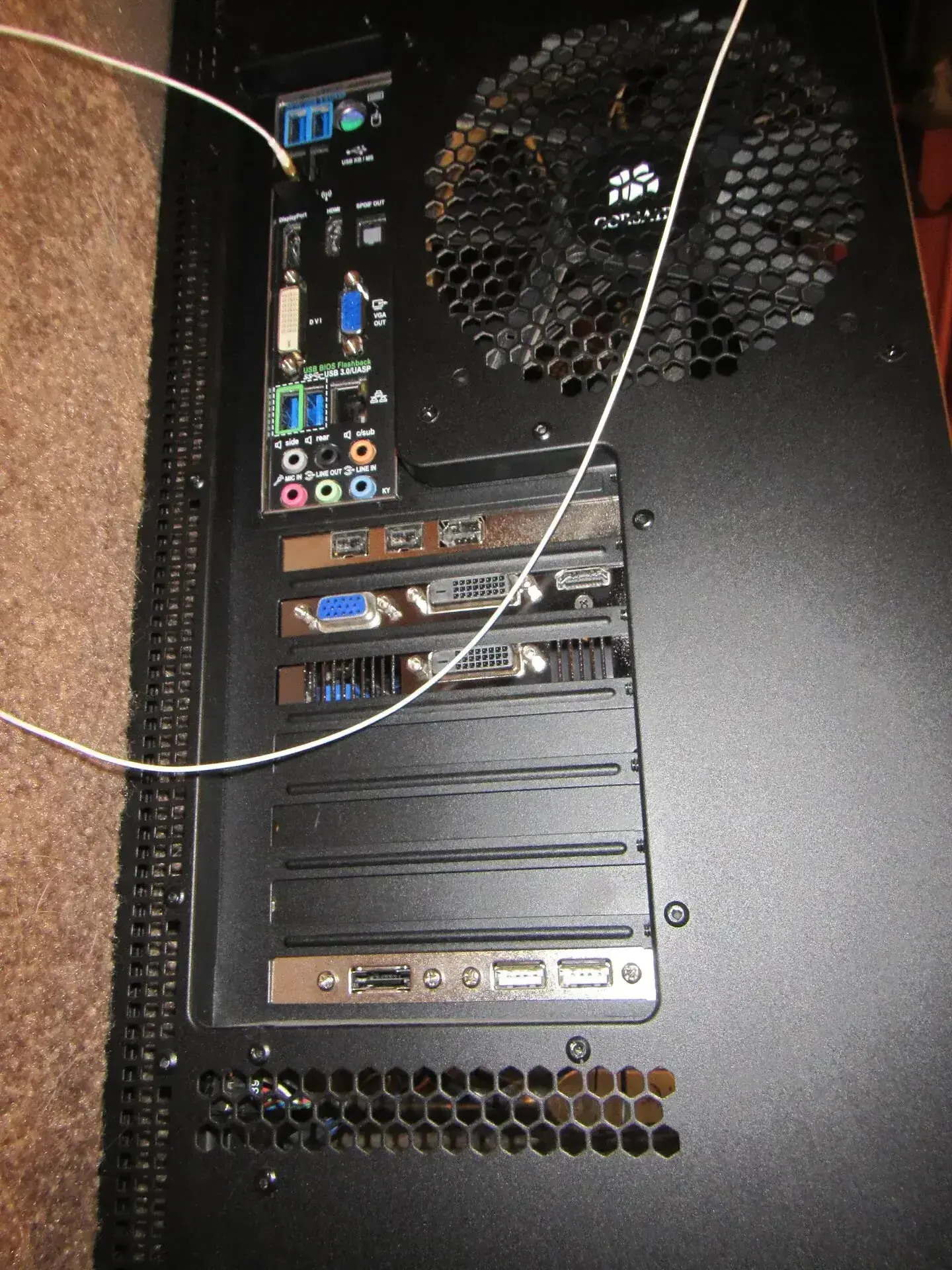 Obsidian 80D back wiring
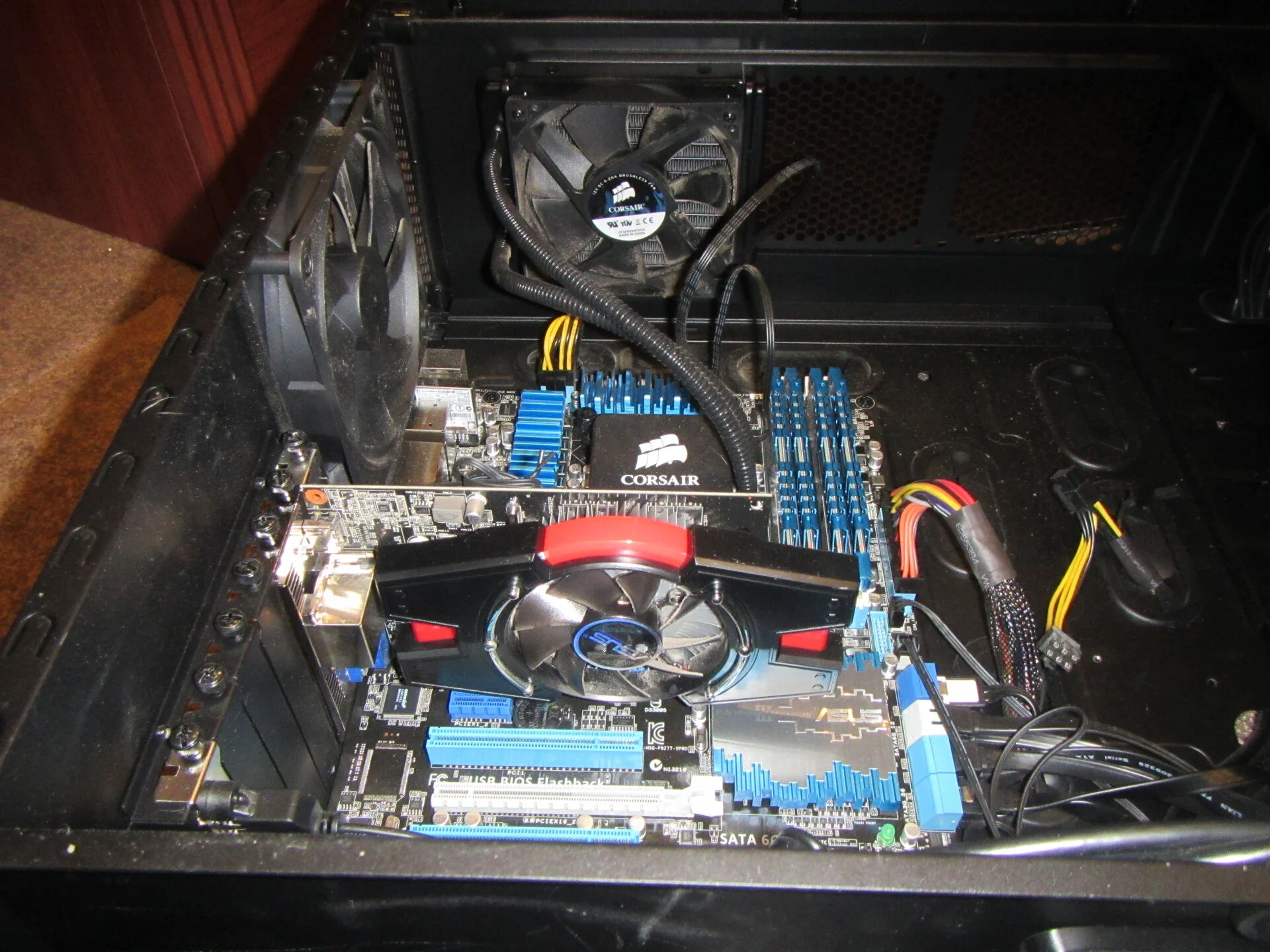 ASUS GT640 2GB DDR3 Memory Graphics Cards - loaded
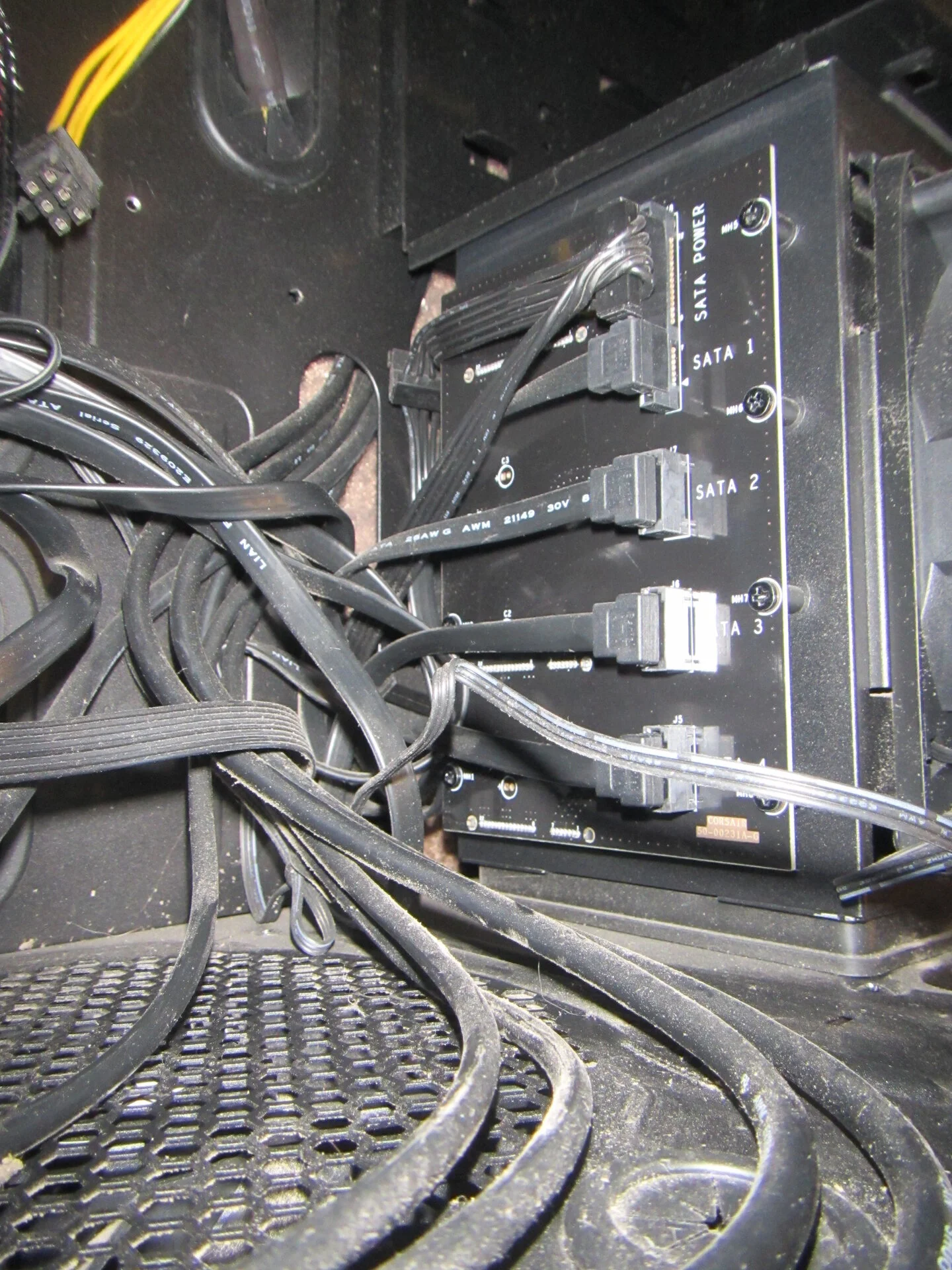 Connecting the SATA drives to this board looks okay but got finicky later, bent pins etc.
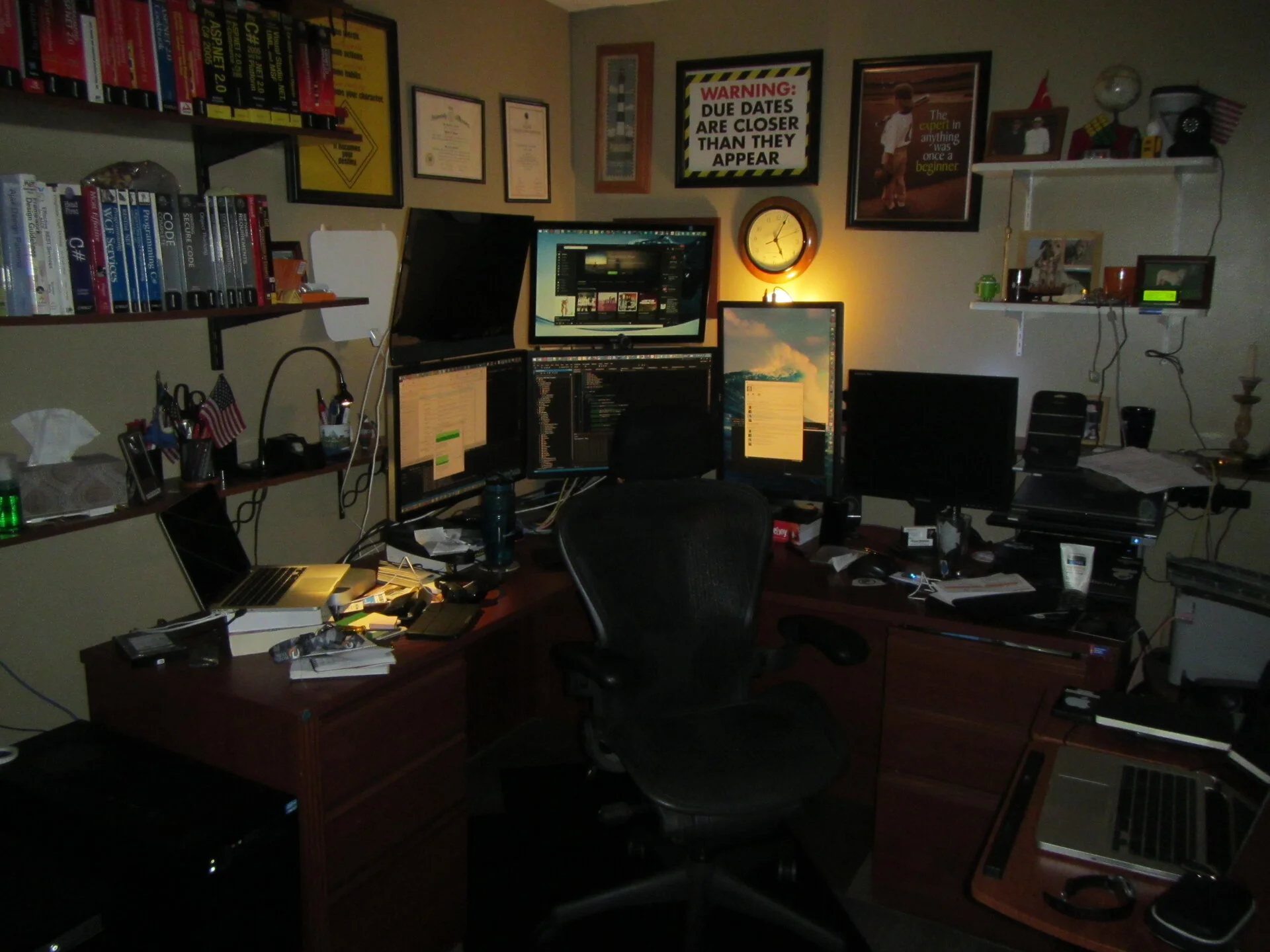 New desk area, two vertical monitor stand for two monitors. This is my current setup more or less. One PC can drive all five monitors.
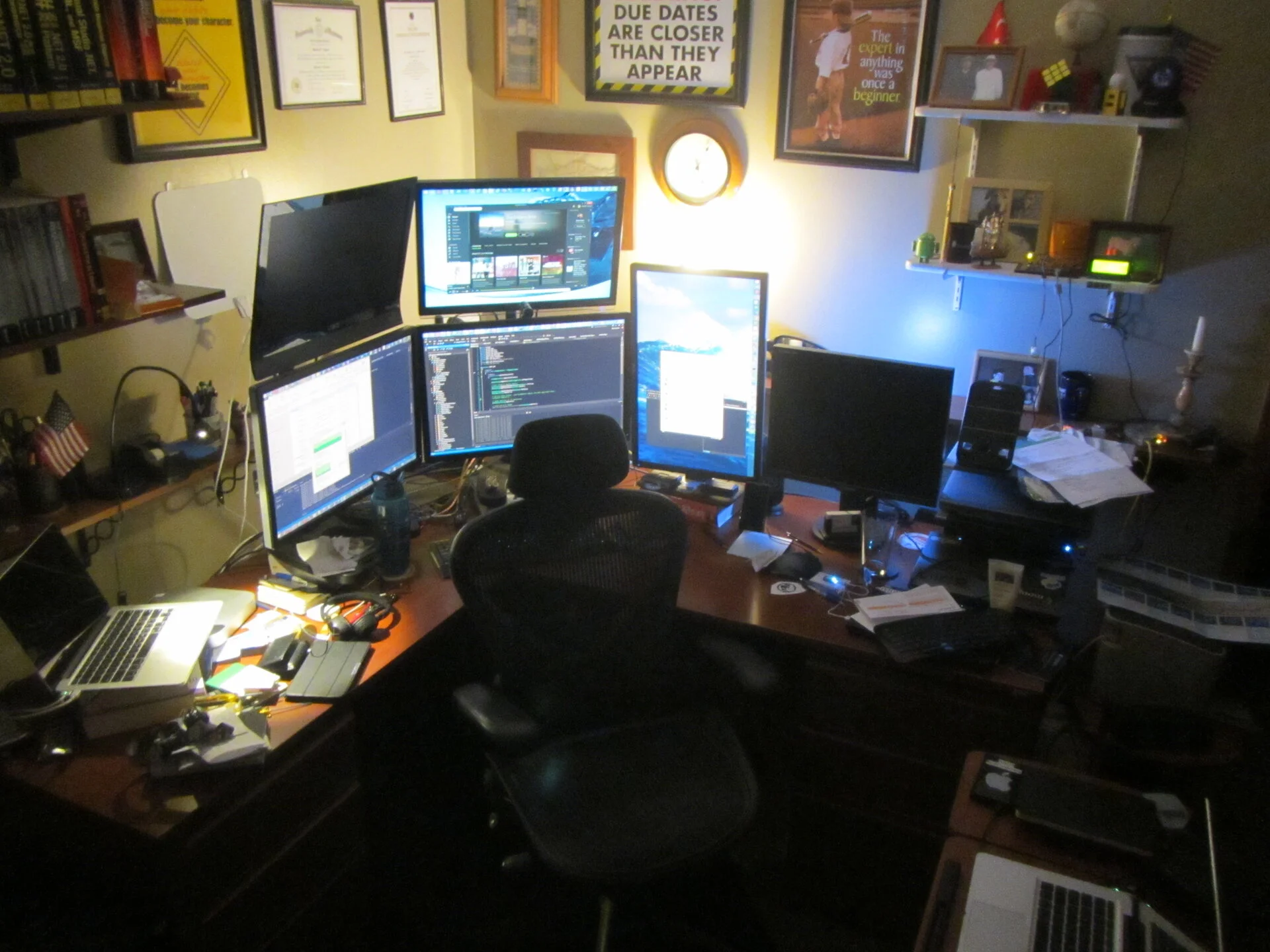 Top View
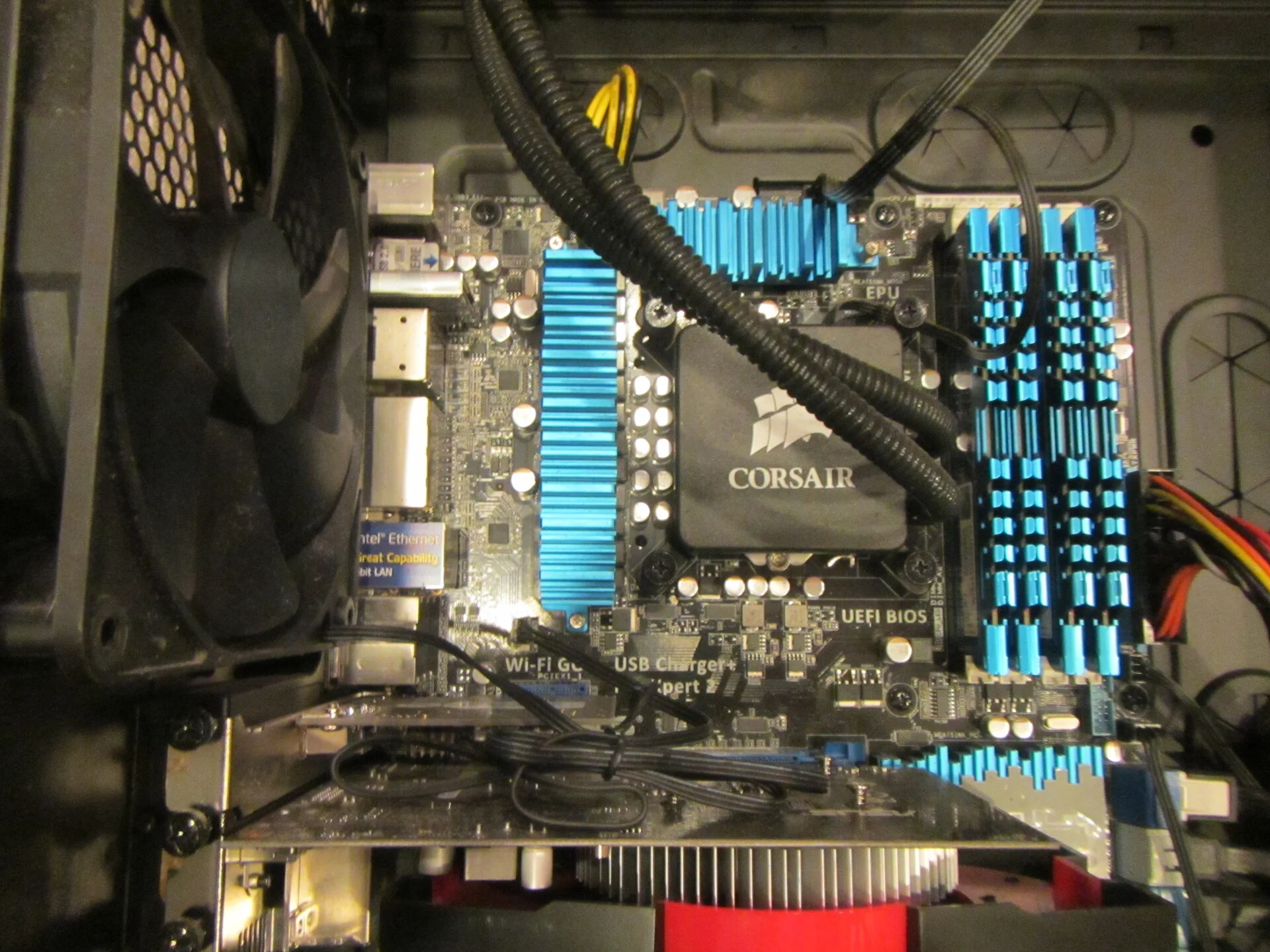 First liquid cooled CPU - hello there, never leaked and still alive in another box in Ubuntu
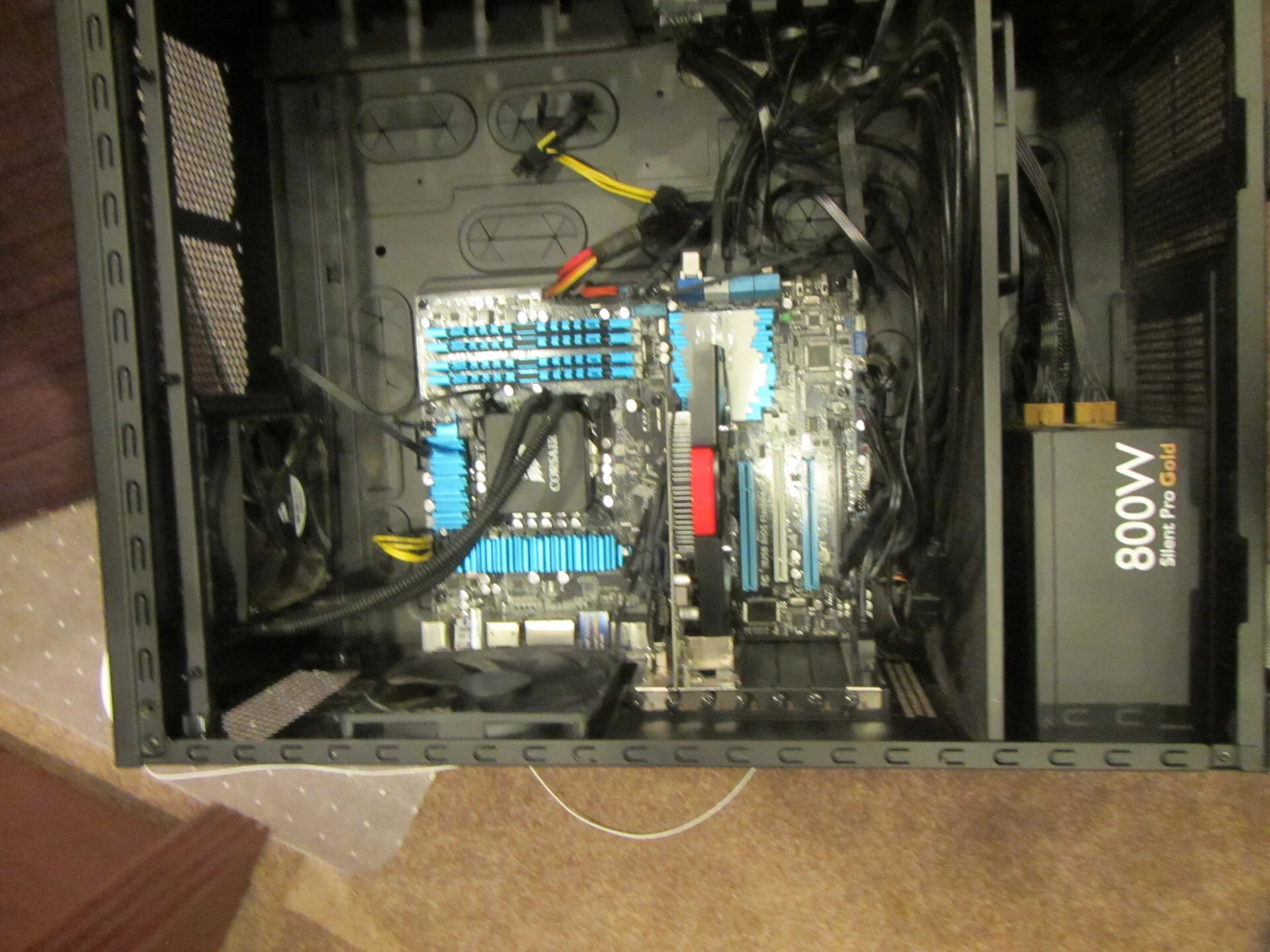 That 800W corsair from 2012, I sold it for $20 in November 2025. Still going strong. I blamed the PSU upgrade gods.
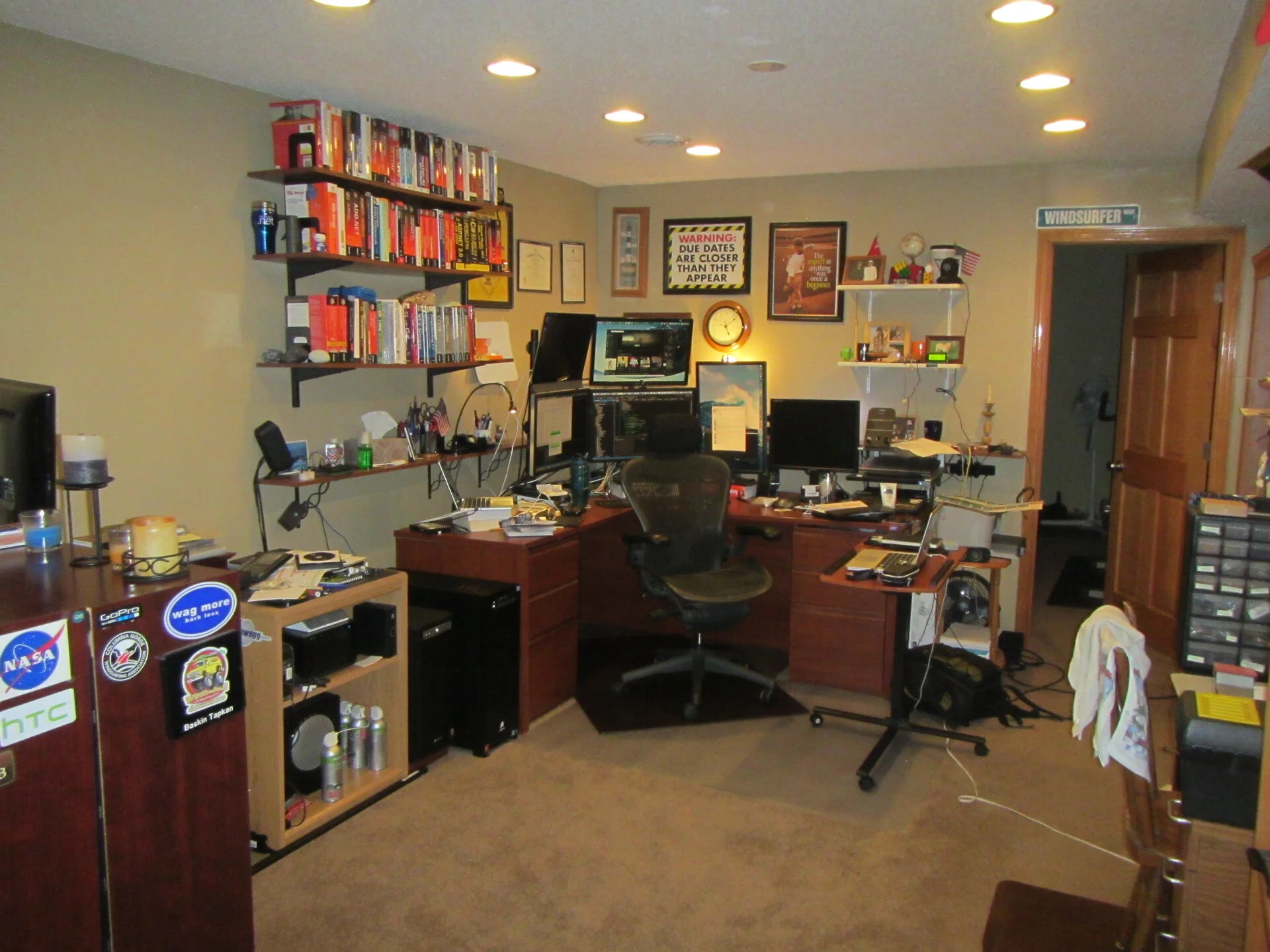 New basement office
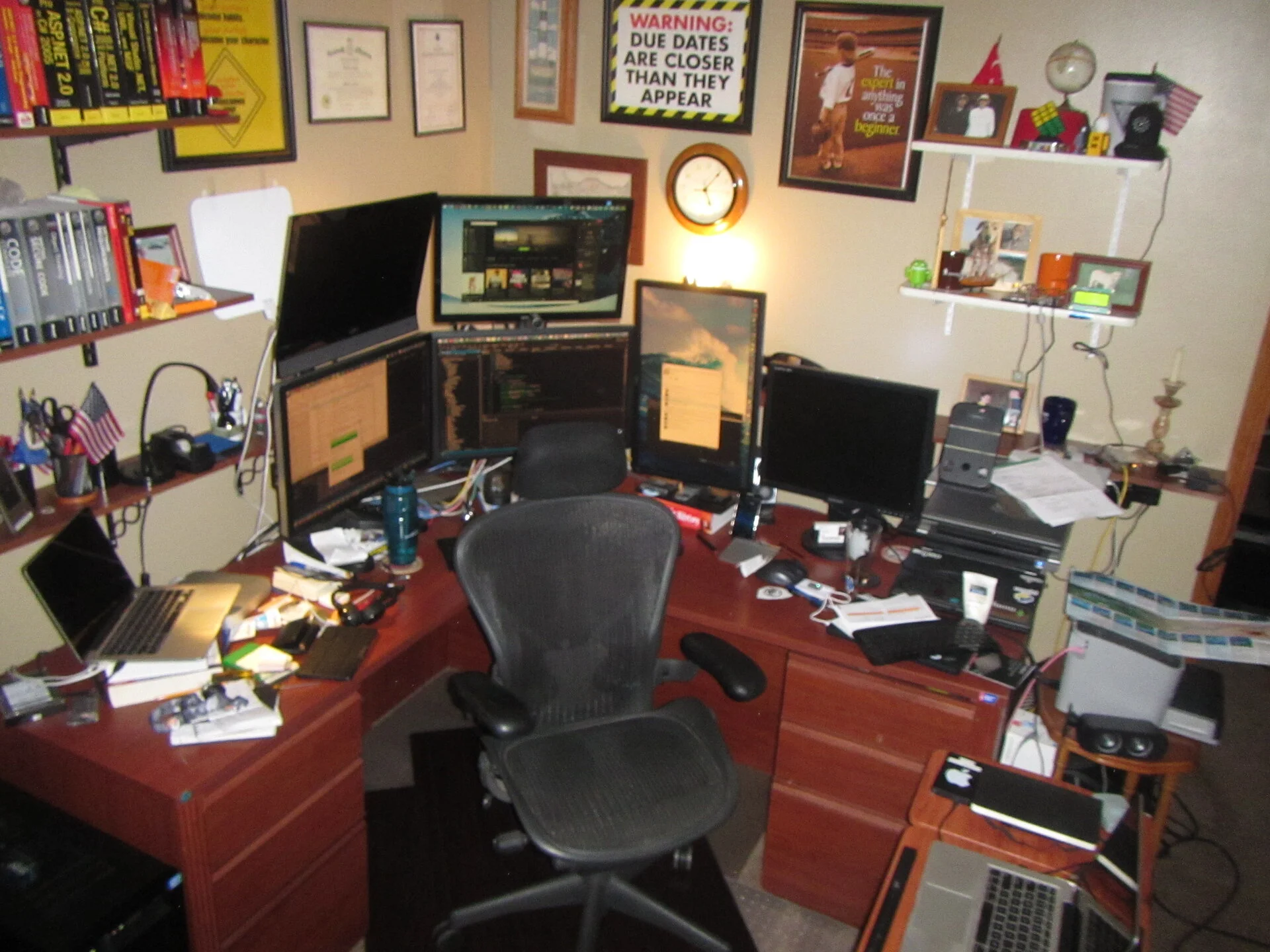 Top View
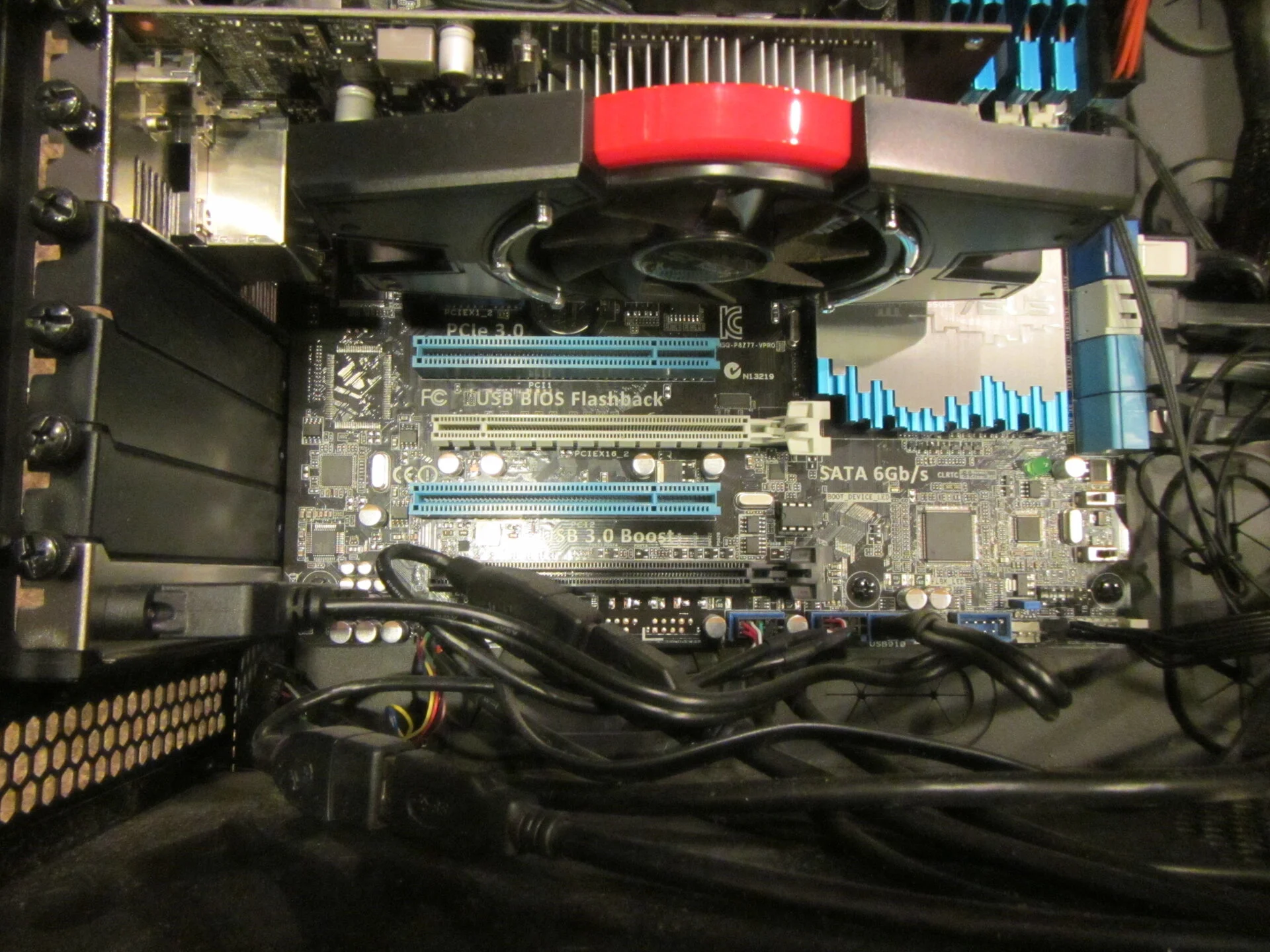 Inside the Obsidian 80D case
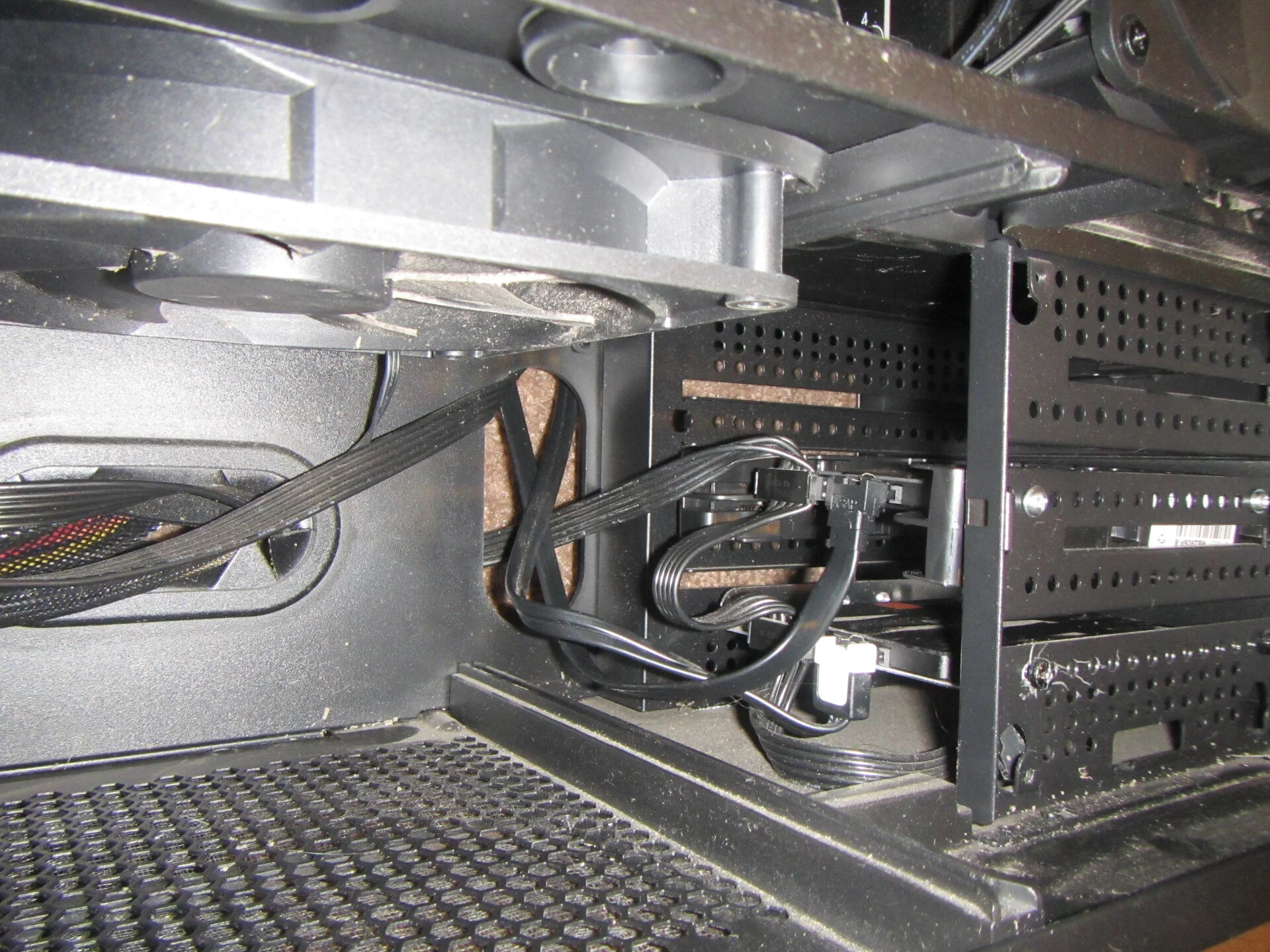 SATA
SATA
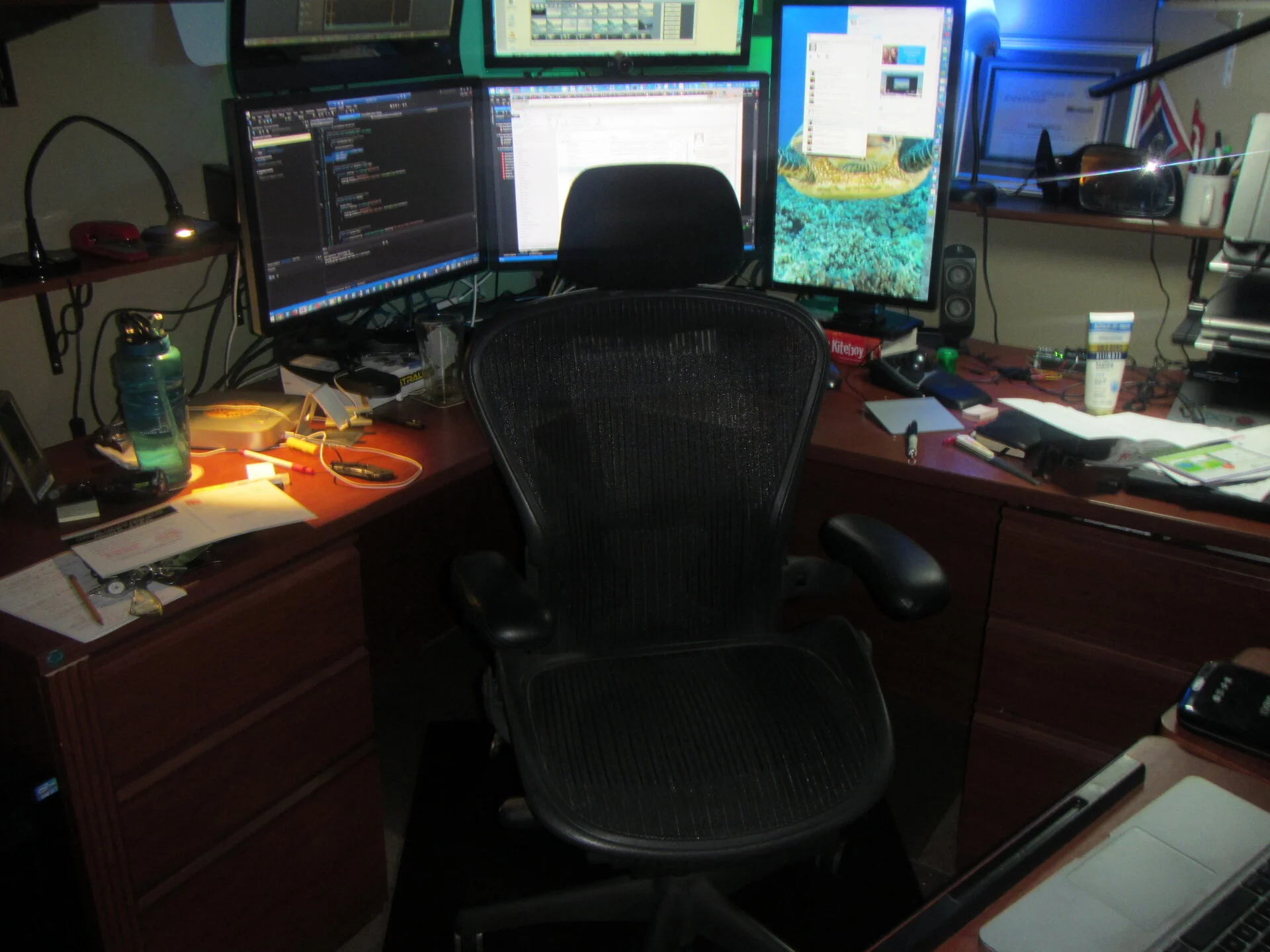 41
41
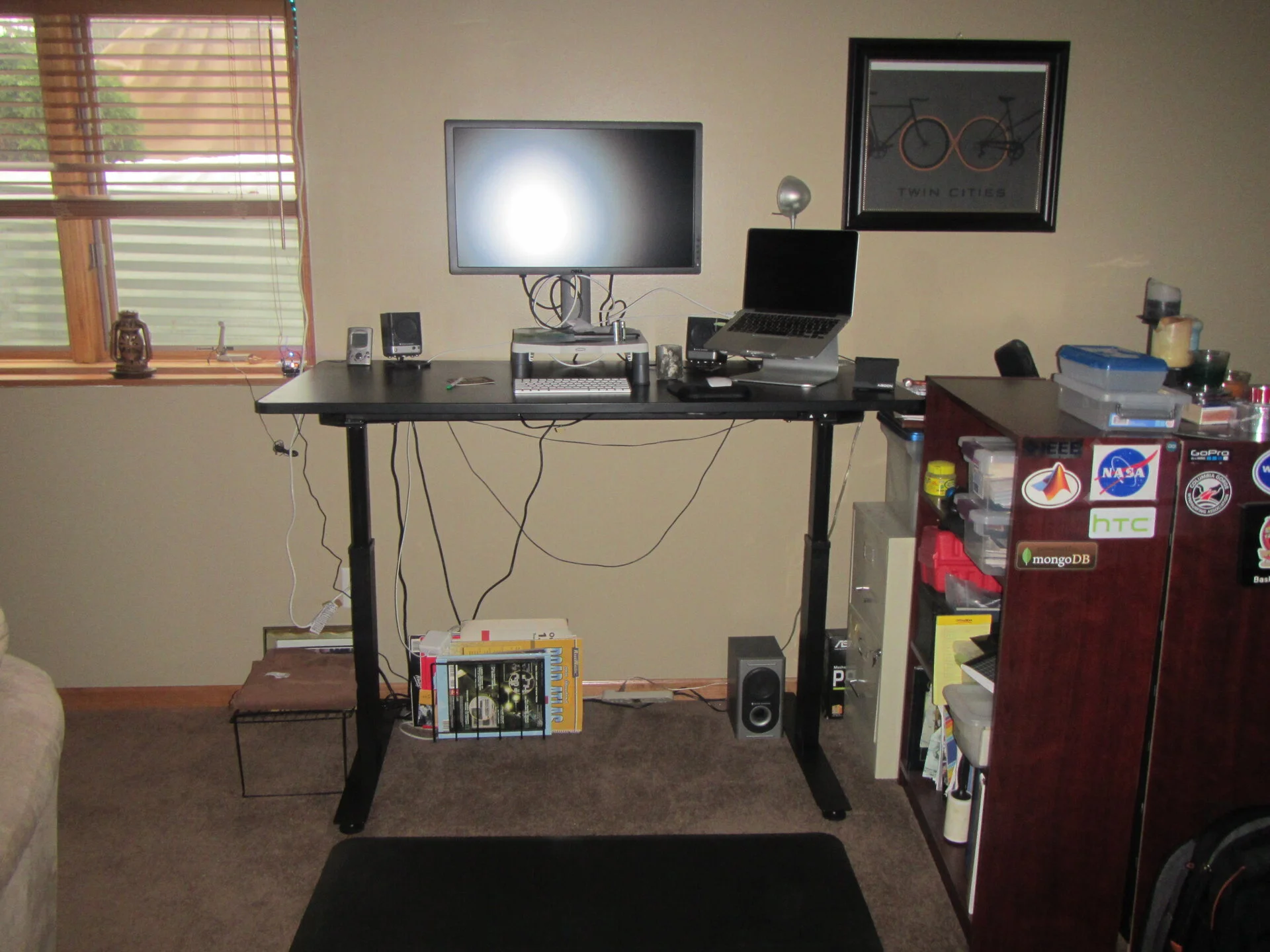 Read that working and standing is good for you, so here is my standing desk, actually saved me a ton of context switching and helped me focus on work. This is the main area where I do my daily corporate work
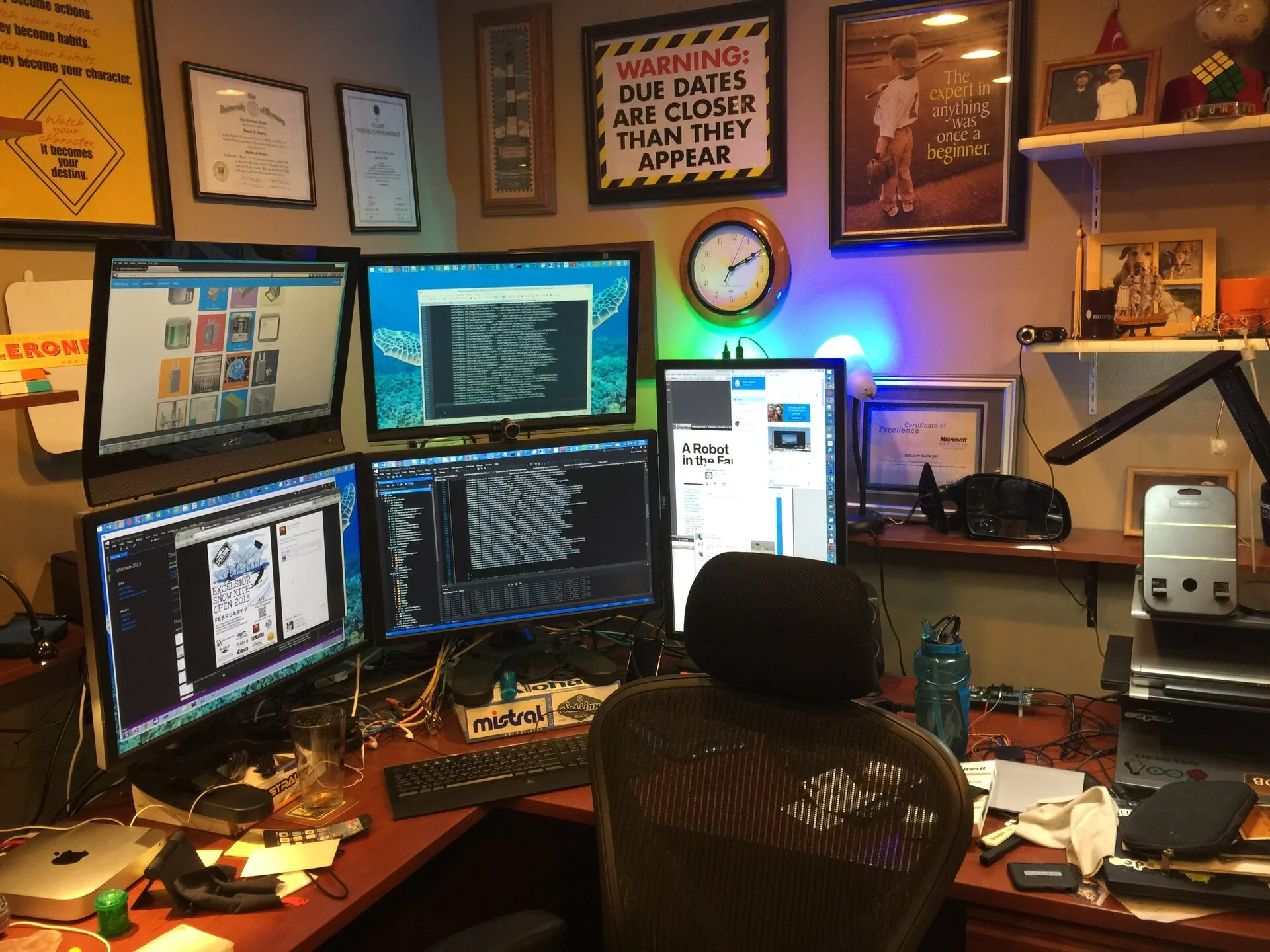 Still work gets done here but also play such as video editing, email, social media, planning, oh I also have a macmini (first one!)
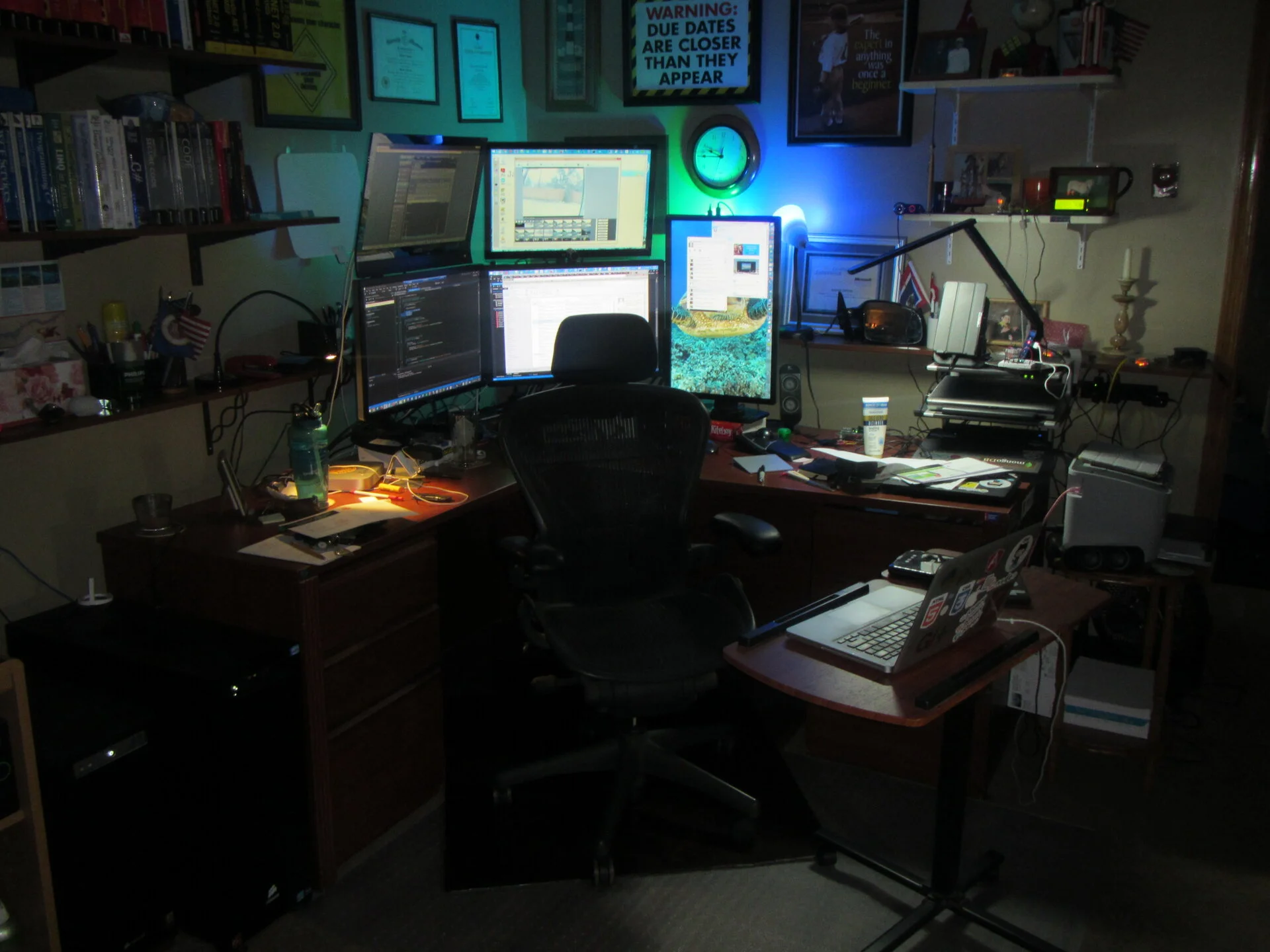 Different back lights
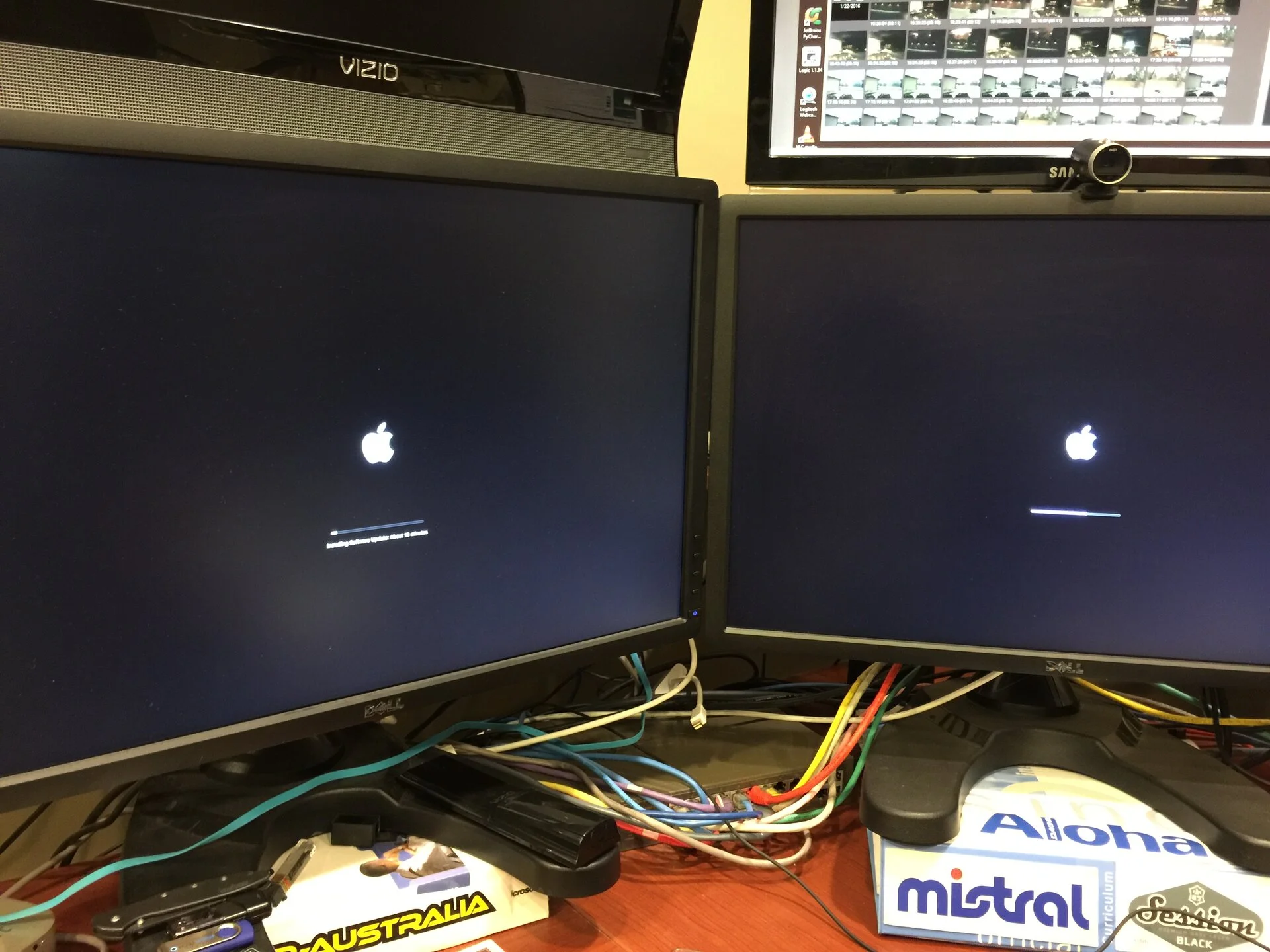 MacMinis have multiplied - 2x
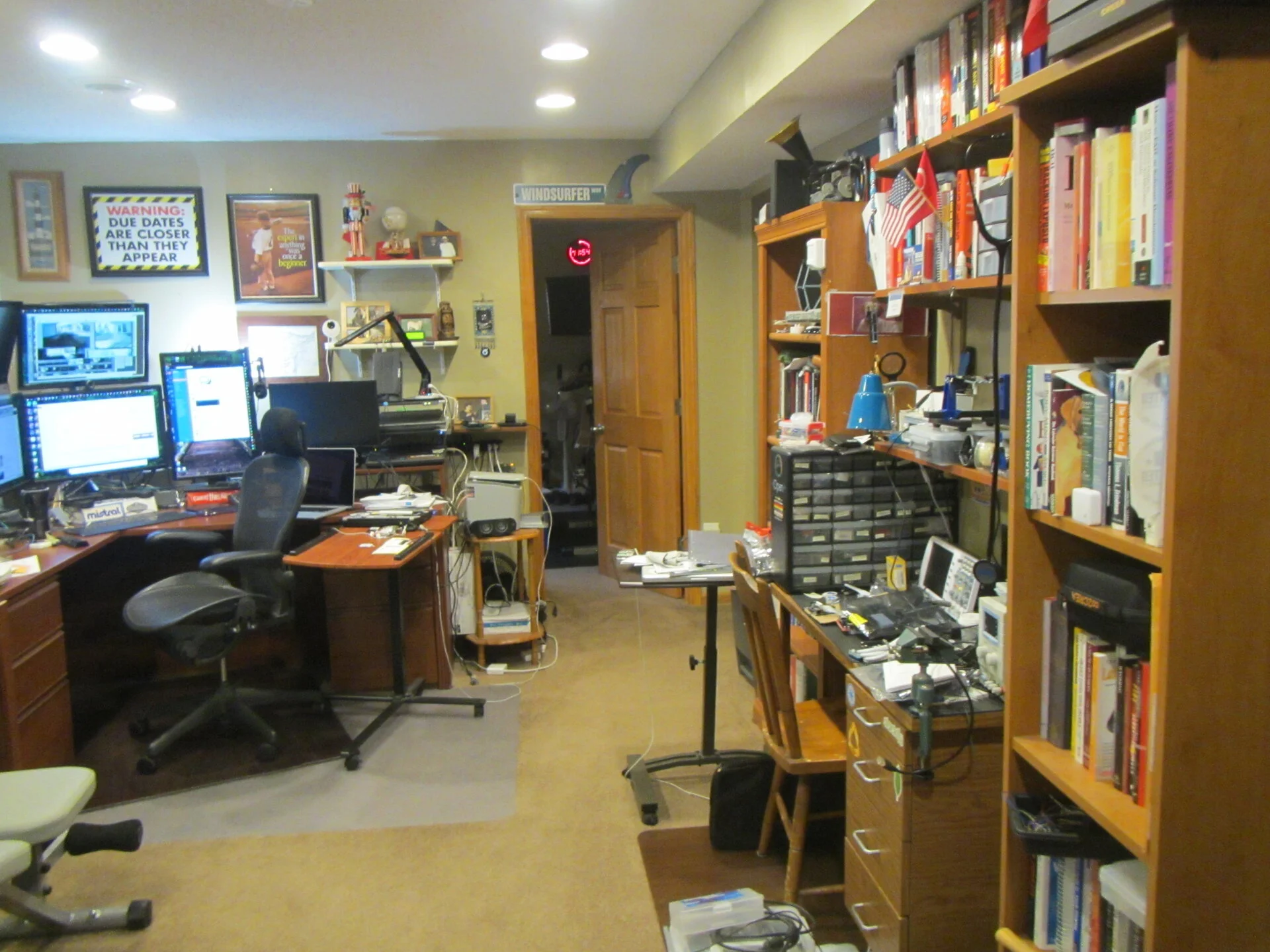 Got a small weight bench
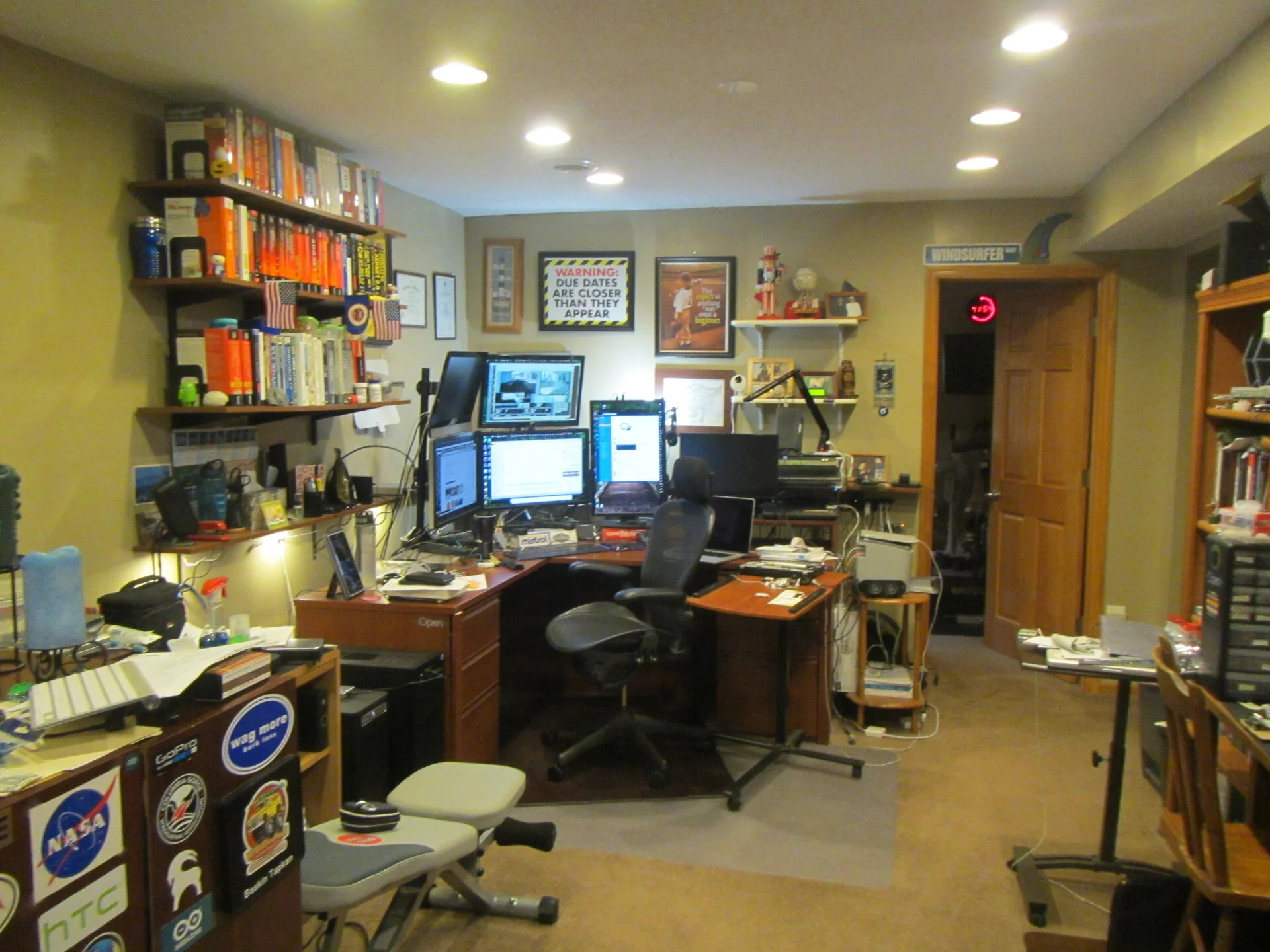 upgrades maybe
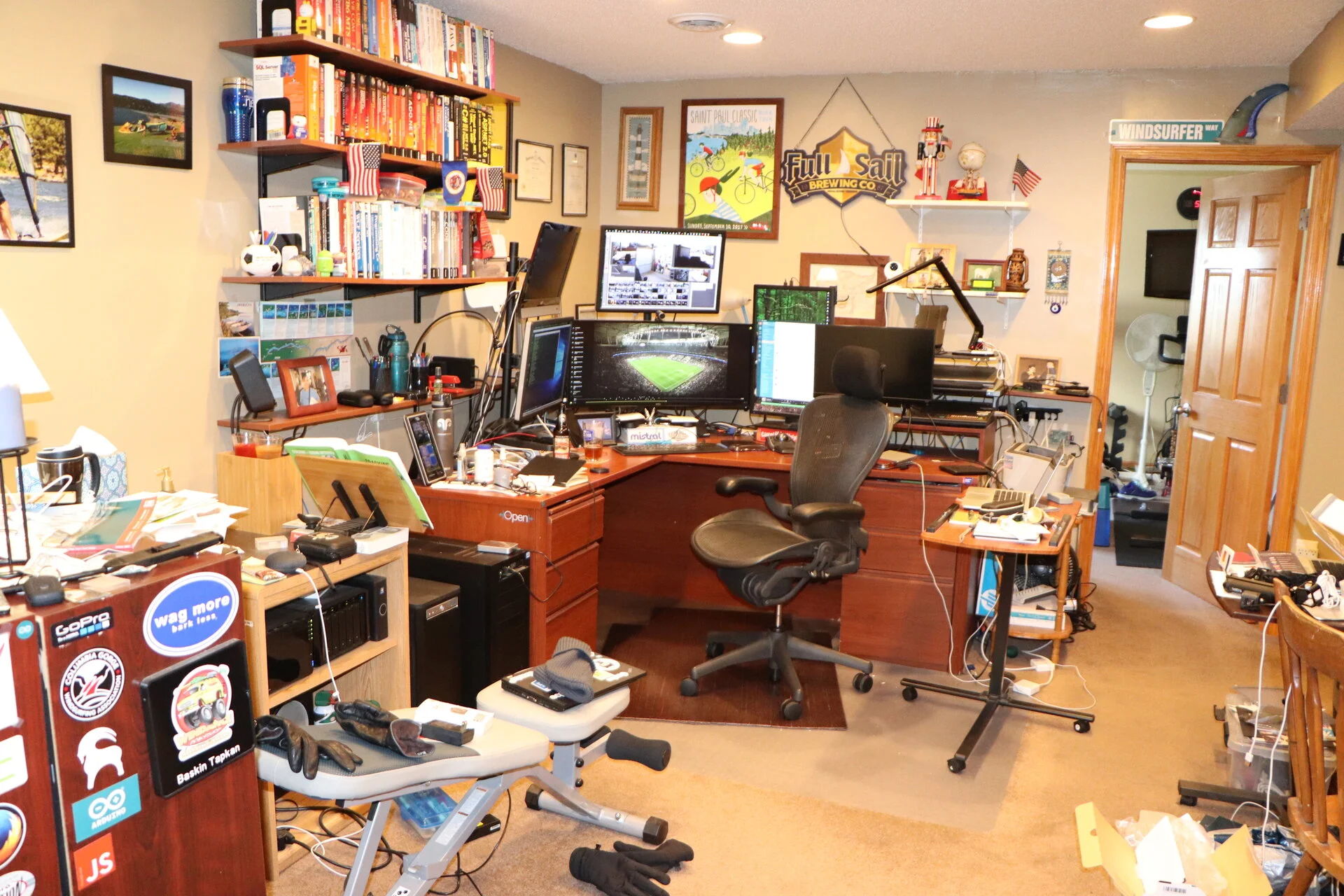 Monitor got wider
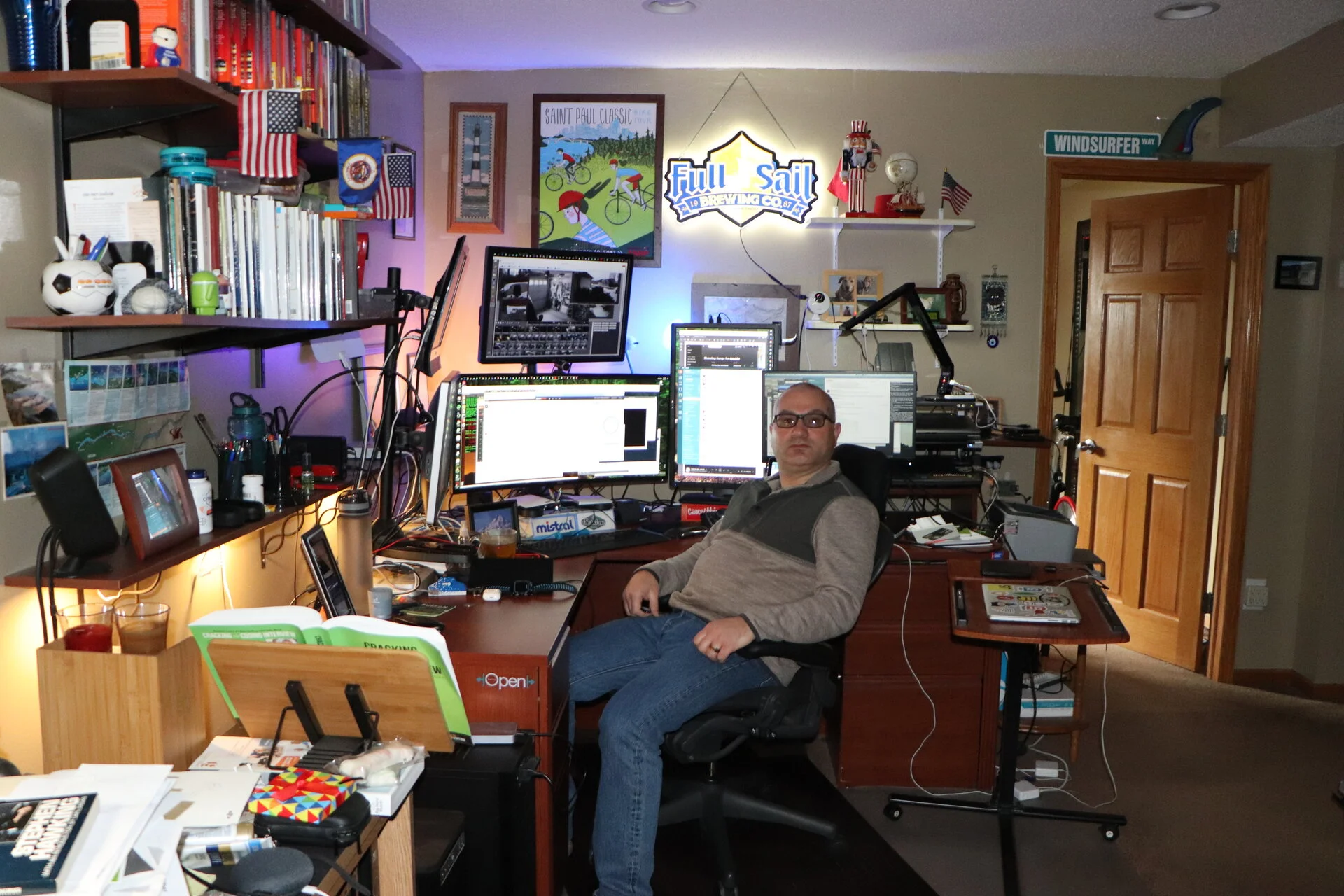 Wider main monitor
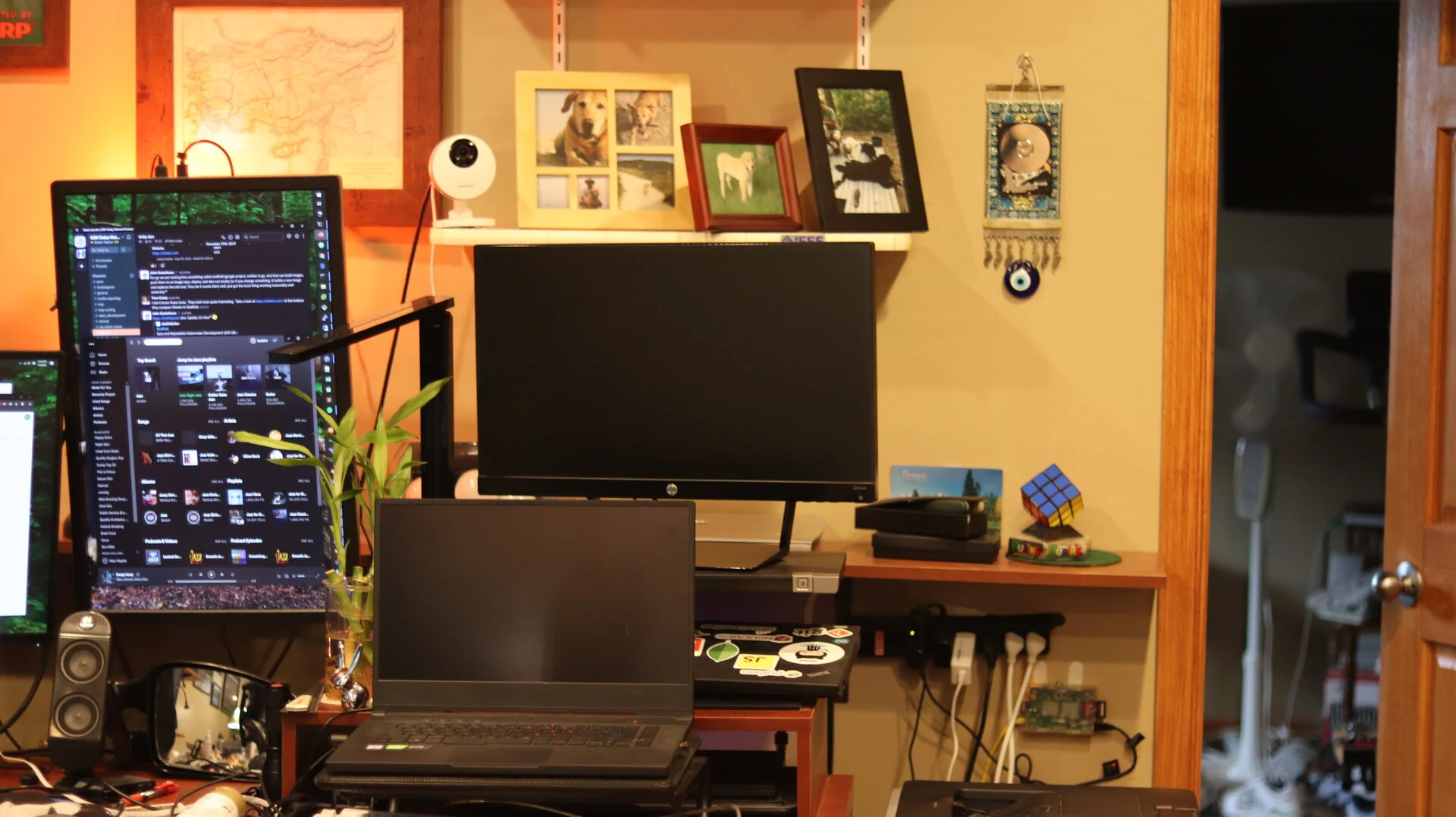 Asus Gaming Laptop from 2018. This is pretty solid now with Windows 11 on.
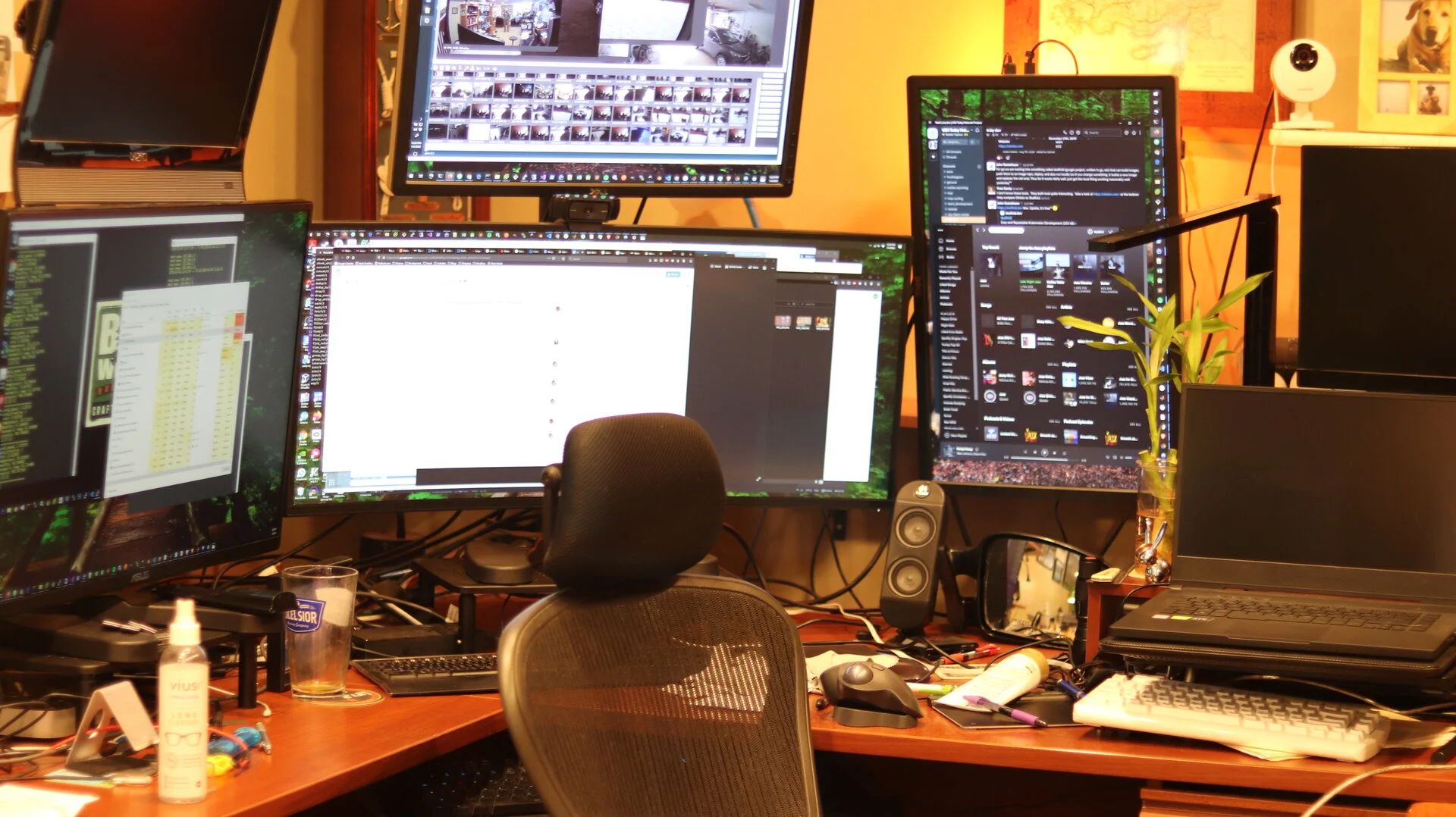 Flat keyboard will be decommisioned soon, i do like lights on my keyboard for sure
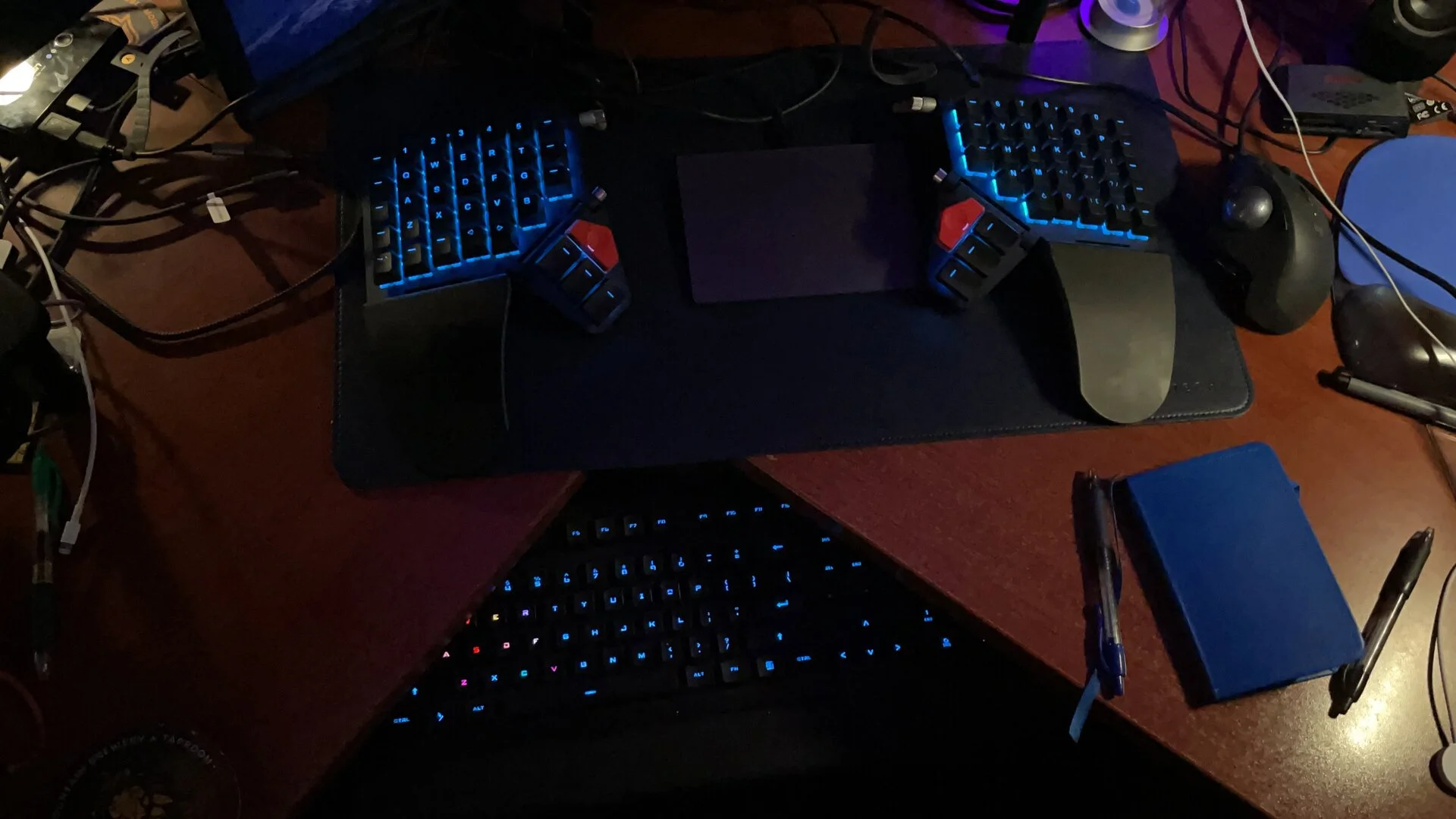 Split Keyboard Moonlander
pw
Split Keyboard Moonlander
pw
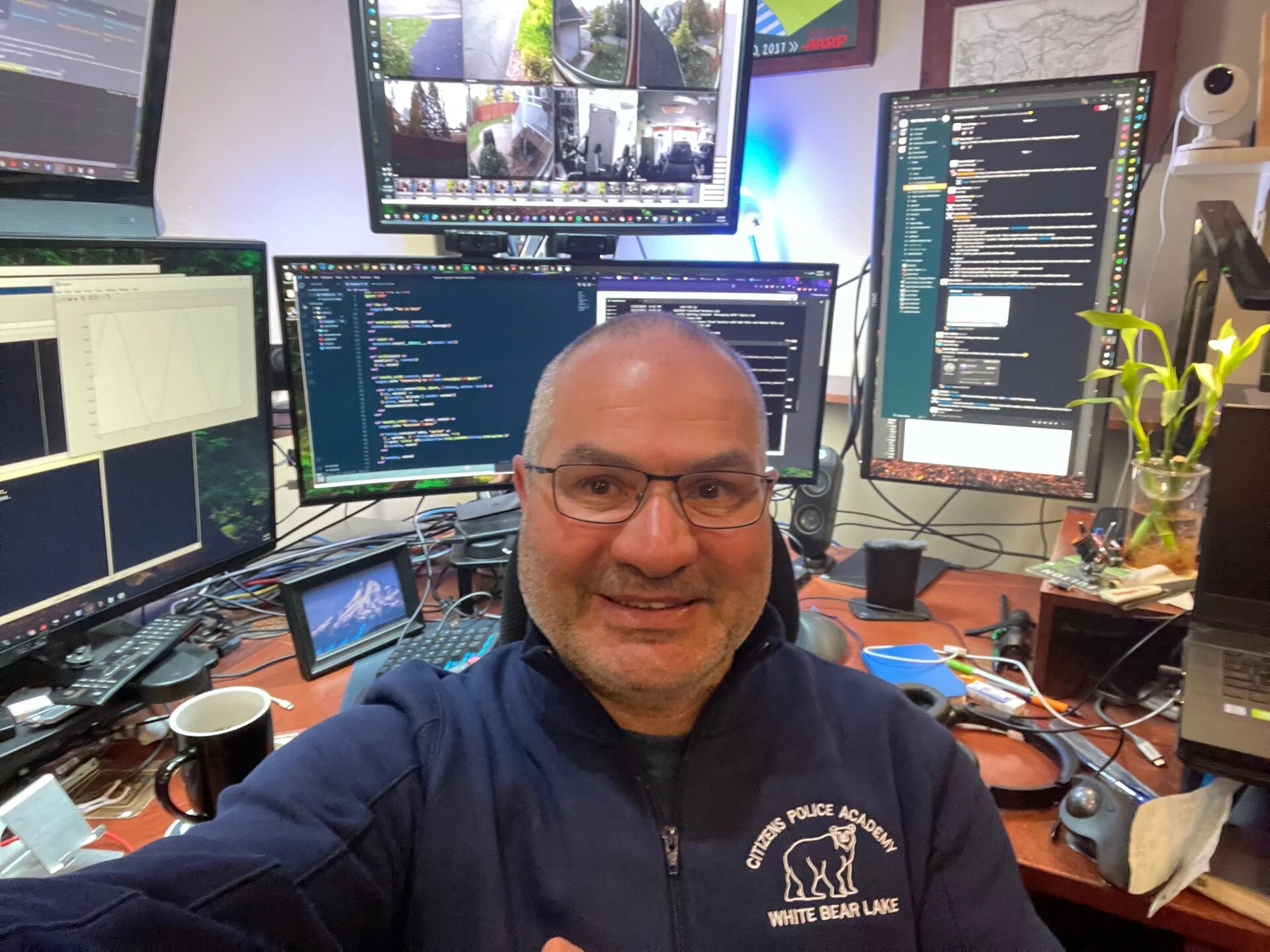 White Bear Lake Police Academy
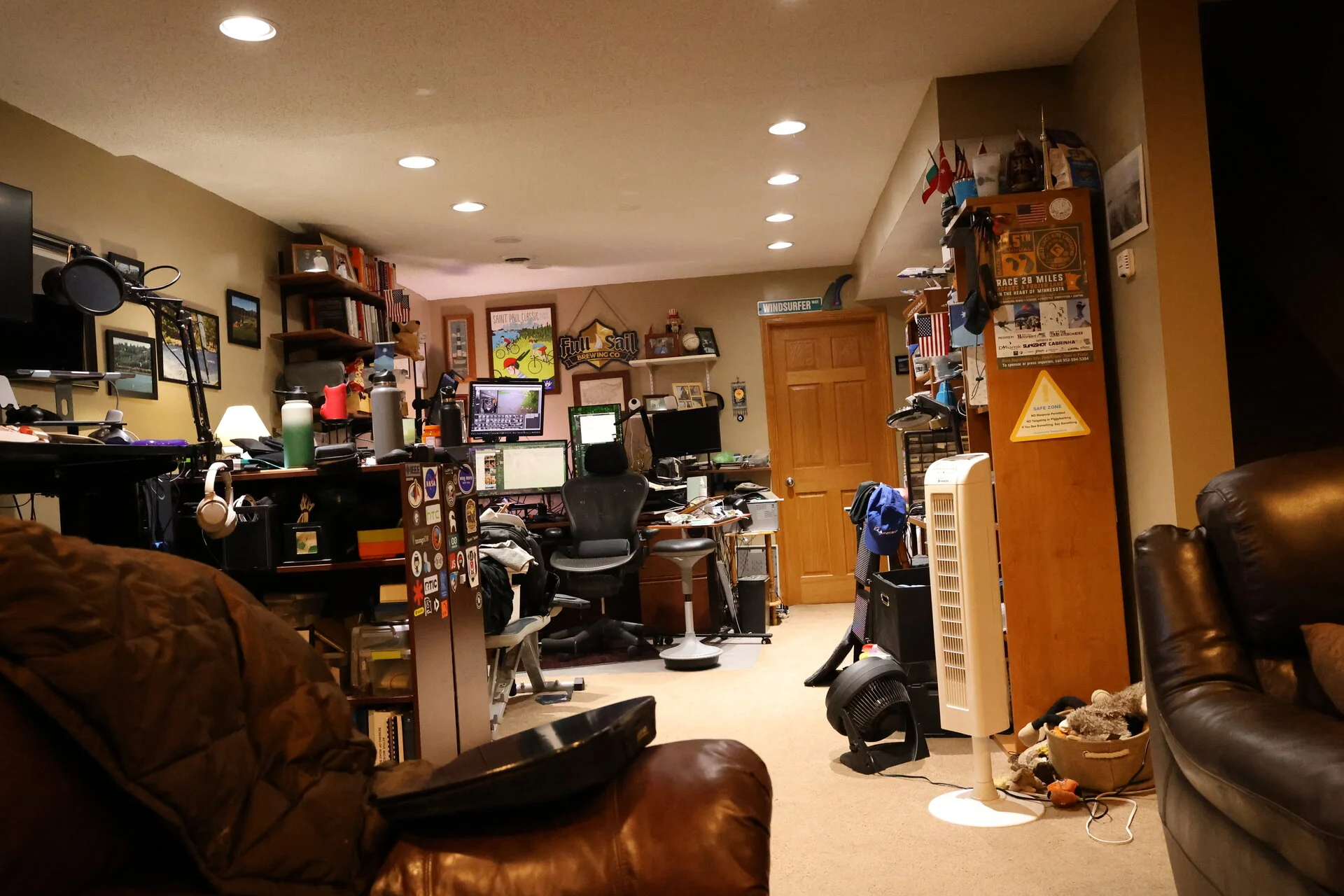 Wider angle 2024 edition
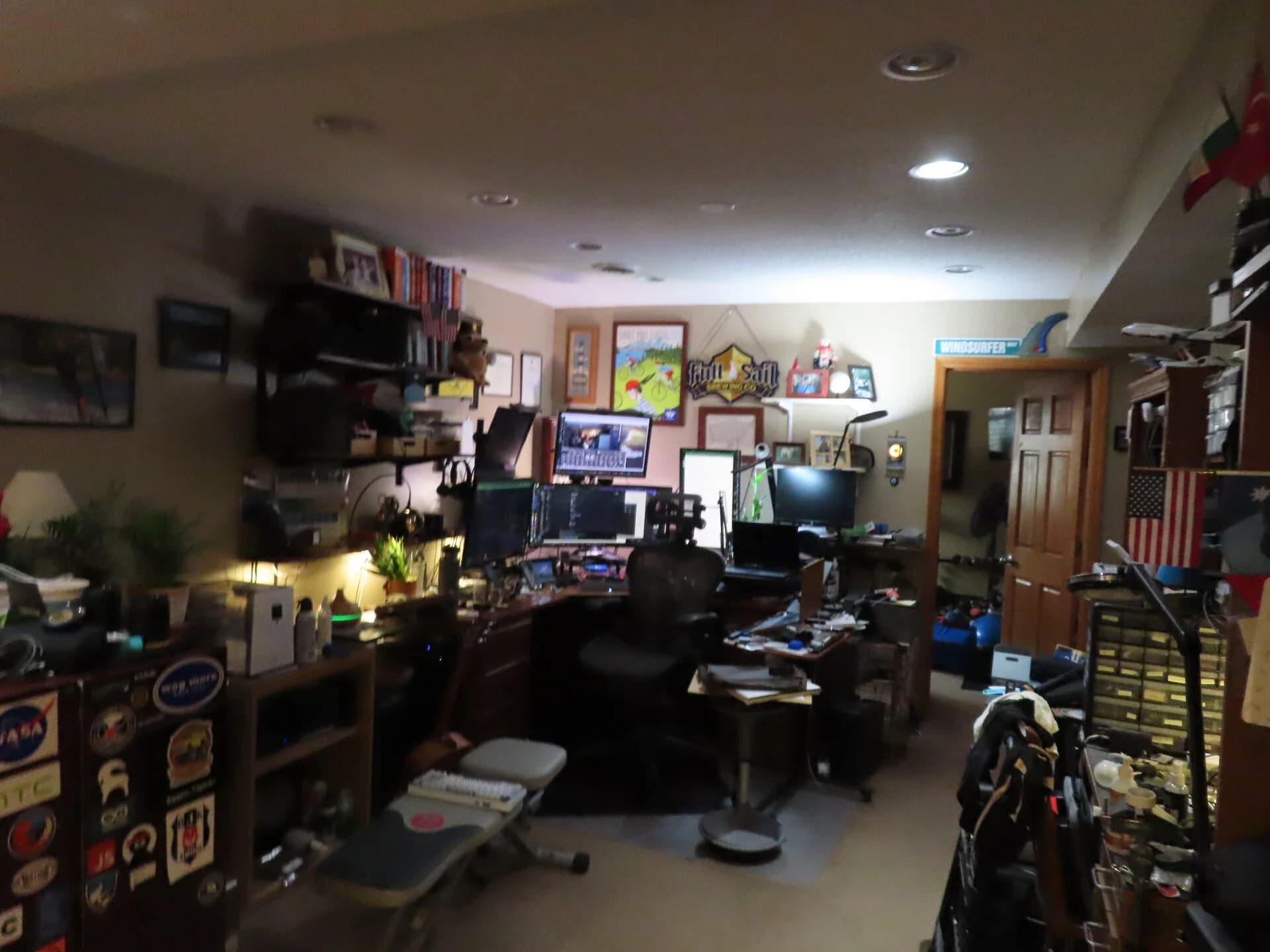
Office view
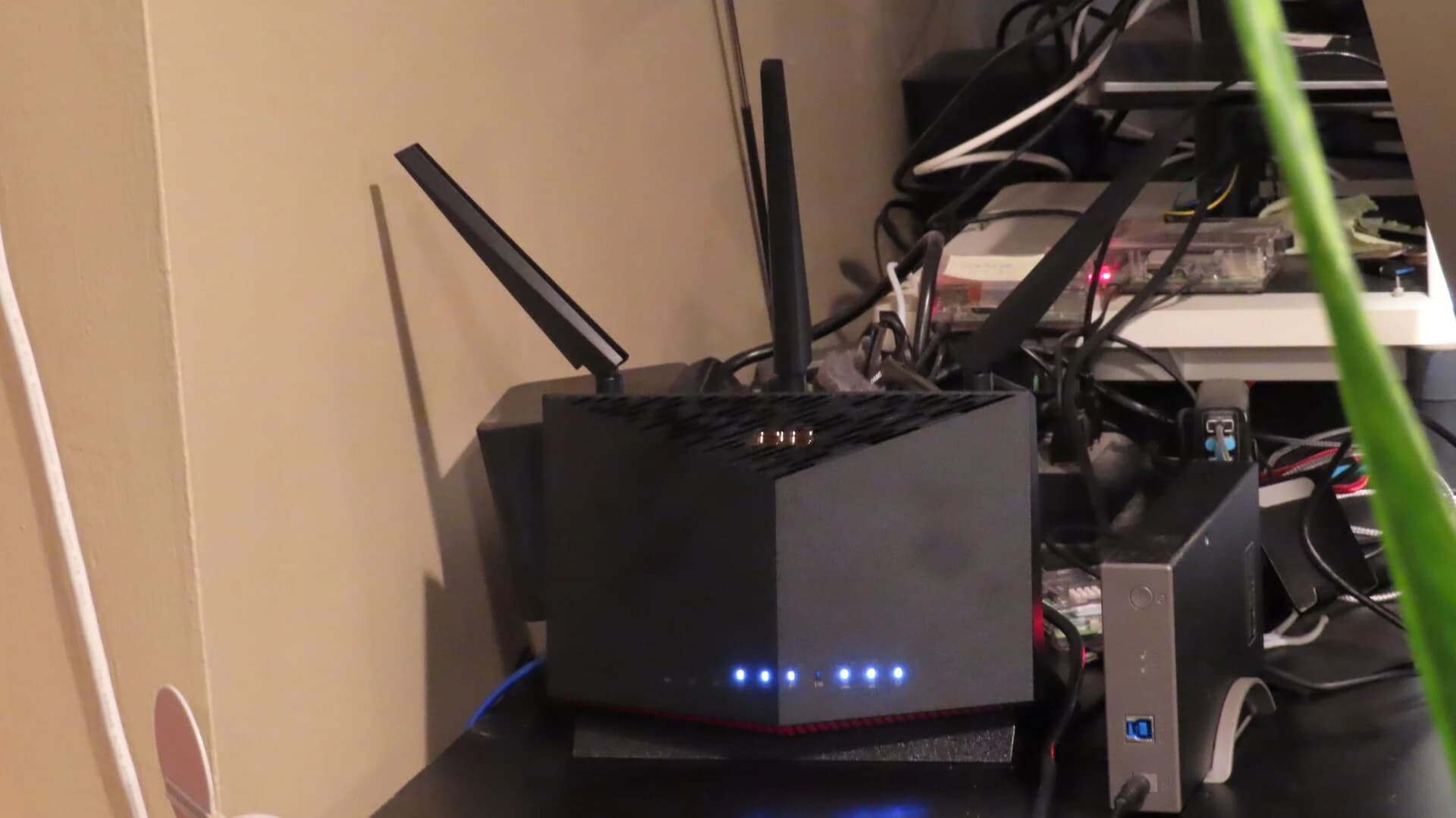
Router upgrades
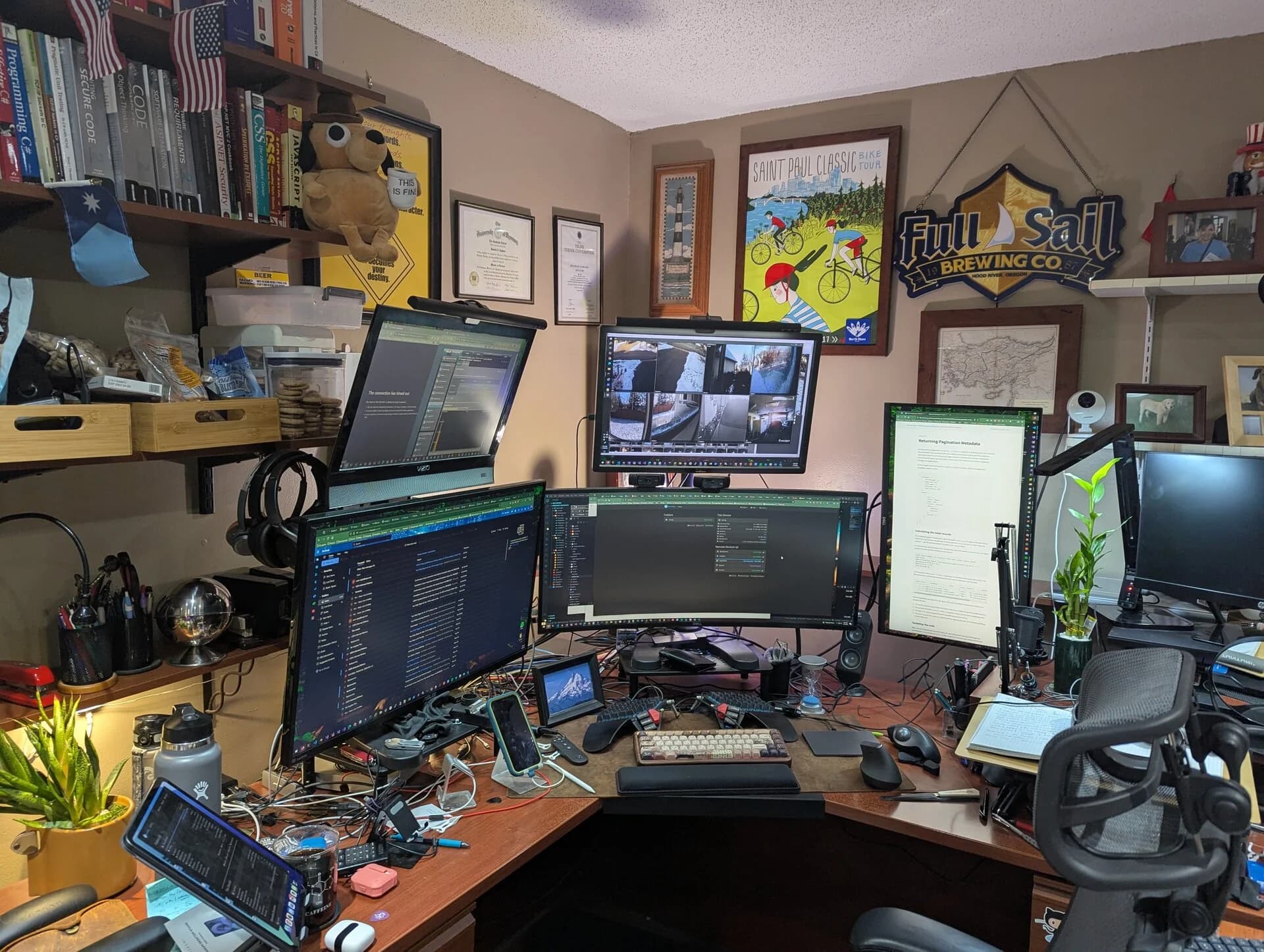
Less recent workspace
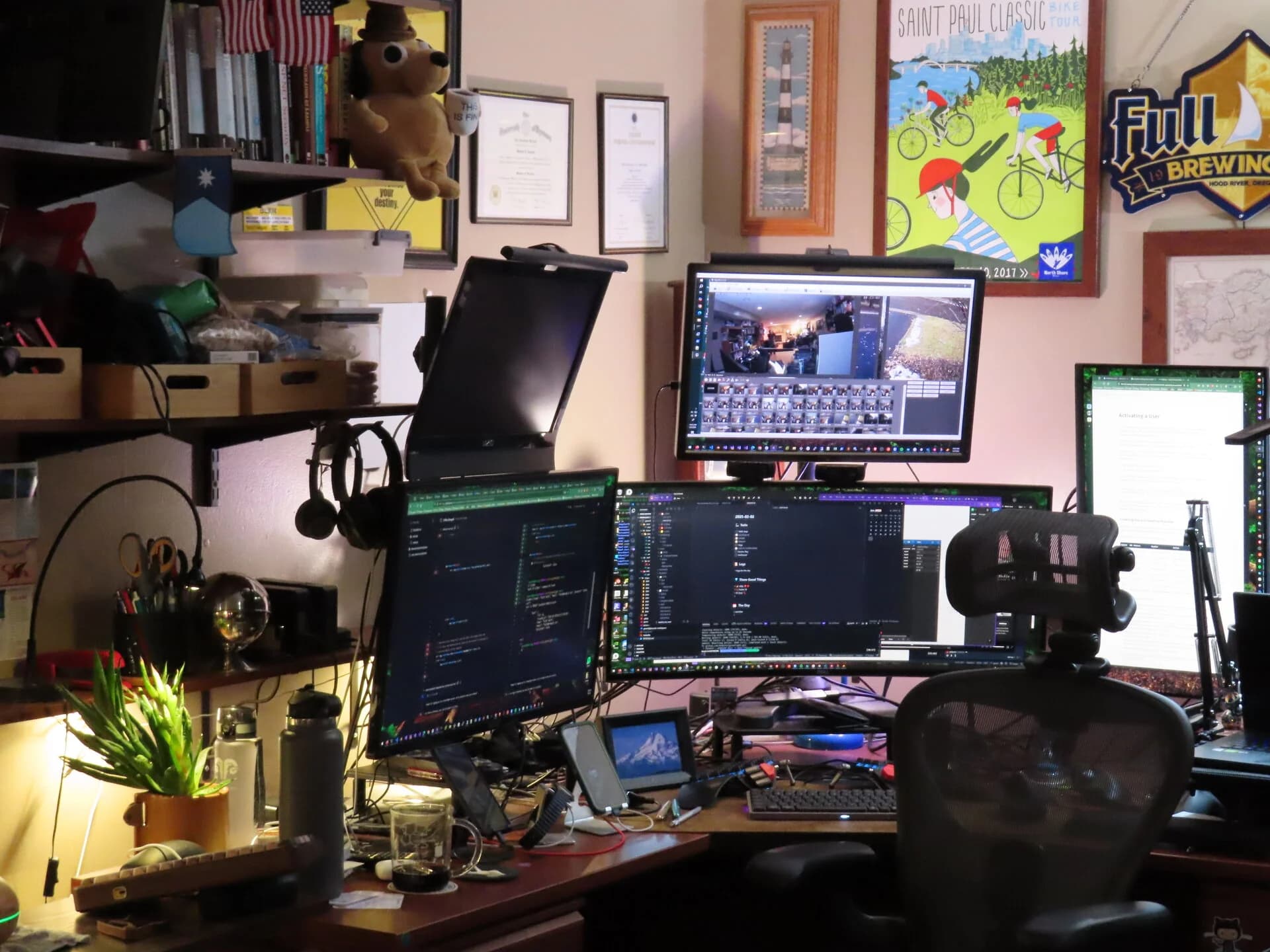
Recent Workspace