Server hardware troubles and upgrades
Fixing things, old and maybe newish...
A few days before the weekend, we pulled the trigger on a new HVAC system involving a HeatPump 2.5 ton furnace, 97% efficiency etc. The install took all day, removing the old furnace, installation, fitting including the 3rd-gen Nest controller.
The main issue was that the initial assessment of a sudden fan type noise heard in my current workspace.I initially suspected the noise coming from the HVAC area. It seemed frequent, like every 5 minutes or so.
A few hours later, I realized the noise was coming behind my desk where I had a few servers (not the best place for servers but it is going on without issues over a decade now). One of the server DELL T30 is a relatively inexpensive file server running Windows server edition. Similarly I had a heard a noise a few weeks back, pulled out the server, cleaned out the inside. It was clogged and the fans were having a hard time moving. So my initial reaction was the other larger ESXi server, Dell T420 from the year 2012. This is a beefed up server back in the day when I started multiple OS'es for testing, configuration, apps and databases. I thought that was the culprit.
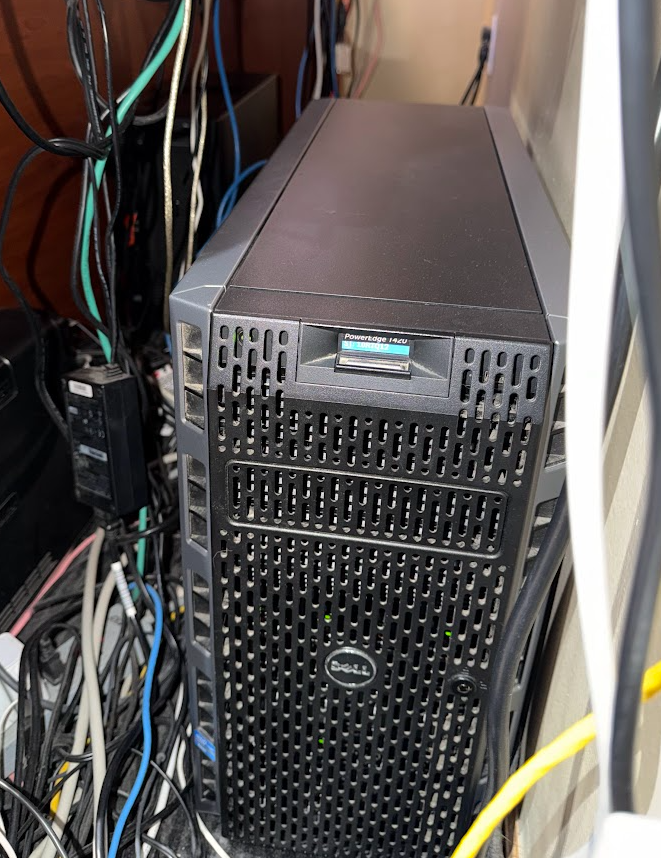
As I powered off the 2012 Dell T420 via the ESXi 6 VMware Vsphere client (long out of support), things get started to be interesting. First I opened the case, air-blow the vents and dusted off the inside, nothing was looking visually bad, fans where turning, no burnt parts, then I turned it on. The first message on the single LCD said in front of the case said system battery failure. Great time to replace the onboard battery, I thought. Or not!
While I was working on the DELL T420 server, heard the fan pitch noise coming from the server (DELL T30) which I recently cleaned. Oh no! The wrong server - change of plans. I moved the Dell T420 out of the way, and pulled out of T30.
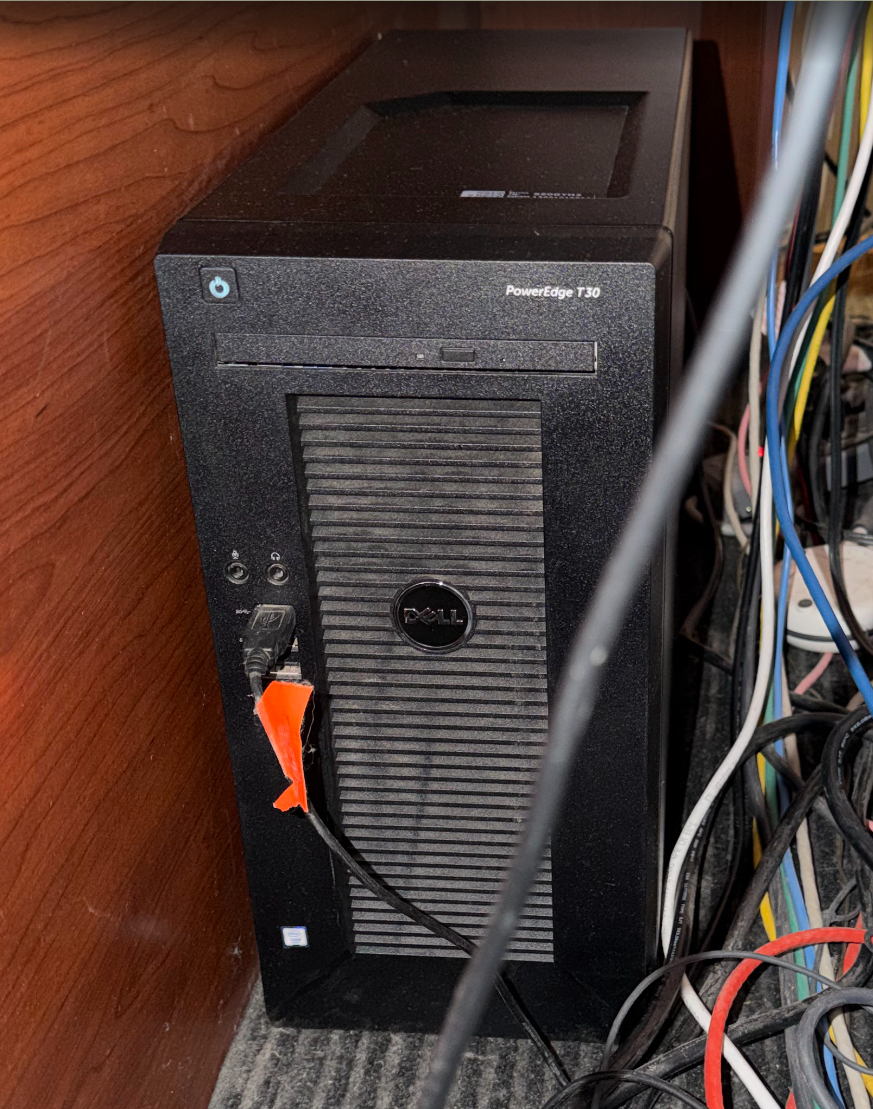
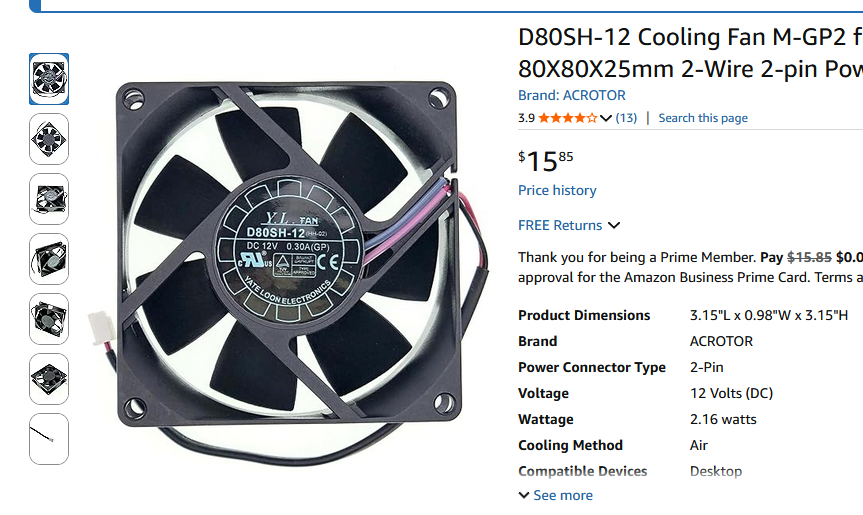
Inside it was looking good, the two main fans were functional. So I tried a "smoke" test just to see if I can see anything, then I noticed it was the PSU's fan that was trying to spin but failing. The a-ha moment has arrived. I took that server aside, removed the PSU. Opened the case and pulled out the fan which were a total of 12 screws. Read the manufacturer and searched for it. Amazon had a few available, I purchased the one I could get the sooner. It was to be delivered. Here is a picture of. it. Once I got the fan, the two pin connectors in the PSU didn't match, so I used the existing connector, snipping the wires and doing a just okay job with the soldering / taping.
Now back to the DELL-420. Replaced the original 13+ year old CR2032 with a new battery. This is a dual core Xeon system with 64 GB. Had original hard drives - two 146 SSDs on mirror RAID configuration (RAID-1). After the battery failure, I didn't realize the system "forgot" its iDRAC configuration, on reboot, it was going to BIOS, the other option was UEFI, which I thought I needed. Took a bit to realize this, also talking to AI chatbot on the options of troubleshooting, which was interesting.
Thinking it is an hard drive failure, I removed all the drives and found a spare SAS SCSI 3 TB Constellation drive. Used that to see if I could install anything on it. ESXi is out of support and wanted to see if I could upgrade to latest version, but since "everything" went to cloud, this locally hosting servers is not that common anymore. Found out Broadcom has an ESXi 8 available for download for free. Created an account with Broadcomm, downloaded and made a bootable disk from ISO. But first I need to try the old ESxi to find out the drive and configuration issues. The golden rule is always change 1-thing at 1-time.
Long story short, after multiple boots and configuration screens, removing hard drives, I brought up ESXi 6 on the single 3 TB drive. I was able to login. The PSU, CPU, and fans were still in good shape on this server. Now back to figuring out the faulty drives. Once I plugged the 136 GB drives, the on board LCD showed an error. I decided to use new SSD hard drives with dual configuration. More to hardware....
On Amazon, found two 1.2 TB SSD drives which works in this configuration with drive caddy. Ordered those. Ordered a 6 TB HD as the T30 was running out of room for one if the drives.
Purchases were done and expected to arrive by Saturday. I cleared out my schedule to install the parts and configure the servers, but Amazon delivery came through a day-early. So I started the install on late Friday. First the two drives installed. I had loaded and the rest of 4 drives of 4 TB in RAID-0 configuration (3 drives total, that is what the host OS sees). This works quite well actually - had been with this configuration.
The ESXi install started on the rebootable USB drive. It saw the first 1.2 TB drives, then installed the later.
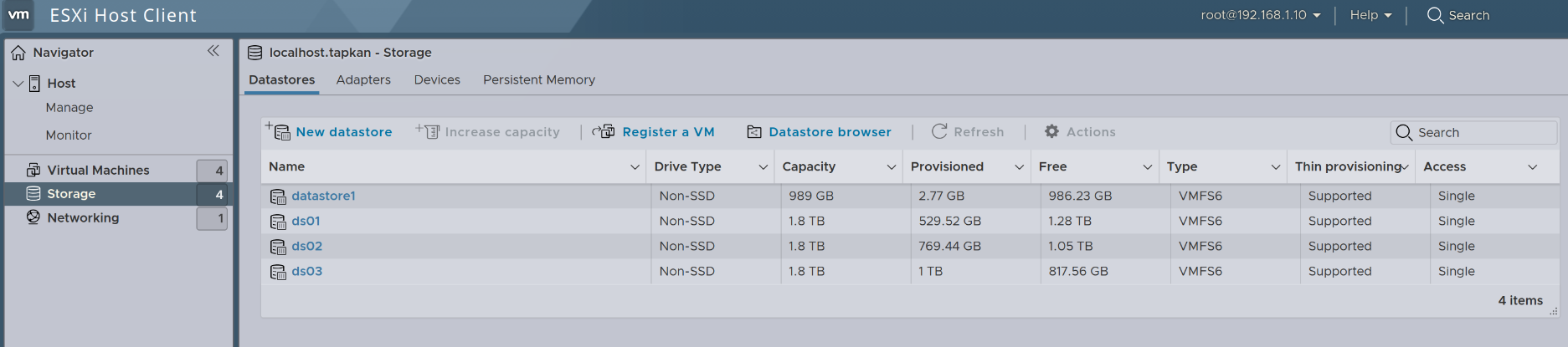
Having lost my VMs (luckily I had notes on what I had on there), and built the same systems, two Ubuntu servers (8 GB RAM each), and two Windows Servers 2025 (first time i installed them). Configurd them with remote access, static IPs, all is good.
That was a bit more than a weekend, but glad it is done! Thanks for reading...